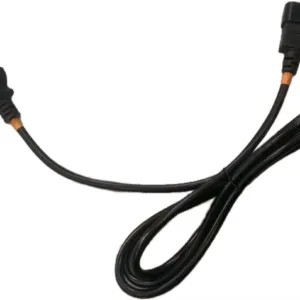
What type of connector is a PDU?
PDUs (Power Distribution Units) do not use a single universal connector. Instead, they use a set of standardized input plugs and output receptacles to connect...


+86 15867381241
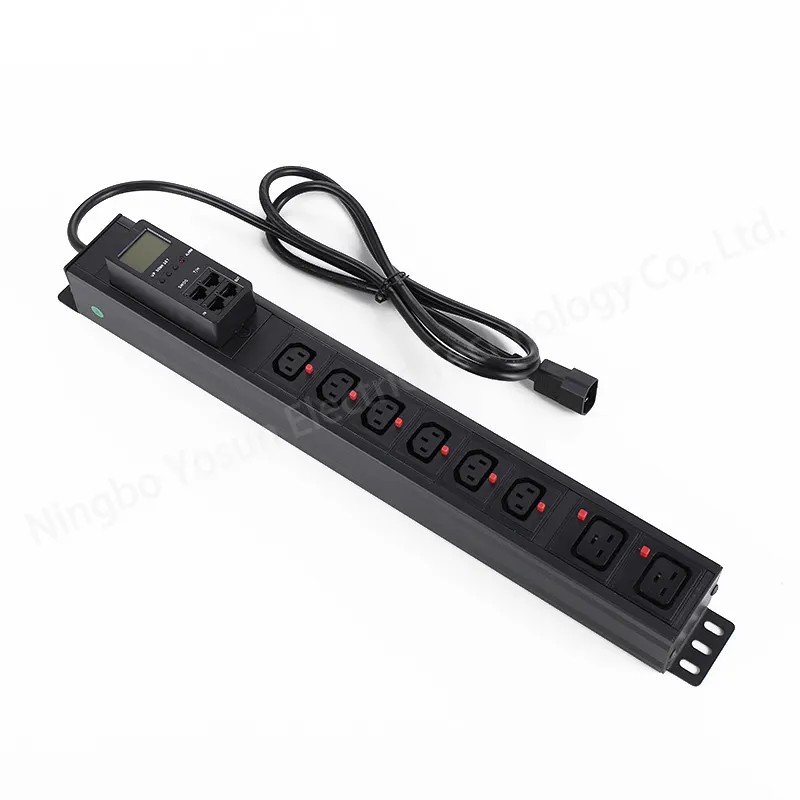
A dual input PDU (Power Distribution Unit) provides redundant power delivery for single-corded IT equipment by connecting to two independent power sources through a built-in automatic transfer switch (ATS). When the primary power feed fails, the ATS automatically transfers the load to the secondary source, such as a UPS or backup generator supply, helping maintain continuous operation and reduce unexpected downtime.
Choosing the right dual input PDU depends on several factors, including transfer speed, power capacity, monitoring requirements, outlet configuration, and compatibility with existing rack infrastructure. This guide explains the key considerations to help you select the right solution for reliable rack-level power redundancy.
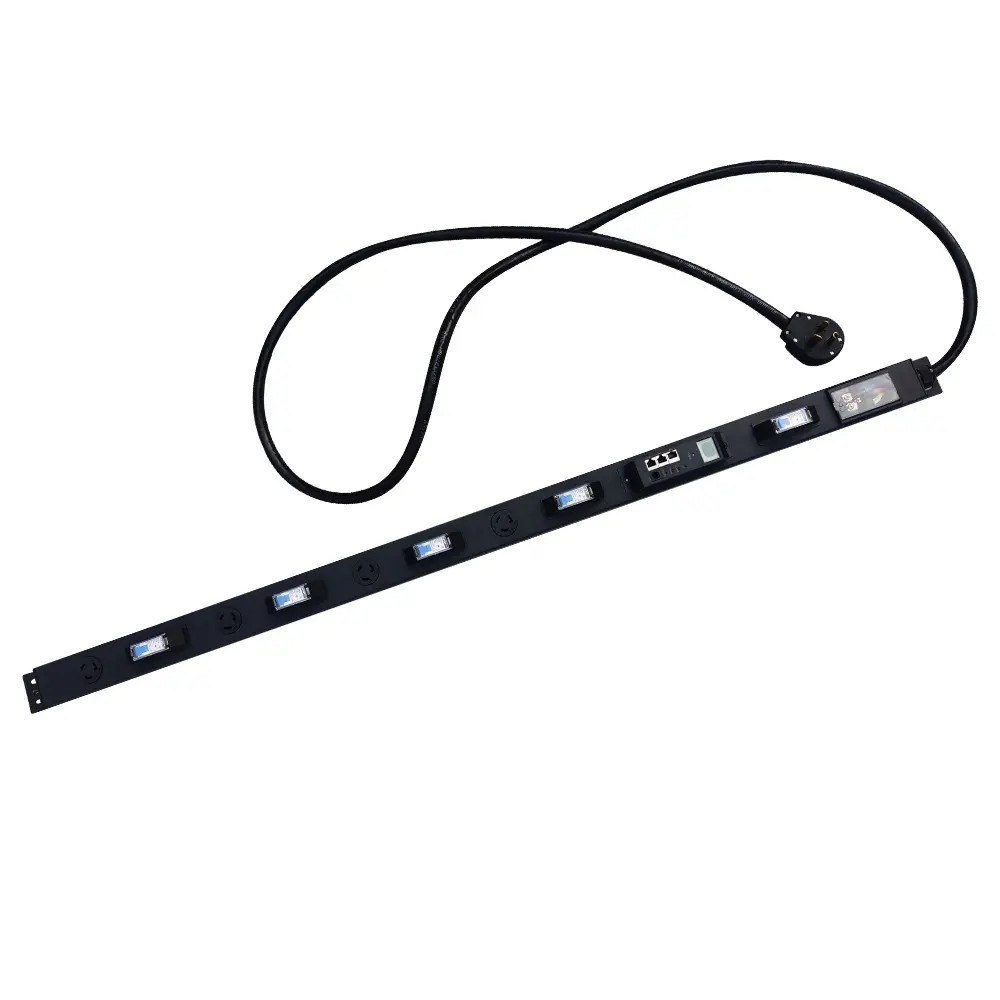
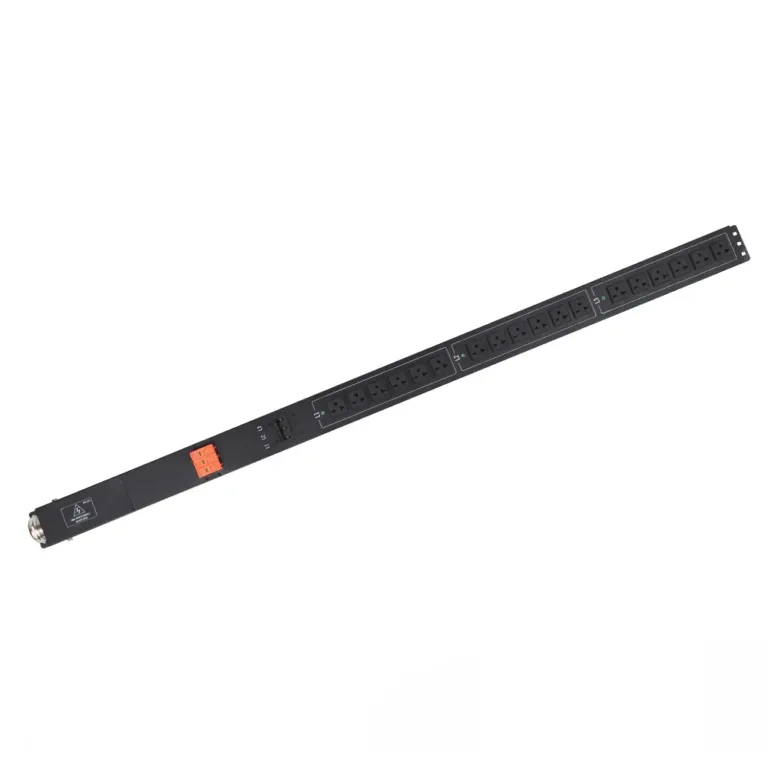
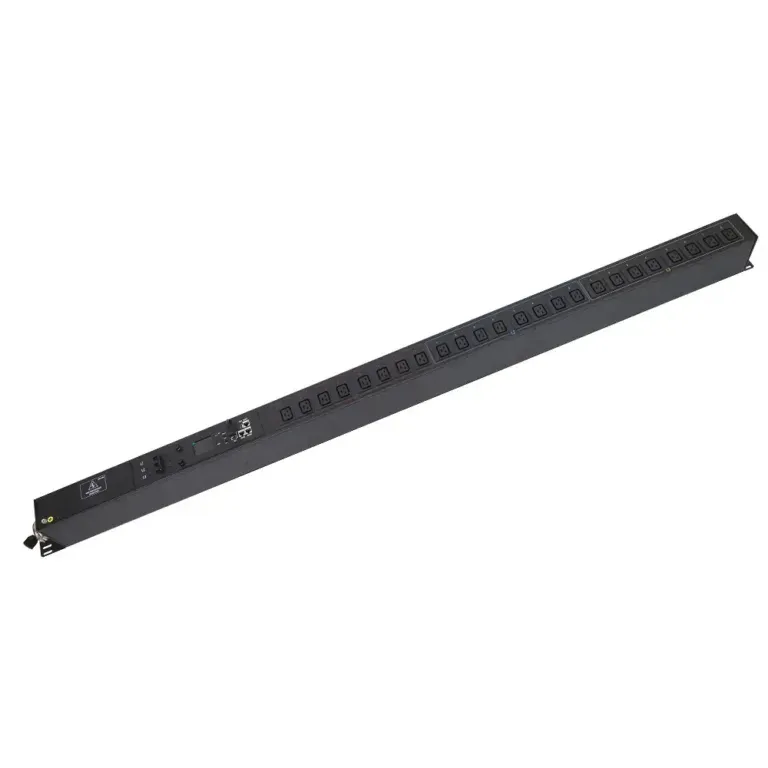
A dual input PDU is a rack-mounted power distribution device with two independent input feeds and an integrated transfer switch. It is designed to solve a common redundancy gap: single-corded IT hardware that cannot natively connect to two separate power sources.
In standard redundant power architectures, dual-corded servers connect directly to two independent power paths (A feed and B feed). For single-corded switches, routers and entry-level servers, a dual input ATS PDU acts as the redundancy point, feeding the device from two separate upstream sources.
The unit continuously monitors both input feeds for:
If the primary feed falls outside preset thresholds, the switch automatically transfers the load to the secondary feed. When primary power returns and stabilizes, it transfers back automatically.
Reputable PDU manufacturers like YOSUN produce dual input PDUs with global safety certifications including UL, CE and RoHS, meeting standard data center electrical safety requirements.
The core of a dual input PDU is its microprocessor-controlled automatic transfer switch. The standard operating sequence is:
Transfer speed: Most electromechanical ATS PDUs complete transfer in 8–16 milliseconds. This is fast enough that standard IT power supplies will not drop out, meaning servers and switches continue running without rebooting.
Dual input PDUs fall into two primary categories, with very different use cases:
| Feature | Manual Transfer PDU | Automatic Transfer (ATS) PDU |
|---|---|---|
| Typical price range | $230 – $380 | $450 – $1,200 |
| Transfer method | Physical user-operated switch | Fully automated microprocessor-controlled |
| Transfer speed | Seconds to minutes (requires on-site intervention) | 8 – 16 milliseconds |
| Downtime during transfer | Yes | No (seamless for IT equipment) |
| Best for | Non-critical labs, low-priority edge sites | High-availability data centers, critical network racks |
Manual units are a low-cost option for non-critical environments where staff are always on-site. Automatic ATS units are required for any deployment where uptime is a priority.
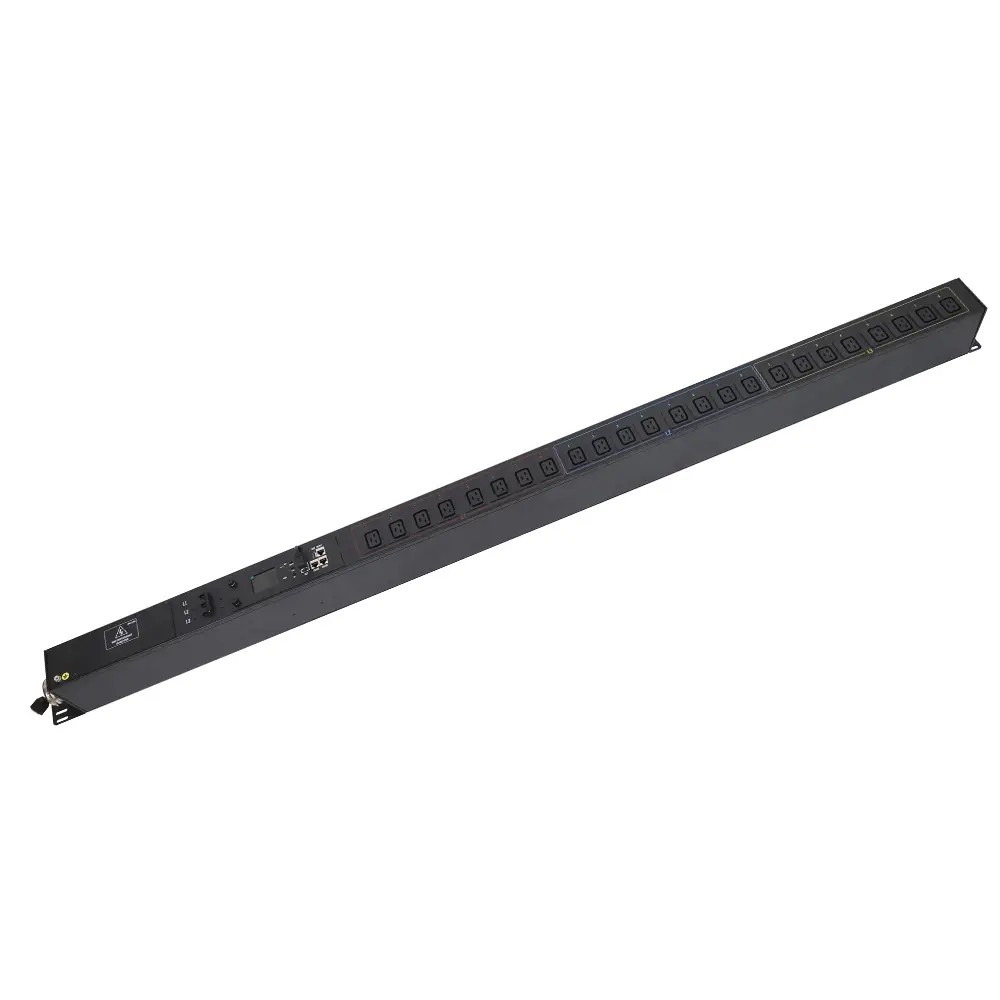
First, verify that your existing power infrastructure can support the unit:
Match the PDU type to your facility’s uptime targets:
Count and type of outlets must match your equipment:
Monitoring capability is an important factor when selecting a dual input PDU, especially for enterprise and high-density data center environments.
For most enterprise deployments, a managed dual input PDU with remote monitoring capabilities provides better visibility, faster troubleshooting, and improved power reliability compared with basic models.
Choose a mounting style that fits your rack layout:
A dual input ATS PDU is a cost-effective way to add power redundancy for single-corded IT equipment, eliminating a common single point of failure in server racks. For high-availability environments, select an automatic model with fast transfer speed, network monitoring and global safety certifications. For low-priority sites with on-site staff, a manual transfer unit can deliver basic redundancy at a lower price point.
By matching the unit’s electrical rating, outlet configuration and management features to your infrastructure and uptime goals, you can deploy a reliable, cost-effective redundancy solution.
The built-in automatic transfer switch immediately detects the power loss or quality issue. It switches the connected load over to the backup input feed in 8–16 milliseconds — fast enough that standard server power supplies do not drop out, so equipment continues running without rebooting.
Yes. This is the primary use case for dual input ATS PDUs. They allow single-corded switches, routers and entry-level servers to be powered from two independent electrical feeds, delivering N+1 redundancy for hardware that cannot natively accept dual power inputs.
A dual-corded server has two internal power supplies, each connected to a separate power feed — this is the gold standard for redundancy. A dual input PDU provides redundancy at the rack level for equipment that only has one power cord, acting as a cost-effective alternative for devices that are not dual-corded.
Managed dual input PDUs connect to your network and provide monitoring via a web browser interface, SNMP integration with DCIM software, or Modbus TCP. They can send automatic alerts for source transfer events, overcurrent conditions and out-of-spec voltage.
Hardwired units require installation by a qualified electrician to ensure code compliance and electrical safety. Plug-in models can be installed by IT staff, but both input feeds should still be verified by a qualified technician to confirm matching voltage and phase configuration.