Everything You Need to Know About 19 Inch Rack PDUs for Server Cabinets
Choose the best 19 inch rack PDU for your server cabinet by comparing power capacity, outlet types, mounting options, and essential safety certifications.


+86 15867381241
No, PDUs do not have batteries. Power distribution units send electricity to many devices in places like data centers. Many people mix up PDUs with UPS systems. UPS systems use batteries for backup power. Some myths about these devices are common:
Knowing what PDUs do helps keep important equipment safe and working well.
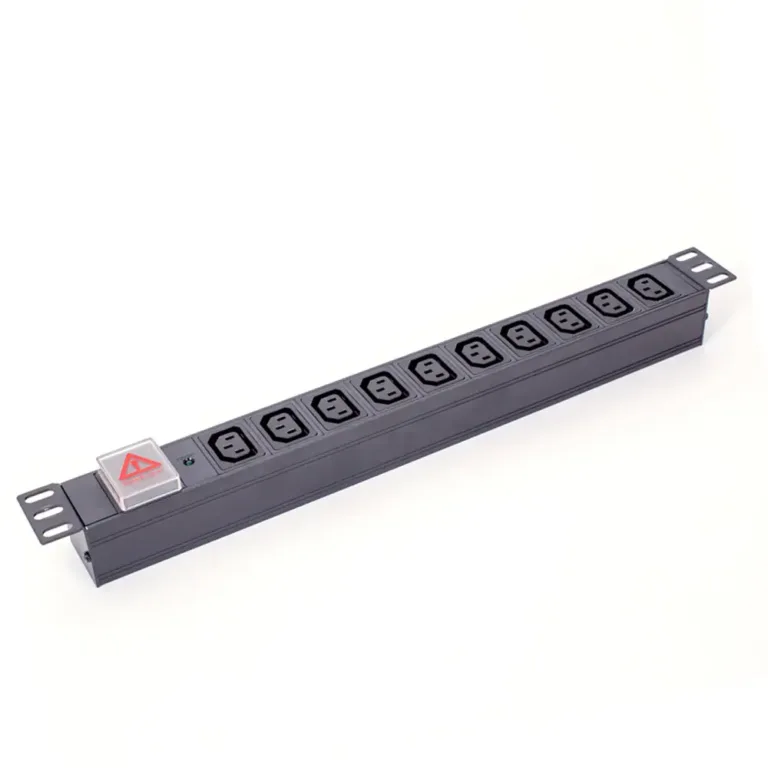
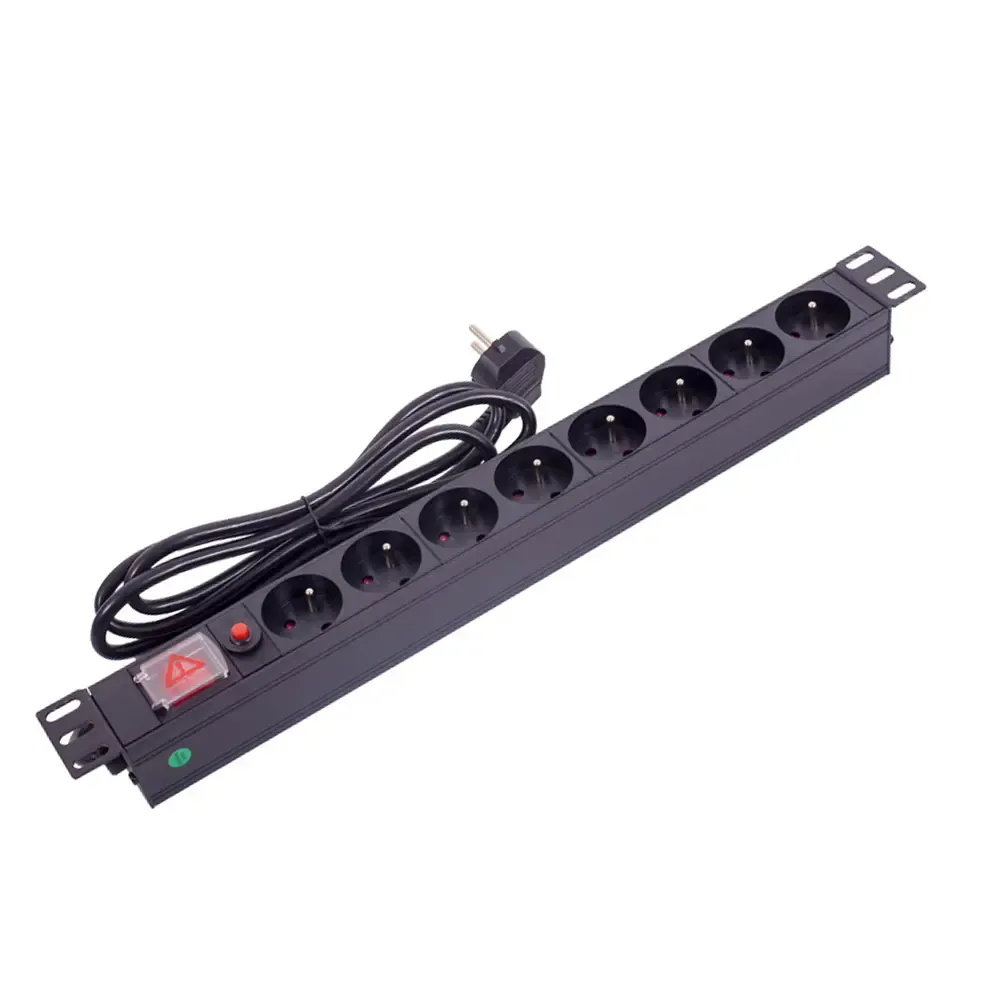
A power distribution unit, or PDU, is a device that sends electricity to many pieces of equipment. People often find PDUs in places like data centers and server rooms. These places need steady power for lots of devices. The main job of a PDU is to take electricity from one main source and send it to racks, servers, or other devices. Basic PDUs are like big power strips. They have several outlets for equipment. Advanced PDUs can check and control how much power is used. This helps managers keep everything working well.
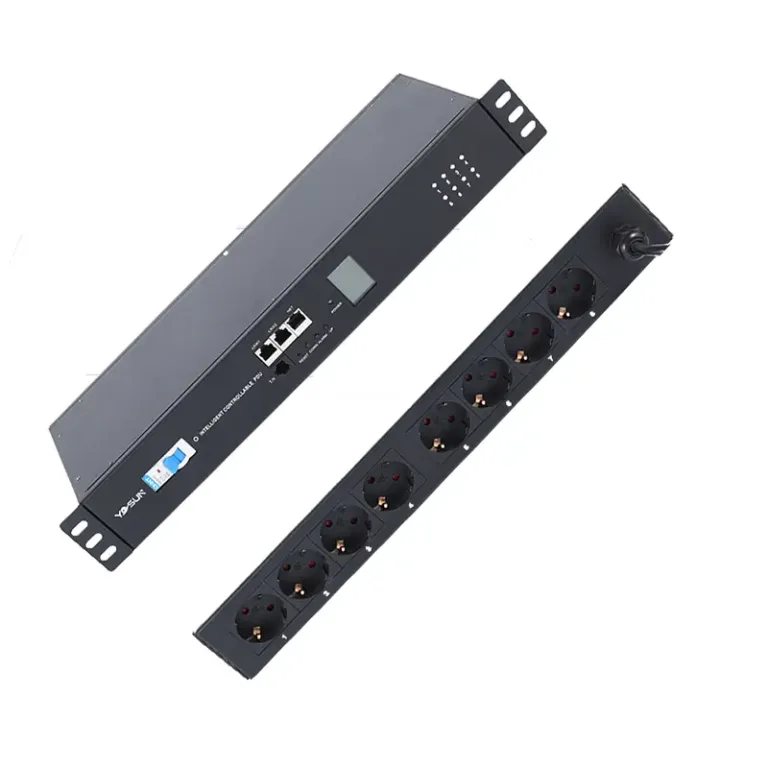
YOSUN is a top PDU maker in China. The company has many products. These include Basic PDUs, Metered PDUs, Smart PDUs, and Heavy Duty PDUs. Each PDU type fits different needs. Some are for simple power sharing. Others help with checking and managing power.
| Type of PDU | Description | Application Environment |
|---|---|---|
| Basic PDUs | Simple power strips that send power to many outlets. They do not have extra features. | Good for small data centers or places where basic power sharing is enough. |
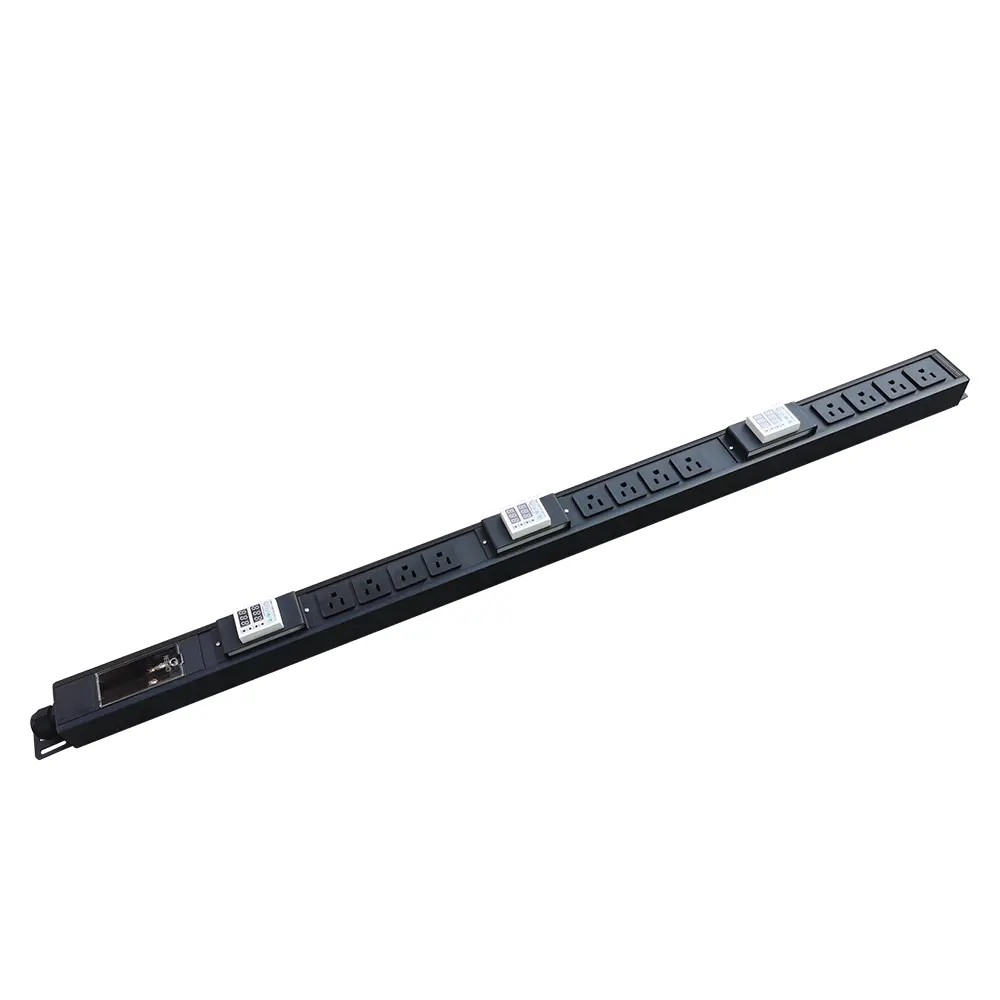
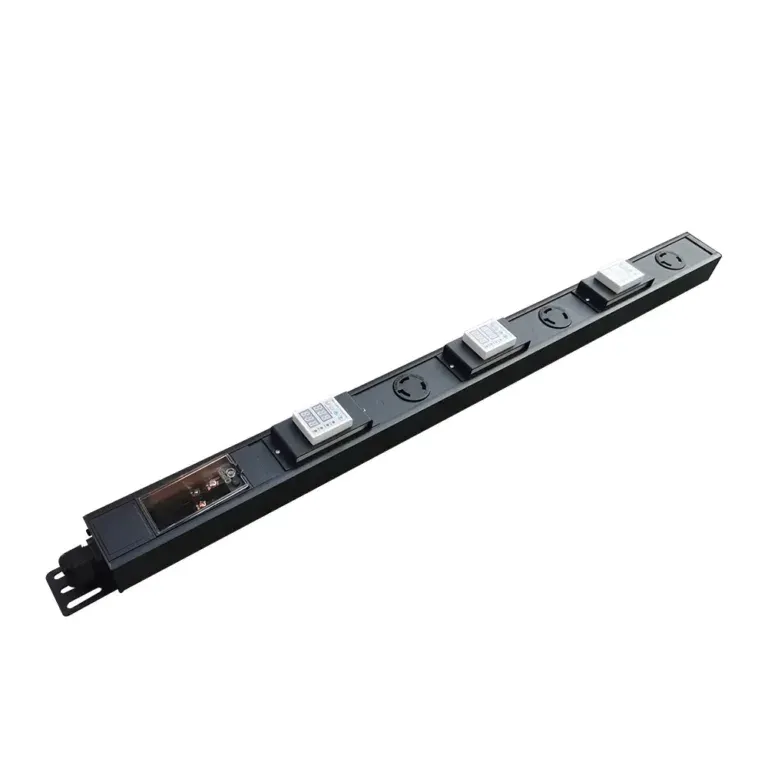
| Monitored PDUs | Show current power information nearby. They help check power use. | Best for places where people need to see power use right there. |
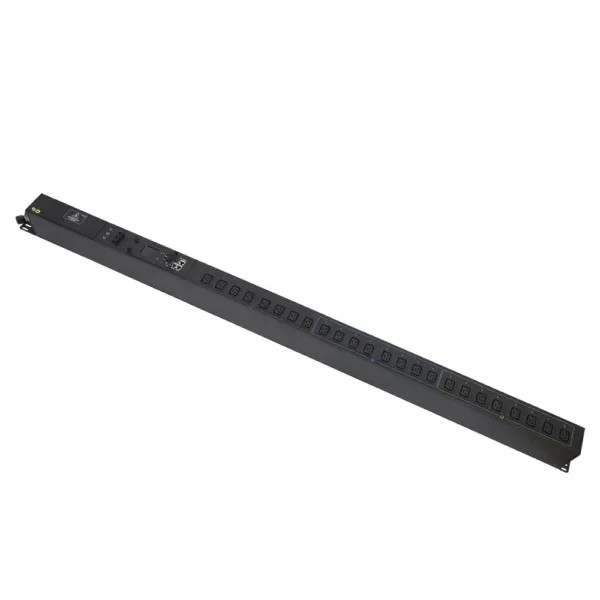
| Smart PDUs | Let people control and check power from far away. They help managers handle devices. | Great for places that need high uptime and remote control. |
| Heavy Duty PDUs | Made for big jobs and tough places. | Used in large data centers and factories. |
The main job of a PDU is to share power. It makes sure each rack and server gets steady electricity from the building’s system. PDUs help make things work better by letting people check and control power. They make work easier for data center managers. Advanced PDUs show real-time power use. This helps stop overloads and outages.
Tip: New PDUs can help save energy. They let managers find devices that use too much power and fix the problem.
PDUs also help keep equipment safe and working all the time. They spread power evenly across devices. This stops downtime and keeps everything running well.
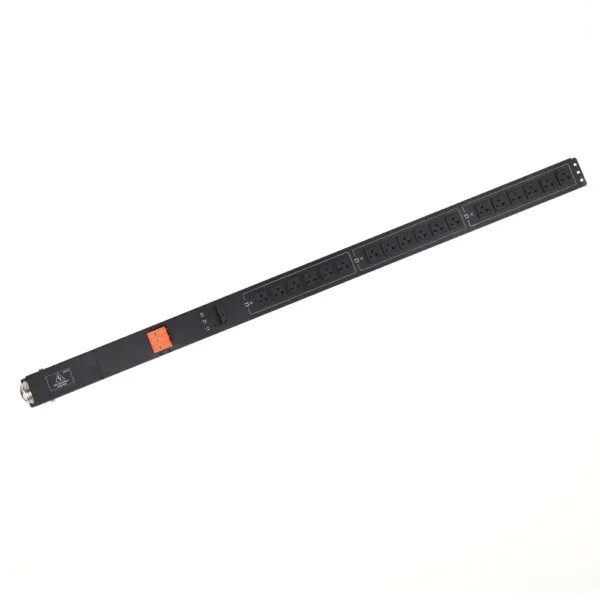
No. Standard PDUs do not contain batteries and cannot provide backup power during an outage. Their primary function is to distribute electricity from a power source to multiple servers, networking devices, and rack-mounted equipment.
Unlike a UPS, a PDU does not store energy or protect against power interruptions. It simply delivers incoming power to connected devices. In most data center environments, PDUs are installed downstream of a UPS to distribute both utility and backup power efficiently.
Note: A PDU can be connected to a UPS, but it relies entirely on the UPS or utility supply for power.
A UPS (Uninterruptible Power Supply) is designed to provide temporary backup power when the main electrical supply fails. Its internal batteries instantly supply power to critical equipment, helping prevent downtime, data loss, and unexpected shutdowns.
Depending on the application, UPS systems may use lead-acid or lithium-ion batteries and can provide backup power ranging from a few minutes to several hours.
In addition to battery backup, UPS systems help protect equipment from voltage fluctuations, power surges, and other electrical disturbances.
Although PDUs and UPS systems are often used together, they serve different functions within a power infrastructure.
| Feature | PDU | UPS |
|---|---|---|
| Primary Function | Distributes power to connected devices | Provides backup power and power protection |
| Battery Included | No | Yes |
| Backup Power | No | Yes |
| Power Conditioning | No | Yes |
| Typical Placement | Downstream of UPS | Upstream of PDU |
| Main Application | Rack-level power distribution | Power continuity and equipment protection |
A UPS and a PDU work together to create a reliable power distribution system. The UPS ensures continuous operation during power disturbances, while the PDU distributes power safely and efficiently to servers and network equipment.
For optimal uptime, organizations typically use UPS systems for power protection and PDUs for power distribution, monitoring, and management within the rack.
Tip: If you need backup power, choose a UPS. If you need efficient rack-level power distribution, choose a PDU. Most mission-critical facilities require both.
Smart PDUs use new technology to help manage power in important places like data centers. These devices do not have a battery inside. They also cannot charge themselves. A PDU sends power from a wall outlet or a UPS to other devices. If backup power is needed, a UPS gives battery life and shows how much charge is left. Smart PDUs are made to watch how much power is used and help save energy. They do not store energy.
The table below lists features you can find in smart PDUs:
| Feature | Description |
|---|---|
| Outlet Control | Fixes equipment that does not respond or helps important equipment last longer if power goes out. |
| Environmental Monitoring | Uses sensors to check things like temperature and humidity inside the cabinet. |
| Remote Connectivity | Lets people check the PDU from far away and set up alerts to stop downtime. |
| Hot Swappable | Makes it easy to update how the PDU is watched or checked. |
| Daisy Chain Capabilities | Lets up to 50 devices connect with one IP address for easy setup. |
| Ulock Outlets | Keeps power cords safe so they do not get unplugged by mistake. |
| Smart PDU | Lets people check, manage, and control power use from far away. |
| Monitored PDU | Shows power use at the rack and from other places. |
| Switched PDU | Lets people turn power on or off at each outlet from far away and also watch power use. |
Smart PDUs help IT teams work better and keep things running. People can fix problems faster because they can manage the PDU from far away. Watching power use helps find problems before things stop working. These features do not need a battery. They use the main power supply or a UPS for backup.
Note: A PDU does not give backup power. Only a UPS can do that when the power goes out.
YOSUN has a clear way to make PDUs fit what people need. First, they look at what features are wanted. People can pick different plug types and extra parts. The table below shows some plug types and what they can handle:
| Plug Type | Voltage Rating | Current Rating | Description |
|---|---|---|---|
| 5-15R | 125 V | 15 A | Used for most things |
| L5-15R | 125 V | 15 A | Has a lock to keep it safe |
| 5-30R | 125 V | 30 A | Can handle more power |
| C13 | 250 V | 16 A | Used for servers and networks |
| C19 | 250 V | 16 A | Used for devices that need lots of power |
Making PDUs special for each job helps them work with many devices. Locking plugs help keep people safe by stopping cords from coming out by accident. YOSUN also makes test models, listens to feedback, and helps after the PDU is delivered. These steps make sure each client gets the best PDU.
In short, even smart PDUs do not have a battery. They do not keep or charge energy. Their main job is to manage and share power safely and well.
A PDU does not have a battery and cannot provide backup power. Its primary function is to distribute electricity safely and efficiently to multiple devices, while a UPS provides battery backup during power interruptions.
Understanding the difference between these two devices helps organizations build a more reliable power infrastructure. As an experienced PDU manufacturer, YOSUN provides customizable rack PDU solutions for data centers, telecom facilities, industrial applications, and other mission-critical environments. Contact our team to find the right PDU configuration for your project.
A PDU distributes power from a single source to multiple devices. It is commonly used in data centers and server racks to provide reliable power distribution.
No. A PDU does not contain a battery or store energy. Its job is to distribute power, not provide backup power.
No. A PDU cannot keep equipment running during a power outage. Backup power must come from a UPS.
A UPS provides battery backup during an outage, while the PDU distributes that power to connected devices.
PDUs help distribute power safely and efficiently to servers, networking equipment, and other rack-mounted devices. Advanced PDUs can also provide monitoring and remote management features.