WhatsApp

+86 15867381241

Table of Contents

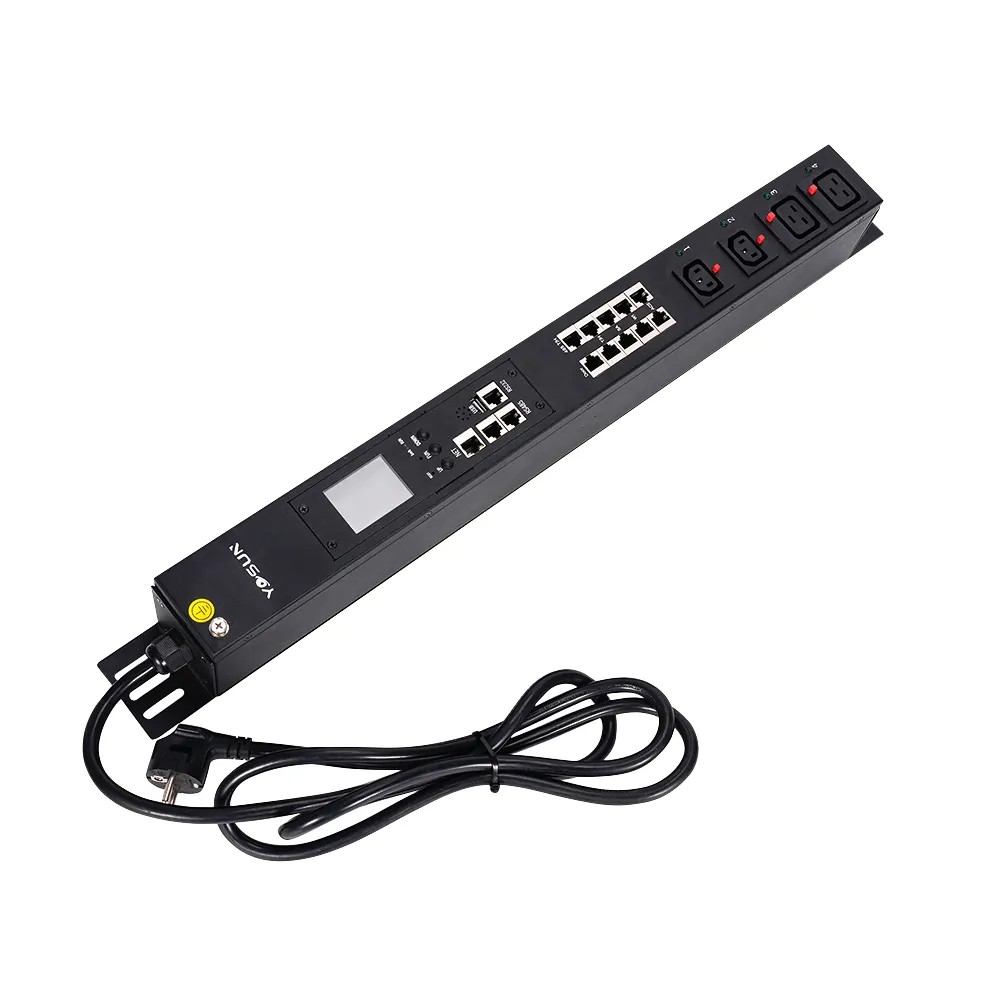
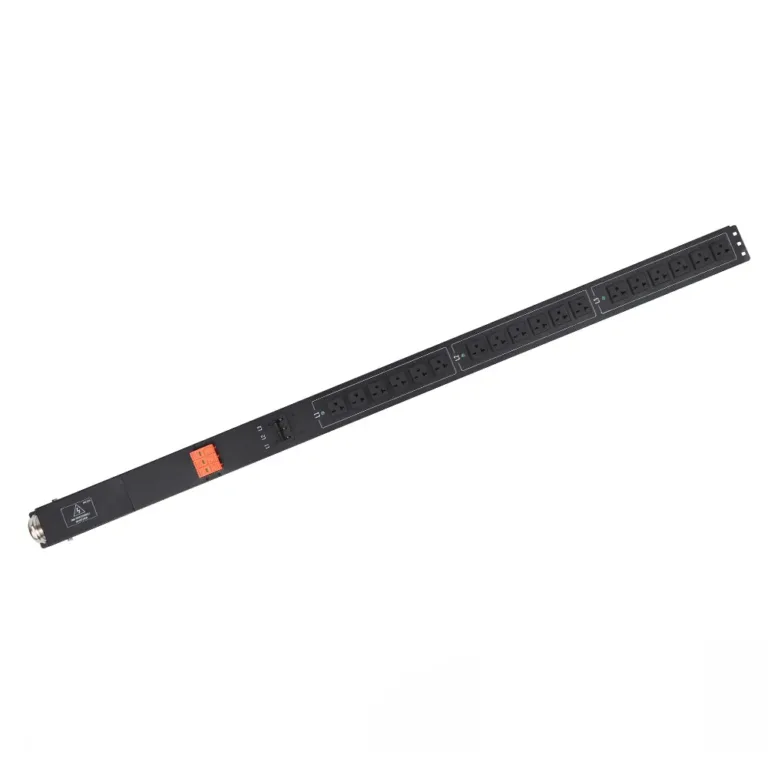
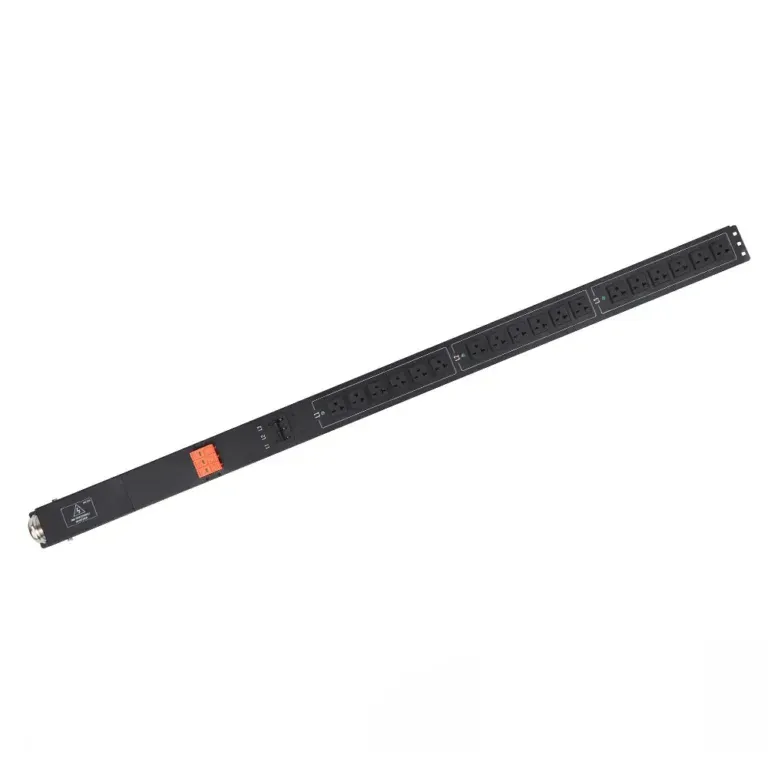
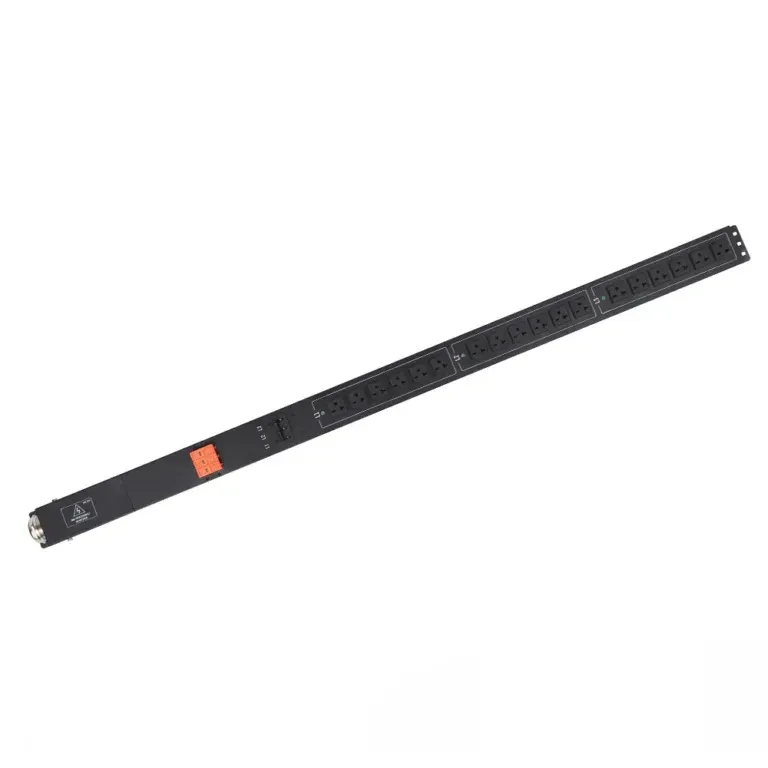
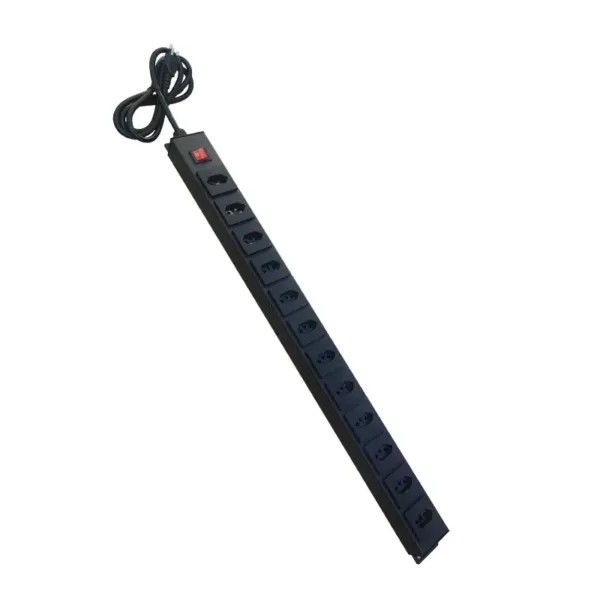
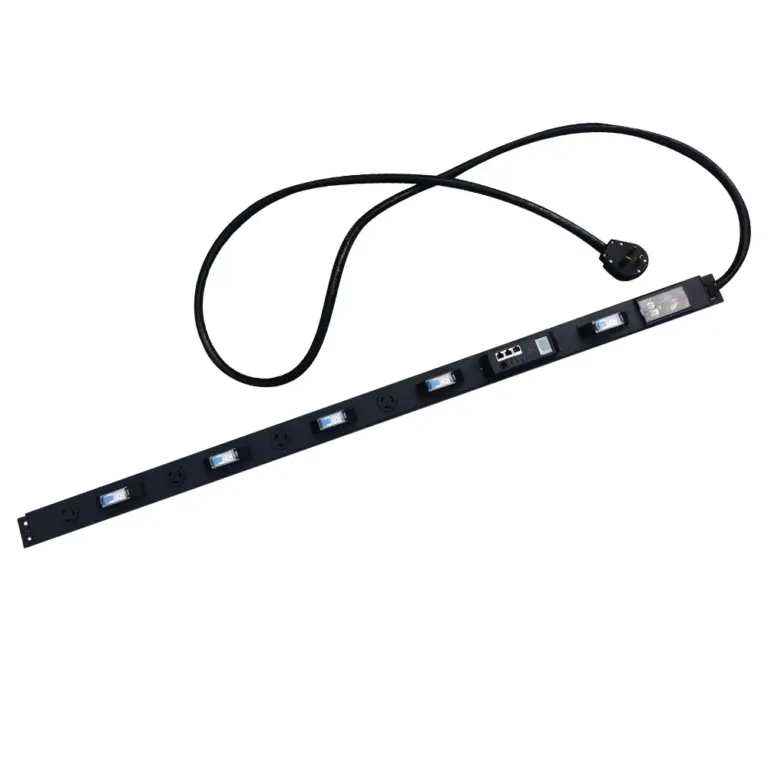
Proper installation of a 0U PDU is critical for safe, reliable power distribution in data centers and server rooms. By mounting vertically on the side or rear rails of the rack, 0U PDUs save valuable rack space for servers and IT equipment while improving airflow and cable management.

This step-by-step guide provides industry best practices for installing a 0U PDU safely and efficiently. All instructions are compatible with YOSUN’s full line of basic, metered and smart 0U PDUs.
Key Takeaways

  • Gather all required tools and hardware before starting to streamline the installation process
  • Mount the 0U PDU vertically on the side or rear rail to preserve 1U/2U rack space for servers
  • Follow proper grounding procedures to prevent electric shock and equipment damage
  • Implement organized cable management to avoid overheating and simplify maintenance
  • Perform a full safety test before connecting critical equipment to the PDU

Preparation Before Installing a 0U PDU

Required Tools and Mounting Hardware

Having the right tools on hand ensures a smooth installation. All YOSUN 0U PDUs come with a complete mounting kit including:

  • Mounting brackets (detachable and rotatable)
  • Cage nuts and screws
  • Snap-in toolless pegs
  • Cable ties and labels

You will also need:

  • Phillips-head screwdriver
  • Safety gloves and goggles
  • Voltage tester (for post-installation testing)

💡 YOSUN Advantage: Our universal mounting brackets fit all standard 19-inch server racks, eliminating the need for custom hardware.

Selecting the Optimal Rack Position

Proper placement maximizes airflow, simplifies maintenance and improves cable management. Mount the 0U PDU:
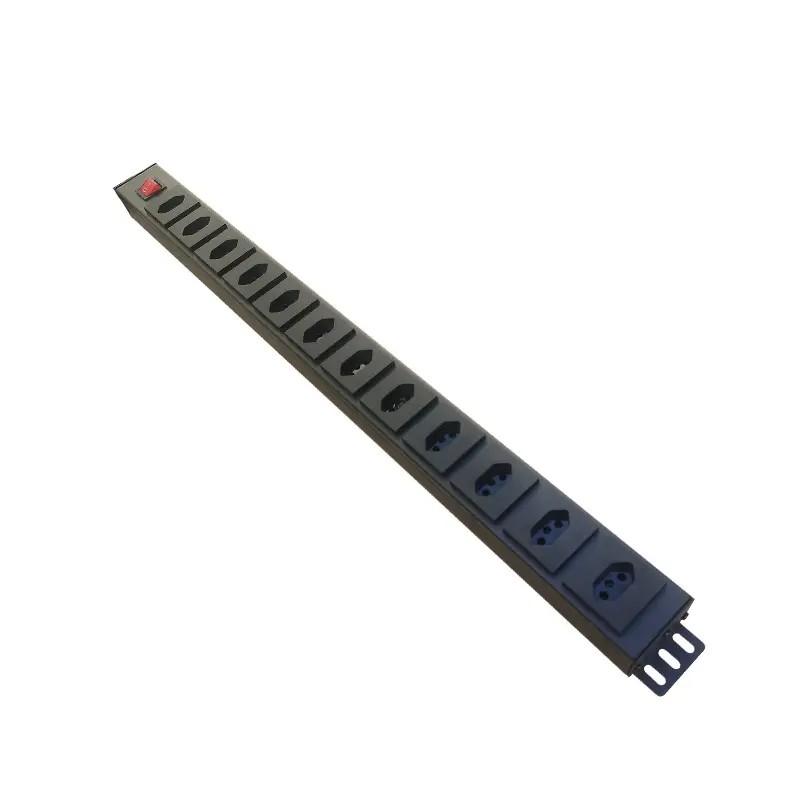
  • Vertically on the left or right side rail (preferred) or rear rail of the rack
  • Within easy reach of the main power source
  • Aligned with the power inputs of your servers to minimize cable length
  • Away from server air intakes and exhaust vents to avoid blocking airflow

Step-by-Step Guide to Mounting a 0U PDU

⚠️ CRITICAL SAFETY WARNING: Turn off all power to the rack and disconnect the main power source before starting installation. Never work on live electrical equipment.

1. Install the Mounting Brackets

  1. Determine the desired height and position on the rack rail
  2. Insert cage nuts into the rack holes at the marked positions
  3. Attach the mounting brackets to the rack using the provided screws
  4. For toolless installation: Insert the snap-in pegs into the rack rails and press firmly until they click into place

💡 Pro Tip: YOSUN’s rotatable brackets allow you to orient the outlets toward the center or rear of the rack for optimal cable routing.

2. Attach the PDU to the Rack

  1. Have a second person help lift and hold the PDU to prevent damage
  2. Align the PDU with the mounting brackets
  3. Secure the PDU to the brackets using the provided screws
  4. For toolless models: Slide the PDU onto the pegs until it locks securely in place

3. Verify Stability and Positioning

  1. Gently shake the PDU to ensure it is firmly attached and does not wobble
  2. Confirm that all outlets are easily accessible
  3. Check that the PDU does not block any server vents or other equipment
  4. Connect the ground wire to the rack’s dedicated grounding point

4. Post-Installation Safety Test

  1. Double-check all connections and grounding
  2. Turn on the main power supply
  3. Use a voltage tester to verify that all outlets are receiving the correct voltage
  4. Test the PDU’s circuit breakers (if equipped) to ensure they function properly

Cable Management and Post-Installation Safety for 0U PDUs

Organize Power Cables

Proper cable management prevents overheating, reduces downtime and simplifies future maintenance:

  • Use vertical cable managers to route cables neatly along the rack
  • Secure cables with Velcro straps (avoid over-tightening)
  • Use color-coded cables to distinguish between different power circuits
  • Leave a small service loop at each end for future adjustments
  • Install plug lock inserts on critical equipment to prevent accidental disconnection

Label and Document

Clear documentation is essential for fast troubleshooting and future upgrades to your 0U PDU system:

  • Label both ends of every power cable with the device name, rack number and 0U PDU outlet number
  • Create a detailed power distribution map showing which devices are connected to each outlet on your 0U PDU
  • Document the installation date, circuit breaker ratings and any custom configurations
  • Store a physical copy of the documentation near the rack and a digital copy in your IT asset management system

Regular Maintenance Checks

Ongoing maintenance ensures your 0U PDU continues to operate safely and reliably:

  • Inspect cables monthly for wear, cuts, or overheating
  • Tighten loose connections
  • Clean dust from PDUs and cables to maintain airflow
  • Test circuit breakers and grounding connections annually

Following these practices ensures safe, reliable, and organized power distribution while simplifying future upgrades or troubleshooting.

Conclusion

Properly mounting a 0U PDU helps maximize rack space, improve airflow, and ensure safe, reliable power distribution throughout your rack infrastructure. Following the correct installation and cable management practices can reduce downtime, simplify maintenance, and support the long-term performance of your IT equipment.

As an experienced PDU manufacturer, YOSUN provides a wide range of 0U rack PDUs, including basic, metered, switched, and intelligent models for data centers, server rooms, telecom cabinets, and industrial applications. We also offer OEM and ODM customization services to meet specific power distribution requirements. Contact our team to learn more about our rack PDU solutions or discuss a custom project for your facility.

FAQ

How does a 0U PDU save rack space?

A 0U PDU mounts vertically on the side or rear rails of the rack instead of occupying horizontal 1U/2U space. This allows you to use all available rack units for servers and IT equipment, increasing rack density by up to 15%.

Do I need special tools to install a YOSUN 0U PDU?

No. All YOSUN 0U PDUs come with a complete mounting kit including toolless pegs, screws and cable ties. You only need a standard Phillips-head screwdriver for optional screw mounting.

Can YOSUN 0U PDUs fit different rack sizes?

Yes. YOSUN offers 0U PDUs in lengths from 0.5m to 2.2m to fit all standard rack heights (42U, 48U, 52U). Our adjustable brackets also fit both square-hole and threaded-hole racks.

Why is cable management important for 0U PDUs?

Poor cable management can block server airflow, leading to overheating and equipment failure. Organized cables also make troubleshooting and maintenance faster and easier, reducing downtime.

What safety standards do YOSUN 0U PDUs meet?

All YOSUN 0U PDUs are certified to IEC 62368-1, UL 62368-1 and CE standards. They also feature built-in overload protection, circuit breakers and secure grounding for maximum safety.
PDU Related Blogs