What is the purpose of a PDU?
A power distribution unit (PDU) is a device that distributes electrical power to servers, networking equipment, storage systems, and other IT hardware in data centers...


+86 15867381241
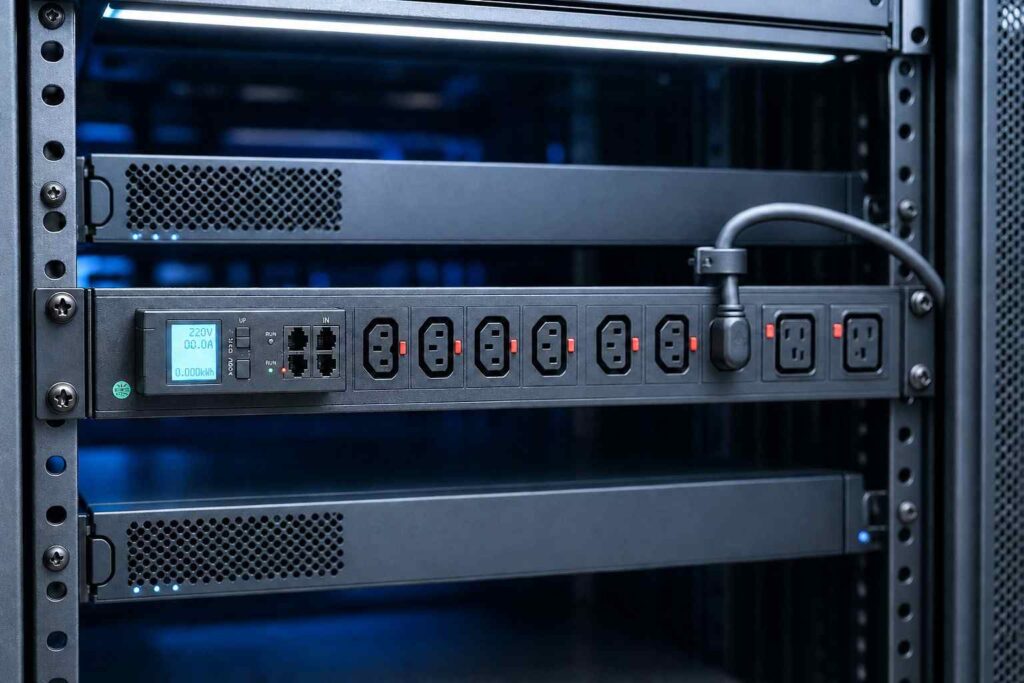
Yes, you can safely plug a power distribution unit (PDU) into an uninterruptible power supply (UPS) — as long as the UPS has sufficient power capacity, you use a genuine rack-grade PDU (not a consumer power strip), and you follow the correct power flow order: wall outlet → UPS → PDU.
This setup expands available outlets, simplifies rack power management, and delivers reliable backup power for connected equipment. Reversing the order — plugging a UPS into a PDU — is not recommended and can compromise safety, performance, and equipment warranties.
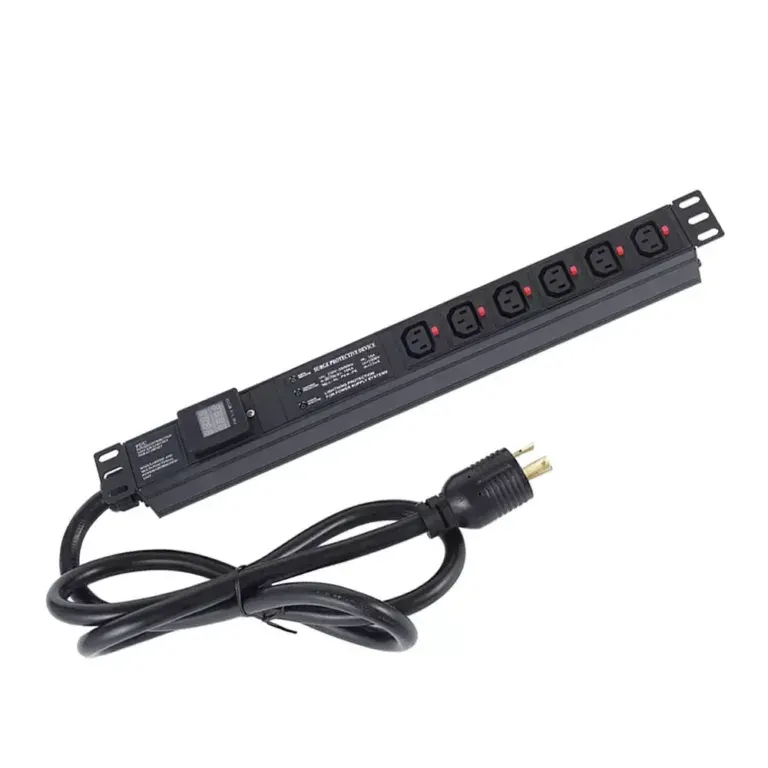
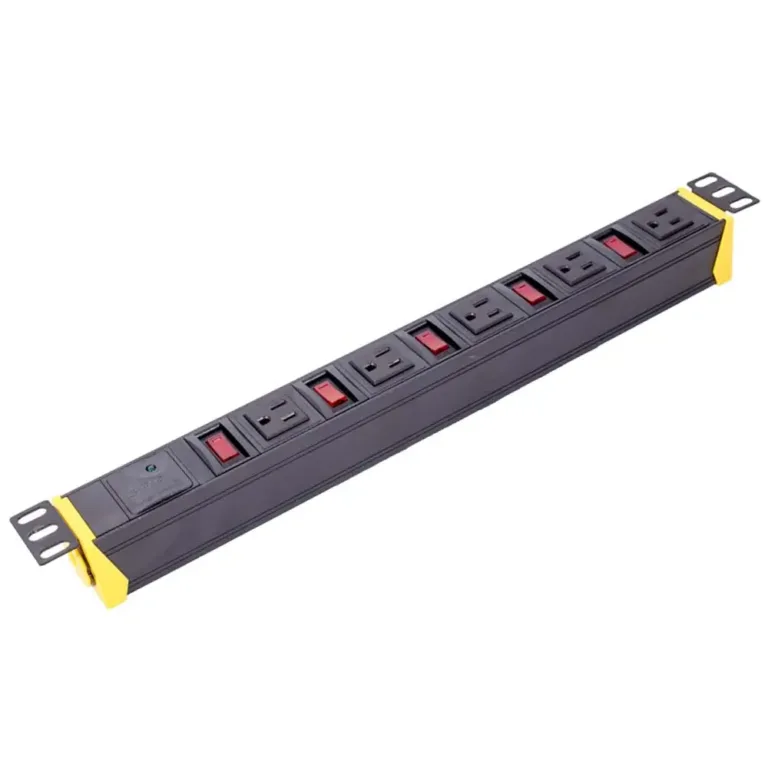
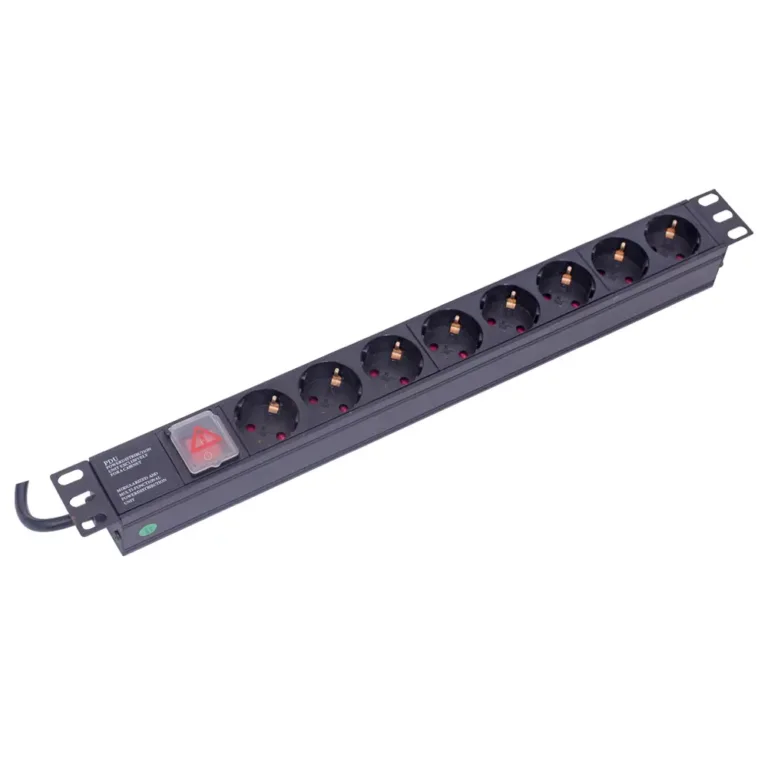
A rack-mount PDU is a professional-grade power distribution device that splits a single power input into multiple outlets for servers, network gear, and other rack equipment. Unlike consumer power strips, PDUs are built for continuous high-amperage operation and come in four tiers:

A UPS protects equipment from power disruptions: it delivers instant battery backup during outages to prevent downtime, and conditions incoming power to shield sensitive electronics from voltage spikes, surges, and electrical noise. It also acts as a bridge between a grid failure and generator startup.
The industry-standard configuration follows a clear power path:

This setup is safe when properly planned and sized. Safety depends on two core factors: staying within capacity limits, and verifying electrical compatibility.
Total power draw must never exceed the UPS’s rated output capacity. Follow these steps to size correctly:
Example: 10 servers at 250W each equal 2,500W base load. With a 20% safety margin, that comes to 3,000W — well suited for a 4,000VA UPS and PDU combination.
Note: Devices drawing more than 30W are often plugged directly into UPS outlets to preserve battery runtime for critical hardware.
Beyond total load, confirm these specifications match between the PDU and UPS:
Look for industry safety certifications to ensure compliance: UL 60950-1, UL 62368-1, IEC 60950-1, RoHS, and ISO 9001.
Overload risk: Exceeding the UPS’s capacity can cause unexpected shutdowns, malfunction, or loss of backup power, leading to data corruption or hardware damage. Careful load planning prevents these failures.
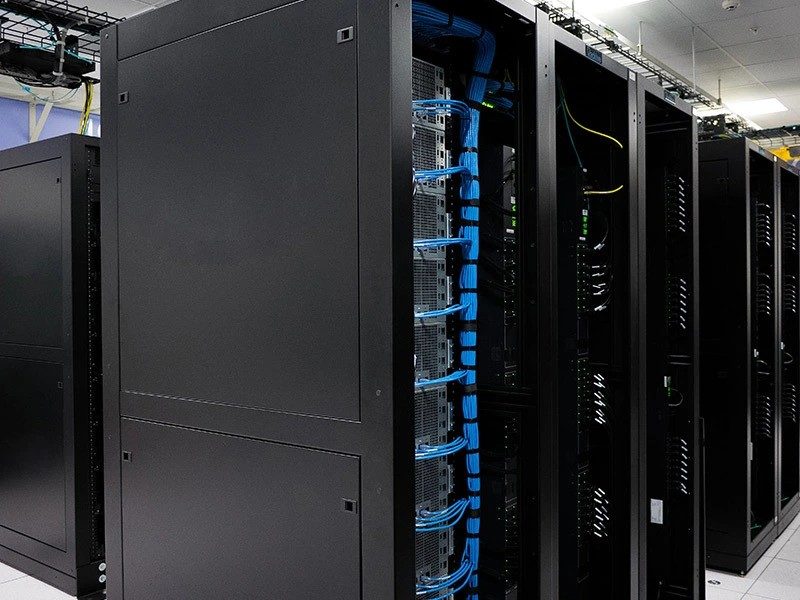
Most UPS units have only a small number of output receptacles — not enough for a full equipment rack. A PDU turns one UPS feed into many outlets, supporting dense rack deployments. Outlets are typically mixed to match equipment: IEC C13 for standard servers and monitors, IEC C19 for high-power servers and storage arrays, and NEMA connectors for North American installations.
Vertical rack-mounted PDUs mount along the side of the rack, reducing cable clutter, saving space, and improving airflow. This organized layout makes it easier to add or reconfigure equipment without disrupting the rest of the rack.
Most PDU manufacturers explicitly advise against plugging a UPS into a PDU, because it reverses the intended power flow and creates critical issues:
The UPS must always be first in the power chain so it can fully condition power and provide backup before distribution to end devices.
Yes. A PDU can draw power directly from a wall outlet or surge-protected circuit. A UPS adds battery backup for outages, but it is not required for the PDU to function as a power distribution device.
It depends on total power draw and number of outlets. Always keep total load below the PDU’s rated capacity, with 20% extra headroom. Outlet type (C13, C19, etc.) also limits which devices can connect.
The PDU itself adds negligible power draw. Runtime depends on total connected load: more devices mean higher draw and faster battery drain. For maximum runtime, plug high-power critical devices directly into UPS outlets.
An overloaded UPS may shut down unexpectedly, fail to hold voltage, or malfunction. Connected devices can lose power, leading to data corruption or hardware damage. Always calculate and verify total load before connecting equipment.
No. Compatibility depends on plug type, voltage, and phase (single-phase and three-phase units cannot be mixed). Always verify the PDU’s amperage rating matches the UPS output, and check for matching safety certifications.