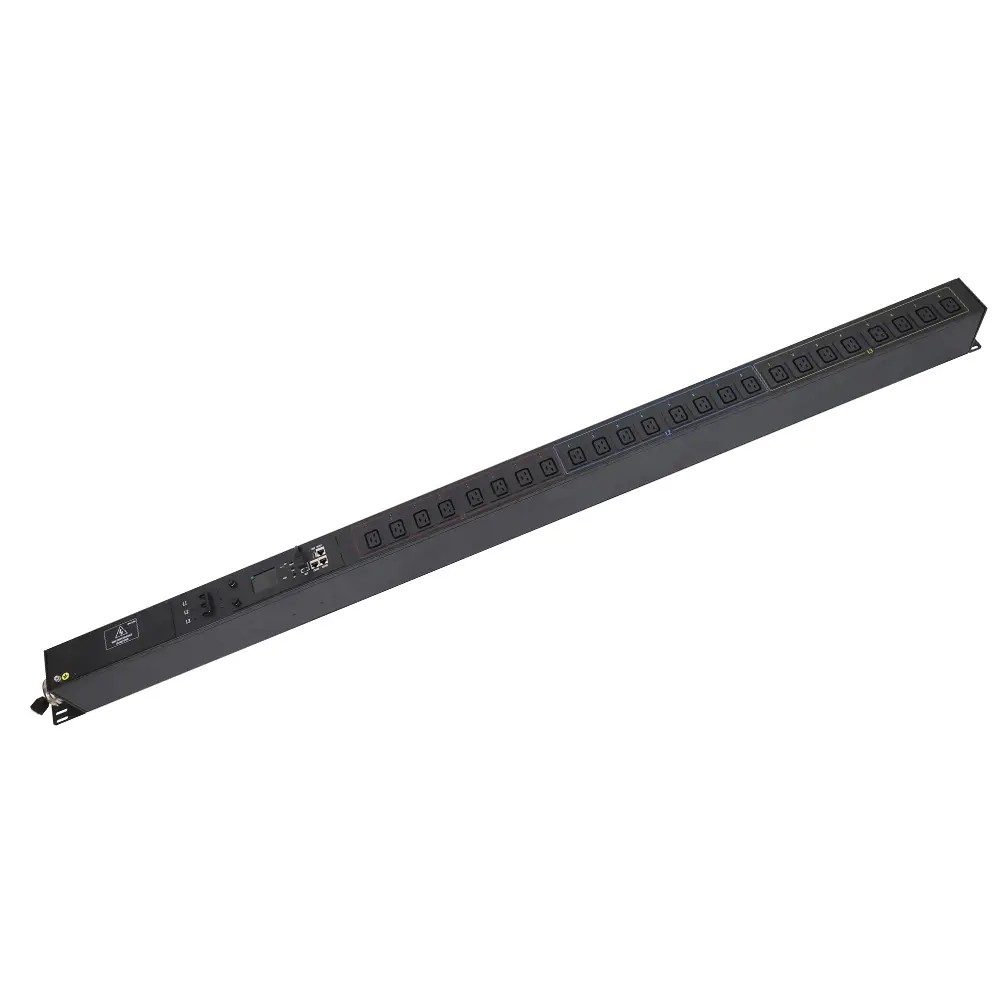
Why PDUs are Essential for Data Center Power Management
Modern data centers are handling increasingly dense computing workloads, making power distribution and management more challenging. AFCOM’s 2025 report, for example, shows average rack power...


+86 15867381241
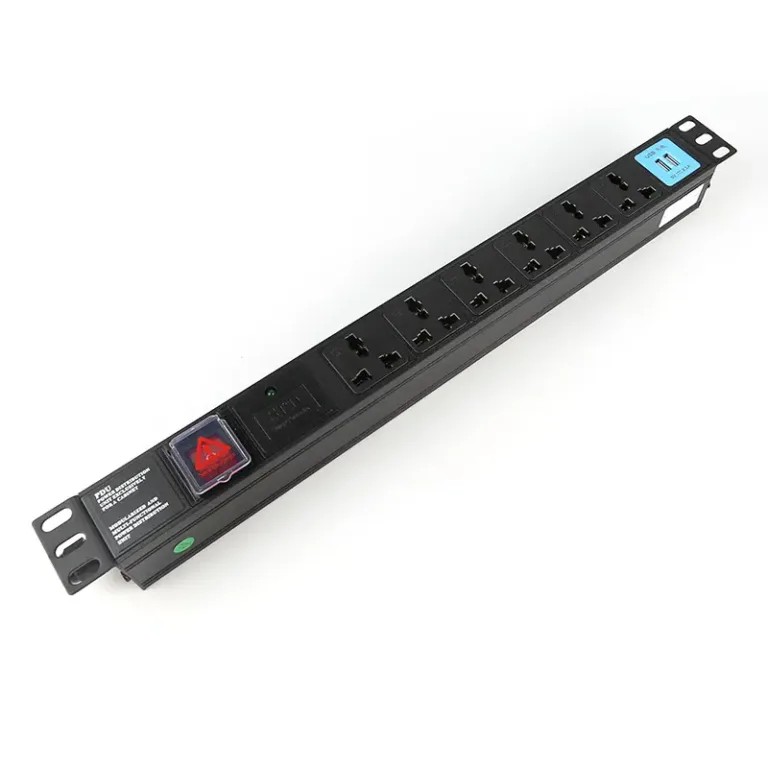
A basic power strip or UPS may be enough for a laptop, monitor, router, and a few other low-power devices. The situation changes when a rack starts powering multiple servers, network switches, storage arrays, or other critical hardware. At that point, a rack PDU can provide organized power distribution, load visibility, remote management, outlet control, and support for redundant A/B power paths.
A standard power strip or UPS is fully adequate in these scenarios:
Important: Never daisy-chain power strips, and never exceed the nameplate rating of the strip or circuit. Overloading consumer power strips creates overheating and fire risk.
If your main concern is outage protection, invest in a UPS first. You can always add a PDU downstream later when you need more outlets or rack-level distribution.
A PDU moves from “nice to have” to “necessary” as your infrastructure grows. It delivers clear benefits in these scenarios.
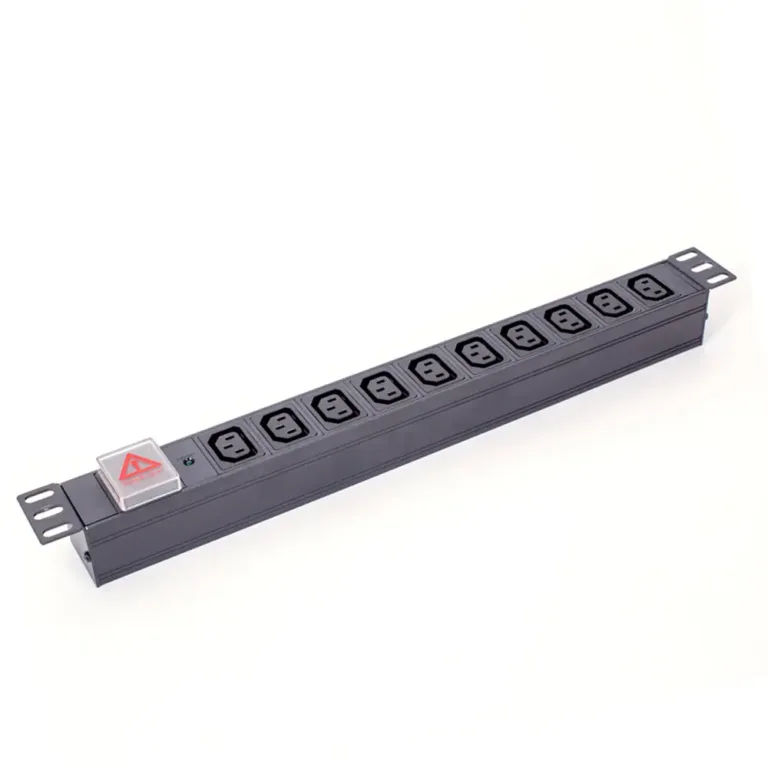
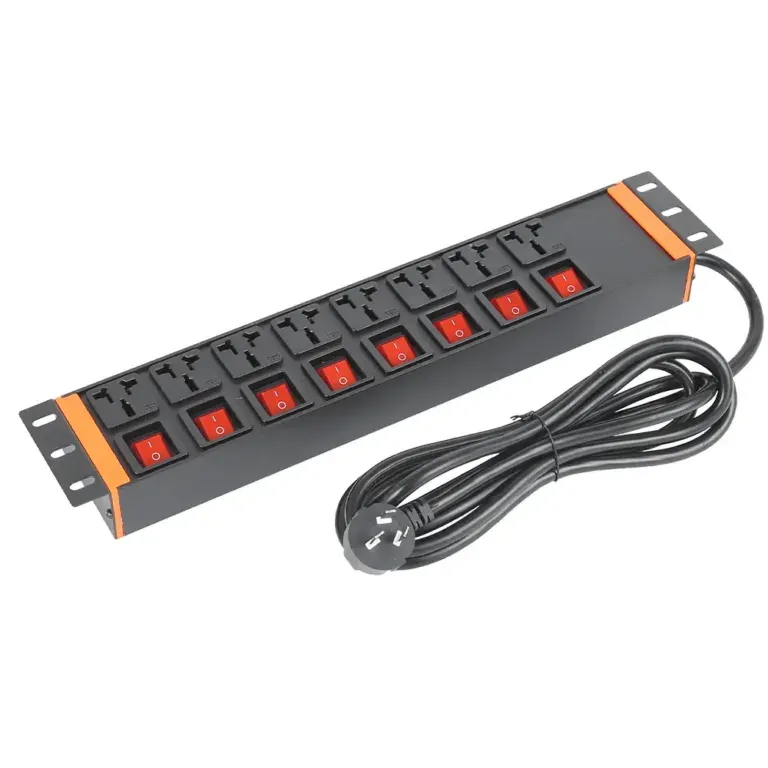
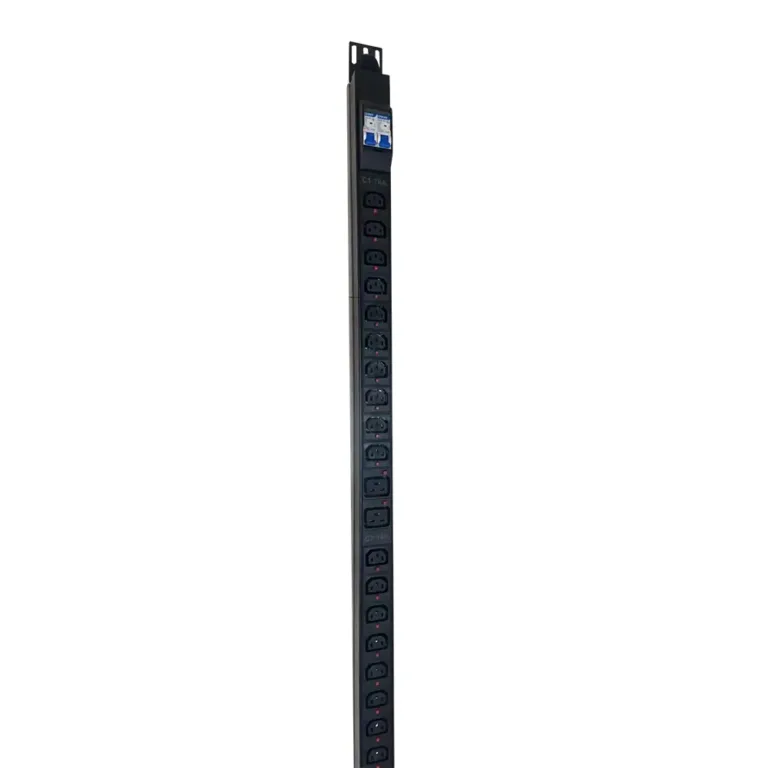
Servers, switches, storage arrays and other rack hardware require many power connections in a compact space. Rack PDUs mount cleanly — either horizontally (1U) or vertically (0U) inside the 19-inch rack frame, keeping cabling organized and airflow unobstructed. Loose consumer power strips dangle inside racks, create tangles and block cooling paths.
For equipment with dual power supplies, two separate PDUs also establish independent A and B power feeds for redundancy.
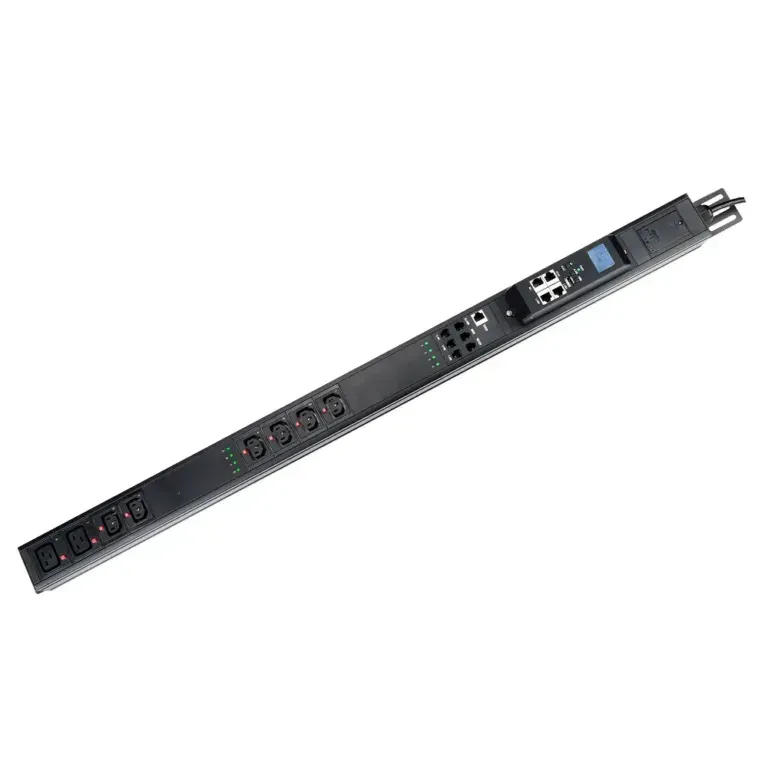
Guessing at rack load is risky. Metered and monitored PDUs measure current, voltage and power at the input, branch or outlet level. This data helps you:
Without metering, it is easy to underestimate load and end up with nuisance breaker trips or unsafe overloading.
Monitored PDUs offer network-based visibility. Switched or managed PDUs go further, with individual outlet control.
Remote power cycling is the biggest practical benefit: if a server or router locks up, you can reboot it from anywhere without sending a technician to the rack. This is extremely valuable for remote sites, edge deployments and colocation facilities where on-site visits are slow and expensive.
Critical servers and network gear almost always have dual power supplies. A proper redundant setup uses two fully independent power paths — A feed and B feed — so a single circuit or UPS failure does not take equipment offline.
Note: Installing two PDUs alone does not create true redundancy. Upstream sources, circuit breakers, UPS systems and cabling must also be fully independent, and each PDU must be sized to carry the full rack load if the other feed fails.
Industry vendors like YOSUN structure their rack PDU product lines specifically to support these architectures, with models for basic distribution all the way up to redundant automatic transfer designs.
| Feature | Standard Power Strip | Rack PDU |
|---|---|---|
| Typical Capacity | 1,800 – 2,400W | 3,600W – 60kW+ |
| Overload Protection | Basic fuse or none | Resettable main + branch circuit breakers |
| Mounting | Freestanding only | 1U horizontal / 0U vertical rack mount |
| Power Monitoring | None | Available on metered / smart models |
| Remote Control | None | Per-outlet switching on smart models |
| Best For | Home / small office, low power | Server racks, critical IT, data centers |
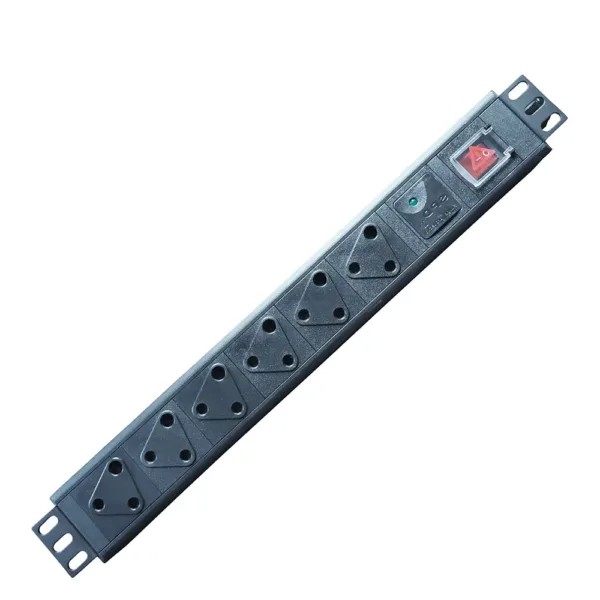
You don’t need the most advanced model to get value from a PDU. Choose the tier that matches your operational needs:
For growing deployments, working with an experienced PDU manufacturer like YOSUN ensures you get the right input configuration, outlet mix, mounting format and feature set for your specific rack architecture.
A PDU is not required for every setup. For a small desk with a few low-power devices, a good power strip or UPS is perfectly adequate.
For rack-mounted equipment, high-density IT and any environment where reliability matters, a rack PDU is absolutely worth the investment. It delivers safer, more organized power distribution, and the monitoring and control features quickly pay for themselves in avoided downtime and simpler maintenance.
The right question is not “Do I need a PDU?” — it’s “What does my setup need that a standard power strip can’t provide?”
Most home office users don’t. A power strip or UPS is enough for a typical desk setup. A PDU becomes useful for home labs, server racks and multi-device setups that need organized rack mounting or load monitoring.
No. A PDU distributes incoming power but provides no battery backup. A UPS supplies power during outages and conditions voltage; a PDU splits that protected power out to multiple devices. Most rack setups use both together.
A metered PDU measures and displays electrical load. A switched PDU adds remote on/off control for individual outlets or outlet groups. Managed models combine both, plus outlet-level metering and network management features.
Only if your equipment has dual power supplies and you have fully independent upstream power paths (separate circuits, separate UPS systems). Two PDUs on the same circuit do not provide meaningful redundancy.
Start with your input voltage, phase, circuit rating, actual load, required outlet types, mounting position and redundancy needs. Then decide if you need local metering, network monitoring, remote switching or environmental sensing. This avoids paying for features you won’t use.