Rackmount PDU Reviews That Users Swear By
Discover user-approved rackmount PDUs with features like remote management, environmental monitoring, and safety certifications for reliable IT setups.


+86 15867381241
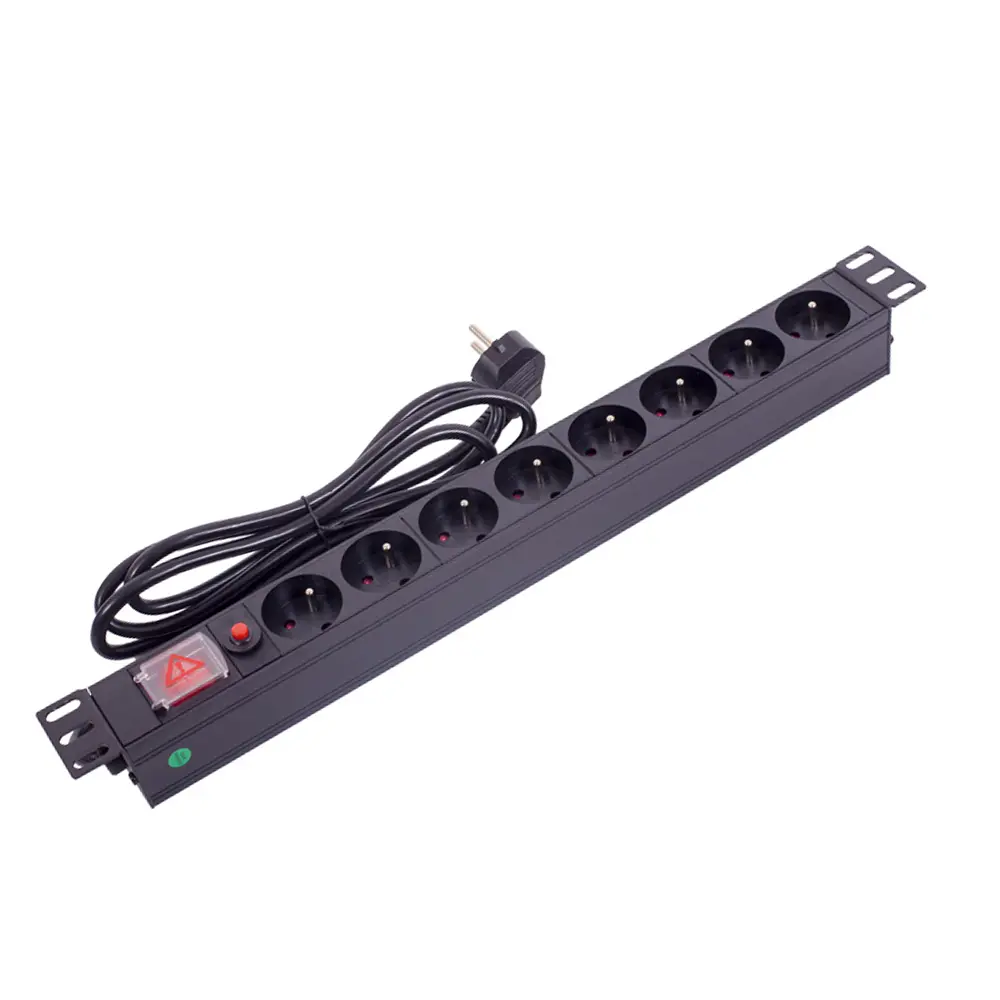
Choosing a suitable PDU (Power Distribution Unit) is critical for server rooms, data centers, and industrial racks. Many IT buyers fail to match load capacity, outlet types, or mounting methods, resulting in overload risks, poor cable management, and unstable power supply. This guide clearly explains how to select a PDU based on actual deployment needs, covering power load, classification, installation, compatibility, and safety features. For bulk buyers and infrastructure contractors, selecting a reliable PDU manufacturer also ensures long-term stability and after-sales support.
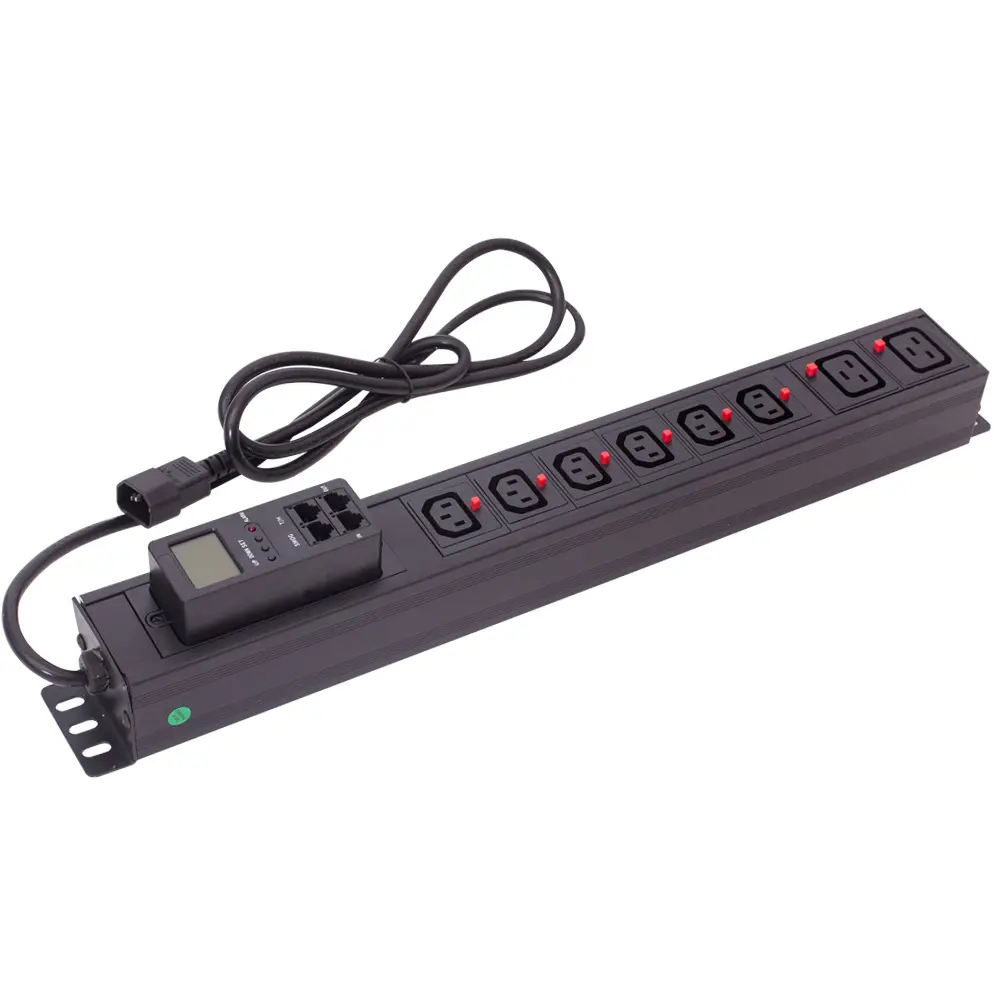
The first step to select a PDU is confirming total power load and power phase. Sum up the wattage of all connected IT devices, and reserve extra capacity for future expansion. Then choose between single-phase and three-phase models according to application scenarios.
| Feature | Single-Phase PDUs | Three-Phase PDUs |
|---|---|---|
| Applications | Homes, small offices, edge server rooms | Data centers, factories, high-power racks |
| Power Capacity | Low to medium load | High load & heavy-duty usage |
| Efficiency | Sufficient for simple usage | Higher energy efficiency & balanced load |
| Flexibility | Limited voltage options | Compatible with 120V/208V global voltage |
After confirming power capacity, select the functional grade matching your management requirements. Avoid overbuying unnecessary smart functions for small deployments, and do not ignore monitoring demands for data centers.
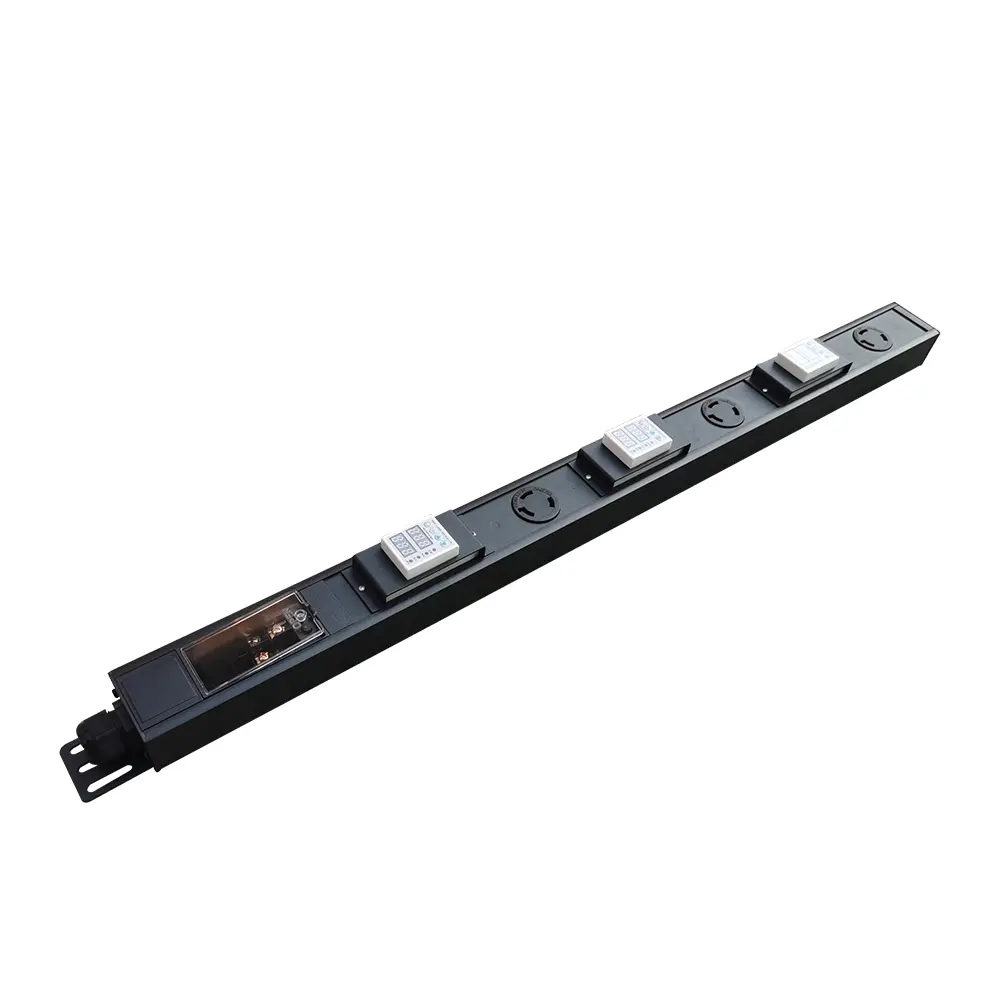
Outlet quantity and type directly determine device compatibility. When selecting a PDU, match sockets to local electrical standards and rack hardware. Leave spare outlets for later expansion.
| Outlet Type | Description |
|---|---|
| NEMA 5-15R | Standard 120V, 15A daily devices |
| NEMA 5-20R | 120V, 20A high-current equipment |
| NEMA L5-30R | Locking socket for industrial power supply |
| IEC C13 | Universal port for servers & network switches |
| IEC C19 | High-power port for blade servers |
For input cords, choose standard length for regular racks or customized length for neat cable routing. Reliable PDU manufacturers support customized plug types and cord lengths to fit global deployment.
| Type of Cord | Benefits |
|---|---|
| Standard Lengths | Low cost, easy replacement, universal compatibility |
| Custom Lengths | Optimize airflow, reduce cable clutter, improve safety |
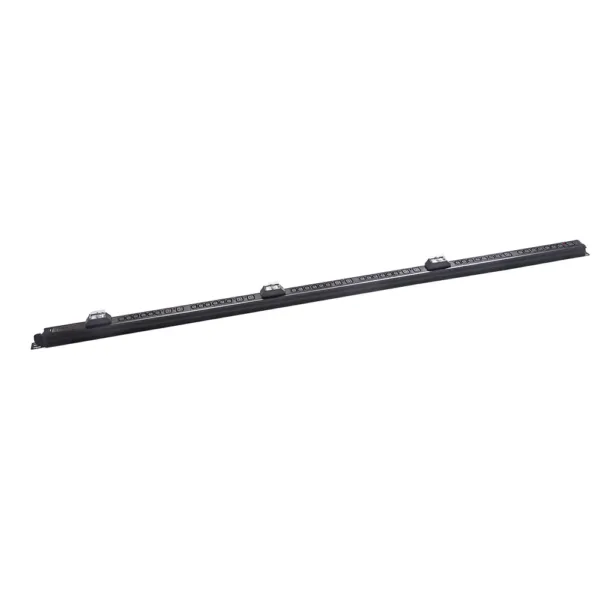
Mounting mode affects space utilization, heat dissipation, and cable management. When selecting a PDU, choose horizontal or vertical structure based on rack density.
| Feature | Horizontal PDU | Vertical PDU |
|---|---|---|
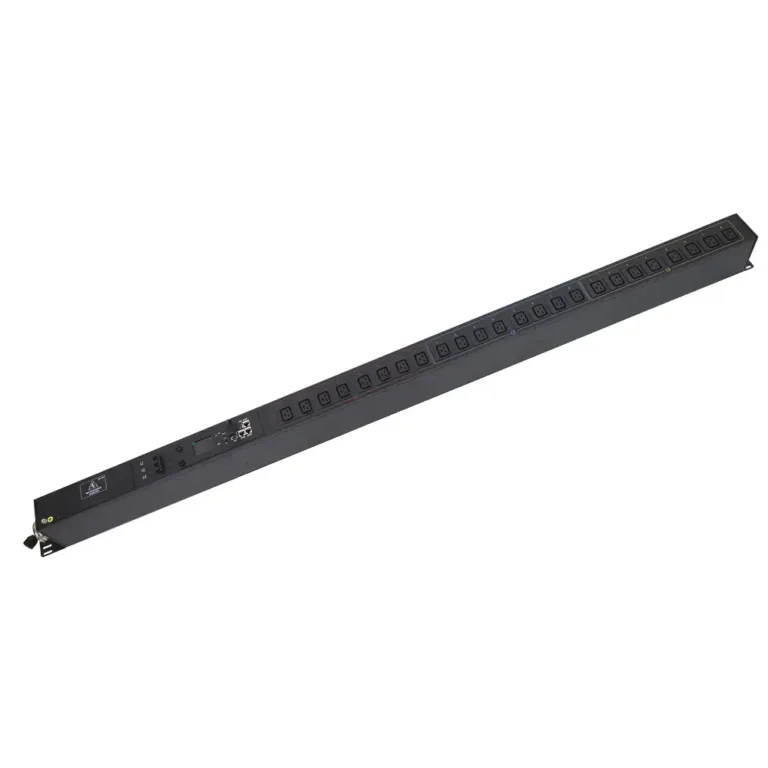
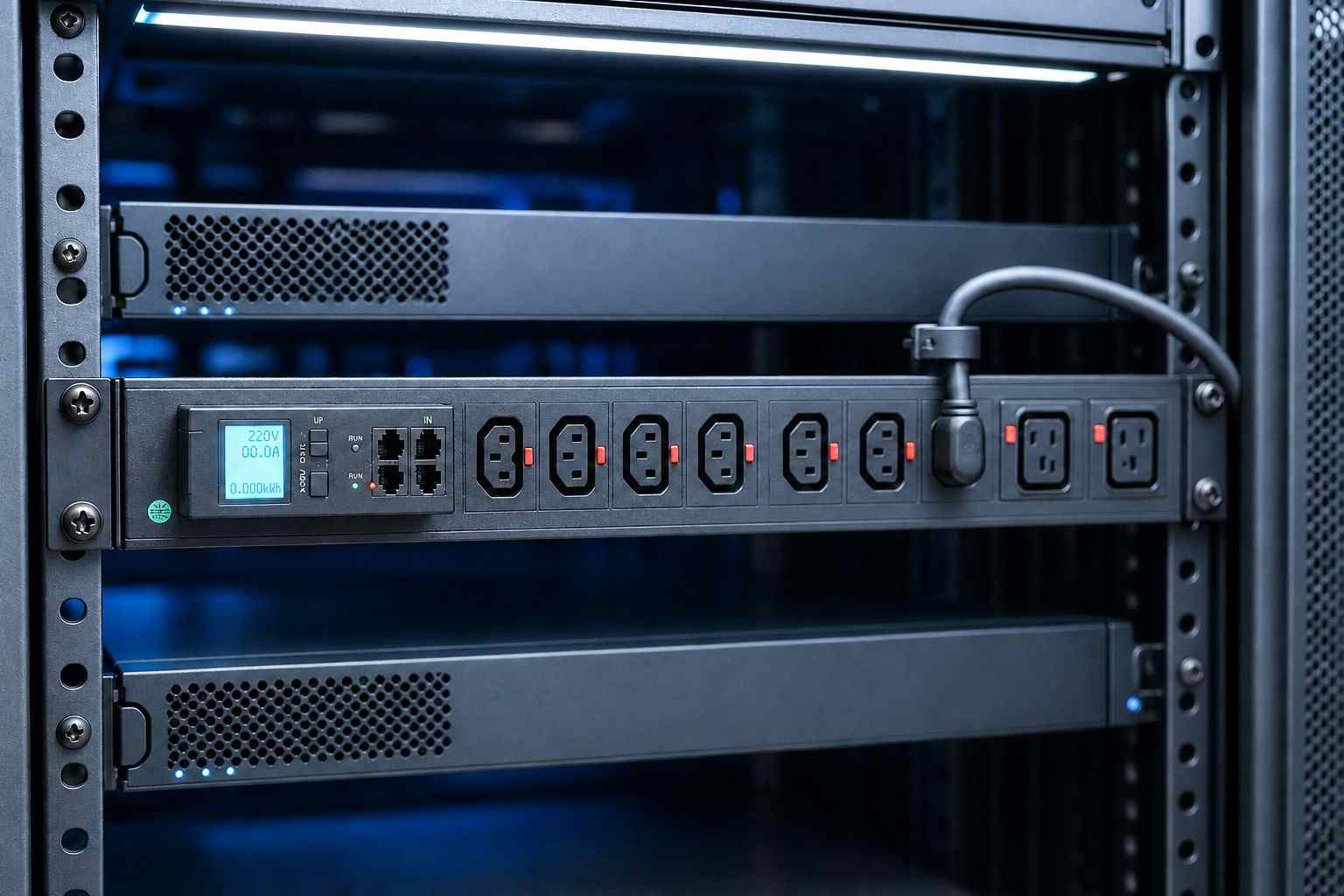
| Mounting Space | Occupies 1U/2U rack space | Zero U side mounting |
| Outlet Capacity | 6-12 outlets | Up to 24+ outlets |
| Applicable Scenarios | Small racks & easy access | High-density data centers |
Vertical zero-U PDUs are recommended for large data centers to save valuable server rack space. Horizontal PDUs are better for small-scale simple cabinets.
Professional users must evaluate protection functions to avoid equipment damage caused by surge, overload, and unstable voltage. Intelligent monitoring is essential for medium and large data centers.
| Feature | Description |
|---|---|
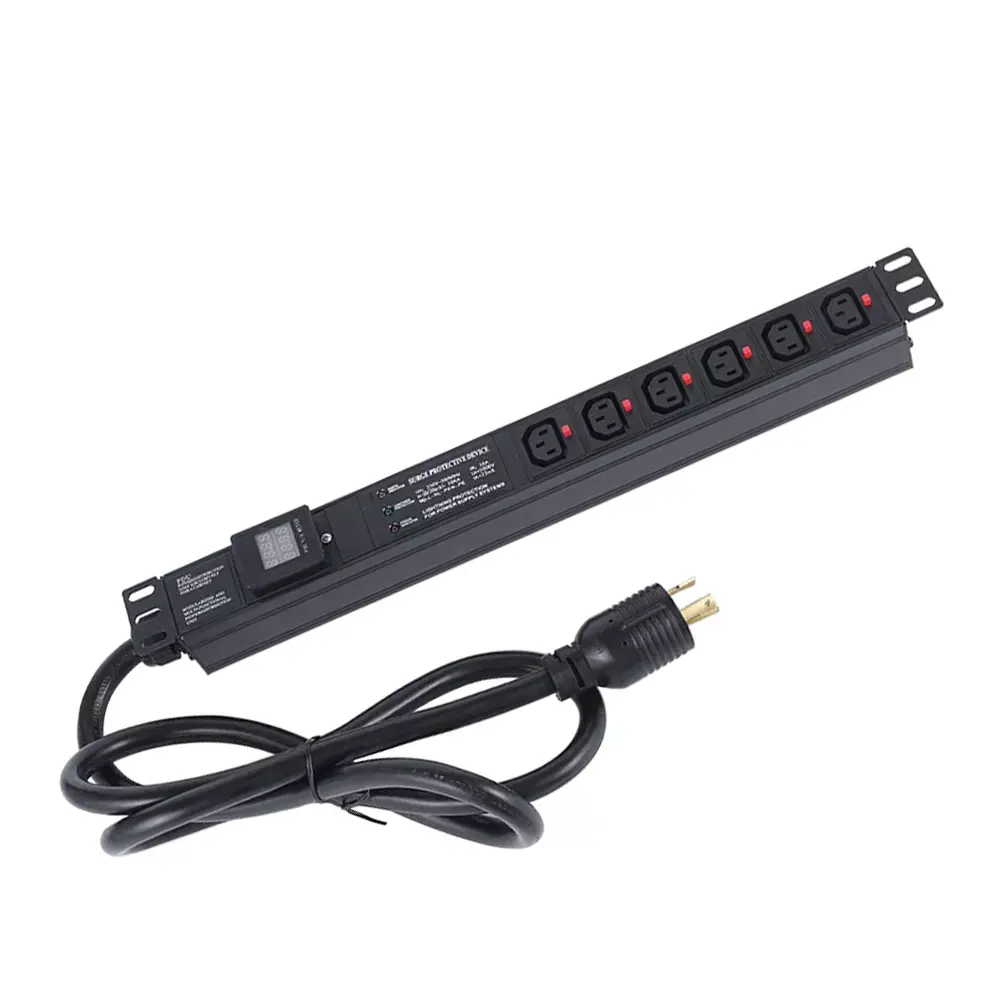
| Surge Protection | Prevent voltage spikes and pulse interference |
| Power Sequencing | Avoid inrush current damage for sensitive devices |
| Circuit Breakers | Automatic power cut under overload conditions |
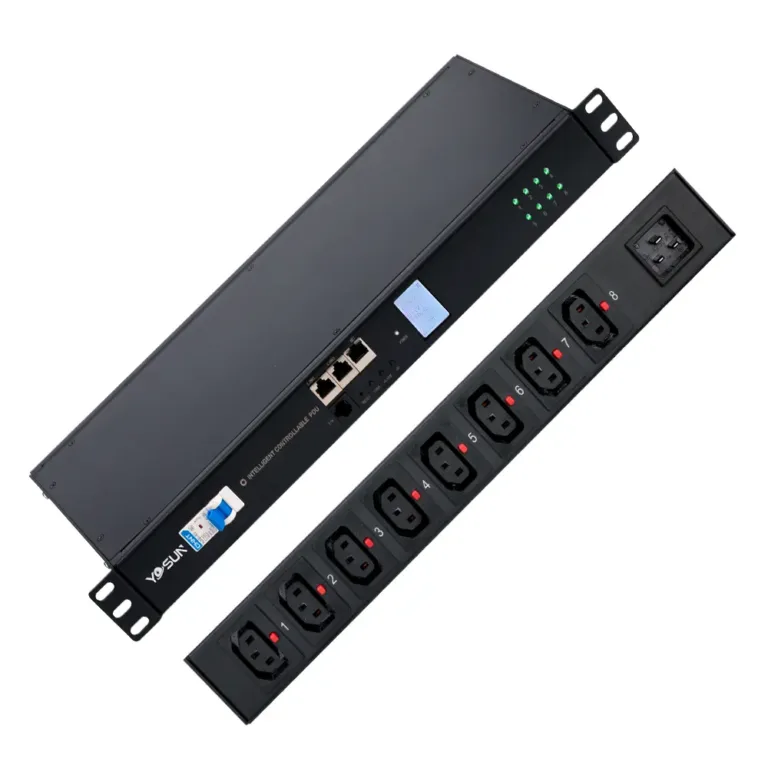
| Real-time Monitoring | Track voltage, current, and energy consumption |
| Remote Switching | Remotely reboot ports to reduce maintenance costs |
Statistics show that intelligent monitored PDUs reduce energy consumption by 20% and shorten maintenance time by 40% for enterprise server rooms.
Safety certification is the final filter for PDU selection. Qualified PDUs must pass global electrical compliance standards to ensure long-term stable operation.
| Certification | Description |
|---|---|
| UL Listed | North American safety certification |
| CE Mark | EU compliance standard |
| IEC CB Scheme | Global universal safety certification |
For bulk purchasers, distributors, and engineering contractors, cooperating with a professional PDU manufacturer is more cost-effective. YOSUN provides customized PDU solutions, including personalized outlets, logos, circuits, and appearance, supporting OEM/ODM mass production.
Use this checklist to avoid missing key parameters during selection:
To select a suitable PDU, buyers must follow a clear selection flow: calculate load capacity → confirm phase type → match outlets and cords → decide mounting methods → add safety monitoring functions → verify manufacturer qualifications. A scientific selection process effectively avoids overload, poor compatibility, and wasted rack space.
As a reliable PDU manufacturer, YOSUN supplies standard and customized rack PDUs for global clients. We support OEM/ODM bulk orders, complete global certifications, personalized design, and stable after-sales technical services. Whether for small server rooms or large data center projects, we provide cost-effective power distribution solutions for B2B distributors, contractors, and enterprise purchasers.
Basic PDUs only provide power distribution. Smart PDUs support real-time monitoring, data statistics, and remote switching, suitable for medium and large data centers.
Special rack size, non-standard sockets, and brand customization require manufacturer support. YOSUN provides one-stop customized PDU services for B2B clients.
Standard industrial-grade PDUs have a service life of 10-15 years. Regular inspection of circuits and connectors ensures stable power distribution.