How do you maintain a PDU?
Regular, structured maintenance is critical to maximizing the lifespan, safety, and reliability of power distribution units (PDUs) — and preventing costly unplanned downtime. According to...


+86 15867381241
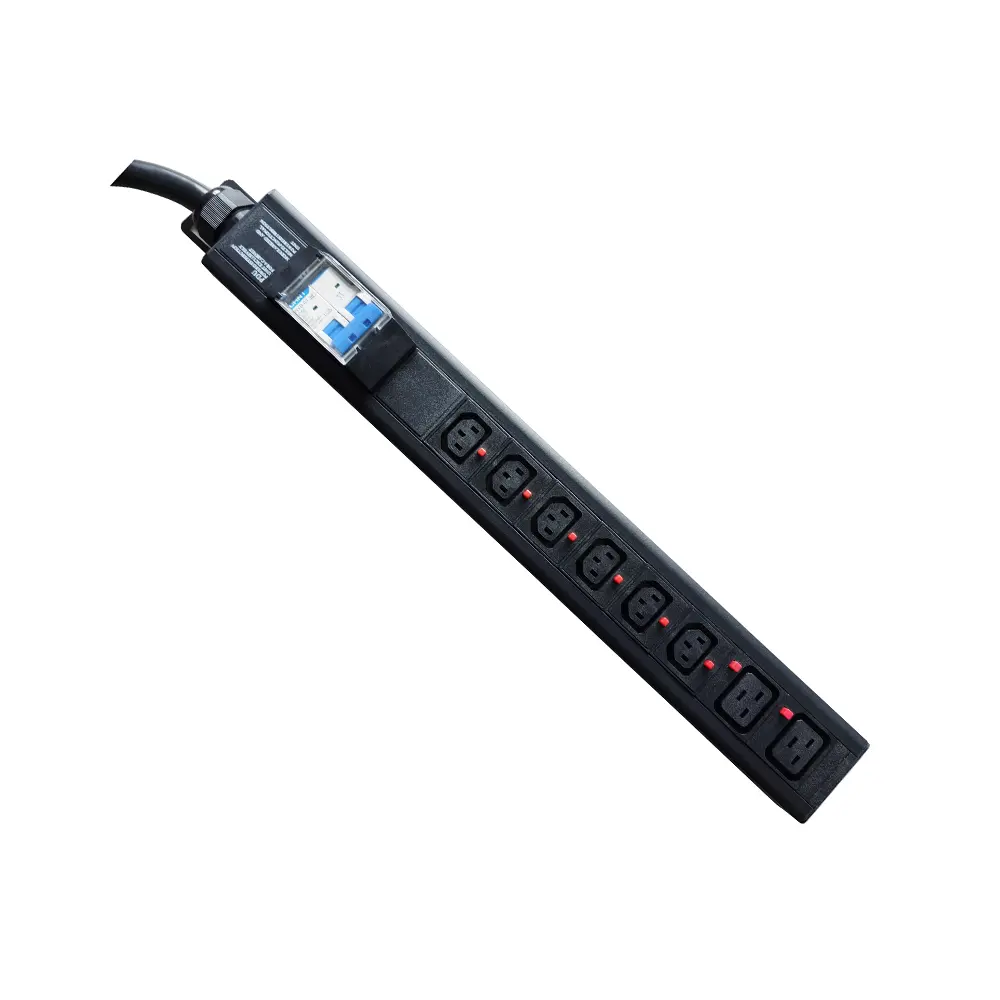
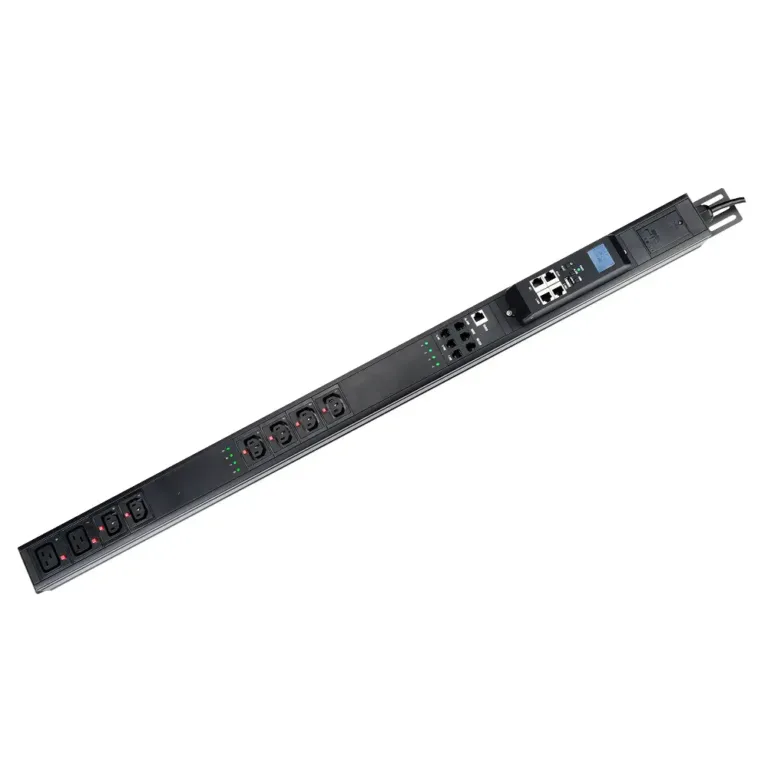
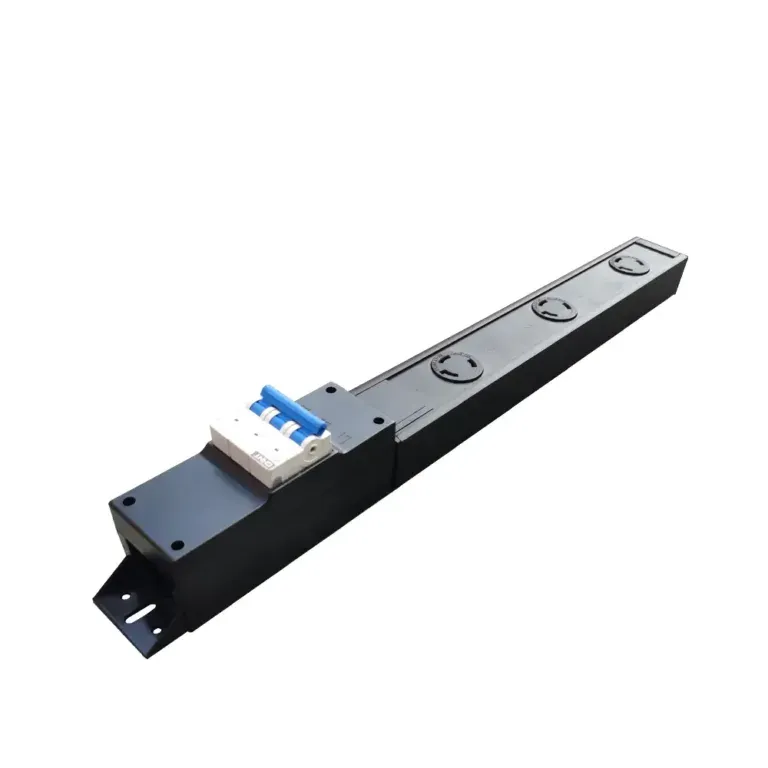
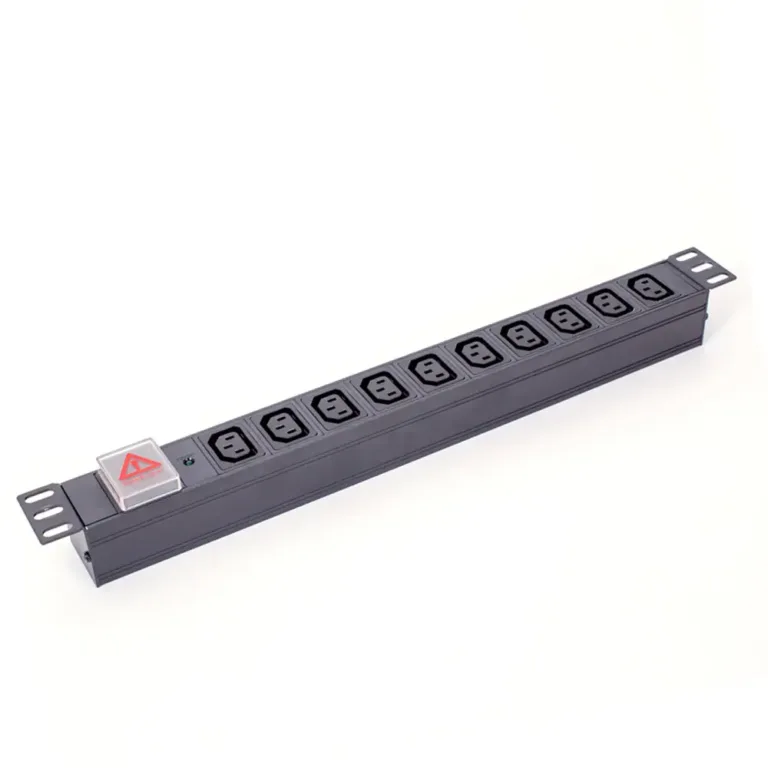
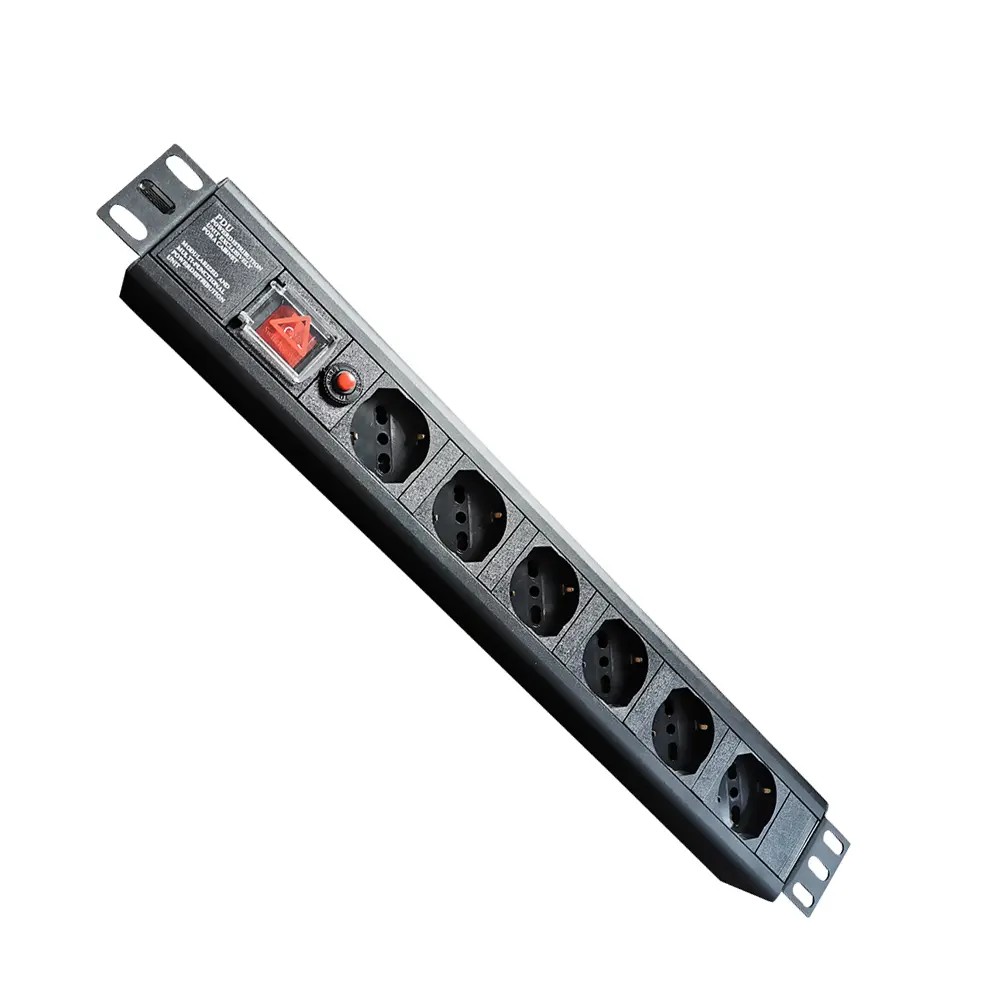
Proper PDU (Power Distribution Unit) connection is essential for safe and reliable power delivery in server racks and IT infrastructure. Connecting a PDU involves selecting the correct power source, securely mounting the unit, establishing proper grounding, connecting the input plug, and wiring output receptacles to IT equipment. A correctly connected PDU ensures stable power distribution, reduces electrical risks, improves cable management, and supports reliable rack operation.
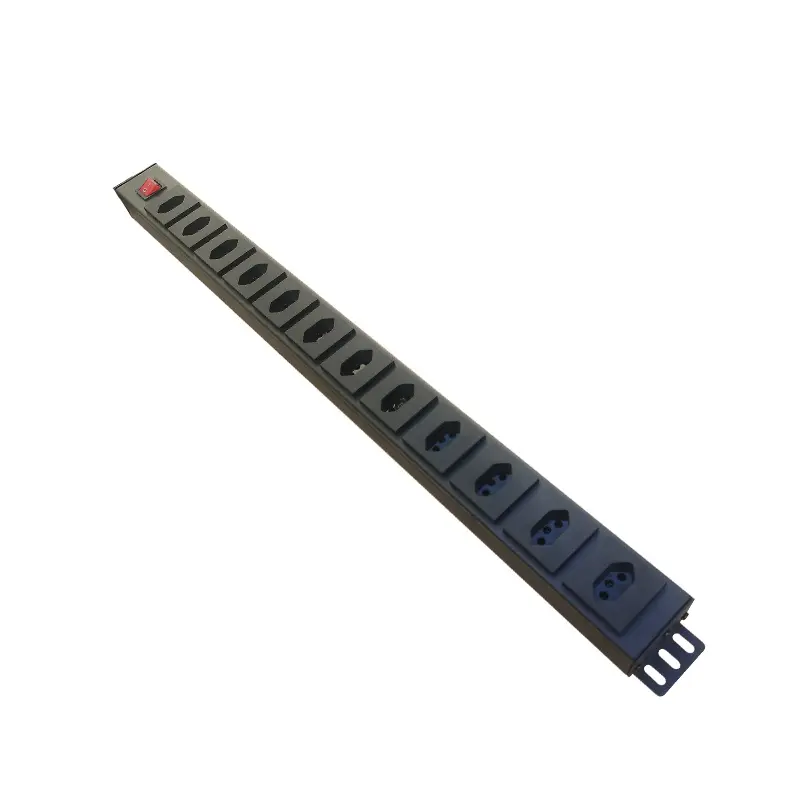
Always complete safety validation before energizing any PDU to avoid electrical damage, equipment failure, or personnel risk.
Confirm the PDU’s input voltage, plug type, and amperage match the facility power supply. Common plug standards include NEMA (North America), Schuko (EU), and IEC 60320 global formats. Mismatched voltage or connectors cause short circuits and permanent equipment damage.
Reputable models like YOSUN Power Distribution Units are compatible with all standard plug configurations and include built-in surge protection to shield sensitive IT hardware from voltage spikes.
Add up the total wattage of all devices that will connect to the PDU. Per NEC Article 210.20 and ANSI/TIA-942-B standards, keep continuous loads at or below 80% of the PDU’s rated circuit capacity. This safety buffer accommodates startup power surges and prevents nuisance circuit breaker trips.
Once pre-checks are complete, follow this four-step installation workflow for standard rack PDUs.
PDUs are mounted in the rear of the server cabinet to preserve front-facing airflow for IT equipment. Two form factors are standard:
Bond the PDU chassis to the rack’s grounding point using a properly sized ground wire and terminal connector. This step:
Route the PDU’s input power cable to the power source (utility outlet or UPS system). For reliability, most data center PDUs connect to an uninterruptible power supply to ride through brief outages.
For secure, vibration-resistant connections, use locking plug designs to prevent accidental disconnection:
| Plug Standard | Rating | Locking Mechanism | Mating Receptacle |
|---|---|---|---|
| NEMA L5-15P | 125V AC / 15A | Twist-lock | NEMA L5-15R |
| IEC C14 V-Lock | 125/250V AC / 15A | Push-tab latch | IEC C13 V-Lock |
| IEC C20 P-Lock | 125/250V AC / 20A | Dual side-tab lock | IEC C19 P-Lock |
Tip: Always use a surge-protected PDU for rack deployments to divert harmful transient voltage away from server hardware.
Plug device power cords into the PDU’s output receptacles, following these best practices:
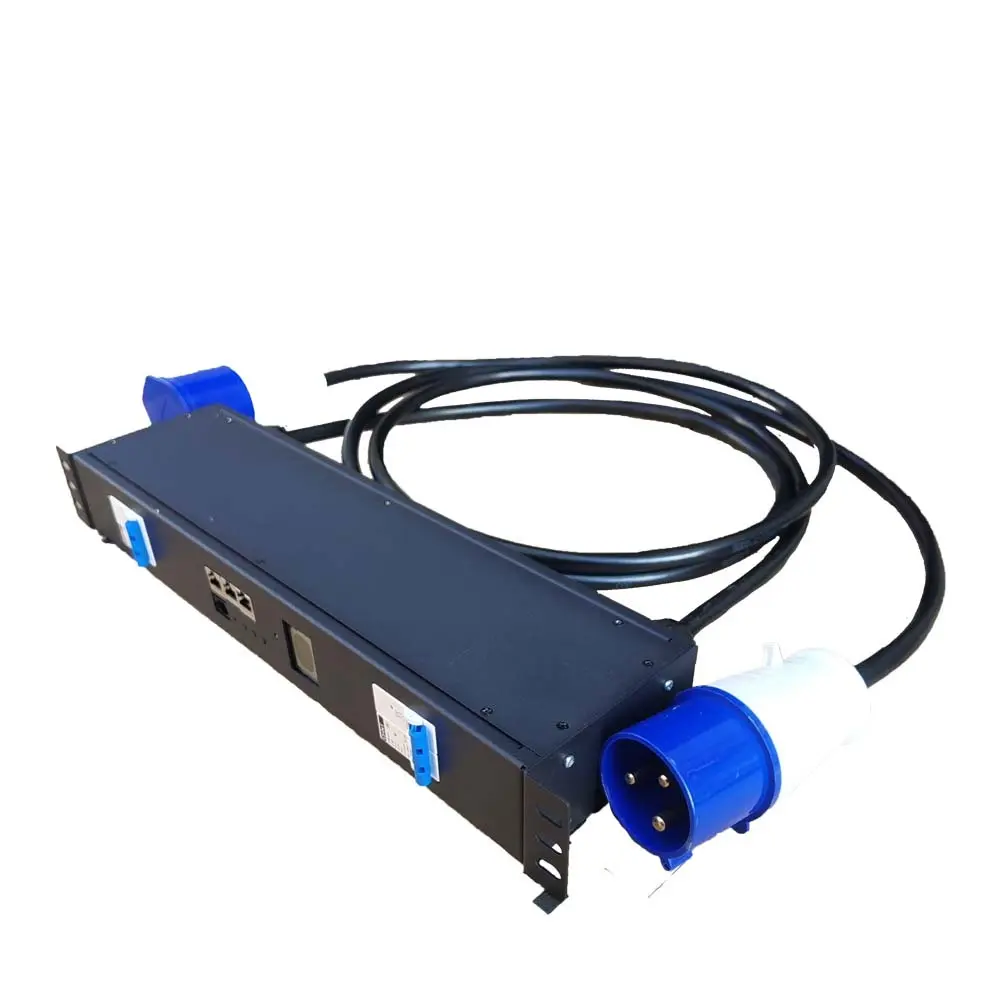
Network-connected smart PDUs require additional setup to enable remote monitoring and control features.
Plug an Ethernet cable into the PDU’s network port. For multiple chained PDUs, use the built-in network ports to daisy-chain units, with RSTP (Rapid Spanning Tree Protocol) enabled to prevent network loops. Modern smart PDUs support daisy-chaining of up to 32 units on a single network drop, with automatic failover for redundant links.
Yes, basic low-amperage PDUs can plug directly into standard wall outlets. For data center deployments, however, PDUs are almost always connected to a UPS system to provide backup power during utility outages.
Built-in surge protection diverts excess voltage from power spikes away from sensitive server components. This prevents hardware damage and reduces costly unplanned downtime from electrical transients.
The 80% rule is a widely adopted electrical safety standard. It accounts for inrush current spikes when equipment powers on, prevents nuisance breaker trips, and reduces overheating risk for wiring and connectors.
An ATS PDU provides automatic, near-instantaneous failover between two independent power sources. This delivers redundant power protection for single-corded network equipment, eliminating a common single point of failure in rack power design.
Connecting a PDU is a straightforward process when following standardized safety and installation workflows. Starting with pre-install validation, then working through mounting, grounding, input power, and device wiring ensures a safe, reliable deployment that supports long-term infrastructure stability.