Auto Transfer Switch PDU User Reviews Explained
Discover how Auto Transfer Switch PDUs ensure seamless power transitions, enhance reliability, and simplify operations in critical environments like data centers.


+86 15867381241
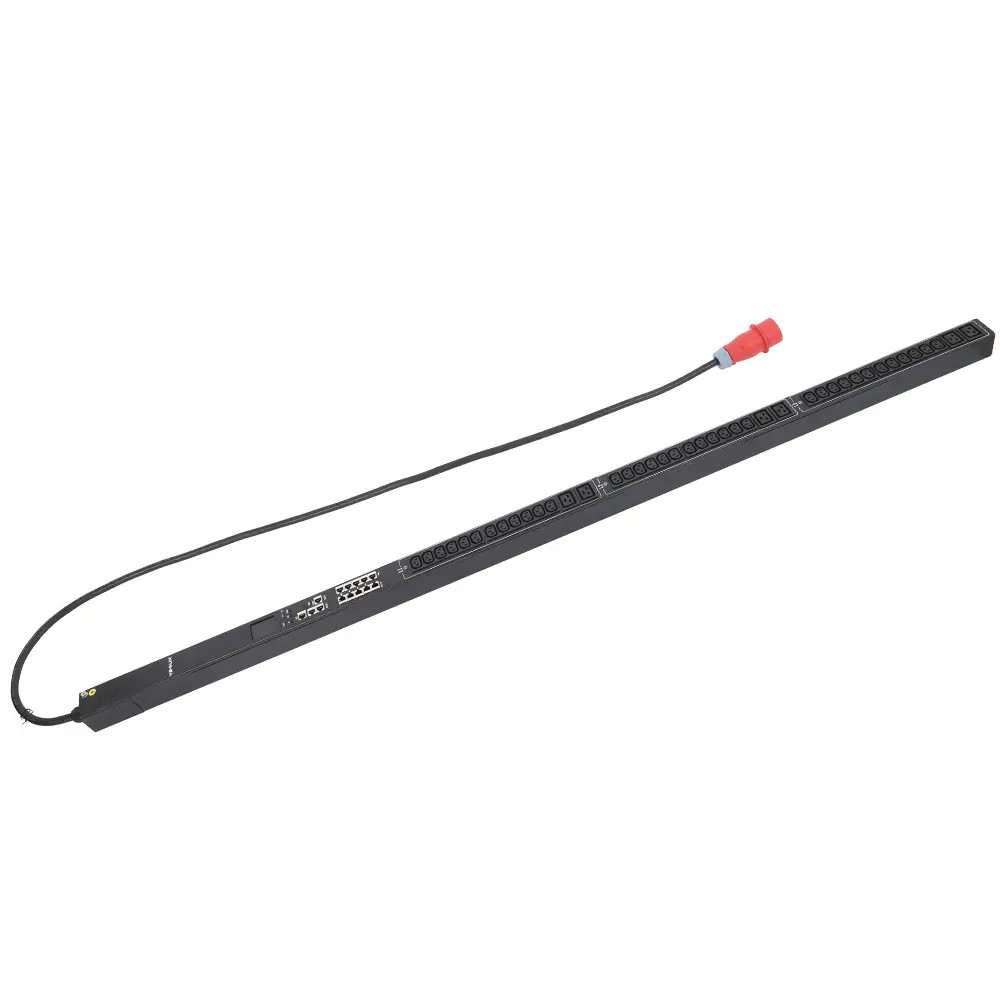
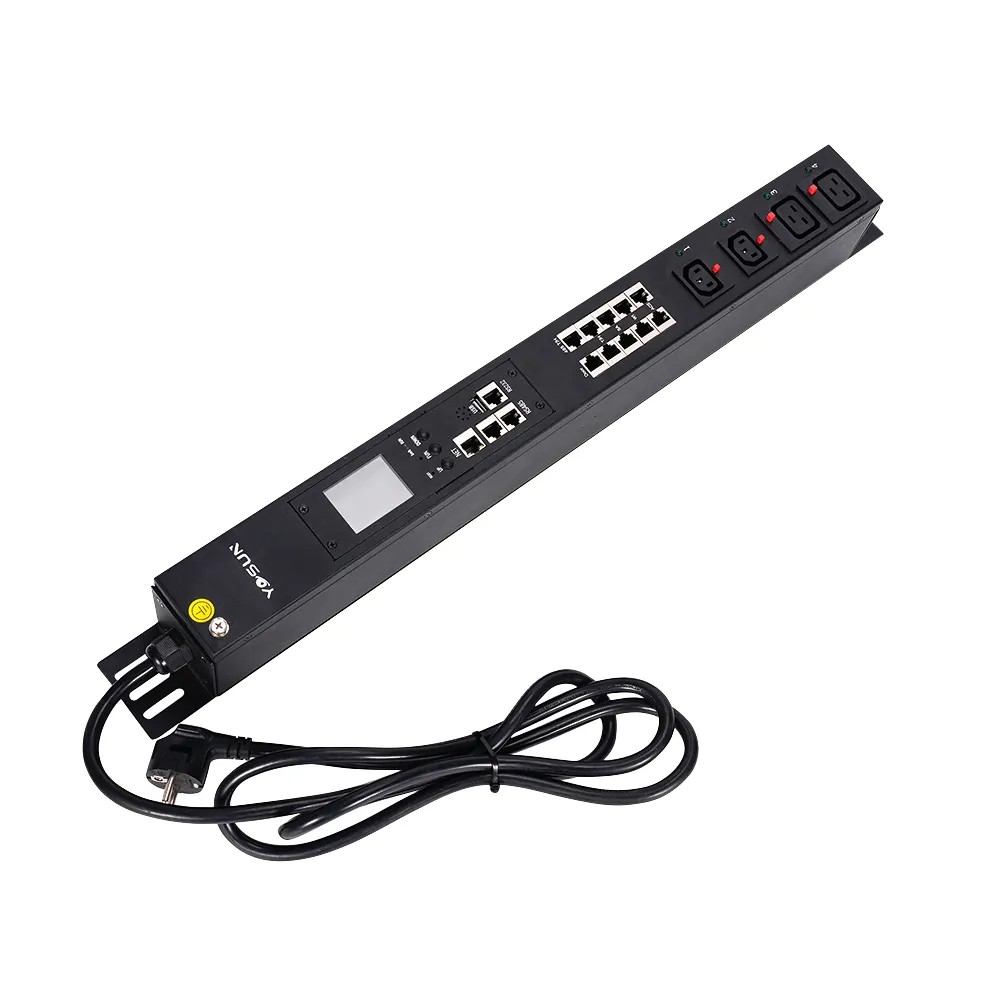
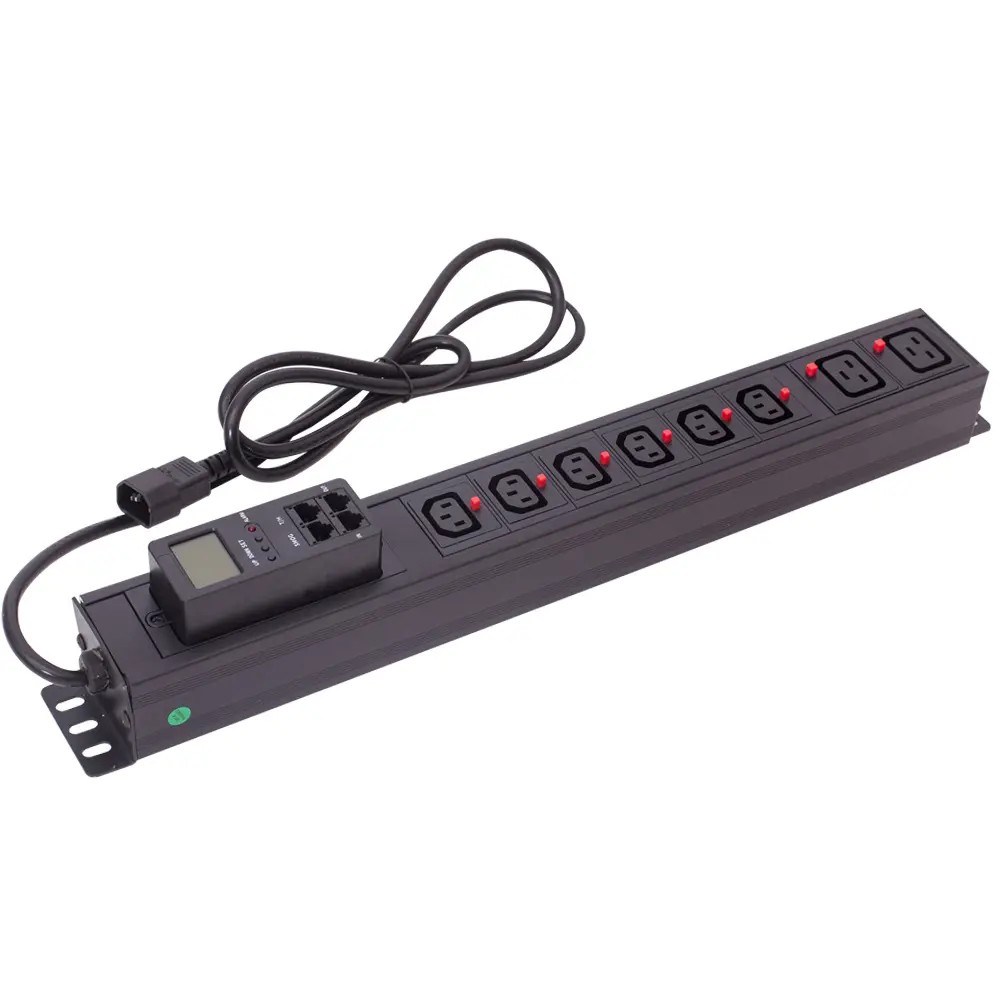
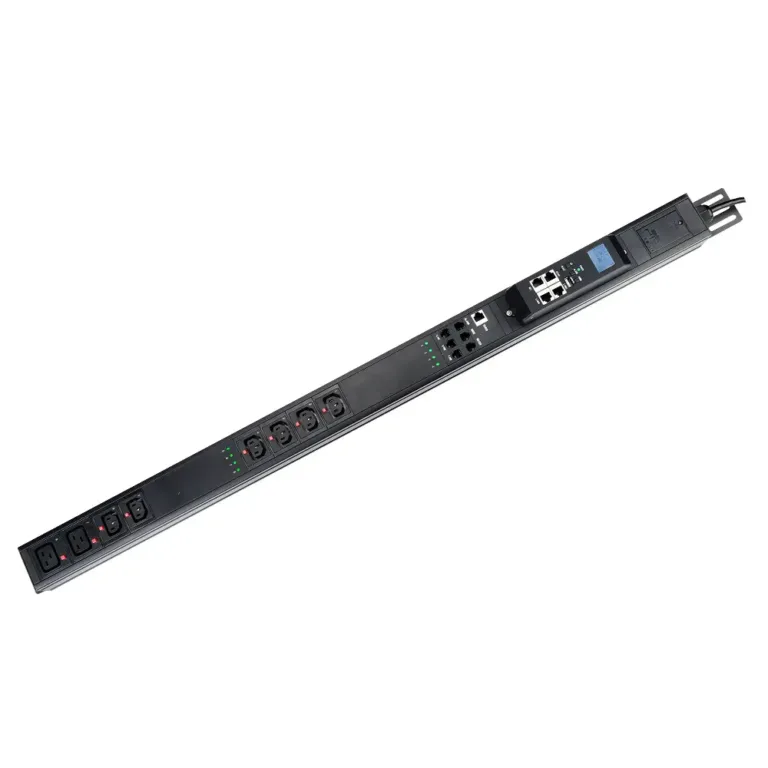
A managed PDU (Power Distribution Unit) combines power distribution with network-based monitoring and control. It receives AC power from an upstream source, distributes it to multiple devices in a rack, and uses built-in sensors and a network interface to collect and transmit real-time power data.
Unlike a basic PDU, a managed PDU allows administrators to monitor power conditions remotely and, on switched models, control individual outlets without being physically at the rack.
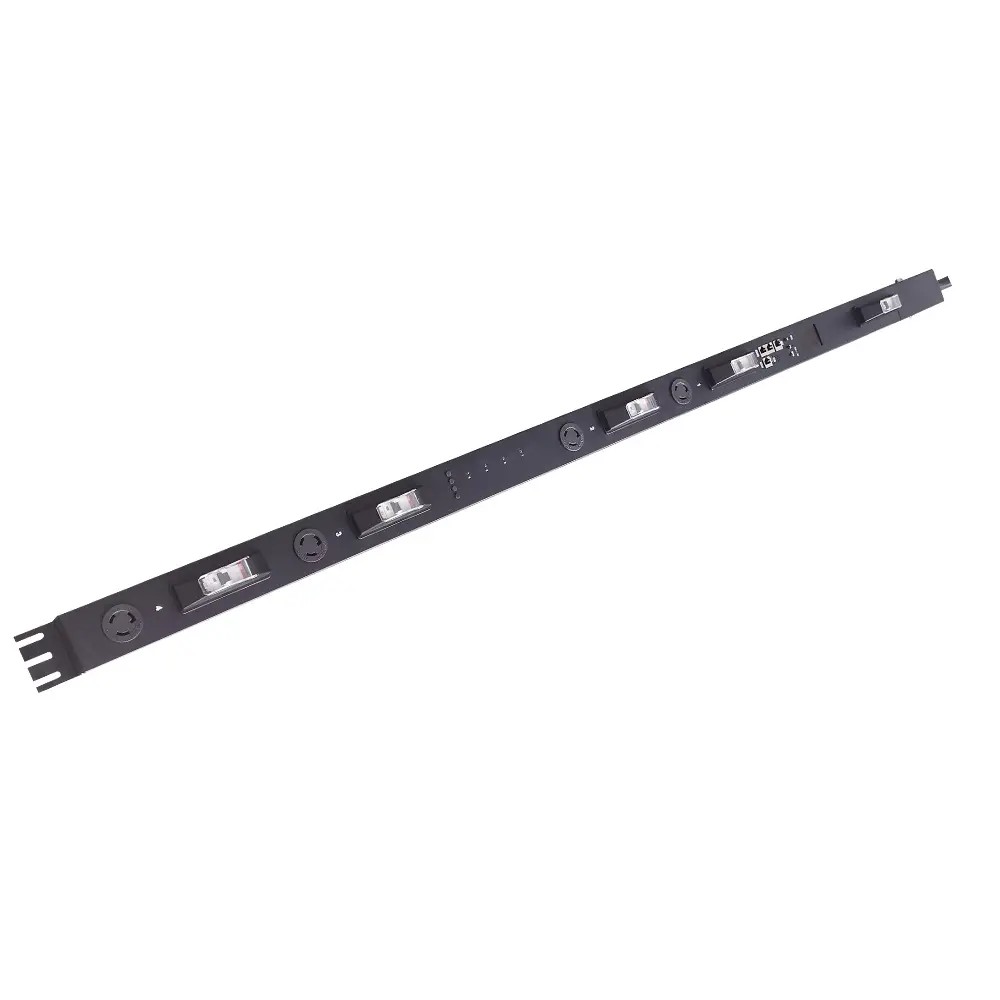
A managed PDU first receives AC power from an upstream electrical source. The incoming power passes through the PDU’s internal electrical components and is distributed across multiple outlets.
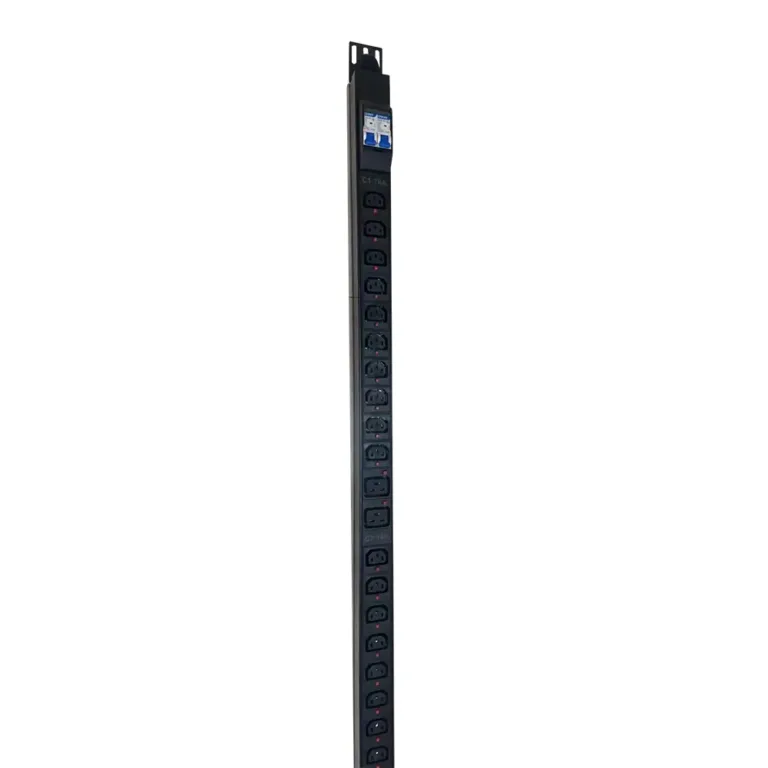
Depending on the model, a PDU may provide IEC C13, C19, or other outlet configurations for connecting servers, network switches, storage systems, and other rack-mounted equipment.
The basic power path is:
AC Power Input → Internal Conductors → Branch Circuits → PDU Outlets → Rack Equipment
Internal conductors or busbars carry electrical power to the individual outlet groups. The connected equipment then receives power through its corresponding outlet.
The number and arrangement of outlets vary by PDU model. Some units are designed for a limited number of devices, while high-density models can provide many outlets within a single rack space.
Managed PDUs can also include circuit protection components such as circuit breakers, fuses, or surge protection. These components help protect the PDU and connected equipment from electrical conditions such as excessive current or voltage surges.
However, circuit protection and power management are different functions. Protection components respond to electrical faults or abnormal conditions, while the management system collects information and provides administrators with visibility and control.
The managed function does not replace the upstream electrical infrastructure. Instead, it adds an additional monitoring and control layer at the rack level.
One of the main differences between a managed PDU and a basic PDU is its ability to measure electrical parameters.
A managed PDU uses built-in meters and sensors to collect information about the electrical load. Depending on the model, monitoring may occur at the input, circuit, phase, or individual outlet level.
For example, current sensors can measure how much electrical current is flowing through a circuit, while power measurements indicate how much electrical power the connected equipment is using.
This data is continuously collected and processed by the PDU’s internal controller.
The basic monitoring process is:
Measure → Collect → Process → Report
The monitoring level depends on the PDU design. Some managed PDUs provide information for the entire PDU, while more advanced models can provide outlet-level measurements.
After collecting electrical data, the managed PDU needs a way to communicate that information to administrators or management software.
A network interface or communication module connects the PDU to the data center network. Depending on the model, communication may use Ethernet and protocols such as SNMP, HTTPS, SSH, or other supported interfaces.
The process can be represented as:
Sensors → PDU Controller → Network Interface → Management System
Administrators can then access the collected information through a web interface, monitoring platform, DCIM system, or other compatible software.
Some managed PDUs can also generate alerts when predefined electrical thresholds are reached. For example, an administrator may receive an alert when current consumption exceeds a configured limit.
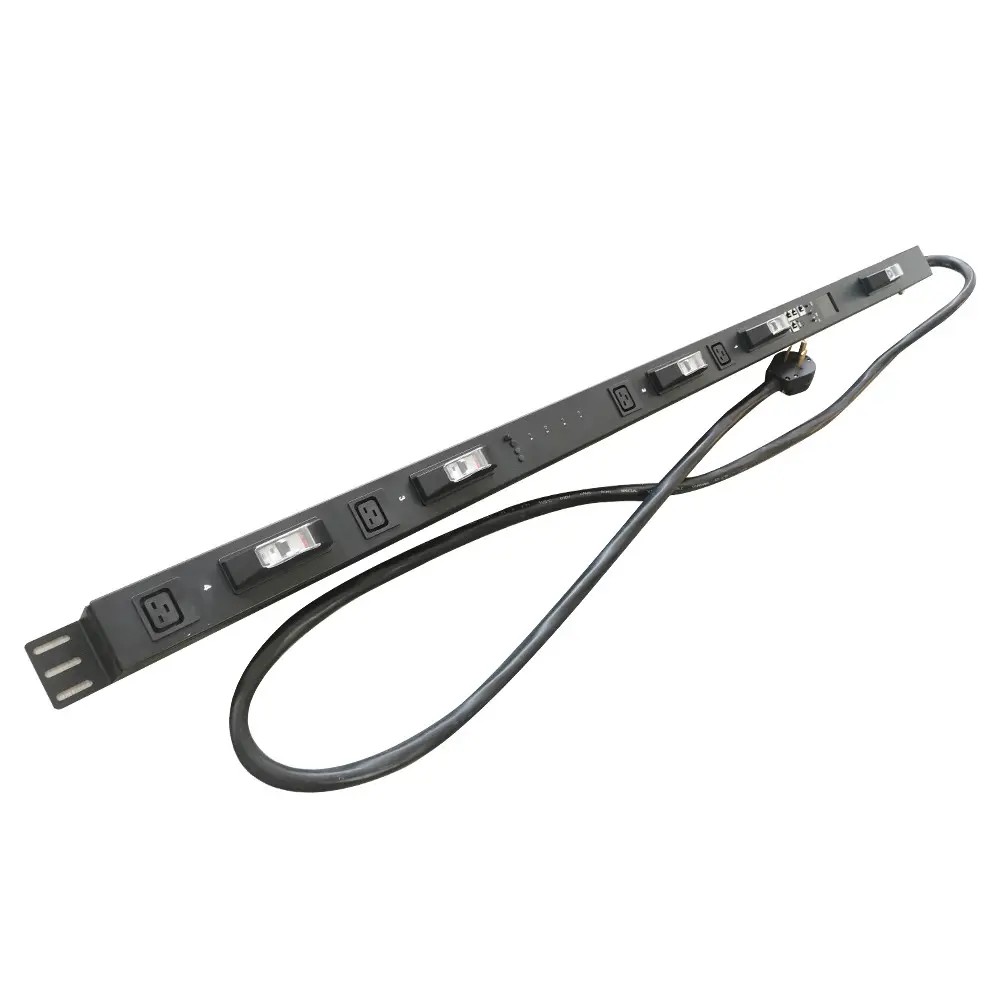
Monitoring allows administrators to see what is happening, while remote control allows them to send commands back to the PDU.
For a managed PDU with switched outlets, administrators can control supported outlets through a network connection.
The control process works in the opposite direction from monitoring:
Management System → Network → PDU Controller → Outlet → Connected Device
When an administrator sends a command, the PDU’s controller receives and processes it. The switching component then changes the power state of the selected outlet.
Depending on the model, available functions may include:
For example, if a network device becomes unresponsive, an administrator may be able to power-cycle its outlet remotely instead of manually disconnecting and reconnecting the power cable.
These two functions are closely related but work in different directions.
Monitoring:
PDU → Management System
The PDU collects electrical information and sends it to the administrator or software.
Remote Control:
Management System → PDU
The administrator or software sends commands to the PDU to change the state of supported outlets.
This two-way communication is what makes a managed PDU different from a conventional power strip or basic PDU.
A managed PDU normally communicates with external systems through a network or dedicated communication interface.
For network-connected models, the PDU can receive an IP address and communicate with management software over Ethernet. Depending on the product, it may integrate with DCIM, BMS, or other infrastructure monitoring platforms.
The connection can be simplified as:
Managed PDU → Network → Management Platform → Administrator
The management platform receives information from the PDU and presents it in a usable format. Administrators can view electrical measurements, check outlet states, configure alerts, and, when supported, send control commands.
Communication protocols determine how information and commands are exchanged between the PDU and external systems.
No. The network connection is used for monitoring and management. The PDU can still distribute electrical power through its outlets without network communication.
Only models with switched outlet functionality can control individual outlets remotely. A managed PDU that provides monitoring without switching cannot remotely turn individual outlets on or off.
Monitoring sends electrical data from the PDU to a management system. Control sends commands from the management system back to the PDU.
Yes. Managed PDUs with compatible network interfaces and communication protocols can integrate with DCIM and other infrastructure management systems, allowing electrical information to be viewed and managed from a centralized platform.
No. Monitoring capabilities vary by model. Some managed PDUs monitor the overall input or circuit load, while more advanced models can measure individual outlets.