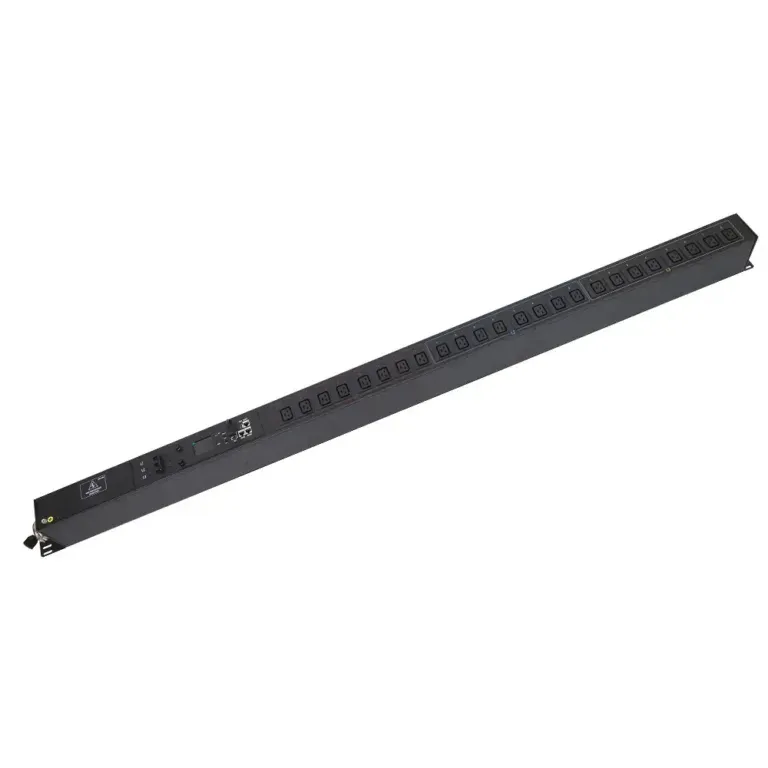
What You Need to Know About Remote Control PDUs
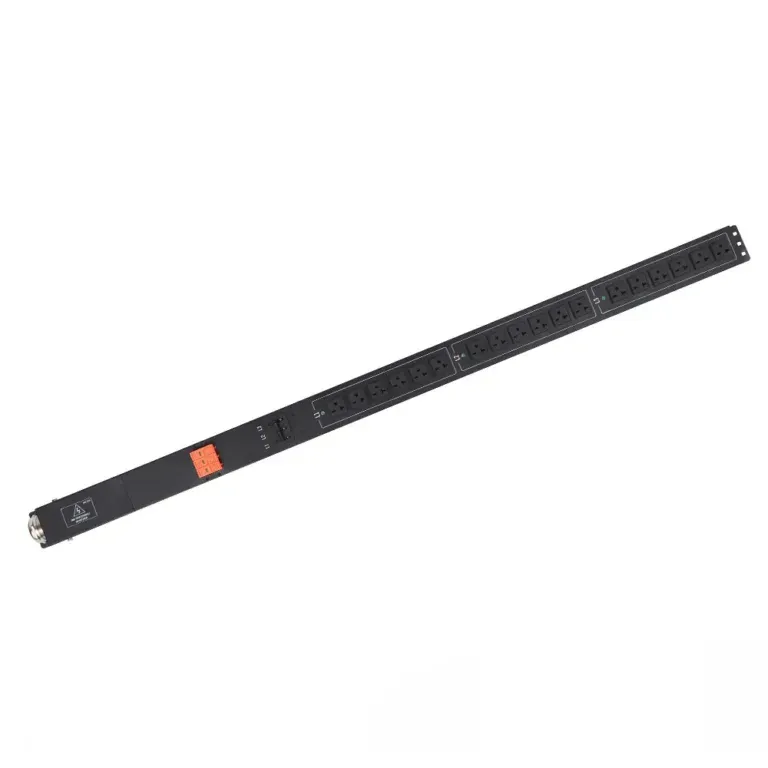
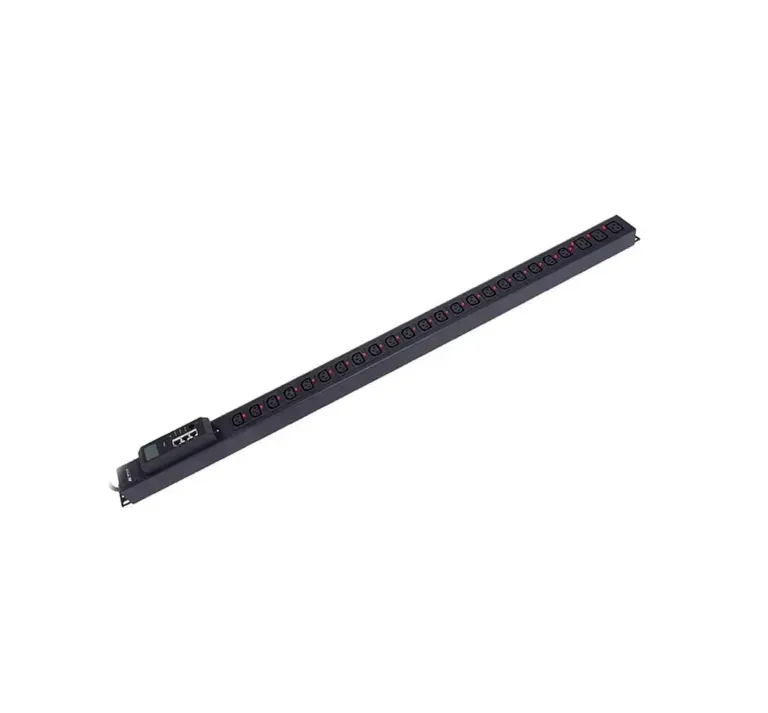
A PDU remote control enables efficient power distribution, real-time monitoring, and remote management, reducing downtime and optimizing energy use.


+86 15867381241
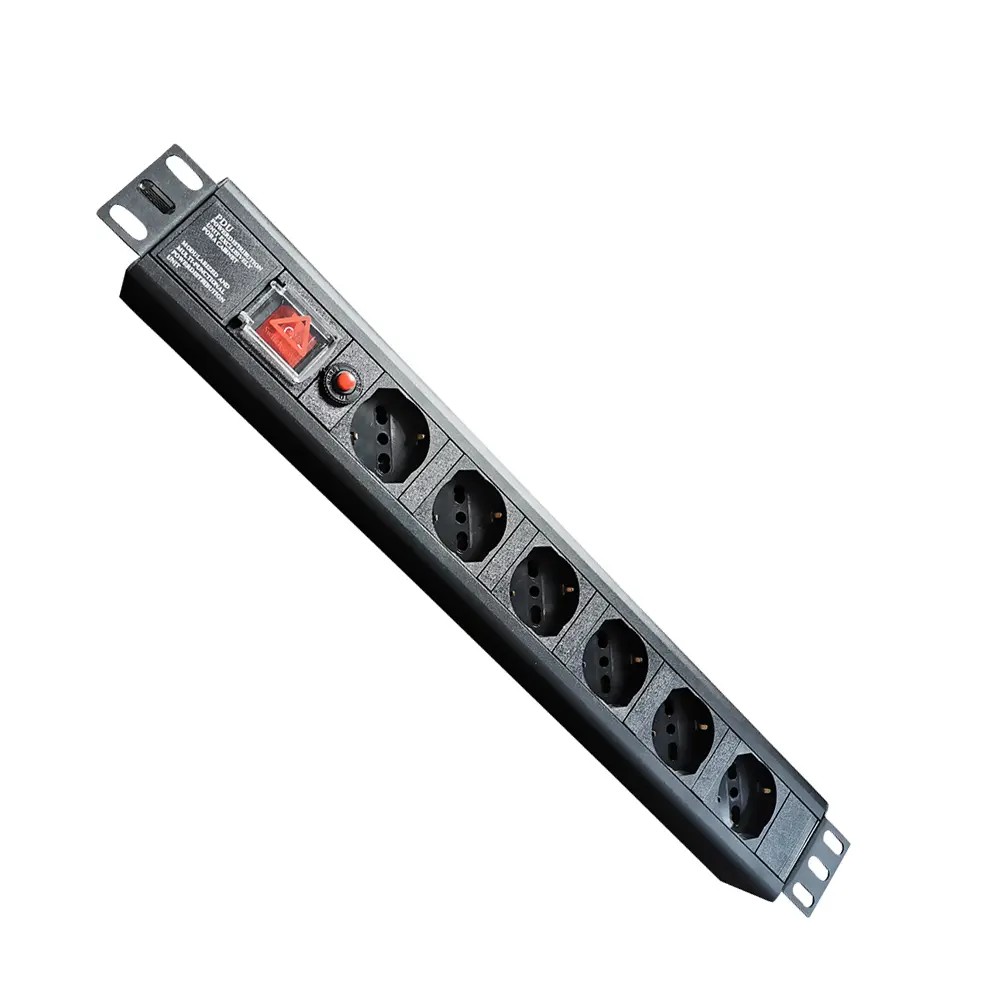
Regular, structured maintenance is critical to maximizing the lifespan, safety, and reliability of power distribution units (PDUs) — and preventing costly unplanned downtime. According to Uptime Institute research, inadequate PDU maintenance and component failure are responsible for 52% of data center outages, making proactive care one of the highest-impact tasks for facility and IT teams.
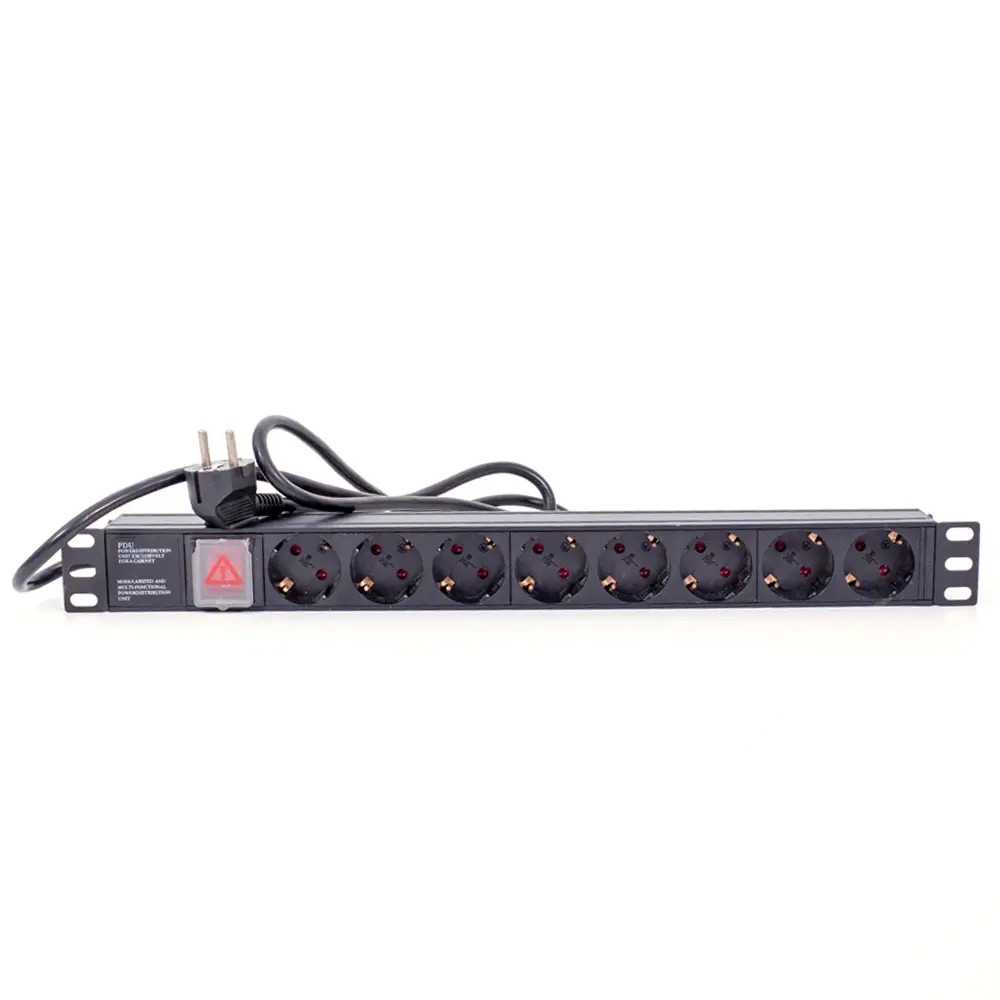
Physical upkeep addresses the most common root causes of PDU failure: loose connections, dust buildup, and worn components.
Loose or damaged power connections create electrical resistance, which generates excess heat, damages equipment, and elevates fire risk. Teams should inspect all input cables, output receptacles, and terminal connections during quarterly maintenance checks:
Proper cable routing and PDU placement also reduce physical strain on connectors, lowering long-term wear and failure probability.
Dust accumulation traps heat, clogs air vents, and increases the risk of electrical arcing. Quarterly cleaning is standard for most data center environments, with more frequent service required for high-dust facilities.
Follow safe cleaning protocols:
During quarterly inspections, confirm all PDU hardware components operate as designed:
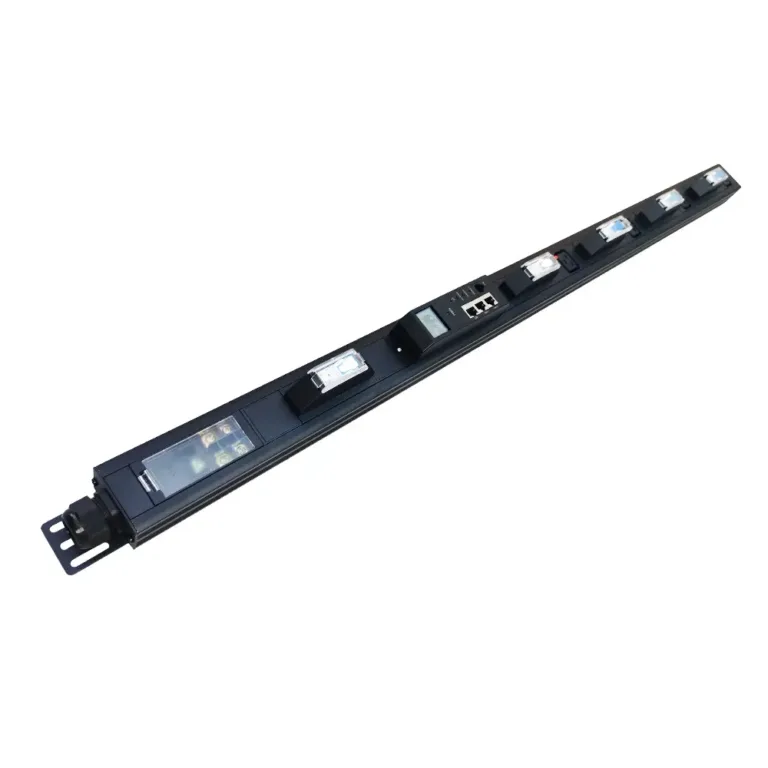
Modular PDU designs from manufacturers like YOSUN allow technicians to replace faulty components without a full system shutdown, reducing downtime during maintenance. All YOSUN PDUs are tested to UL, CE, and RoHS standards to ensure consistent electrical safety and reliability.
Uncontrolled temperature and humidity are major contributors to premature PDU and electrical component failure. Proactive environmental management extends equipment lifespan and prevents unexpected faults.
Both high and low humidity create operational hazards for power distribution equipment:
Continuous environmental monitoring with threshold alerts allows teams to correct conditions before they cause equipment damage. For most data center environments, maintain relative humidity between 40–60% and ambient temperatures within ASHRAE recommended ranges.
Hidden loose connections or unbalanced loads often generate excess heat before they cause visible failure. Annual infrared (IR) thermal scanning of PDU busbars, connections, and circuit breakers is a standard preventive maintenance practice:
Early hotspot detection prevents catastrophic component failure and reduces unplanned downtime risk.
Poor airflow inside server racks raises ambient temperatures around PDUs, accelerating component wear. Improve thermal performance with these steps:
Organized cable management reduces cooling system strain, lowers energy costs, and supports consistent, reliable PDU operation.
Improper load management is a leading cause of PDU tripping, overheating, and equipment damage. Regular monitoring and balancing keep power delivery stable and code-compliant.
Voltage fluctuations, surges, and electrical noise can damage sensitive server hardware over time. For intelligent PDUs, monitor key power quality metrics on an ongoing basis:
Configure automatic alerts for out-of-spec conditions so teams can resolve issues early, before they cause hardware damage or downtime. Continuous monitoring also identifies underutilized backup power capacity to support infrastructure planning.
Uneven power distribution across three phases creates excess heat, reduces transformer and UPS efficiency, and increases the risk of nuisance circuit trips.
Follow industry best practices for load balancing:
Unbalanced loads accelerate insulation degradation, shorten equipment lifespan, and increase energy costs. Regular load balancing keeps power delivery efficient, safe, and reliable.
Circuit breakers and overload protection are the last line of defense against equipment damage and electrical fire. Test breakers periodically to verify they trip correctly at rated amperage.
Per NEC Article 210.20 and ANSI/TIA-942-B standards, limit continuous loads to a maximum of 80% of the circuit’s rated capacity:
| Circuit Rating | Maximum Continuous Load |
|---|---|
| 15A | 12A |
| 20A | 16A |
| 30A | 24A |
Operating within this limit prevents nuisance tripping, reduces overheating risk, and maintains compliance with electrical safety codes. YOSUN PDUs include built-in overload protection mechanisms to simplify safe load management and compliance testing.
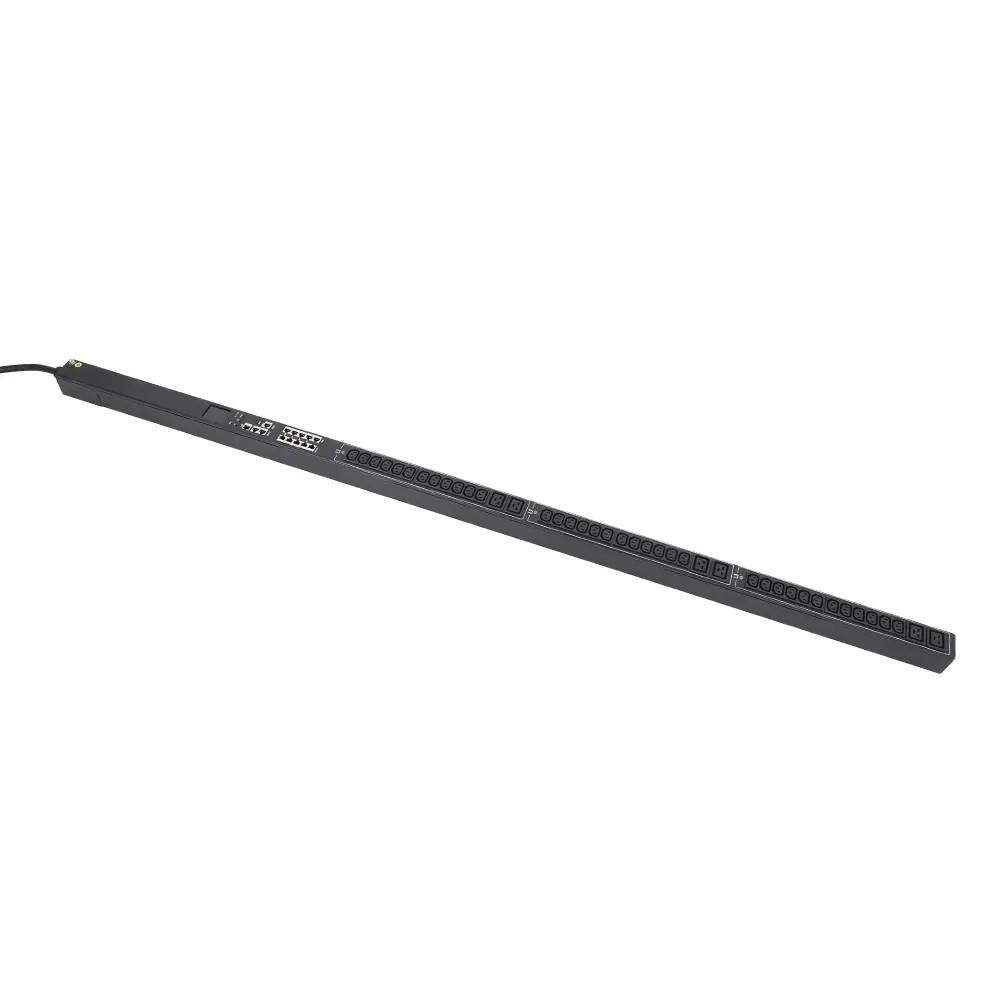
Smart, network-connected PDUs require digital maintenance just as critical as physical upkeep. Unsecured or outdated firmware creates a major vulnerability for data center infrastructure.
Outdated PDU firmware exposes facilities to cybersecurity risks including unauthorized access, malicious power circuit control, and operational disruption.
Follow these best practices:
Regular patching resolves software bugs, improves monitoring functionality, and closes security gaps in intelligent PDU systems.
Secure network configuration prevents unauthorized access to PDU control systems:
Proper cybersecurity hardening ensures that intelligent PDUs support reliable power monitoring without becoming a security liability for the facility.
Use this standardized schedule for routine data center PDU upkeep:
| Maintenance Task | Recommended Frequency |
|---|---|
| Visual inspection of cables, connections, and outlets | Quarterly |
| Dust cleaning and vent clearance | Quarterly |
| Firmware updates and security patches | Bi-annually (or as needed for critical fixes) |
| Infrared thermal scanning of busbars and connections | Annually |
| Full circuit breaker and overload protection testing | Annually |
| Three-phase load balance audit | Semi-annually |
Standard PDU maintenance includes quarterly visual inspections and cleaning, bi-annual firmware updates, and annual thermal scanning and breaker testing. Higher-density or industrial environments may require more frequent cleaning and checks.
The most common causes of PDU overheating are dust-clogged air vents, loose electrical connections creating resistive heat, sustained overloads above 80% circuit capacity, and unbalanced three-phase loads. Regular preventive maintenance catches all of these issues before they cause failure.
Intelligent PDUs provide continuous real-time monitoring of power usage, voltage, and temperature, with automatic alerts for out-of-spec conditions. This allows teams to resolve issues before they cause outages, and enables remote power management to reduce on-site response time.
Poor power quality — including voltage spikes, sags, and harmonic distortion — causes gradual damage to sensitive server electronics, shortens hardware lifespan, and increases the risk of unexpected system crashes. Stable, clean power protects equipment investment and reduces downtime.
For modular PDUs with hot-swappable components, many maintenance tasks (such as replacing individual outlet modules) can be performed without shutting down the full unit. Always follow manufacturer safety guidelines and use appropriate personal protective equipment for any live work.
Consistent, structured PDU maintenance is a low-cost, high-impact practice that prevents the majority of power-related data center outages. By combining quarterly physical inspections, proactive thermal management, careful load balancing, and regular cybersecurity updates, teams can extend PDU lifespan, maintain code compliance, and maximize infrastructure uptime.
For facilities using modular, intelligent PDUs from manufacturers like YOSUN, many maintenance tasks can be completed without full system shutdowns, further reducing operational disruption and supporting continuous power availability.