The Ultimate 1U PDU with Surge Protection Buying Guide
Select the right 1U PDU with surge protection by comparing key specs. This guide shows how to evaluate Joule rating, clamping voltage, and outlet needs for your gear.


+86 15867381241

Yes, a monitored PDU can be safely connected to a network when deployed with layered security controls. Safety depends on your setup and protections, not the device itself. Networked access delivers remote visibility and control, but weak default configurations, unpatched firmware, and poor access controls can create serious security and uptime risks.
The most effective approach treats security as a design requirement, not an afterthought. Strong default settings, network segmentation, and regular firmware updates protect your rack boundary while unlocking the full value of remote monitoring and control.
Network access creates an attack surface alongside management capabilities. Every open port, running service, and unpatched vulnerability creates a potential entry point into the rack power infrastructure.
| Vulnerability | Impact |
|---|---|
| Default/weak credentials | Attackers can gain full access using factory default usernames and passwords |
| Authentication bypass flaws | Attackers can access the device without valid credentials |
| Unpatched firmware vulnerabilities | Known bugs (e.g. CVE-2023-3259) allow full device takeover without authentication |
| Cloud platform access control gaps | Attackers can bypass NAT/firewall protections to reach cloud-managed PDUs |
| Stolen cloud credentials | Attackers can move laterally across the networked PDU fleet |
Weak login controls are the most common risk. Industry research shows 70% of IoT/OT devices ship with default credentials, and PDUs are no exception. Devices left with factory passwords offer no real barrier — an attacker who finds the management interface can power off outlets at will.
Firmware flaws are the second major risk. High-severity vulnerabilities like CVE-2023-3259 allowed attackers to take full control of vulnerable PDUs via a browser cookie change, with no password required. Unpatched devices remain exposed long after fixes are published by vendors.

Layered controls turn a high-risk deployment into a manageable one. Follow these core practices for secure remote access.
| Hardening Category | Recommended Practices |
|---|---|
| Encryption | HTTPS/SSH enabled by default; TLS with AES-128/256-bit ciphers; SNMPv3 with MD5/SHA authentication and DES/AES privacy |
| Password policy | Minimum 8 characters, mixed case, numerals, special characters; no reuse of last 3 passwords; force default password change on first login |
| Access control | IP ACLs + role-based permissions; account lockout after repeated failed attempts; inactive session timeout |
| Firmware & boot | Regular firmware updates; Secure Boot with onboard integrity verification |
Additional best practices:
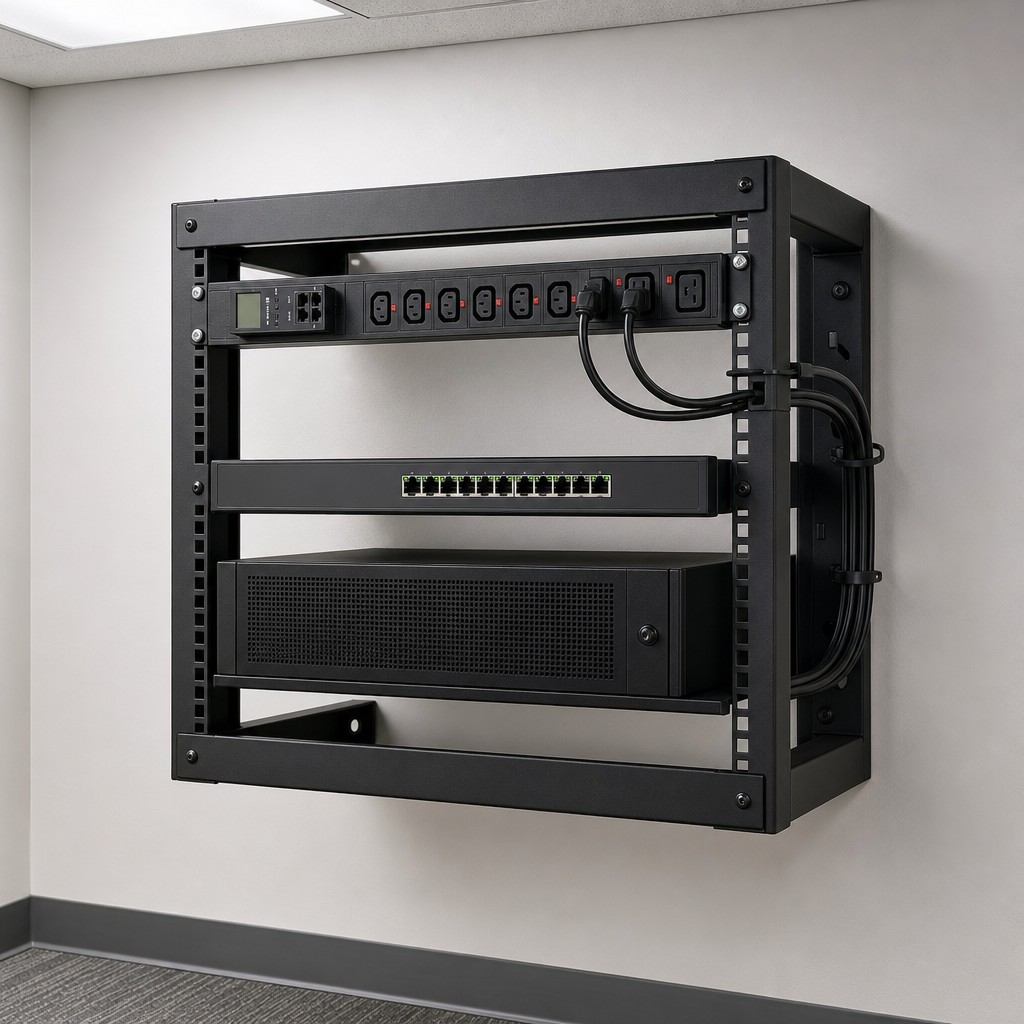
A monitored PDU with no network connection delivers limited value. Connecting it to a secure management network turns raw metering data into actionable operational insight.
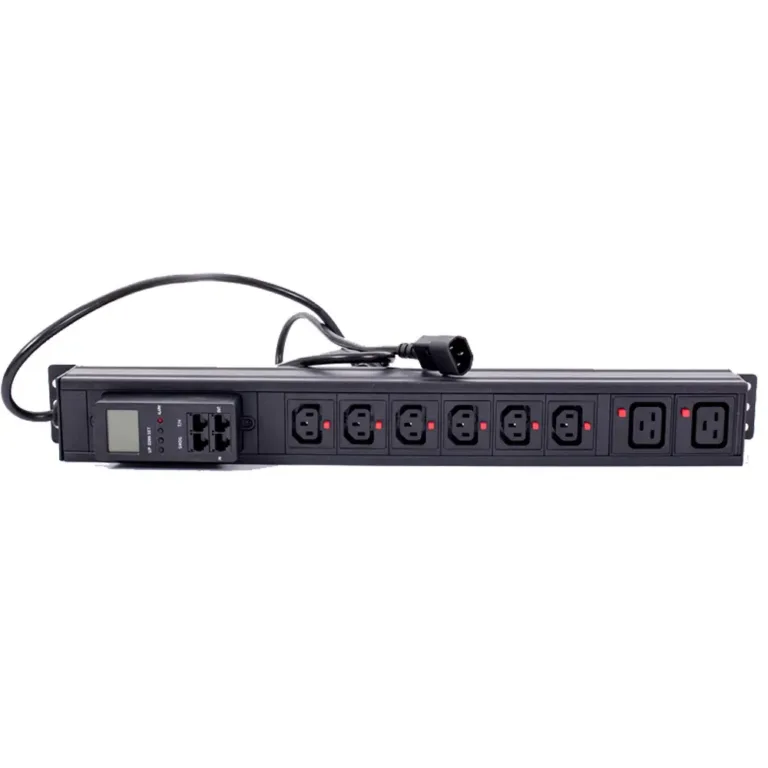
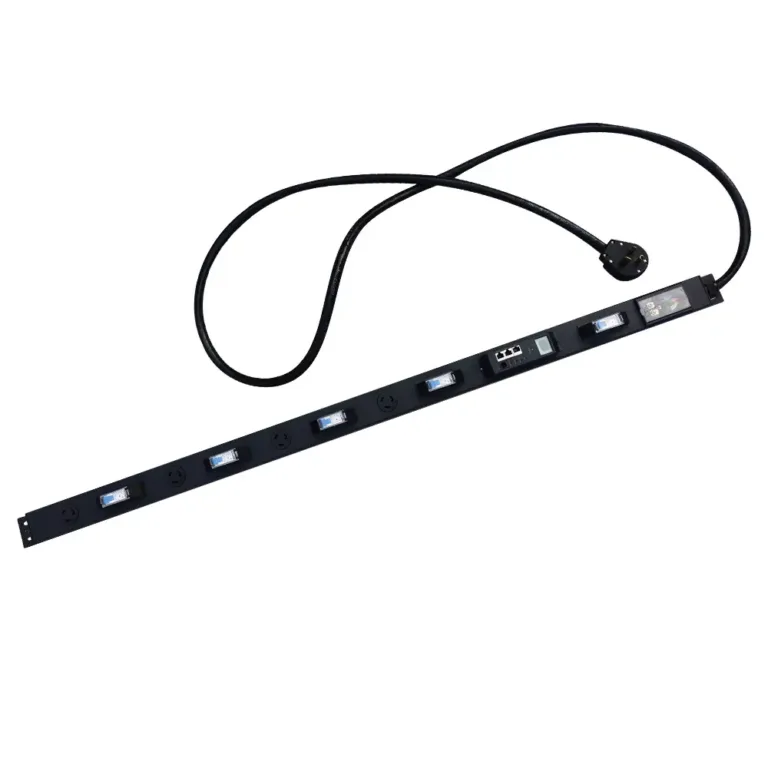
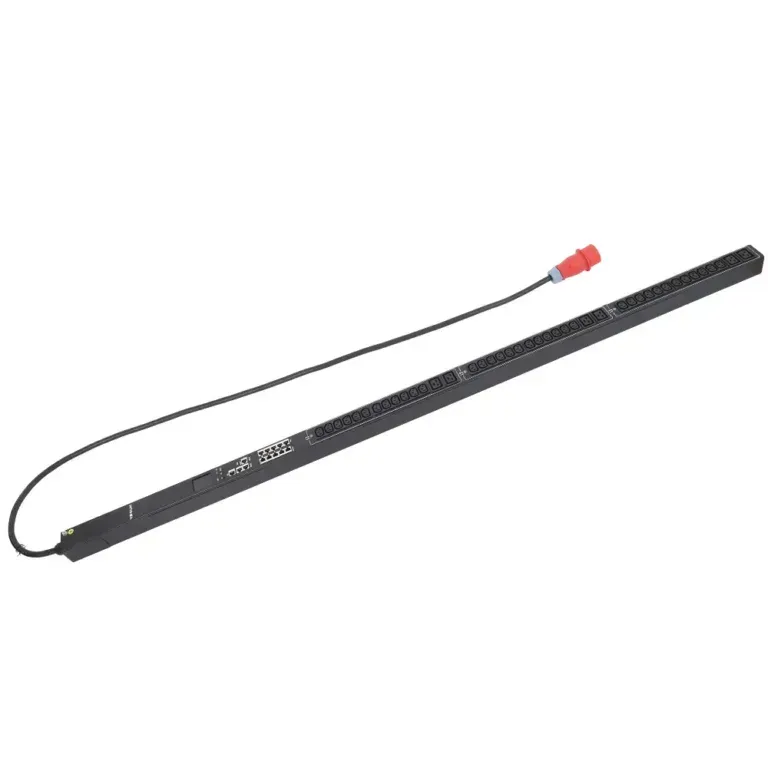
Networked PDUs deliver real-time visibility into voltage, current, power factor, and energy use at the outlet level, with alerts for abnormal conditions. Administrators can restart unresponsive devices remotely instead of dispatching on-site staff. Daisy-chain connectivity allows multiple PDUs to be managed through a single IP address.
For example, YOSUN monitored PDUs deliver ±1% accurate per-outlet metering, integrated environmental sensor support, and integration with DCIM platforms via SNMP, Modbus, and APIs.
Per-outlet energy data enables accurate tenant chargebacks, capacity planning, and overload prevention. Centralized integration with DCIM/BMS platforms supports PUE optimization and environmental control across high-density data centers. The investment pays off through reduced energy waste, fewer site visits, and fewer unplanned outages.
The right configuration depends on your use case, not a one-size-fits-all approach.
No. Monitored PDUs should be deployed on a private, dedicated management segment, accessible only via VPN or jump host. Public exposure adds unnecessary risk with no operational benefit. Always keep devices behind a firewall and restrict access to authorized administrators.
At minimum: change default credentials, enable HTTPS/SSH encryption, use authenticated SNMPv3, update firmware to the latest version, and implement IP ACLs and role-based access controls.
Yes. Internal monitoring works reliably. PDUs can report data via SNMP, Modbus, or APIs to on-premises DCIM software entirely inside your private network. Remote access is delivered via secure tunnels, with no direct internet exposure.
They can add value, but are not always required. Basic metered units with local displays work for on-site staff. Add managed functionality when remote visibility, alerts, or centralized monitoring is needed. Match features to your staffing and operational needs.
Patching is always the preferred solution. As a temporary mitigation, you can restrict network access to the PDU management interface via ACLs and network segmentation, and disable unused services and ports to reduce the attack surface.