How to Install a Rackmount Power Distribution Unit?
Table of Contents
Proper installation of a rackmount PDU is critical for reliable power distribution, equipment safety, and proper airflow in data centers and server rooms. A poorly installed PDU can contribute to circuit overloads, blocked airflow, grounding issues, and unplanned downtime. Correct installation involves more than securing the PDU to the rack—it also requires checking electrical specifications, selecting the appropriate mounting position, establishing proper grounding, managing power cables, and balancing loads where applicable.
Key Takeaways
Verify PDU specifications for voltage, connector type, load capacity, and rack environment before installation.
Choose the right PDU mounting method based on available rack space, with horizontal 1U/2U and vertical 0U options.
Complete PDU grounding and electrical checks before energizing the unit.
Manage PDU cables properly to maintain airflow, reduce strain, and prevent accidental disconnections.
Balance three-phase PDU loads and complete final voltage, connection, and outlet checks before bringing equipment online.
Pre-Installation Preparation for a Rackmount Power Distribution Unit
Confirm Electrical & Load Specifications
Before installation, verify electrical compatibility and load limits to avoid safety risks and equipment damage.
Load capacity rule: Per NEC standards, continuous electrical loads must not exceed 80% of the PDU and circuit’s maximum rated capacity. For example, a 20A circuit supports a maximum 16A continuous load, and a 30A circuit supports 24A.
Input voltage & connector: Confirm the PDU matches your facility’s supply voltage (120V, 208V, 400V are standard) and has a compatible input plug (e.g., NEMA L21-30P, IEC C20).
Environmental rating: Ensure the PDU is rated for the ambient temperature range of your rack environment, as high-density cabinets can reach elevated temperatures.
Gather Tools & Plan Rack Placement
Prepare tools and plan placement before beginning installation to streamline the process:
Verify the rack frame is structurally stable and level.
Choose a mounting location that does not block server air intakes or exhaust vents.
Map cable routing paths to avoid tangling and maintain separation between power cords and data cables.
Step-by-Step Rackmount PDU Installation
Option 1: Horizontal 1U/2U PDU Mounting
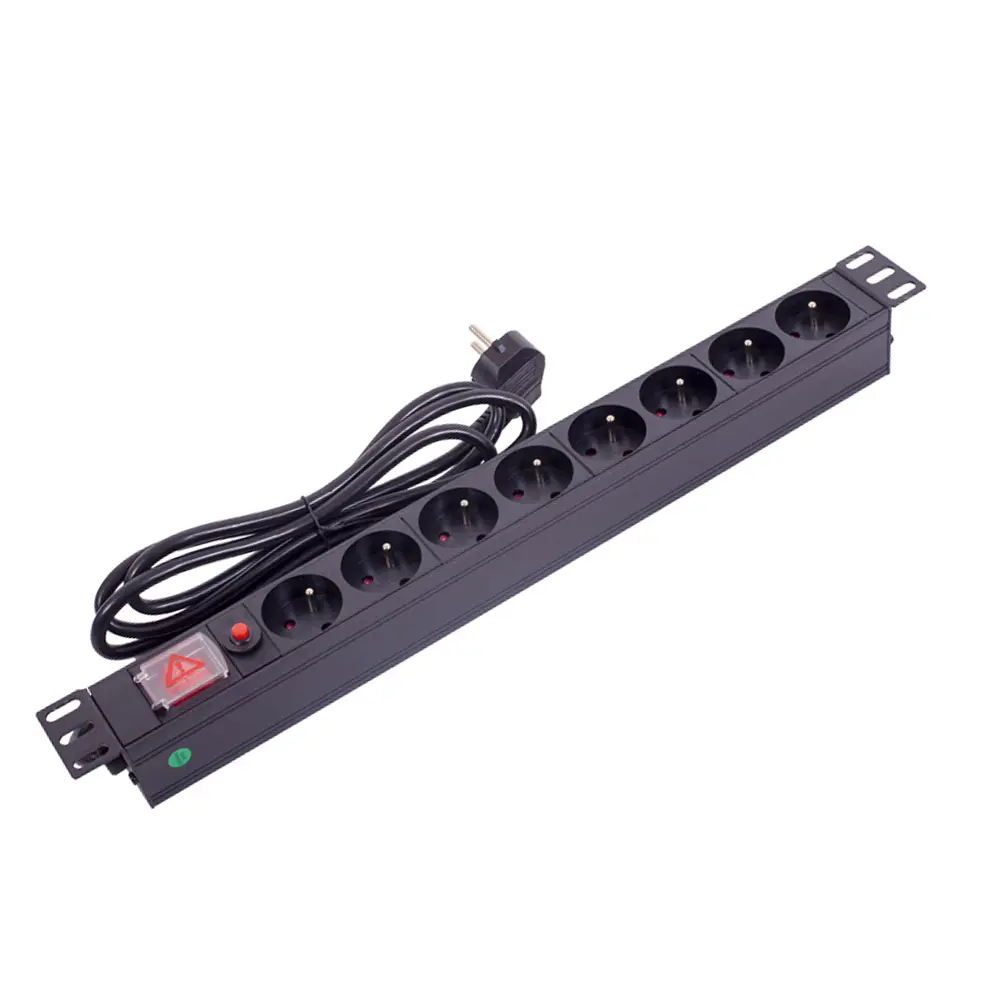
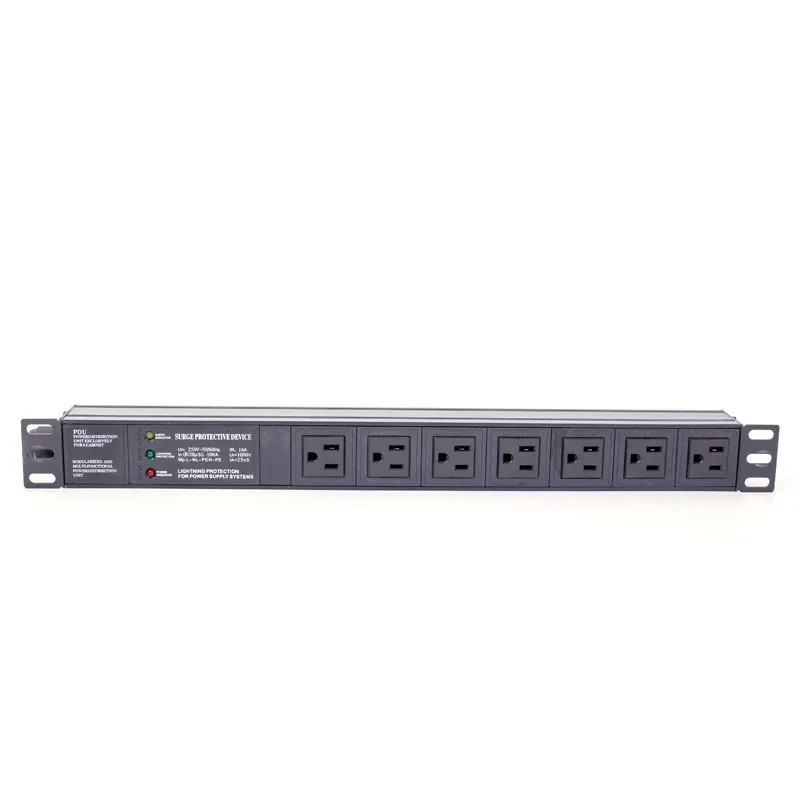
Horizontal PDUs typically mount to compatible 19-inch EIA rack rails and are suitable for shallow cabinets or installations requiring front access.
Insert cage nuts into the appropriate square holes on the vertical rack rails.
Support the PDU and align its mounting brackets with the installed cage nuts.
Install and tighten the mounting screws according to the manufacturer’s specifications.
Check that the PDU is level and securely mounted before connecting cables.
Note: Horizontal PDU mounting occupies 1U or 2U of rack space. Use vertical mounting when preserving rack space is a priority.
Option 2: Vertical 0U PDU Mounting
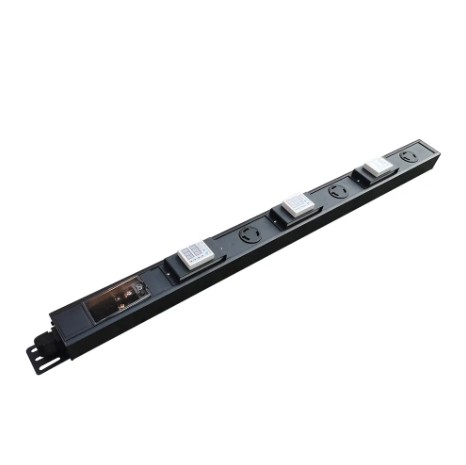
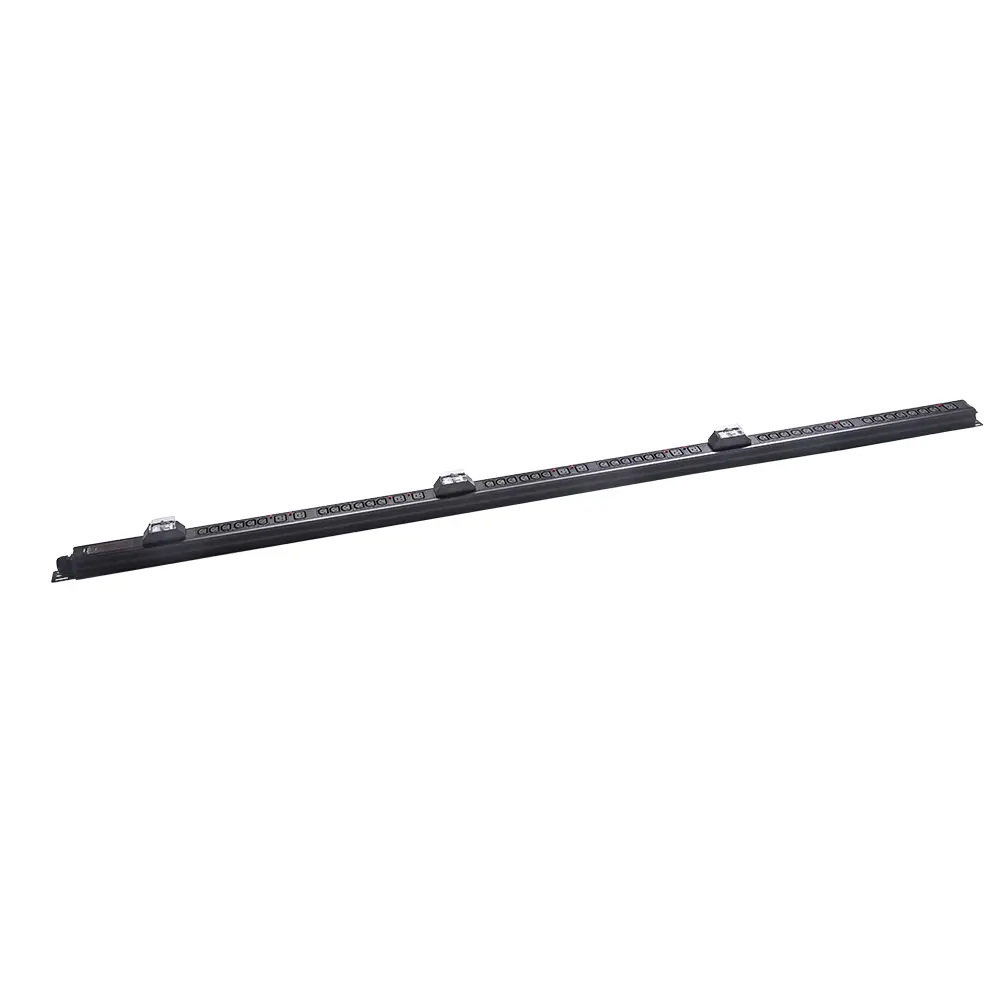
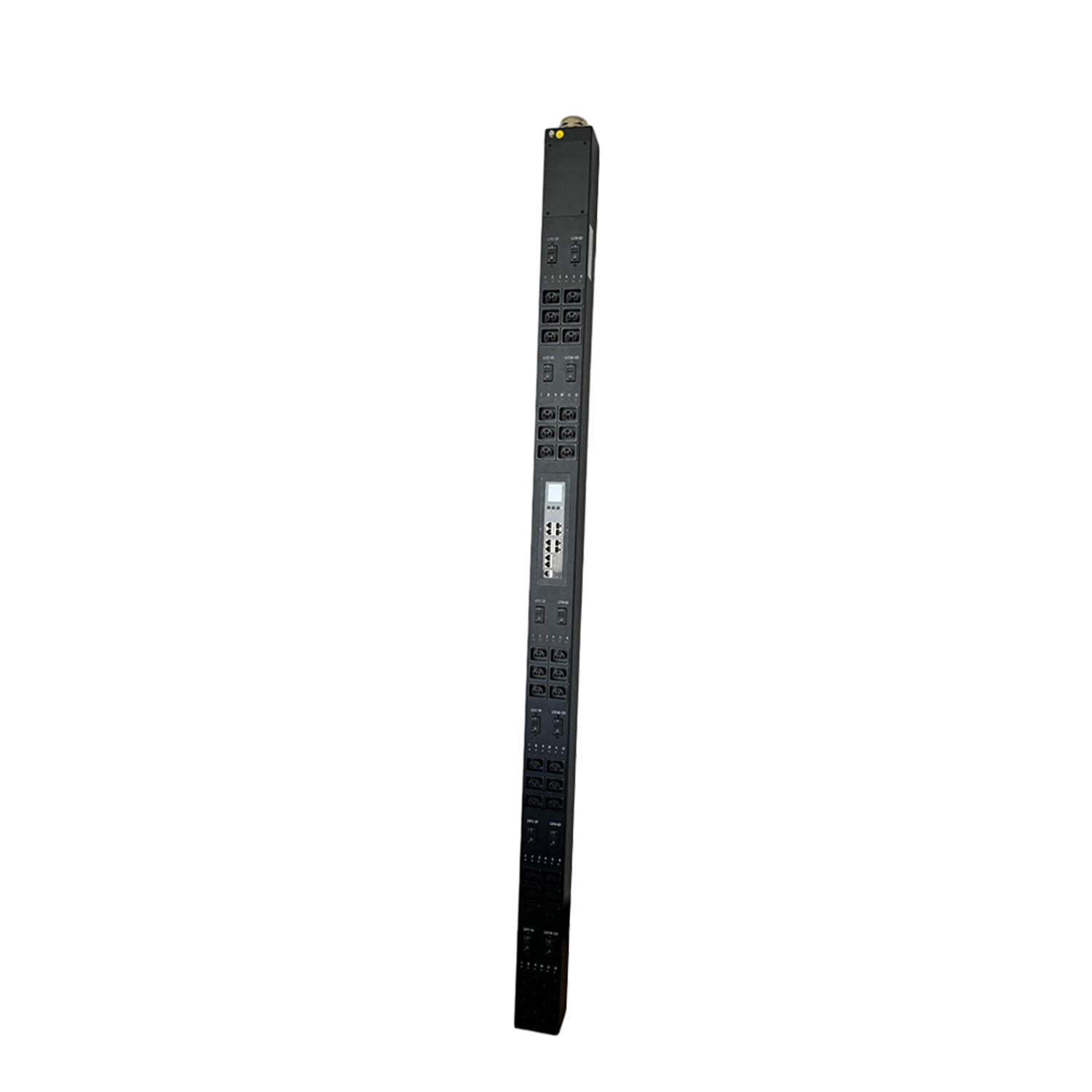
Vertical 0U PDUs mount along the side or rear vertical rack rails without occupying active rack units, making them well suited to high-density server racks.
Locate the compatible mounting slots or keyhole openings on the rack frame.
Align the PDU’s mounting pegs or brackets with the rack openings.
Push the PDU into position and slide or secure it according to the mounting design.
If quick-mount slots are unavailable, use the manufacturer’s approved brackets and hardware.
Safety note: Full-height vertical PDUs can be heavy. Use two people when handling and installing large units to reduce the risk of injury or equipment damage.
Critical Step: PDU Grounding and Electrical Testing
Before energizing the PDU, complete the required grounding and electrical checks according to the manufacturer’s instructions and applicable standards.
Connect the PDU’s grounding terminal to the rack’s protective grounding system using a properly sized grounding conductor.
Where required, perform insulation resistance testing according to the PDU manufacturer’s specifications and applicable electrical standards.
Route the main PDU input power cord through the rack’s cable-management path, away from hot exhaust air and sharp edges, while keeping ventilation openings clear.
Post-Installation PDU Cable Management and Load Balancing
Use horizontal cable managers to route PDU power cords across the front or rear rack rails.
Use vertical cable managers to organize heavier cable runs along the side frame.
Secure excess cable length at designated lacing points to reduce strain on plug connections.
Use built-in IEC outlet grips or cord-retention features where provided to help prevent accidental unplugging.
Balance Three-Phase Loads
For three-phase PDUs, distribute connected equipment as evenly as practical across the available phases to reduce phase imbalance and improve power distribution.
Spread server loads evenly across the available PDU phases.
Keep phase loads reasonably balanced and follow the facility’s specified imbalance limits.
Use color-coded PDU outlets or phase labels, where provided, to identify phase assignments and reduce wiring errors.
Energizing the PDU and Final Safety Verification
Before applying power, complete a final inspection of the PDU installation:
Verify the PDU mounting hardware, grounding connection, input power connection, and outlet connections.
Connect the PDU to the designated facility power source according to the manufacturer’s requirements.
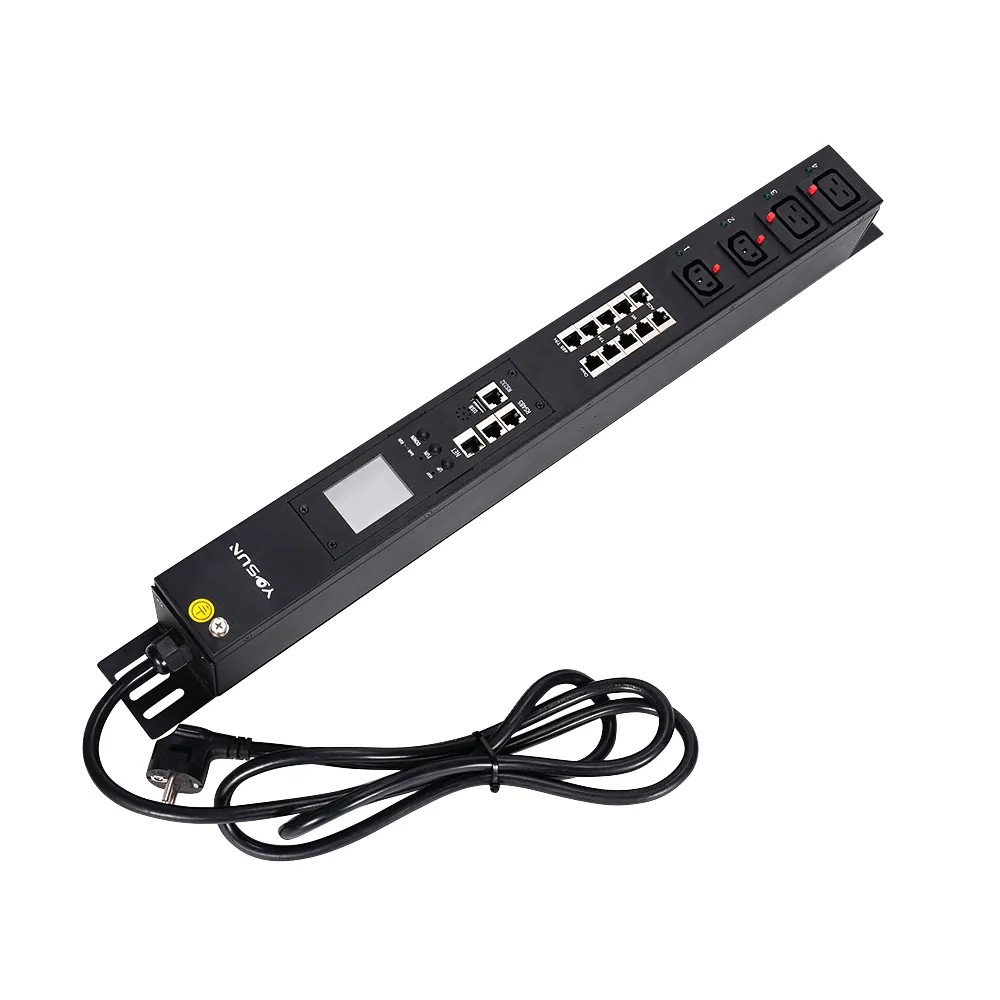
Turn on the main input breaker and verify input voltage, phase status, and load readings through the PDU display or monitoring interface, where available.
For switched PDUs, verify individual outlet controls before bringing connected equipment online.
Document PDU outlet assignments, phase mappings, and connected loads in the rack inventory for future maintenance.
FAQ
Why is there an 80% load limit for continuous PDU operation?
The 80% rule is required by the National Electrical Code for continuous electrical loads. This safety margin prevents circuit breakers from nuisance tripping under steady-state conditions and protects wiring and components from overheating.
What is the benefit of a 0U vertical PDU?
A 0U vertical PDU mounts to the rear or side of the rack frame and consumes zero active rack units. This preserves all rack space for servers and network gear, enables shorter power cable runs, and improves overall cabinet airflow.
Do I need to ground a rackmount PDU separately?
Yes. All rackmount PDUs require a dedicated equipment grounding conductor connected from the unit’s grounding lug to the rack’s grounding busbar. This protects against static discharge, fault currents, and electrical shock hazards.
How tight should PDU mounting screws be?
For standard 10-32 rack screws, tighten to a maximum of 15 in-lb. For M6 screws, tighten to a maximum of 20 in-lb. Over-tightening can strip threads, bend mounting brackets, or damage the rack rail.
How do I prevent accidental power cord disconnections?
Use PDUs with built-in IEC outlet grips to lock cords in place, and secure excess cable length with cable management. This prevents cords from being pulled loose during maintenance of adjacent equipment in crowded racks.
Final Thoughts
Correct rackmount PDU installation is a foundational step for safe, reliable, and efficient data center power distribution. Taking the time to plan placement, follow proper mounting procedures, implement solid grounding, and balance loads will prevent common issues like overload trips, airflow blockages, and accidental disconnections.
Always follow NEC electrical codes and the manufacturer’s specific instructions, and perform final safety testing before connecting critical IT equipment. A properly installed PDU will deliver years of dependable service and support safe, scalable rack deployments.
A power bar allows you to connect multiple devices simultaneously. A surge protector looks similar to a power strip but has more functions. It can protect...
With the concept of green environmental protection, energy saving and emission reduction gaining popularity, products with high energy consumption will be gradually replaced by energy...
Yes, environmental monitoring is a standard feature of modern smart power distribution units (PDUs). At the rack level, smart PDUs connect to dedicated sensors to...