Never Overlook These PDU Company Benefits
Discover how a trusted PDU company like NBYOSUN ensures efficient power distribution, reliability, and scalability with advanced features and certifications.


+86 15867381241
Picking the right power distribution unit helps equipment stay safe and work well. Many groups face problems like:
YOSUN is a trusted maker. Their PDU choices can be changed to fit what you need. They help data centers, server rooms, and other places.
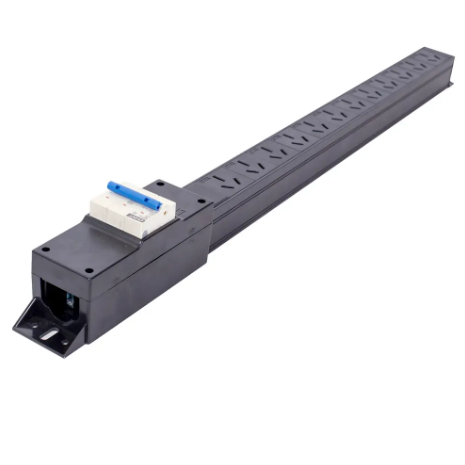
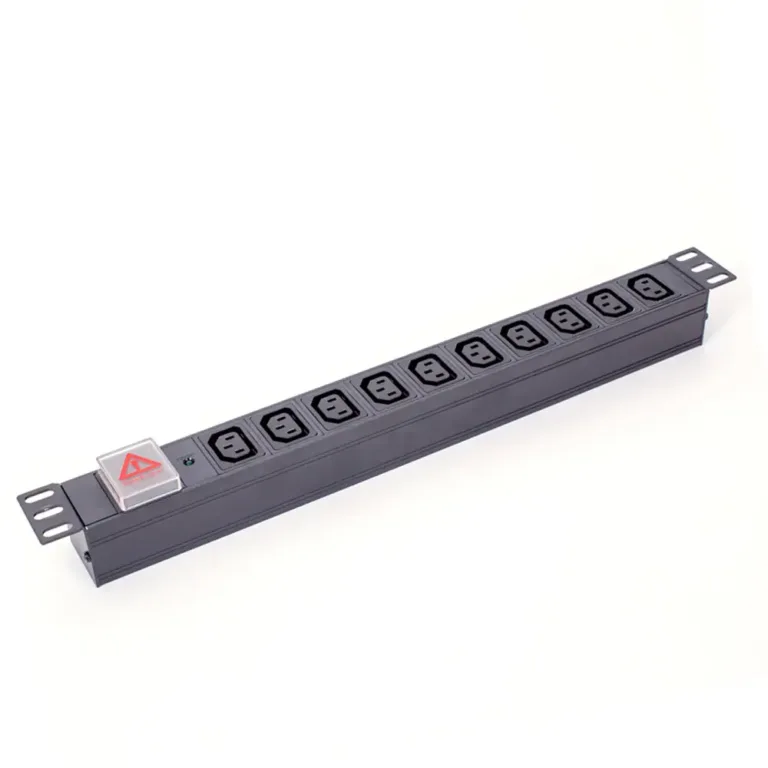
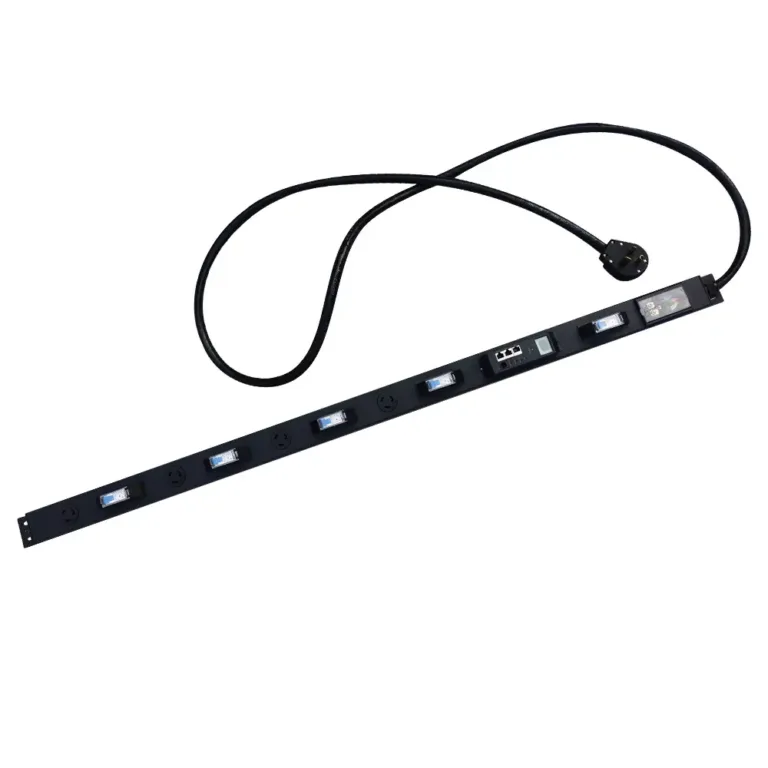
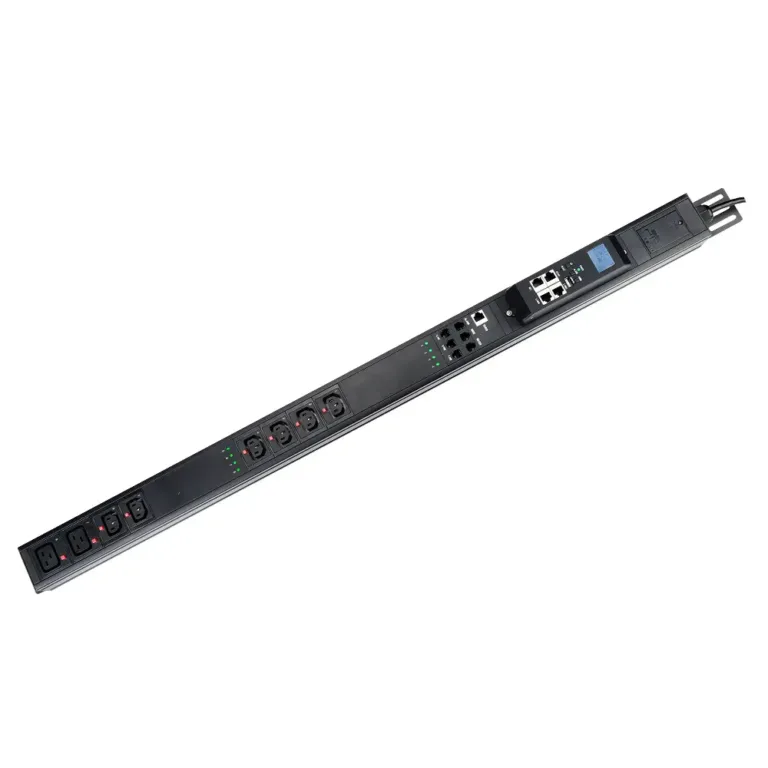
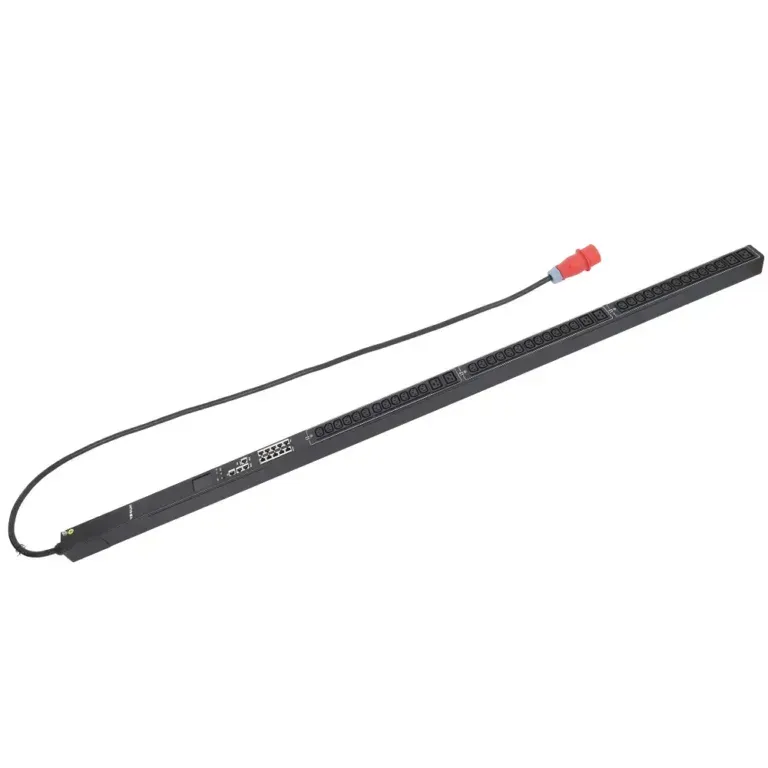
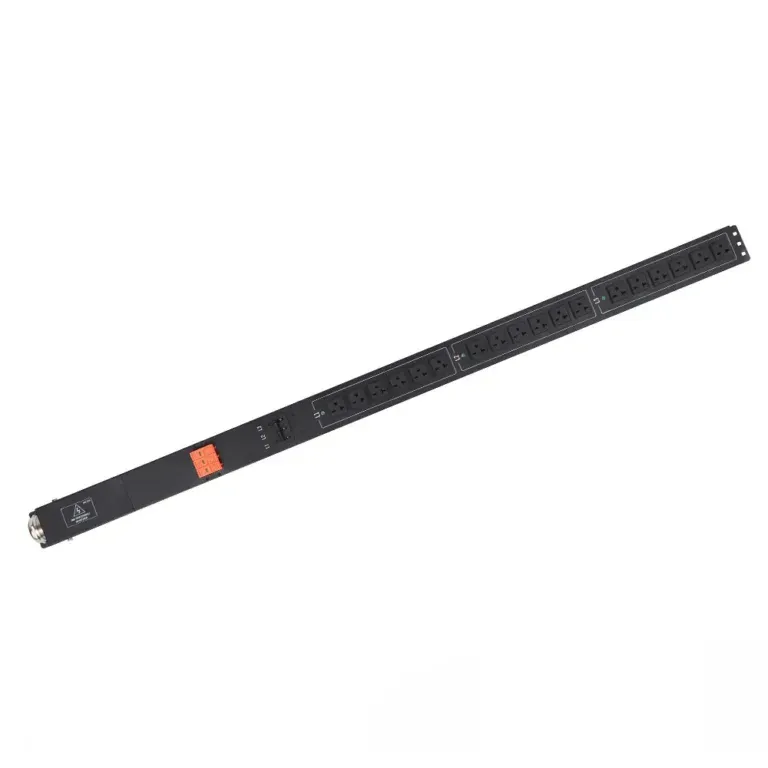
To select the right Power Distribution Unit (PDU), you need to understand its main types. Each type is suitable for different application scenarios and locations. YOSUN offers a variety of options, such as basic PDUs, metered PDUs, intelligent PDUs, and heavy-duty PDUs. These PDUs help numerous businesses, such as data centers, telecom rooms, and server racks.
Note: The table below shows how different groups use pdus and what they want.
| Category | Characteristics |
|---|---|
| Hyperscale Cloud Providers | Need smart, high-quality pdus for big setups. |
| Colocation Service Providers | Want strong pdus with good metering. |
| Enterprise Data Centers | Look for pdus with good planning and easy setup. |
| Telecom & Edge Facilities | Like pdus with remote control and tough builds. |
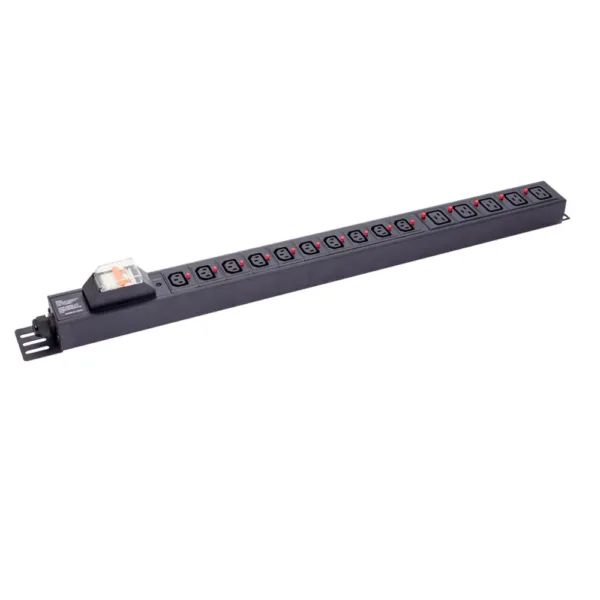
Basic power distribution units (PDUs) provide simple power to your equipment. They are suitable for various locations, such as server rooms and offices. These PDUs have multiple output outlets and a robust construction to help prevent power failures. Basic PDUs have no extra features but are easy to use and install. YOSUN’s basic PDUs comply with safety regulations and can be customized to your needs. Many people choose basic PDUs as their first power supply unit.
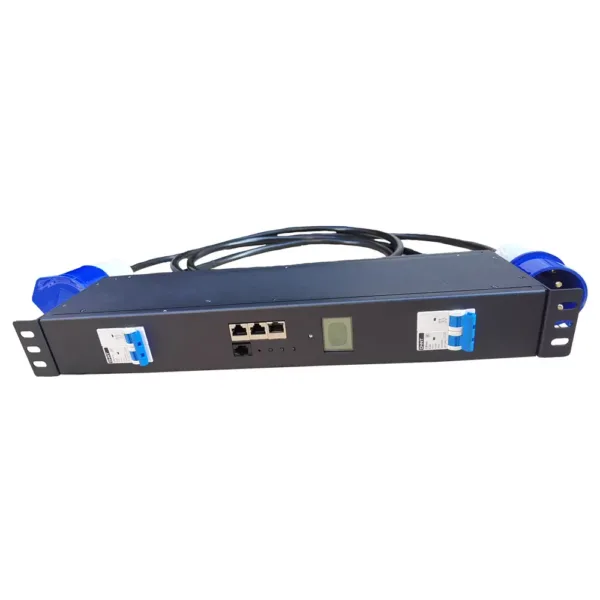
Metered power distribution units (PDUs) offer more powerful control functions than standard PDUs. They display the power consumption of each device, helping users monitor energy usage and prevent overload. Metered PDUs are ideal for locations requiring frequent power checks. YOSUN’s metered PDUs feature clear displays and robust, durable components, and have passed numerous safety tests. Metered PDUs help users use electricity more efficiently and ensure electrical safety.
Monitoring and intelligent power distribution units (PDUs) offer enhanced functionality. They allow you to remotely monitor and control the power supply. These PDUs can issue alarms in case of problems. Intelligent PDUs are ideal for large systems requiring remote control. YOSUN’s intelligent PDUs are compatible with various plug types and can be replaced to meet specific needs. They also comply with international safety standards. Intelligent PDUs help users save energy and ensure proper equipment operation.
YOSUN conducts quality testing on every power distribution unit. They can also customize PDUs for you. Their products meet diverse needs and ensure equipment safety.
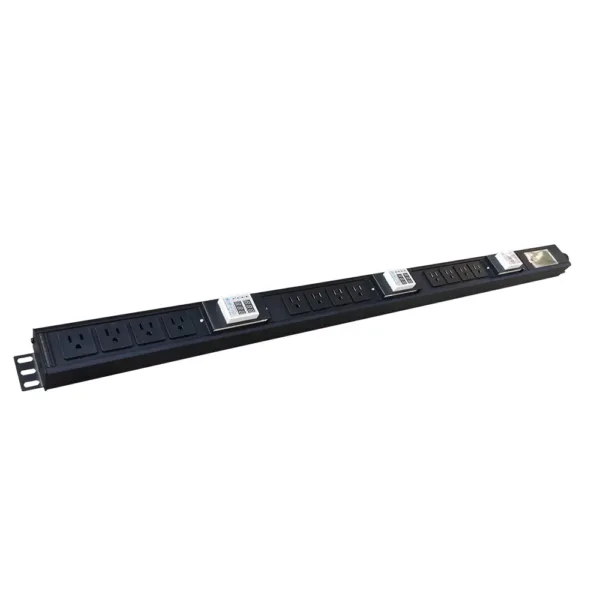
For modern power distribution units (PDUs), monitoring and management are crucial. Many data centers require real-time access to power data, enabling teams to respond quickly and identify issues early. PDUs with remote monitoring capabilities allow users to view power status anytime, anywhere, and even remotely control outlet switches. Centralized monitoring allows staff to view the operational status of multiple devices on a single platform. These features save time and streamline workflows.
Tip: Watching power in real time and switching computers from far away can stop long breaks and help fix things quickly if something fails.
Overload protection keeps equipment safe. A power distribution unit often has many safety tools:
These features keep the pdu and other devices safe. They help meet the tough needs of busy IT places.
Safety and usability are important for every power distribution unit. Certifications from trusted groups show a pdu is safe. YOSUN’s smart pdus follow world safety rules, so users can trust them. New pdus are easy to use. They have clear screens, color-coded outlets, and simple setup. These features help people use power safely and well.
A power distribution unit with good safety and easy use helps data centers and other important places run smoothly.
Picking the right power distribution unit takes a few steps. Each step helps make sure your equipment gets safe and steady power. This guide shows how to pick a pdu that fits your needs now and later.
First, you need to know how much power you need. Every device in your rack or room uses some power. To keep things running well, do these things:
Tip: New power meters in PDUs help you watch power use and quality. These tools let you see energy use, set alarms, and stop problems before they start.
YOSUN has power units with built-in monitoring and management. These features help businesses save energy and keep things working well.
Next, make sure the PDU matches the voltage and rules in your area. Using the wrong voltage can break your equipment or cause it to stop. The table below shows common voltage ratings and what they are for:
| Voltage Rating | Description |
|---|---|
| 240 Volts | Used in many places for big machines |
| 120 Volts | Used in homes and small businesses in the U.S. |
| 120/208 Volts | Used in U.S. buildings, works for both 120V and 208V devices |
If you use the wrong voltage or PDU, you can have problems:
| Impact Type | Description |
|---|---|
| Operational Inefficiency | Equipment may not work as well |
| Increased Maintenance | You may need more repairs and spend more money |
| Potential Damage | Devices can break or stop working |
| System Crashes | Things may shut down suddenly |
| Data Loss | You could lose important data |
| Hidden Costs | Old or wrong setups can cost more money |
YOSUN’s PDUs follow world rules like ISO9001, UL, CE, VDE, and RoHS. These rules help keep things safe and working in different places.
Last, you need to match the plug and outlet types to your equipment. Different places and devices use different plugs. The table below shows some common outlet types:
| Outlet Type | Voltage (V) | Current (A) |
|---|---|---|
| NEMA 5-15R | 120 | 15 |
| IEC C-13 | 250 | 16 |
| IEC C-19 | 250 | 32 |
| NEMA L6-20R | 250 | 20 |
| NEMA L6-30R | 250 | 30 |
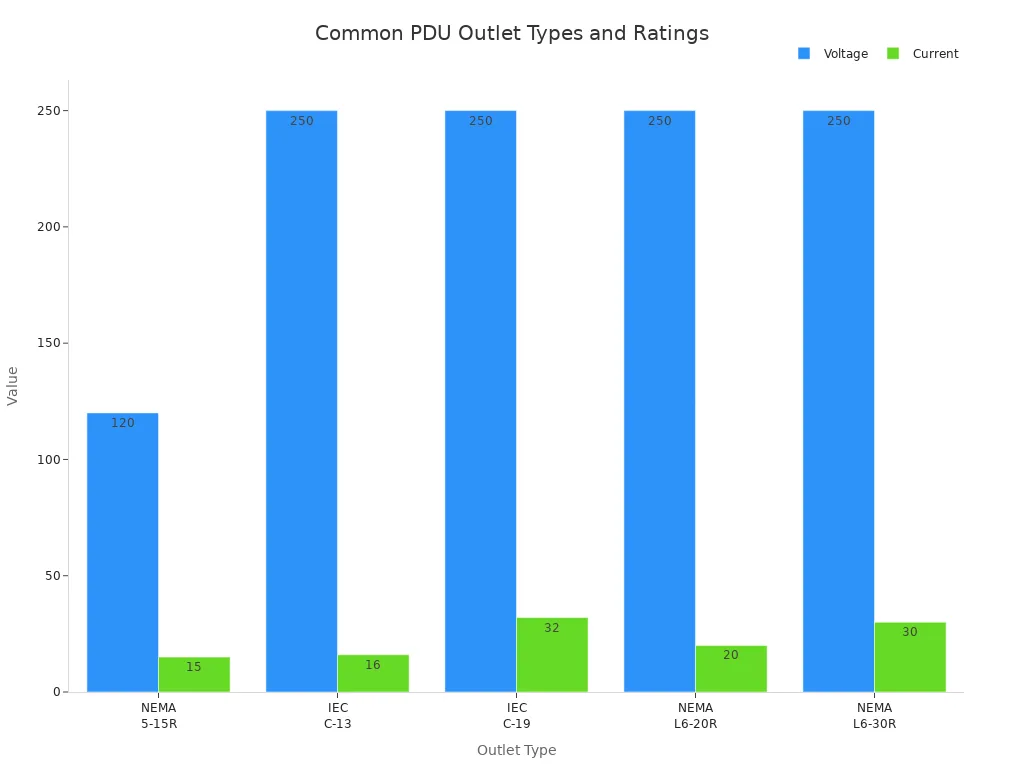
Picking the right plug and outlet types makes setup easier and helps you add more later. Modular PDUs let you add more outlets or change them as you need. YOSUN lets you pick outlet types, setups, and extra features for your needs.
Note: Customizable PDUs from YOSUN help companies in server rooms, data centers, and telecom places meet their needs.
By following these steps, you can pick a pdu that works now and in the future. Good brands like YOSUN give safe, custom choices that help you save money and keep things running.
Picking the right PDU keeps your equipment safe and working. Every step is important. People need to check how much power they need. They also need to check the voltage and plug types. It is smart to look for features like monitoring and overload protection.
Customizable PDUs help you manage cables and make fixing things easier. Smart PDUs can lower energy use by up to 20%. YOSUN gives strong, custom choices for many jobs. For safe and good power, pick a trusted brand like YOSUN.
A PDU, or power distribution unit, sends electricity to many devices. People use PDUs in data centers, server rooms, and network closets. PDUs help keep equipment safe and working.
Data centers use network-grade pdus to manage power for many servers. These PDUs give strong protection and let staff watch power use. They help prevent downtime and keep systems running.
A person mounts the PDU in a rack or cabinet. They connect the PDU to a power source. Then, they plug in the equipment. Always follow safety rules during setup.
Yes, people use PDUs in network closets to power switches, routers, and other devices. PDUs help organize cables and make power management easier.
People should look for overload protection, clear displays, and remote monitoring. Some PDUs have smart features that help save energy and spot problems early.