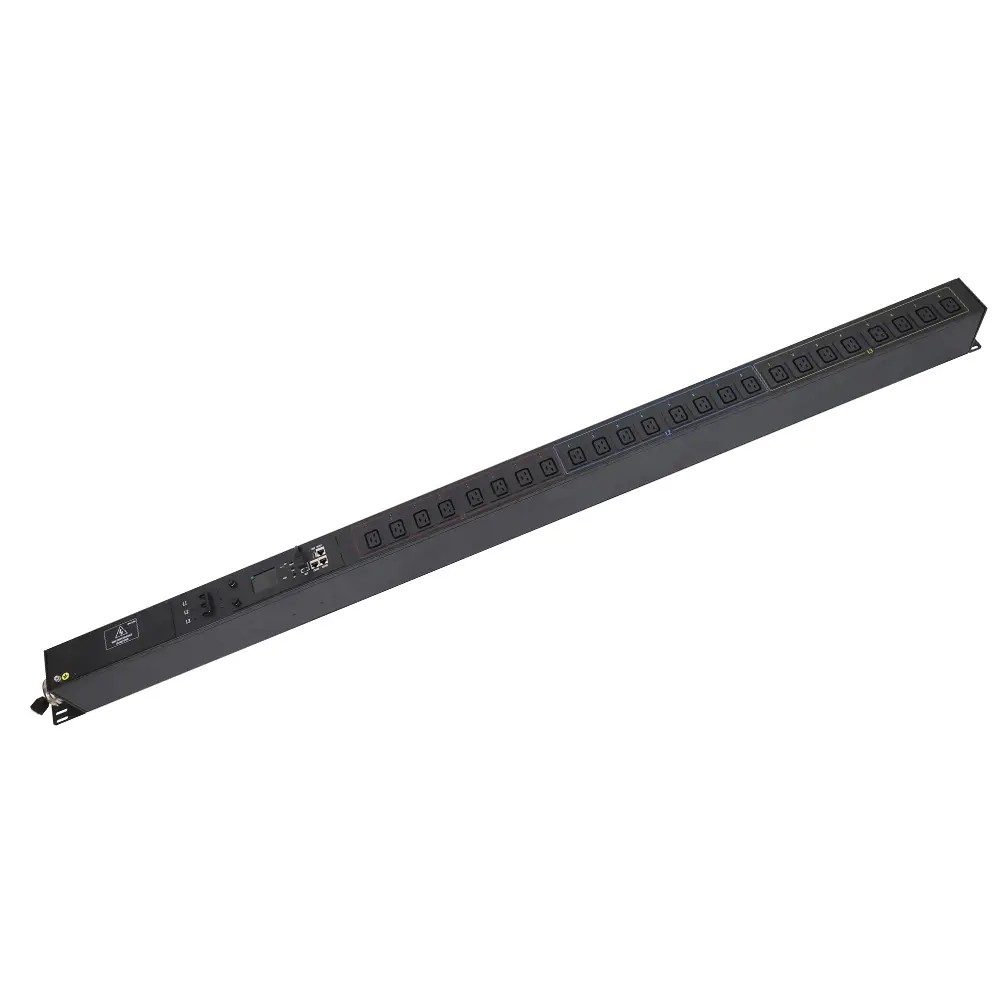
Why PDUs are Essential for Data Center Power Management
Modern data centers are handling increasingly dense computing workloads, making power distribution and management more challenging. AFCOM’s 2025 report, for example, shows average rack power...


+86 15867381241
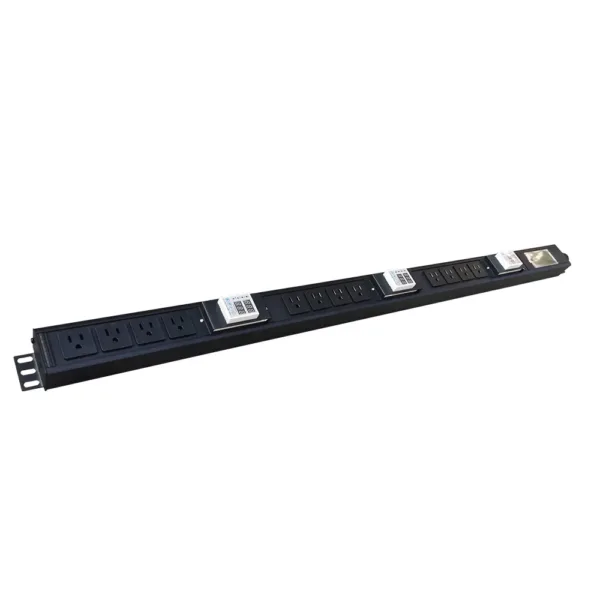
A single power distribution unit (PDU) failure can shut down an entire server rack, leading to costly downtime and disrupted operations. According to the Uptime Institute, power system failures are responsible for 54% of data center outages, while power and cooling issues combined account for nearly 71% of incidents.
Choosing the right PDU is essential for maintaining uptime, protecting critical equipment, and supporting future expansion. Factors such as power capacity, outlet configuration, mounting style, and remote monitoring capabilities all play a major role in long-term reliability and efficiency.
Understanding the differences between basic, metered, monitored, and smart PDUs can help businesses avoid costly infrastructure mistakes and build a more stable power distribution system with solutions from YOSUN.
The first and most critical step is determining how much power your equipment actually needs. Under-sizing a PDU leads to overloads and downtime, while over-sizing wastes money.
CRITICAL SAFETY WARNING: Never exceed 80% of a PDU’s rated capacity. Overloading can cause overheating, fire, and catastrophic equipment damage. Always have a qualified electrician install and inspect your PDU.
YOSUN offers both single-phase and three-phase PDUs in a wide range of power ratings, from 10A to 60A, to meet any requirement.
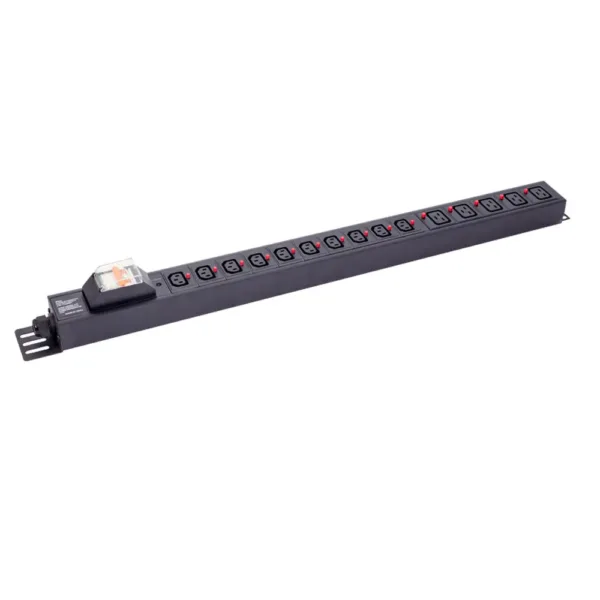
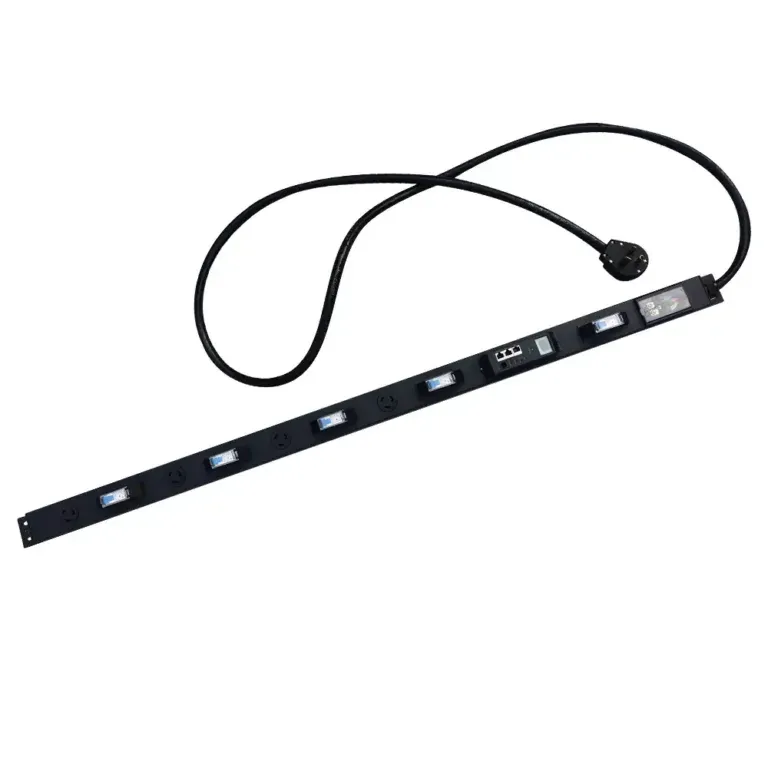
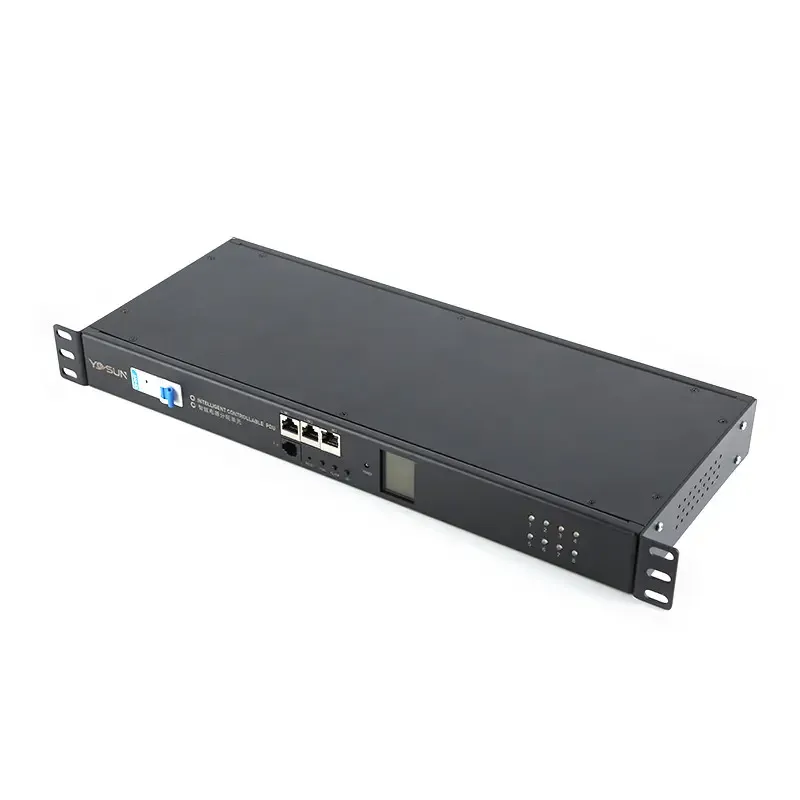
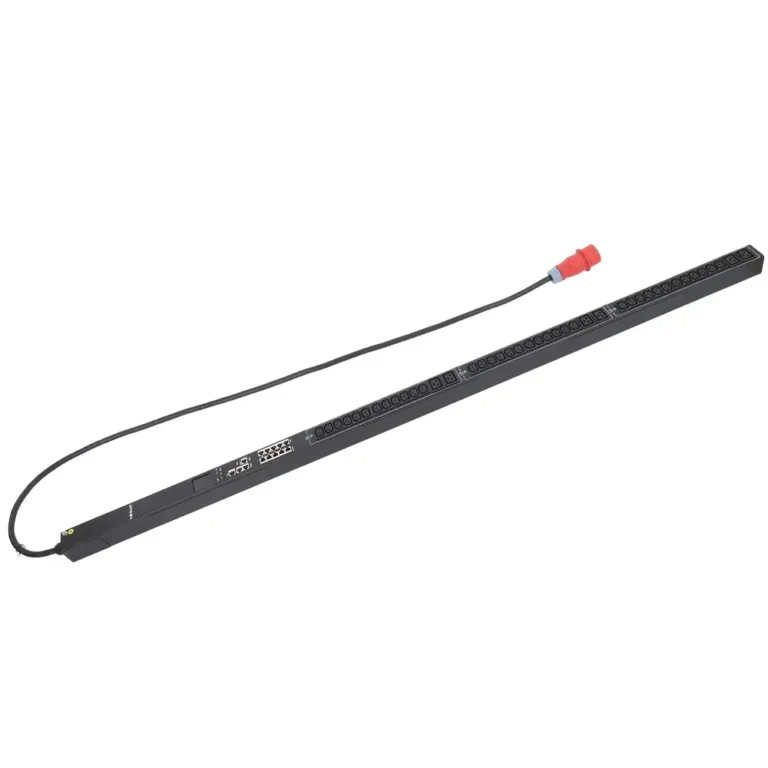
The next decision is whether to use a vertical (0U) or horizontal (1U/2U) rack-mount PDU. This choice affects space utilization, cable management, and cooling.
| Feature | Vertical 0U PDUs | Horizontal 1U/2U PDUs |
|---|---|---|
| Space Utilization | Mounts on rack side, uses 0 rack units | Occupies 1–2U of valuable equipment space |
| Outlet Count | Up to 60 outlets per PDU | 8–24 outlets per PDU |
| Airflow & Cooling | Excellent, cables do not block airflow | Poor, cable clutter restricts cooling |
| Maintenance | Can be serviced without power interruption | Often requires rack removal for repairs |
| Best For | High-density racks, data centers | Small server rooms, low-density setups |
Vertical PDUs are the preferred choice for most modern data centers because they maximize rack space and improve cooling efficiency. YOSUN’s vertical PDUs feature a slim, patented design that fits all standard 19-inch racks.
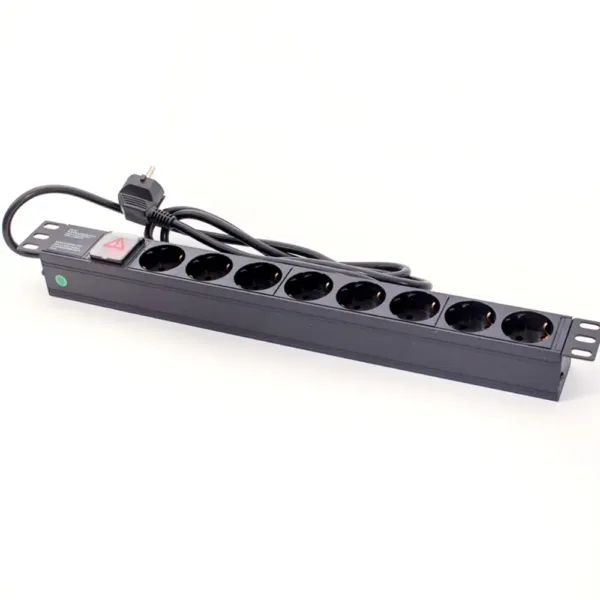
PDUs are categorized by their functionality and intelligence. Choose the type that best matches your monitoring and control needs.
| PDU Type | Core Functionality | Best For |
|---|---|---|
| Basic | Simple power distribution, no monitoring | Small offices, non-critical equipment |
| Metered | Displays total power consumption | Budget-conscious environments, energy tracking |
| Monitored | Network-connected, real-time power monitoring | Medium server rooms, remote locations |
| Switched | Remote outlet control + advanced monitoring | Enterprise data centers, high-availability systems |
Smart switched PDUs can reduce energy costs by up to 30% and lower downtime by 25% through early problem detection. YOSUN offers all four PDU types with optional advanced features.
Mismatched plugs and outlets are a common cause of downtime and safety hazards. The most common connector types are:
YOSUN PDUs support all global plug and outlet types, ensuring compatibility with equipment from any manufacturer.
For high-density racks with power requirements over 30kW per rack, you will need a high-amp heavy-duty PDU. These PDUs:
Every PDU should include built-in surge protection to guard against voltage spikes that can damage sensitive electronics. Premium models also offer power conditioning to filter out electrical noise.
Modern PDUs provide web-based and mobile access for remote management. They can send real-time alerts via email or SMS for:
Ensure your PDU meets all relevant safety and environmental standards:
Choosing the right PDU is critical for the reliability, efficiency, and safety of your IT infrastructure. By following these steps – calculating your power needs, selecting the right form factor, choosing the appropriate intelligence level, and ensuring compatibility – you can avoid costly downtime and ensure your systems run smoothly.
YOSUN offers a complete line of reliable, high-performance PDUs for every application, from small offices to enterprise data centers. Our customizable solutions are designed to meet your specific requirements and backed by industry-leading support and a 5-year warranty.
For a free consultation and customized power solution tailored to your needs, contact the YOSUN technical team today.
A Power Distribution Unit (PDU) distributes electrical power to servers, switches, and other IT equipment in a server rack. It helps manage power loads, prevent overloads, and keep equipment running safely.
Count all devices that need power now, then add 20–30% extra outlets for future growth. This avoids the need for frequent upgrades as your infrastructure expands.
Surge protection defends against sudden voltage spikes caused by lightning, power grid fluctuations, or equipment switching. It prevents damage to sensitive electronics and data loss.
Yes. Metered, monitored, and switched PDUs provide real-time power consumption data. This helps identify energy waste, optimize loads, and plan for capacity upgrades.
A metered PDU only shows total power consumption. A switched PDU adds remote outlet control, allowing you to turn devices on/off and reboot them from anywhere.