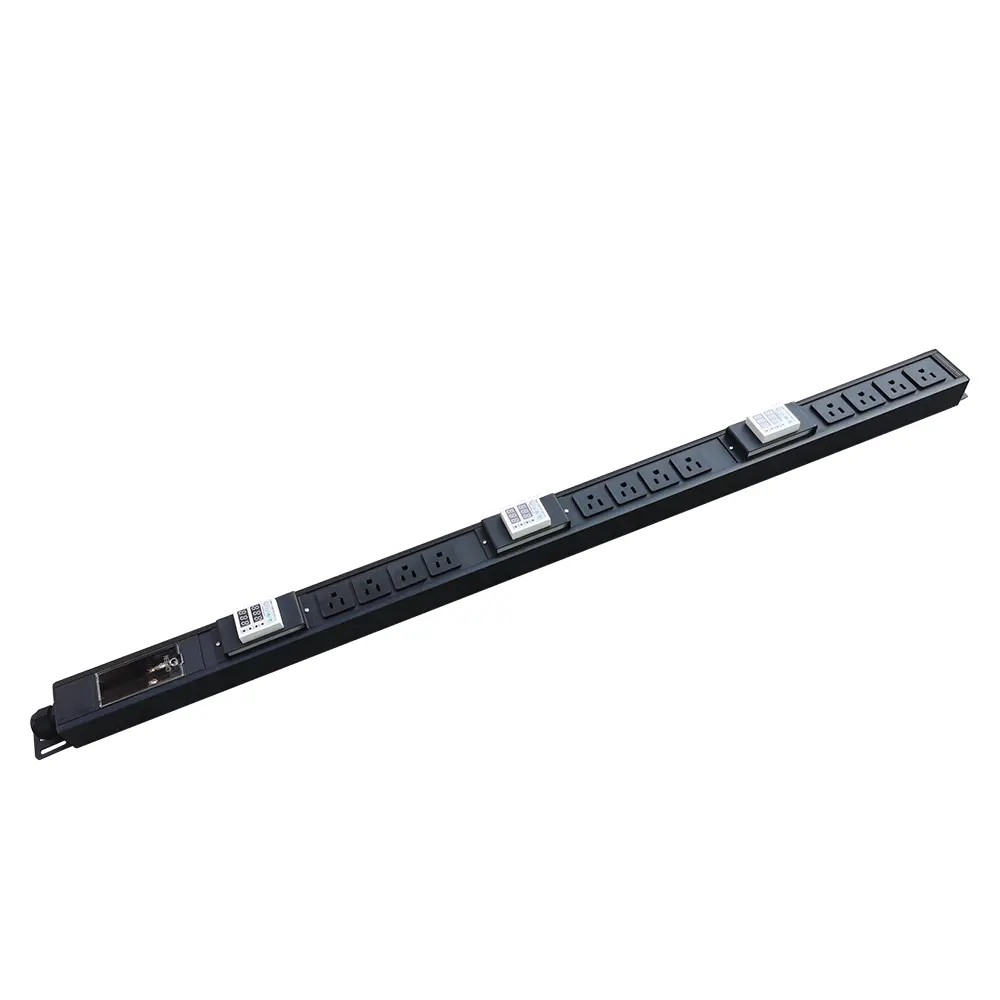
How to calculate PDU load?
Accurate PDU load calculation is essential for safe, reliable power distribution in data centers and server rooms. Improper load planning and overload are leading causes...


+86 15867381241
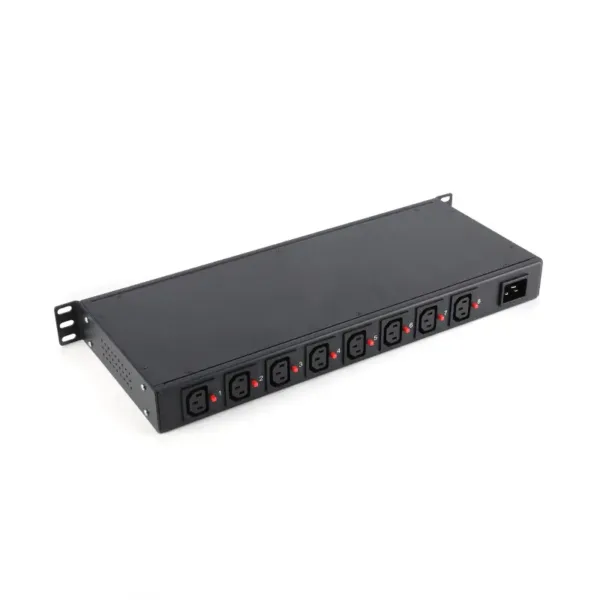
Yes—a PDU can be used in a home, but whether it’s the right choice depends on your setup. While traditional Power Distribution Units were designed for data centers and server rooms, many modern models are now suitable for residential environments, especially for home offices, AV systems, and network setups.
If you’ve ever run out of outlets behind your TV, struggled with a tangled mess of power cords, or worried about protecting expensive electronics from power issues, a PDU can offer a more organized and reliable solution than standard power strips.
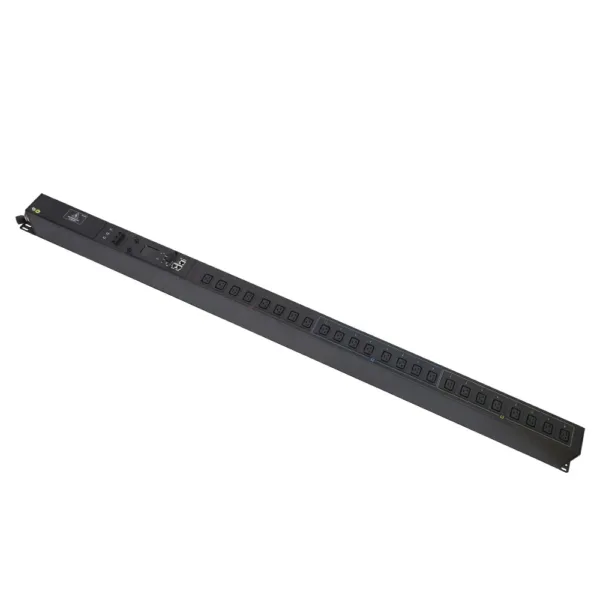
Yes, PDUs are fully compatible with home electrical systems. There are three main types of PDUs, each designed for different use cases:
| Type of PDU | Description | Residential Compatibility |
|---|---|---|
| Basic PDU | Distributes power without monitoring or extra features | Excellent for simple high-outlet needs |
| Metered PDU | Shows total power consumption in real time | Good for energy tracking and overload prevention |
| Smart PDU | Remote control, individual outlet management, and alerts | Best for advanced home setups and smart homes |
All three types work with standard household 120V/240V power. The most important safety features to look for are built-in surge protection and circuit breakers, which protect your electronics from sudden power spikes and prevent dangerous overloads.
Note: PDUs are designed to operate in environments with good airflow, stable temperatures (50–86°F / 10–30°C), and low humidity. Avoid placing them in damp areas like bathrooms or laundry rooms.
A PDU is a worthwhile upgrade if you have multiple devices that need reliable power. The most common home use cases include:
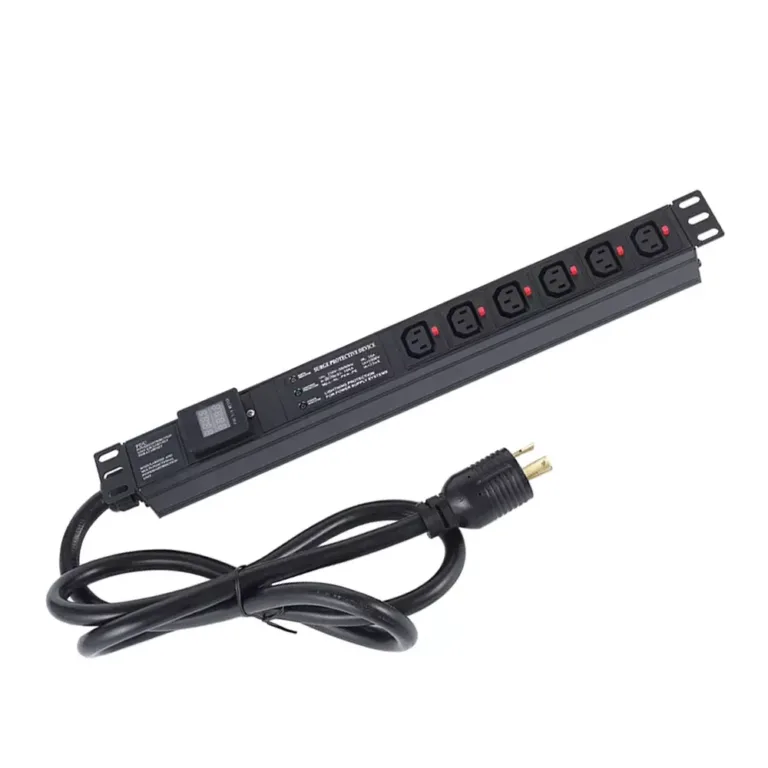
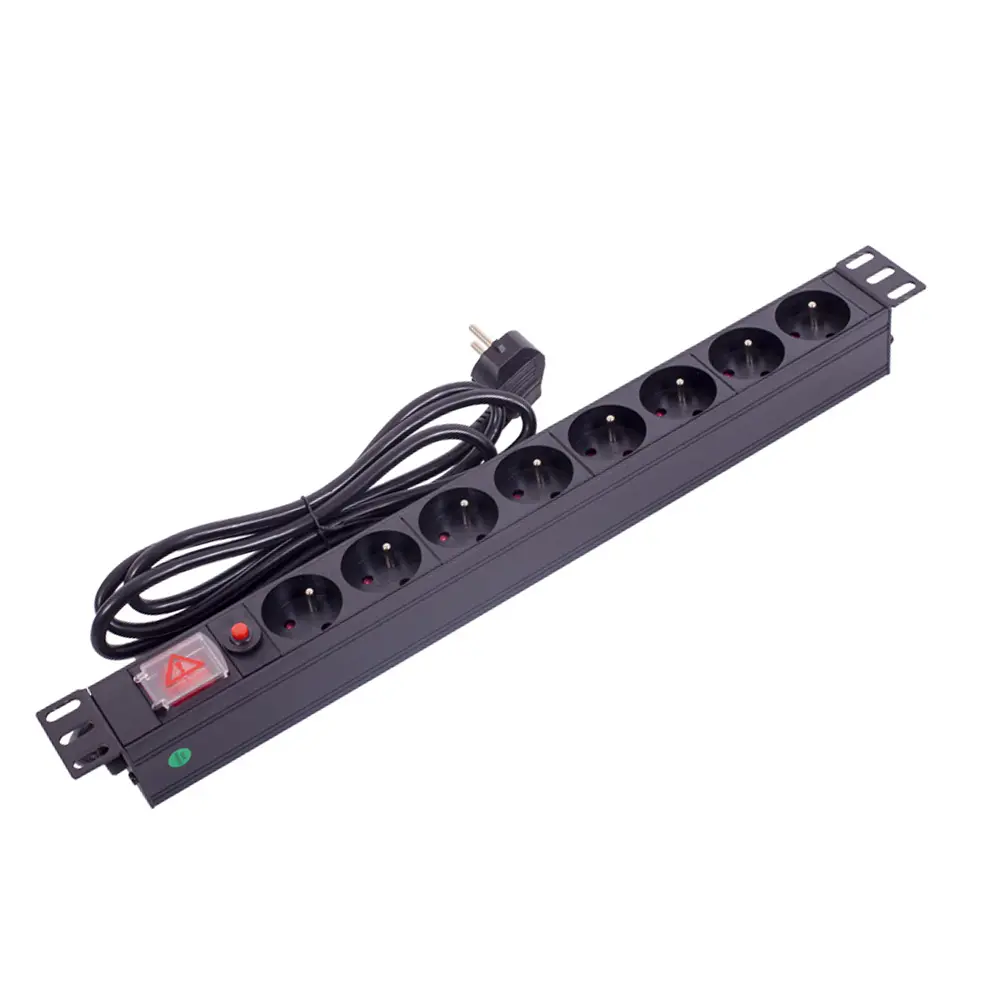
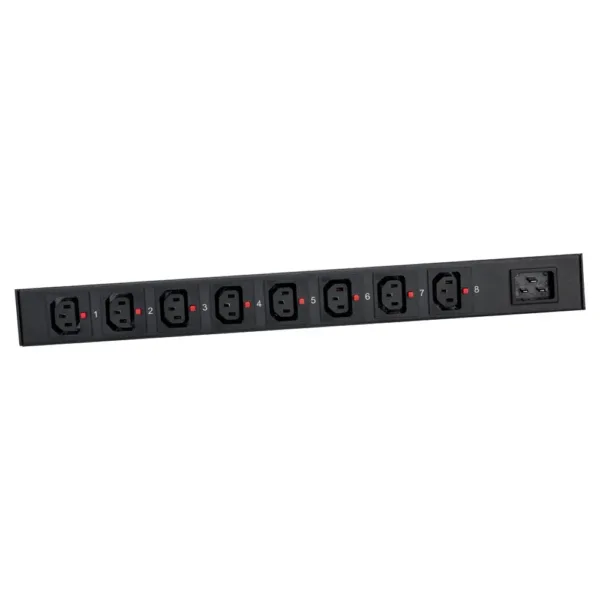
For these scenarios, a smart PDU offers significant advantages over a basic power strip. The YOSUN 19 inch 8 C13 Horizontal IP Smart PDU, for example, lets you turn individual outlets on or off from your phone, restart devices remotely, and get alerts if there’s a power problem.
PDUs can handle much higher power loads than standard power strips. A typical 15A PDU can safely deliver up to 1800 watts of power—enough for most home office or entertainment setups. Built-in circuit breakers automatically cut power if you exceed the limit, preventing overheating and fire risks.
PDUs are designed to neatly route multiple power cords, eliminating the tangled mess caused by stacking power strips. Their compact design fits easily under desks, behind TVs, or in equipment cabinets, keeping your space tidy and reducing tripping hazards.
This is the biggest advantage of smart PDUs (rPDUs). With a smart model, you can:
The YOSUN Smart PDU includes all these features plus additional advanced capabilities:
| Feature | Description |
|---|---|
| Individual Outlet Control | Turn each of the 8 outlets on or off independently |
| Remote Monitoring | Check power status from any device with a web browser |
| Overload Protection | Automatic circuit breaker for maximum safety |
| Hot-swap Capability | Replace devices without turning off the entire unit |
| Power Sequencing | Turns devices on in order to prevent startup overloads |
| LCD Screen | Displays real-time voltage, current, and power usage |
| Cascading Support | Connect multiple PDUs for larger setups |
PDUs are not the best choice for every home. The main limitations are:
For homes with only 2–3 devices in a single location, a basic power strip is usually sufficient. A PDU becomes valuable when you have 5+ devices or need advanced management features.
While both PDUs and power strips let you plug in multiple devices, they are designed for very different purposes:
| Feature | PDU | Standard Power Strip |
|---|---|---|
| Power Capacity | 15–30A (1800–3600W) | 10–15A (1200–1800W) |
| Outlet Quantity | 4–48 outlets | 2–8 outlets |
| Safety Features | Industrial-grade circuit breakers, surge protection | Basic surge protection (often absent) |
| Build Quality | Heavy-gauge steel, thick wiring | Plastic housing, thin wiring |
| Remote Management | Yes (smart models) | No |
| Lifespan | 10–15 years | 2–3 years |
The biggest difference is safety and durability. PDUs are built to run 24/7 for years, while cheap power strips can degrade over time and become fire hazards.
Pro Tip: Never daisy-chain power strips or plug a PDU into another PDU. This creates a serious fire risk and will void your warranty. Always plug PDUs directly into a wall outlet.
Start by adding up the total wattage of all devices you plan to connect. For example:
Choose a PDU with at least 20% extra capacity to accommodate future devices. A 15A (1800W) PDU is sufficient for 90% of home setups.
This is the most important step. Only buy PDUs that have these safety certifications:
For most modern homes, a smart PDU offers the best value and flexibility.
Yes, PDUs can absolutely be used in homes, and they are an excellent upgrade for anyone with multiple electronic devices. They offer superior safety, better organization, and more control than standard power strips.
For basic needs with only a few devices, a simple power strip is sufficient. But if you have a home office, entertainment system, or smart home with 5+ devices, a PDU is a worthwhile investment that will protect your electronics and simplify your life.
The YOSUN Smart PDU is the perfect choice for modern homes. It combines industrial-grade reliability with user-friendly smart features, all in a compact design that fits seamlessly into any residential setup.
A Power Distribution Unit (PDU) is a device that distributes electrical power to multiple devices. At home, it works like a heavy-duty power strip with better safety features and more outlets. Smart PDUs also let you control and monitor power remotely from your phone or computer.
Yes, a PDU can fully replace a power strip and offers much better performance and safety. It is especially recommended for setups with multiple expensive or sensitive electronics. For very simple needs with only 2–3 devices, a basic power strip may still be sufficient.
Yes, PDUs are extremely safe when used correctly. They are built with industrial-grade safety features like circuit breakers and surge protection that far exceed those of standard power strips. Always choose a model with recognized safety certifications and follow the manufacturer’s instructions.
An rPDU (Rack PDU or Remote PDU) is a smart PDU that lets you control and monitor power remotely. People use it to restart devices without being home, track energy use, get alerts for power problems, and automate their home electronics.
PDUs are available with 4 to 48 outlets. For home use, 8–16 outlet models are the most common. Count your devices before buying and leave a few extra outlets for future additions.
Yes, many server rack PDUs work perfectly in homes. The YOSUN 19 inch 8 C13 model is designed to fit standard 19-inch racks, but it can also be mounted under desks or placed on shelves for non-rack use.