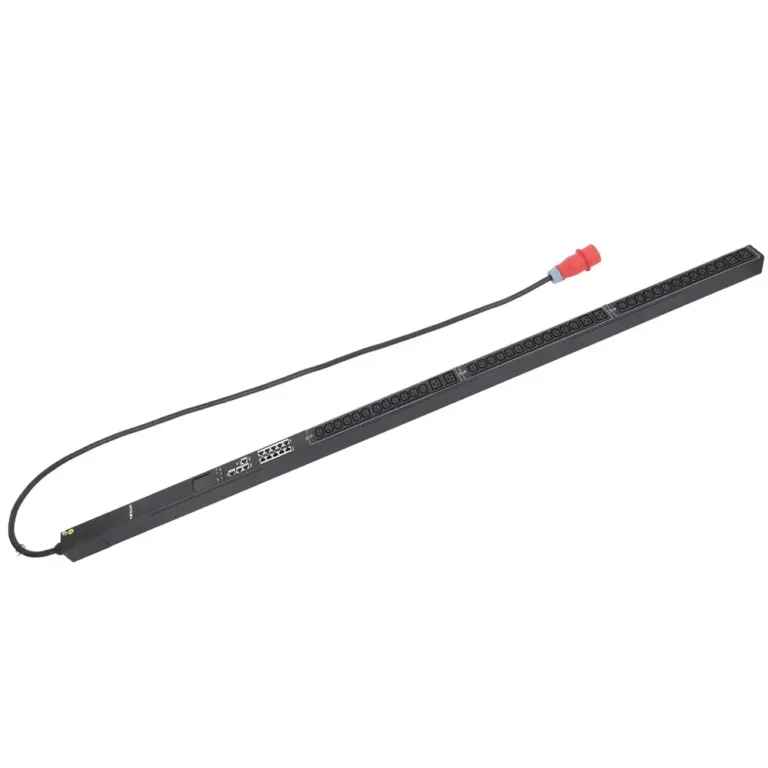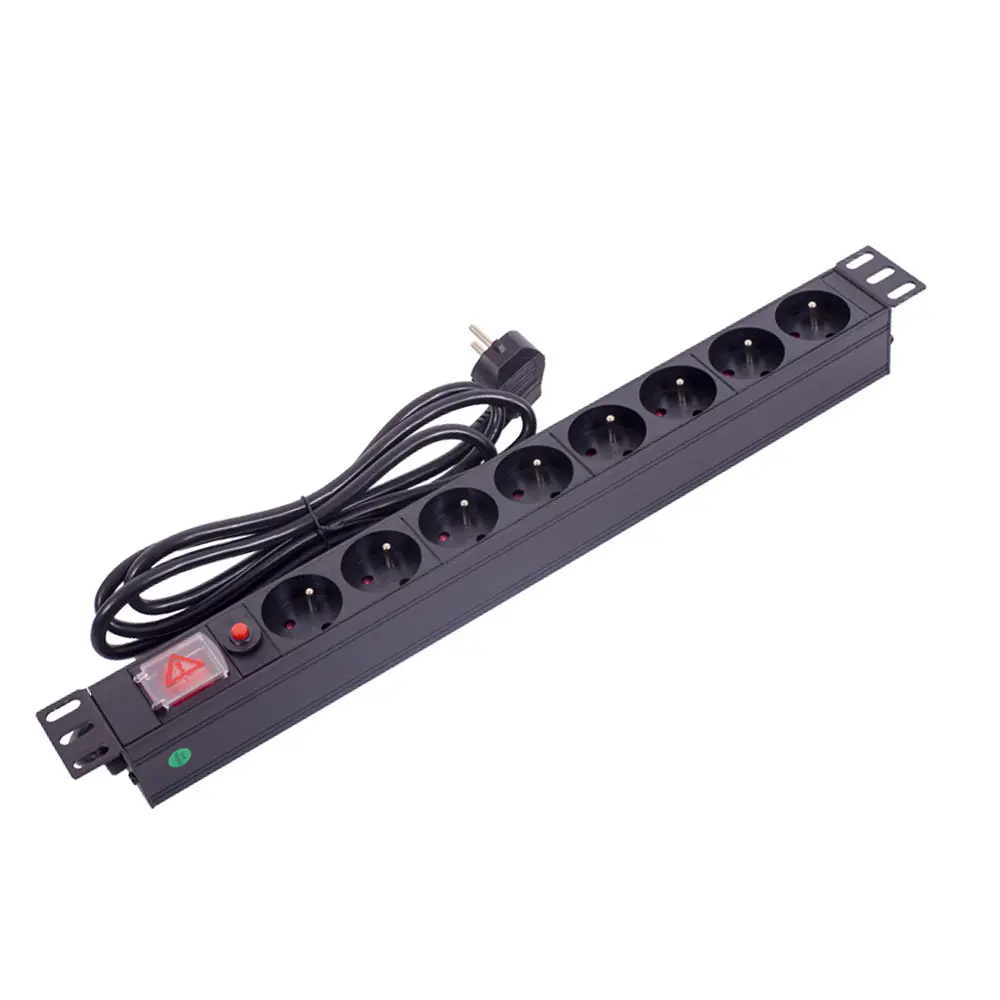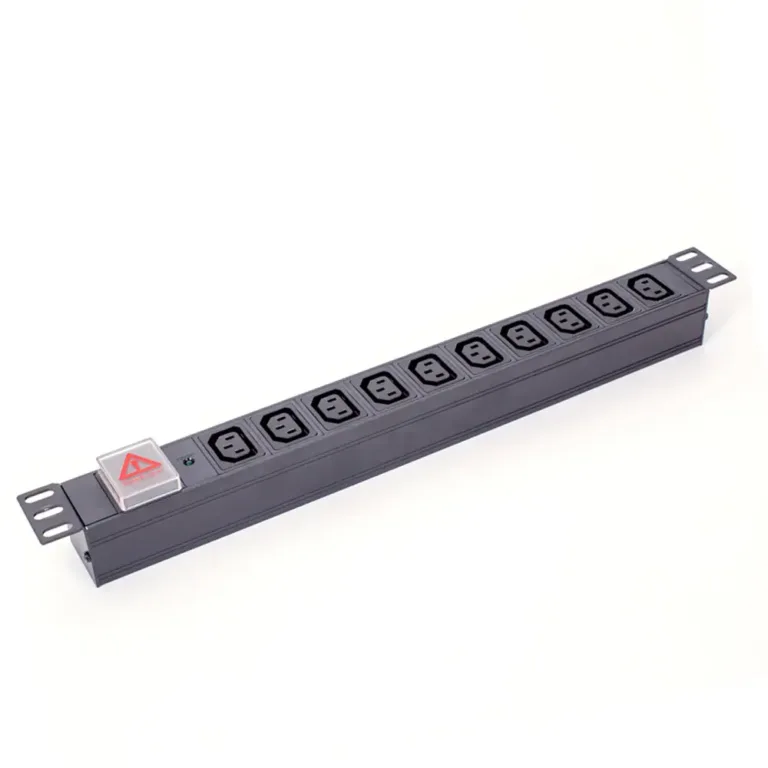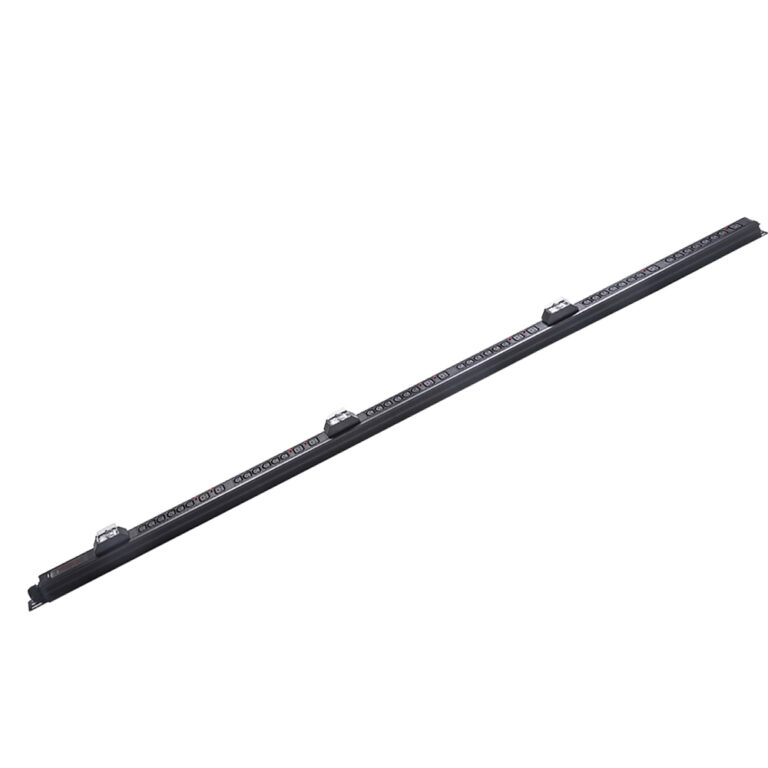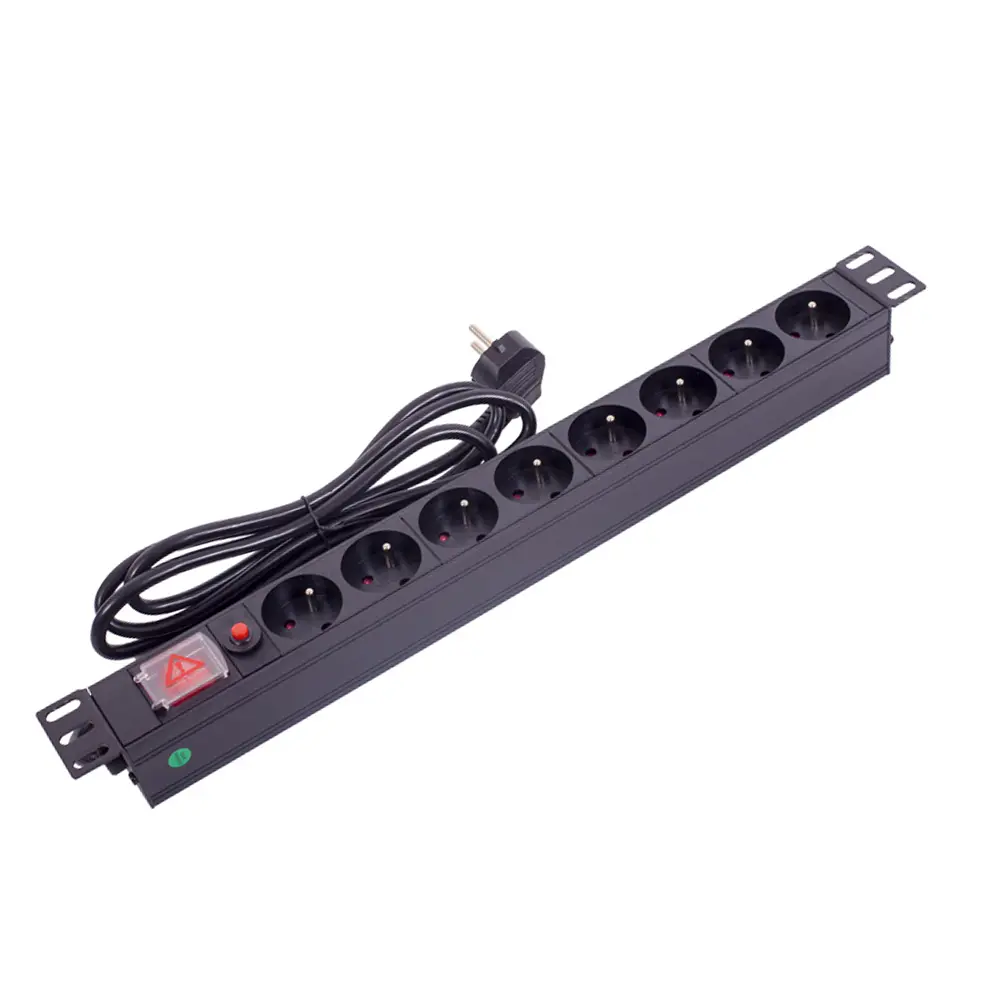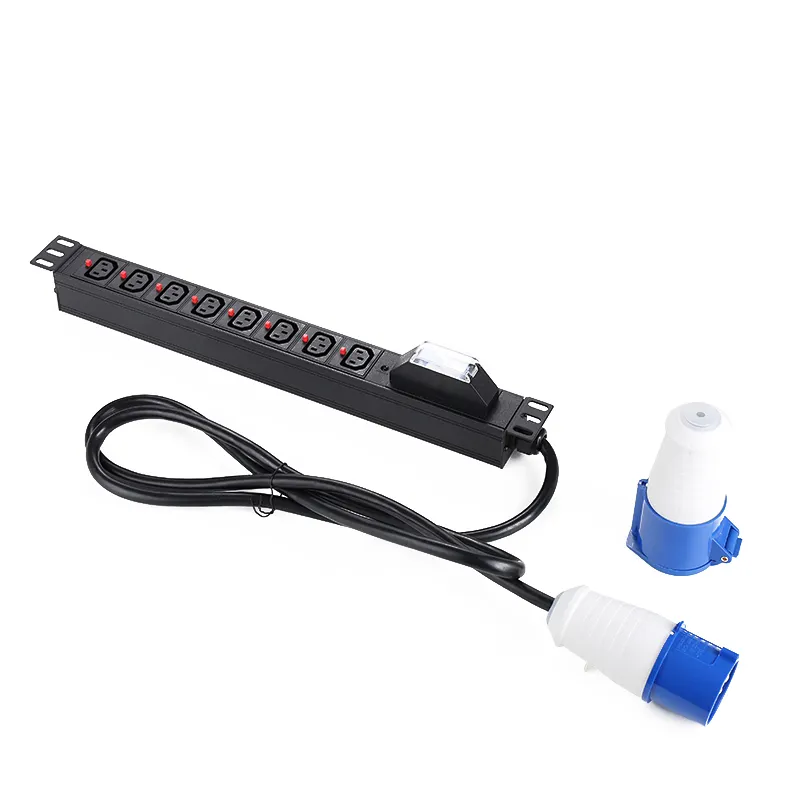
what is an ATS PDU?
An ATS PDU is a power distribution unit with automatic transfer switching, ensuring seamless backup power for critical equipment in data centers.


+86 15867381241

Choosing the right PDU is critical. The Power Distribution Unit market will reach USD 3.0 billion in 2025, driven by risiChoosing the right PDU is critical. The Power Distribution Unit market will reach USD 3.0 billion in 2025, driven by rising data traffic and cloud adoption. With power issues causing 43% of major data center outages, your choice matters. This guide helps you select the correct Tripp Lite PDU.
PDU Quick-Reference Guide
| PDU Model | Primary Function |
|---|---|
| Basic PDU | Simple power distribution |
| Metered PDU | Local power monitoring |
| Monitored PDU | Remote power monitoring |
| Switched PDU | Remote outlet control |
| ATS PDU | Redundant power source switching |
A metered PDU shows local power use. A monitored PDU allows remote viewing. You gain full outlet control with a switched PDU. Each PDU provides a unique level of control for your data center
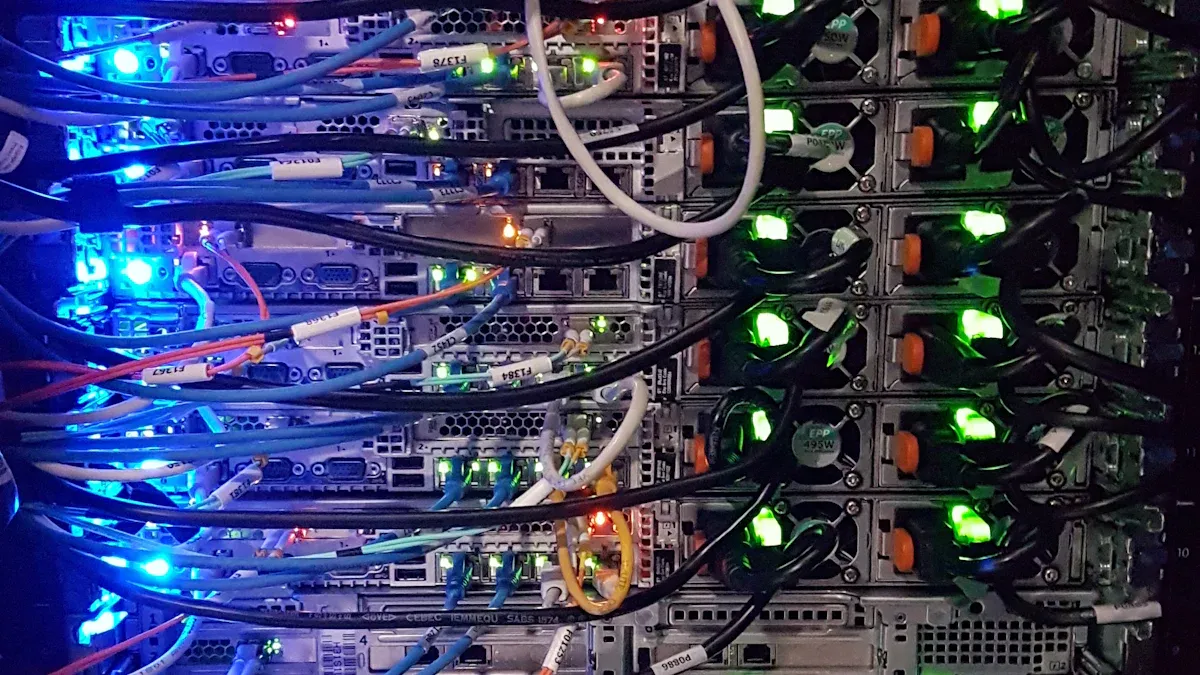
You can think of the Basic PDU as a professional-grade power strip designed for your server rack. Its primary job is simple and essential: to deliver reliable electricity from a single source, like a UPS system or wall outlet, to multiple devices. This model focuses on dependable power distribution without complex networking features.
This reliable Tripp Lite PDU offers straightforward power distribution with key features designed for safety and convenience. It is a workhorse built for durability and ease of use.
You will find basic PDUs are an excellent choice for simple IT setups where remote management is not a priority. These units provide an economical way to organize and power your essential gear.
Consider this PDU for environments like:
While a Basic PDU is effective, your needs may evolve. The market is shifting toward more advanced solutions. You should consider an upgrade if your organization begins to focus on energy efficiency, infrastructure modernization, or remote management. If you find yourself needing to reboot locked-up equipment without being on-site, a basic PDU will not meet your needs. A more advanced PDU offers features like real-time energy monitoring and remote outlet control. If you need remote management or detailed power data, a more advanced PDU is your next step.
You should select a metered PDU when you need to understand power consumption at the rack level. This PDU moves beyond simple power distribution by adding a crucial layer of on-site visibility. A metered PDU is the first step toward actively managing your rack’s power load and preventing potential overloads before they happen.
A metered PDU provides reliable power distribution with the added benefit of local monitoring. You can see exactly how much power your equipment is drawing in real time. This Tripp Lite PDU is built for durability and provides instant feedback.
A metered PDU is perfect for environments where you need to balance power loads and have physical access to the rack. It helps you make informed decisions about equipment placement and capacity planning.
This PDU is an excellent choice for:
While a metered PDU offers great on-site data, its main limitation is the lack of remote access. You must be physically present to read the display. If your team needs to monitor power from a different location or receive automated alerts, you have outgrown your metered PDU. For 2025, consider upgrading to a Monitored or Switched PDU if you require network-based monitoring and control. These advanced metered PDUs provide the data you need from anywhere, at any time.
A monitored PDU gives you the power of remote insight. It builds upon the features of a metered PDU by adding a network connection. This allows you to view power data from anywhere, making it a significant step up in your power management strategy. You no longer need to be in front of the rack to understand its power consumption.
The primary benefit of a monitored PDU is its ability to transmit real-time data over your network. This Tripp Lite PDU provides detailed information for proactive management. This PDU offers robust power distribution and advanced monitoring capabilities.
You should choose a monitored PDU when you need to track power usage and environmental conditions without being on-site. This PDU is perfect for data-driven organizations focused on optimization and efficiency.
A monitored PDU is essential for:
- Data centers aiming to improve Power Usage Effectiveness (PUE).
- Colocation facilities that bill clients based on actual power consumption.
- Edge computing sites where IT staff are not regularly present.
- Any organization looking to improve its overall energy efficiency.
The data from a monitored PDU is crucial for understanding energy usage. High-efficiency monitored PDUs minimize energy loss, directly contributing to better PUE.
While a monitored PDU provides excellent remote data, it does not offer remote control. You can see the data, but you cannot act on it by turning outlets on or off. For 2025, monitored PDUs feature advanced, customizable alerts that integrate with network tools for proactive issue resolution. However, if your team needs to remotely reboot locked-up servers or manage individual outlet power, you have outgrown the capabilities of this PDU. In that case, your next upgrade should be to a Switched PDU, which provides the complete remote control you need for your power distribution.
You get complete command over your power environment with a switched PDU. This advanced PDU combines the remote monitoring of a monitored PDU with the ability to control individual outlets. A switched PDU is the ultimate tool for hands-on, remote power management. It gives you the power to act on data, not just view it.
The main advantage of a switched PDU is its ability to manage outlets from anywhere with a network connection. This powerful PDU provides granular control over your power distribution. You can perform critical actions without ever visiting the server rack.
You should choose a switched PDU when you need to reboot locked-up equipment or manage power for devices in remote locations. This PDU is essential for maintaining uptime and operational control.
A switched PDU is the perfect solution for:
- Large data centers with many servers.
- Managed service providers who need to control client equipment.
- Edge computing sites that have no on-site staff.
- Any facility that requires immediate response to frozen IT hardware.
While a switched PDU offers incredible control, that power requires strong security. For 2025, switched PDUS are getting major security upgrades. Your next Tripp Lite PDU will include features to prevent unauthorized access. Expect to see Role-Based Access Control (RBAC), which lets you assign specific permissions to different users. Secure protocols like HTTPS and advanced encryption will protect data sent to the PDU. These security layers ensure that only authorized staff can control your critical power distribution, giving you both flexibility and peace of mind.
You choose an Automatic Transfer Switch (ATS) Power Distribution Unit when uptime is non-negotiable. This advanced PDU provides power redundancy to devices that have only a single power supply. It is your best defense against an unexpected power source failure, ensuring your critical single-corded equipment keeps running.
The core function of an ATS PDU is to provide a seamless transition between two different power sources. This power distribution unit acts as an intelligent fail-safe for your most important gear.
You will find an ATS PDU is essential in any environment where single-corded devices perform critical functions. It brings enterprise-level redundancy to equipment without dual power supplies.
An ATS PDU is a vital tool for:
- Network closets with single-corded switches and routers.
- Data centers running essential but single-corded servers.
- Edge computing sites where maintaining connectivity is paramount.
- Any rack that requires maximum uptime for all its components.
The ATS PDU already provides a powerful, specific function. For 2025, the next step is to combine this redundancy with greater control. Your upgrade path involves looking at a Switched ATS PDU. This hybrid model gives you the automatic failover protection you need, plus the ability to remotely reboot individual outlets. This single Tripp Lite PDU delivers the ultimate combination of redundancy and remote management. It enhances your power distribution by giving you a complete solution for both resilience and control, making it a smart investment for future-proofing your infrastructure.
You may find yourself deciding between a monitored pdu and a switched pdu. Both are smart network-connected devices, but they serve very different purposes. The main difference is simple: a monitored pdu gives you visibility, while a switched pdu gives you control. Understanding this distinction is key to selecting the right pdu for your needs.
Think of a monitored pdu as your eyes in the data center. It allows you to see real-time power data from anywhere. You can track energy consumption and get alerts about potential issues. This information helps you make smart decisions about your power environment.
A switched pdu gives you hands-on control. It includes all the features of a monitored pdu, but it also lets you take action. You can remotely turn individual outlets on or off. This means you can reboot a frozen server without ever leaving your desk. A switched pdu lets you act on the data you see.
Your specific IT environment will determine whether monitored pdus or switched pdus are the better fit. If you need detailed energy tracking for billing or efficiency, a monitored pdu is an excellent choice. If you manage remote sites and need to reboot equipment, you need a switched pdu.
Decision Guide: Monitored vs. Switched PDU
| Criteria | Monitored PDUs | Switched PDUs |
| :— | :— | :— |
| Primary Function | Remote power and environmental data access | Remote control of individual outlets |
| Best Use Cases | Environments needing detailed energy tracking | Remote offices or unmanned locations |
| Outlet-Level Control | Not available | Enables remote power cycling |
| Cost of Ownership | Moderate | Higher, with advanced features |
A switched pdu generally has a higher initial cost than a monitored pdu. You should evaluate this cost based on its potential return on investment (ROI). The ability of a switched pdu to remotely reboot a critical device can prevent an expensive site visit and hours of downtime. This capability often pays for the pdu after just one incident.
A monitored pdu provides ROI by helping you optimize energy use and prevent overloads. The detailed data from this pdu helps you identify power-hungry equipment and improve your facility’s efficiency. Both the monitored pdu and switched pdu offer strong value, but their ROI comes from different strengths.

You must select the right PDU form factor for your setup. The physical shape of your PDU affects rack space, cable management, and accessibility. Your choice between a vertical and a horizontal model will impact your rack’s efficiency.
You should choose a vertical PDU to save valuable rack space. These are also known as “Zero-U” or 0U rack pdus. You mount them along the side of your server rack. This design leaves all horizontal space free for your IT equipment.
Vertical models are ideal for high-density environments. They improve airflow around your servers. Better airflow helps maintain optimal operating temperatures. This improved cooling can even lower your energy costs. A vertical PDU can also power many devices, with some models offering up to 54 outlets. This makes them perfect for managing your rack power needs in a crowded data center.
You can use horizontal rack pdus when front access is a priority. These models occupy one or two units (1U or 2U) of horizontal rack space. You install them just like a server or a switch. This makes their outlets easy to reach.
A horizontal PDU is a great choice for distributing rack power from a nearby UPS system. You can also install one behind shallow equipment, like network switches. This helps you use empty space and manage cables more effectively. While they have fewer outlets than vertical models, their easy access is a major benefit for racks where you frequently change connections.
You can make the right choice by comparing your needs to each PDU type. Consider your rack density, cable management goals, and how often you need to access outlets. A vertical PDU is best for maximizing space, while a horizontal PDU offers easier access.
Decision Guide: Vertical vs. Horizontal PDU
| Feature | Horizontal PDU | Vertical PDU |
| :— | :— | :— |
| Rack Space | Occupies 1U or 2U of horizontal space | Mounts vertically, uses Zero-U space |
| Outlet Capacity | Typically offers 8 to 16 outlets | Can provide 24 or more outlets |
| Cable Management | Can create clutter across the rack | Simplifies cabling and improves airflow |
| Best For | Smaller setups, frequent device changes | High-density data centers, space saving |
This table helps you match the right PDU form factor to your specific environment.
You can easily integrate your new Tripp Lite PDU into your existing setup. Proper integration ensures your equipment gets reliable power and you get the management features you need. This process involves connecting to power sources and your network.
You must connect your PDU to a reliable power source, like a UPS system. Compatibility is key for safe and effective power distribution.
Compatibility Checklist:
- Match the Plugs: Check that the input plug on your PDU matches an output receptacle on your UPS.
- Verify Power Capacity: Ensure the total power draw of your devices does not exceed the capacity of the PDU or the UPS. Overloading can cause shutdowns.
Following these steps helps you create a stable power chain for your critical IT equipment.
You can unlock the full potential of a Monitored or Switched PDU by connecting it to your network. This connection is the foundation of remote power management. You simply plug a standard Ethernet cable into the PDU’s network port. Once connected, you can access the PDU using its IP address in a web browser. This web interface allows you to monitor energy use and control outlets from any location. This powerful feature transforms your PDU into a smart tool for advanced power distribution.
As you plan your infrastructure, you may explore various hardware options. YOSUN is a professional manufacturer specializing in data center power solutions. With over two decades of experience, YOSUN produces a high-quality line of award-winning products. They offer a wide range of PDU models to meet diverse market needs, including:
As a core supplier for major technology companies, YOSUN delivers reliable and customizable power distribution unit solutions. Their expertise makes them a noteworthy option for your data center, server room, or edge computing needs.
You now understand each pdu. A Basic pdu handles simple power distribution. A metered pdu offers local data. A monitored pdu provides remote data, while a switched pdu gives you remote control. An ATS pdu ensures redundancy.
For 2025, advanced power management is key. A metered pdu is a smart investment. The metered pdu helps you track energy. This metered pdu data improves power distribution. While switched pdus offer control, smart metered pdus start your efficiency journey. A quality metered pdu lowers long-term costs. This makes the metered pdu a great value. The right power distribution unit, like a metered pdu, prepares your infrastructure for better power management. You can now confidently select the perfect pdu.
You can think of a pdu as a professional-grade power strip. A pdu is built with a durable metal housing for rack installation. It offers advanced features like remote monitoring and control. Power strips are typically for home or office use.
Not all models do. A basic pdu focuses on power distribution. You should check the product specifications. Many advanced Tripp Lite PDU models include built-in surge protection to safeguard your connected equipment from voltage spikes.
You must match the pdu input plug to your power source, like a UPS or wall outlet. Check the plug type (e.g., NEMA 5-15P) and the power rating (e.g., 120V/15A). This ensures a safe and correct connection for your equipment.
“0U” refers to a vertical pdu form factor. You mount it in the side or rear of a server rack. This design uses zero horizontal rack units (“U”). It saves valuable space for your servers, switches, and other IT gear.