How Do Power Distribution Units Work in Data Centers
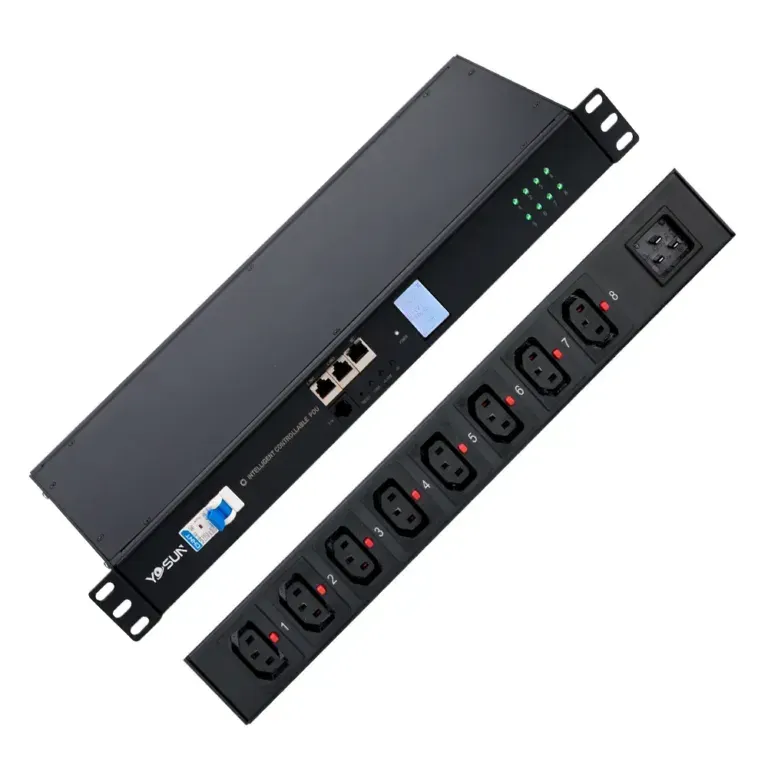
A power distribution unit works by safely distributing electricity to data center equipment, ensuring reliable operation and preventing downtime.


+86 15867381241
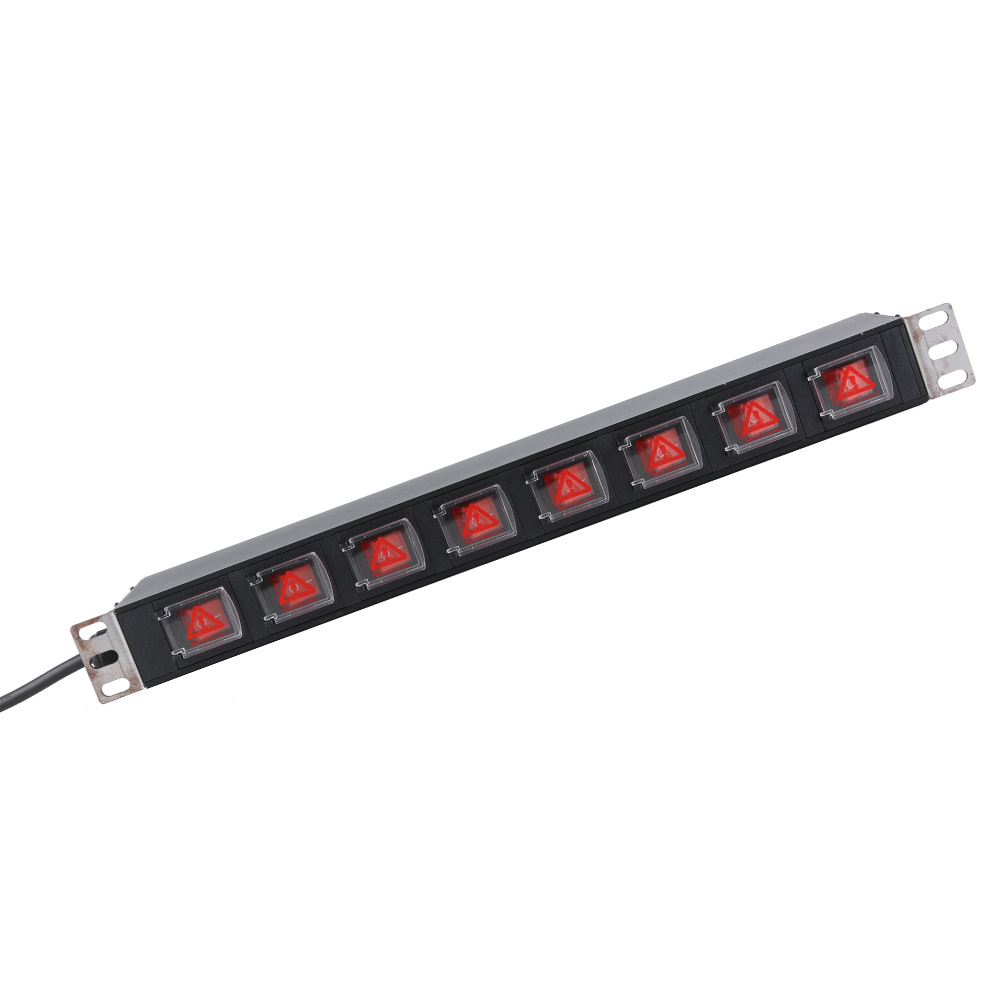
Putting a rack PDU in the right place helps the server rack work better and stay safe. Data centers use smart power distribution unit . These units watch equipment all the time. This keeps everything safe and working well. Studies show that using the right number of circuit breakers and PDUs for the rack power stops overloads. It also makes the system more reliable.
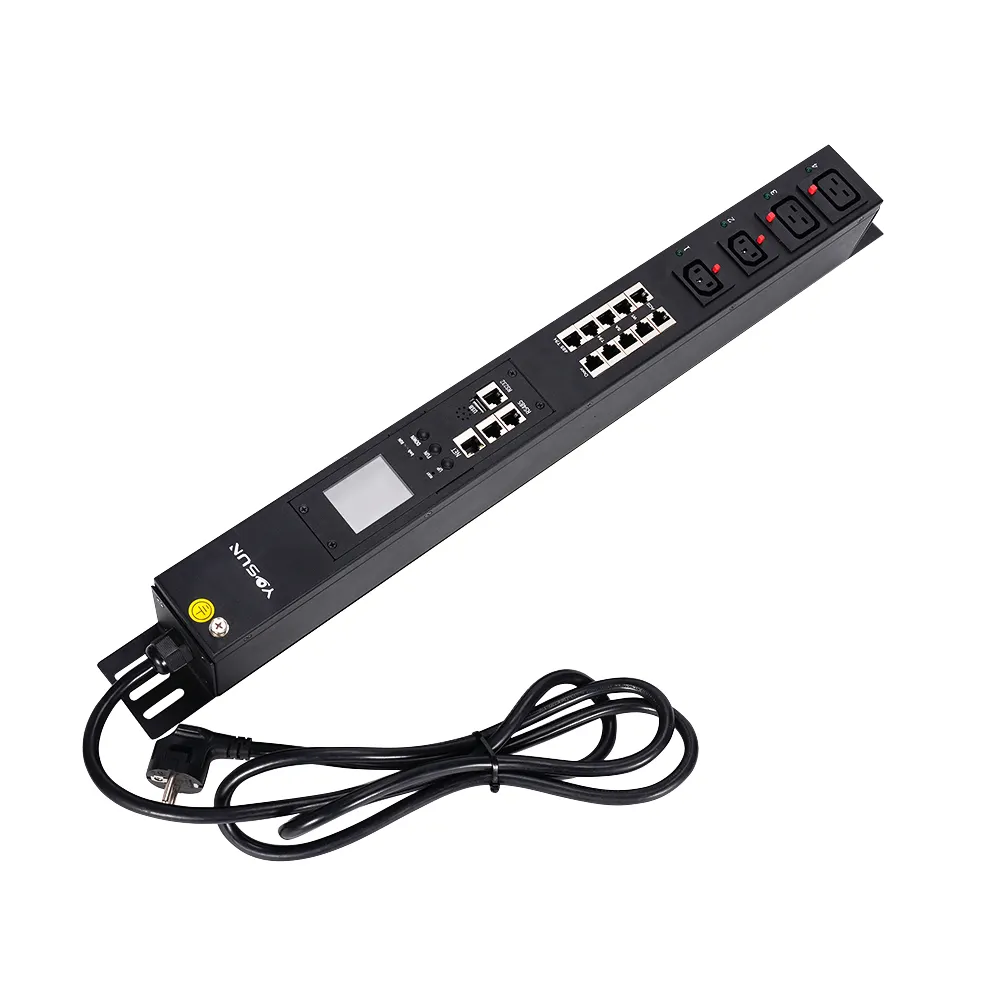
A monitered rack pdu like the YOSUN model fits in easily. It also helps keep cables neat and tidy.
Pick the best mounting style for your PDU. Vertical mounting saves space. It gives you more outlets. Horizontal mounting makes power easy to reach.
Think about where to put your PDU. Place it so air can move well. Make sure you can reach it for checks and repairs.
Keep your cables tidy. Neat cables help air move better. This lowers the chance of overheating. It makes your server rack safer and work better.
Always use surge protection with your PDU. Surge protection stops damage from power surges. It helps your data center work without long breaks.
Follow the maker’s rules when you install. Doing this keeps things safe. It helps your PDU work the right way.
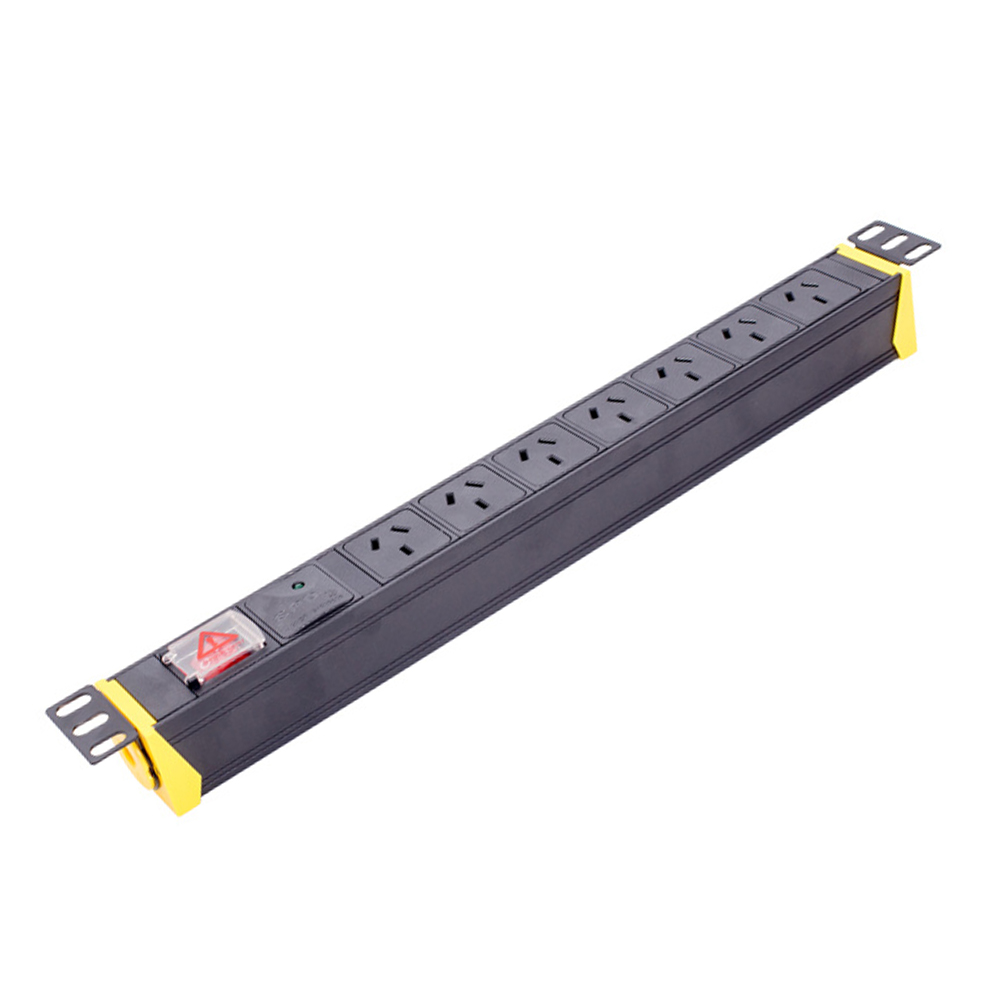
Picking the best spot for a rack pdu keeps things safe and neat. Data centers use different ways to mount them. Each way has its own good points and uses.
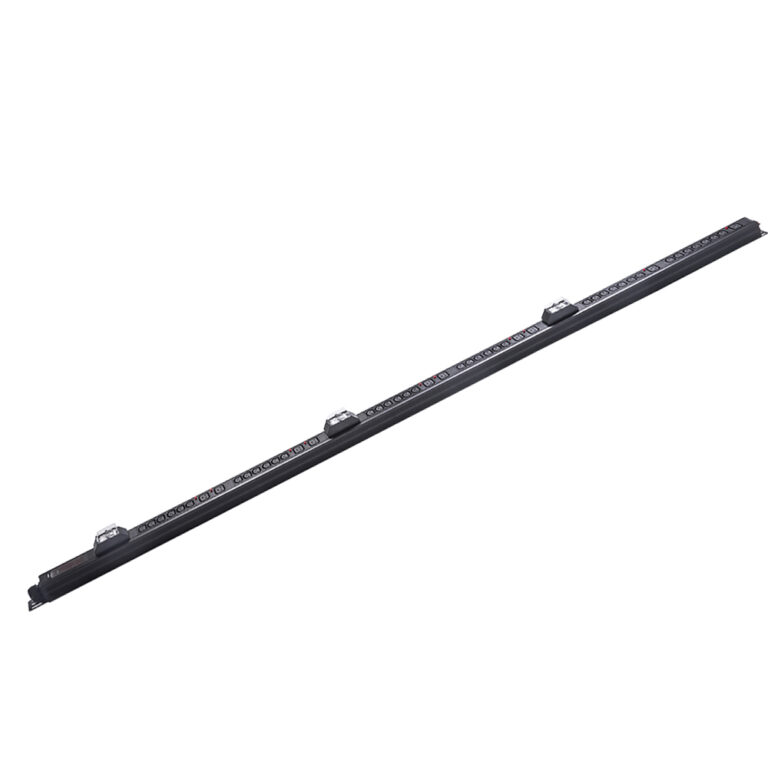
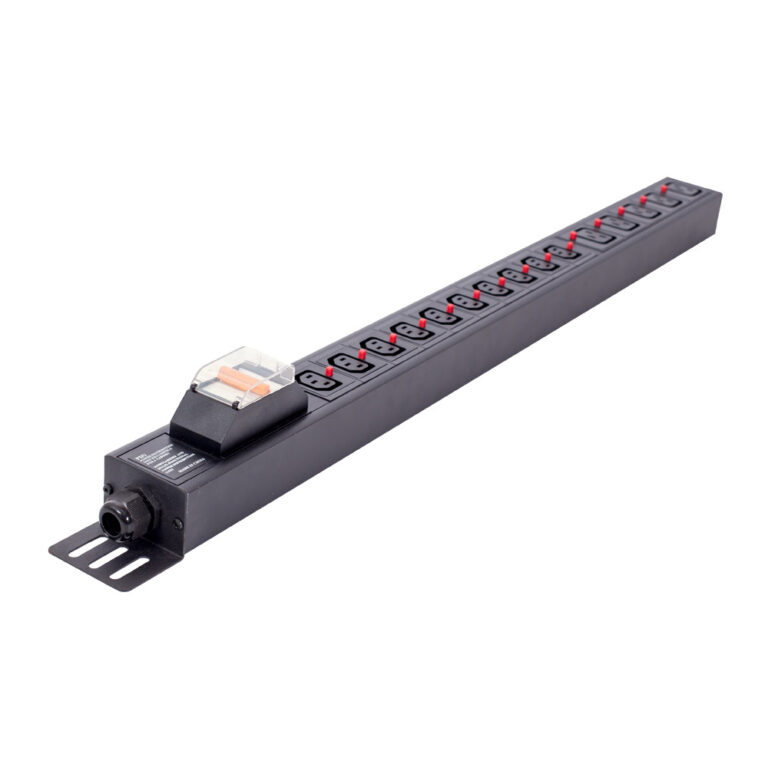
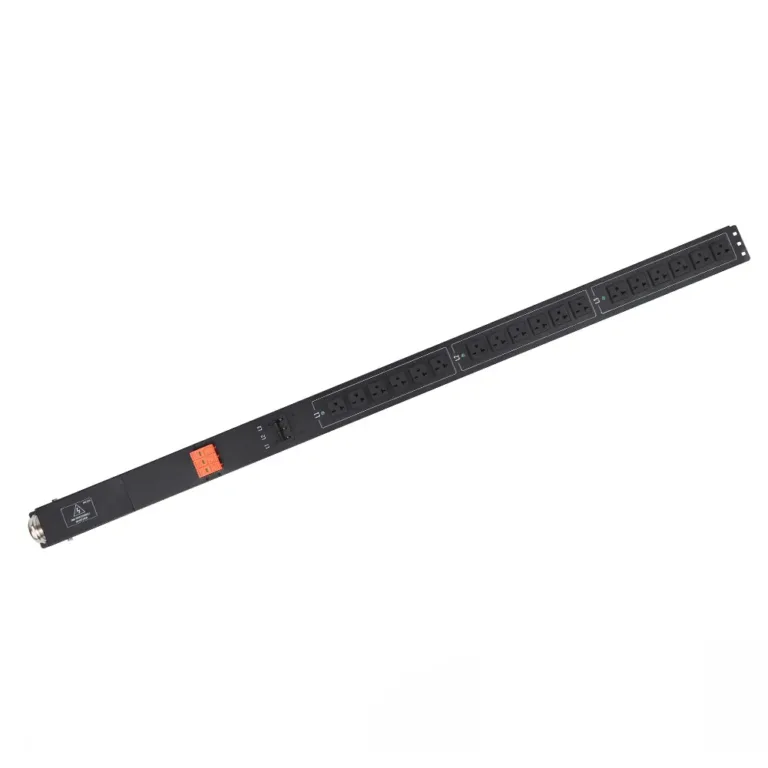
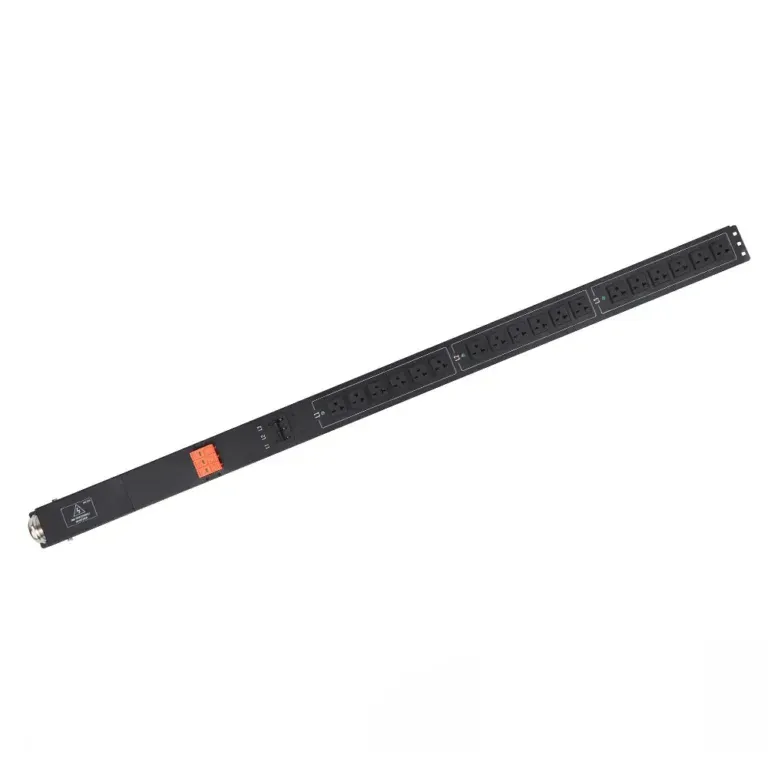
Lots of data centers use vertical mounting for their rack pdu. This way is also called Zero-U mounting. The unit goes along the side or back of the rack. Vertical PDUs save space because they do not use rack units. They can have many outlets, sometimes up to 60. This is good for racks with lots of equipment.
Tip: Vertical mounting is great if you need to power many devices and want more room for servers and switches.
Here are the usual steps for putting in a vertical rack pdu:
Step | Description |
|---|---|
1 | Check rack size and if the PDU fits. |
2 | Use the right brackets and fasteners to hold it. |
3 | Line up the PDU with the holes in the rack. |
4 | Attach the PDU with screws or pegs. |
5 | Turn off the power before you start to stay safe. |
6 | Do not overload the PDU so it does not get too hot. |
7 | Lift heavy things the right way to avoid injury. |
8 | Make sure the PDU is tight so it does not fall. |
Vertical mounting can be harder than horizontal mounting. Sometimes, two people are needed to put it in safely.
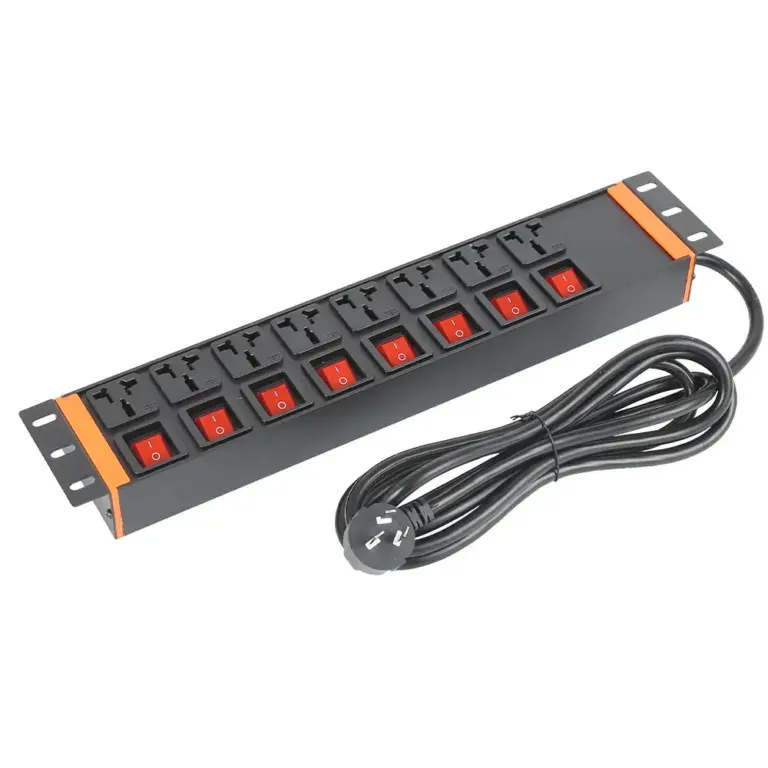
Horizontal mounting puts the rack pdu in the rack’s U spaces. This way works well for smaller server racks. Horizontal PDUs fit 19-inch racks and use 1U or 2U of space. You can put them above, below, or between devices.
Put the unit at the back of the rack for easy outlet access.
Keep the front open for other equipment.
Use good cable management to keep things tidy and cool.
Make sure the rack pdu is easy to reach for checks.
Spread out power use so you do not overload one PDU.
Horizontal mounting makes it easy to reach outlets when fixing things. It also helps keep cables neat.
Where you put the rack pdu in the rack changes how easy it is to handle cables and get power. The table below shows common places to put it:
Placement Location | Purpose/Reasoning |
|---|---|
Middle | Lets power cords reach from top or bottom |
Rear | Makes it easy to manage power |
Front | Makes it simple to check and monitor |
Putting a rack pdu in the middle or back helps with cable paths. This keeps cables neat and helps air move, so equipment stays cool.
Some rack pdu models let you pick if the cord comes out the top or bottom. This helps match your rack’s setup. A top-exit cord is good if the power is above the rack. A bottom-exit cord is better if the power is on the floor. Picking the right cord exit keeps cables short and neat.
The YOSUN rackmount PDU is special because it can be mounted in many ways. You can put it vertically on the side or back, or horizontally in 1U or 2U spaces. This power distribution unit works for both small and big setups.
YOSUN rackmount PDU fits 19-inch racks and has 8 to 16 outlets for horizontal mounting.
For vertical mounting, it can have up to 54 outlets, which is good for big data centers.
It is light and has tool-free buttons, so it is easy to install.
You can pick 0U, 1U, or 2U setups to fit your needs.
With these features, the YOSUN rackmount PDU fits many rack layouts. It helps save space, manage cables, and keep equipment safe.
Picking where to put the PDU changes rack space. Vertical mounting does not use rack units. This leaves more room for other equipment. Horizontal mounting uses 1U or 2U of space. It makes outlets easier to reach.
Vertical PDUs are good for racks with lots of gear. Horizontal PDUs help you reach outlets fast.
Air needs to move well to keep things cool. Putting the PDU in the right spot helps air flow. Hot equipment should go where air moves best. This is often in the middle or top of the rack. A smart rack layout can lower cooling needs. The server enclosure also helps with cooling. Knowing how air moves inside saves energy.
Good PDU placement keeps cables neat. If power sources and loads are planned, cables stay tidy. Messy cables block air and take up space. Bad cable management can be unsafe. It also makes fixing problems harder.
Tip: Plan overhead cables before you put in the PDU. This stops messy cables and helps keep things safe.
Safety matters a lot in server racks. Bad PDU placement or no surge protection can cause trouble. Problems include short circuits, power changes, overloads, or arc flashes. The table shows some safety risks:
Safety Risk | Explanation |
|---|---|
Short Circuit Risk | Broken wires or bad contact can cause short circuits. Use PDUs with protection. |
Power Fluctuations | Sudden power changes can hurt equipment. Pick PDUs that keep power steady. |
Overload Problem | Too much power can make things too hot. Check power use and use load monitoring PDUs. |
Arc Flash Risks | High power can cause dangerous flashes. Follow safety rules and wear protective gear. |
A PDU with surge protection and monitoring helps keep things safe and working well.
Before you put in a PDU, check the rack and room. Look at how much space there is. Make sure the floor is safe and the lights work. Check if you can get to the equipment for fixing. You also need to check the temperature and how wet the air is. Make sure air can move around the rack. Look at what kind of power comes in. Check if there are circuit breakers and backup power. See if the rack is grounded right. Look at the cables and connectors to make sure they fit. Check if anything could mess with signals, like radio waves.
Check space, lights, and if you can reach things.
Look at temperature, humidity, and airflow.
Check what kind of power comes in and if there are backups.
Make sure the rack is grounded.
Look at cable types, connectors, and how far they go.
Check for things that could mess with signals.
Pick a PDU that fits what your rack needs. The number of sockets on a vertical PDU should match the rack’s height. Make sure you balance the load and plan cables to stop overloads. Think about how much power you need and if you need backup. Look at how you will put the PDU in the rack.
When picking a rack PDU, first ask: What power do you need? You must know how much power your IT gear needs.
See if your devices have backup power.
Find PDUs that let you group outlets.
Look at ways to mount the PDU, like rack or 0 RU.
Good cable management keeps the rack neat and safe. Plan where cables will go before you start. Use cable ties and holders to keep cords in place. Keep data and power cables apart so they do not mess each other up. Write down where each cable goes to help later.
Plan cable paths for good air and easy reach.
Use ties and holders for cables.
Keep data and power cables away from each other.
Write down cable types and where they connect.
Air needs to move to stop things from getting too hot. Seal any open spaces in the rack. Use blanking panels to cover empty spots. Put in kits to seal gaps between rails and sides. Check often to make sure air can flow.
Seal open spaces to stop air leaks.
Use blanking panels on empty rack spots.
Use kits to seal gaps between rails and sides.
Mounting a PDU takes careful steps:
Get brackets for both ends of the PDU.
Line up the brackets with the PDU slots.
Use screws or fasteners to hold the brackets.
Put the PDU in the spot you picked in the rack.
Use zip ties or extra fasteners to keep it safe.
A tight and level install keeps the PDU steady and safe.
Sometimes, people put the PDU in a bad spot. This can stop air from moving and make servers too hot. If cables block vents, air cannot get through. Good cable management helps air move and keeps things cool. Putting the PDU on the rack’s side or back saves space and lets air flow. If vertical mounting blocks air, try horizontal mounting instead.
Tip: Do not stack equipment with different cooling needs together. This can make some spots too hot and cause problems.
Overloading happens if too many devices use one circuit. This can make breakers trip or break equipment. Many PDUs now show how much power is used. Some give warnings before circuits get too full. Surge protection and breakers help keep equipment safe from power spikes.
Feature | Description |
|---|---|
PDU Metering | Shows power use right away to stop overloads. |
Early Warning | Tells you when a circuit is almost full, so you can fix it. |
Surge protection keeps equipment safe from sudden high voltage.
Circuit breakers stop power if there is too much or a short.
Some people do not read the instructions. This can cause mistakes and unsafe racks. Always check the PDU’s specs match the power source. Use a multimeter to test voltage. Follow the wiring diagram and use a checklist to avoid errors. Manufacturer rules help keep everything safe.
Always read and follow the instructions.
Use a checklist for each step you do.
Make sure everyone knows the safety rules.
Not using surge protection puts equipment in danger. Power surges can break equipment or cost a lot to fix. Downtime from these problems can hurt the data center. Surge protection in the PDU helps stop these issues and keeps things working.
Not using surge protection can cost a lot to fix.
Equipment can break from power surges.
Downtime gets worse if surge protection is missing.
Putting the PDU in the right spot in a server rack helps keep things safe. It also helps air move and makes cables easier to handle. Here are some tips to follow:
Put PDUs where you can reach them easily. Make sure they do not block other devices.
Use vertical or horizontal mounting to keep cables neat.
Do not put PDUs where they block airflow. This helps keep things cool.
Place PDUs so you can reach them for repairs.
Spread out power use across all PDUs.
Always follow the maker’s rules when you install.
The YOSUN rackmount PDU has many helpful features for different setups:
Feature | Benefit |
|---|---|
Environmental monitoring | Stops damage from heat or too much moisture |
Remote management | Lets you control it from far away |
Real-time power monitoring | Helps save energy |
Built-in failover power | Keeps things running if power goes out |
Advanced alerting | Warns you about problems early |
Modular, scalable design | Makes it easy to add more later |
DCIM compatibility | Works with other management tools |
Outlet-level power control | Stops devices from using too much power |
If you follow these tips, your server racks will work well and stay safe.
Most people put a PDU up and down on the side or back. This way saves space and keeps cables tidy. Putting it sideways works for small racks or when you need to reach outlets easily.
Good PDU placement helps air move around the equipment. Mounting it on the side or back lets air flow better. If cables or PDUs block vents, things can get too hot.
The YOSUN rackmount PDU is light and uses tool-free mounting. You can pick vertical or horizontal mounting. It fits 19-inch racks and has different outlet choices.
Surge protection keeps equipment safe from sudden power jumps. It stops damage and cuts down on downtime. Many PDUs, like YOSUN, have built-in surge protection for more safety.
Lots of rackmount PDUs let you watch power use in real time. You can check power levels and find problems early. YOSUN models with remote monitoring help save energy and keep things working well.