Tips for Installing Power Strips in Server Cabinets
Learn how to install a server cabinet power strip effectively for safe, efficient operation, improved cable management, and reduced downtime in your setup.


+86 15867381241
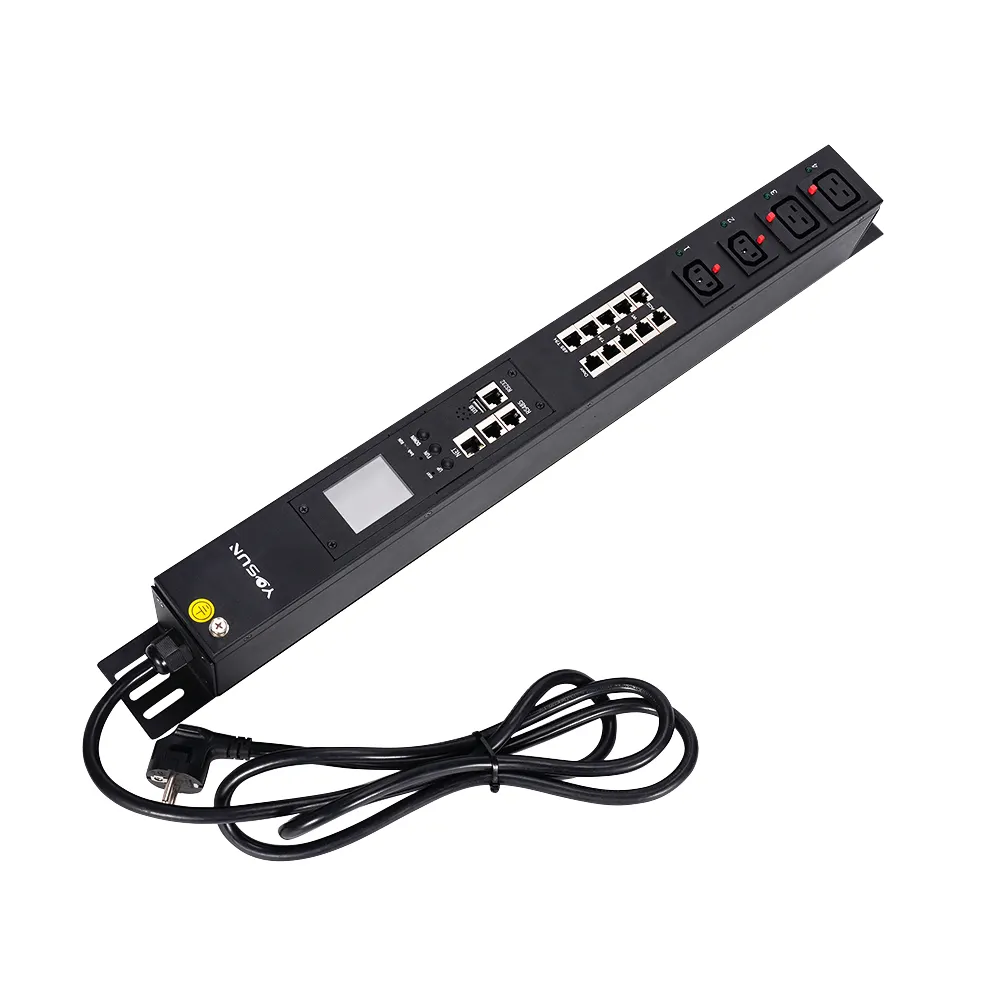
Data center and server room administrators face a common question when deploying rack equipment: where should the Power Distribution Unit (PDU) be installed? Improper placement leads to messy cables, obstructed airflow, and reduced cooling efficiency. Finding the optimal installation method balances power safety, heat dissipation, and cable neatness.
The best spot for a PDU in a rack is usually at the back. It can be put up straight or sideways. This keeps air moving well and cables neat. Where you put it depends on how the rack is set up. It also depends on what equipment you use and how you handle cables. They fit different rack styles.
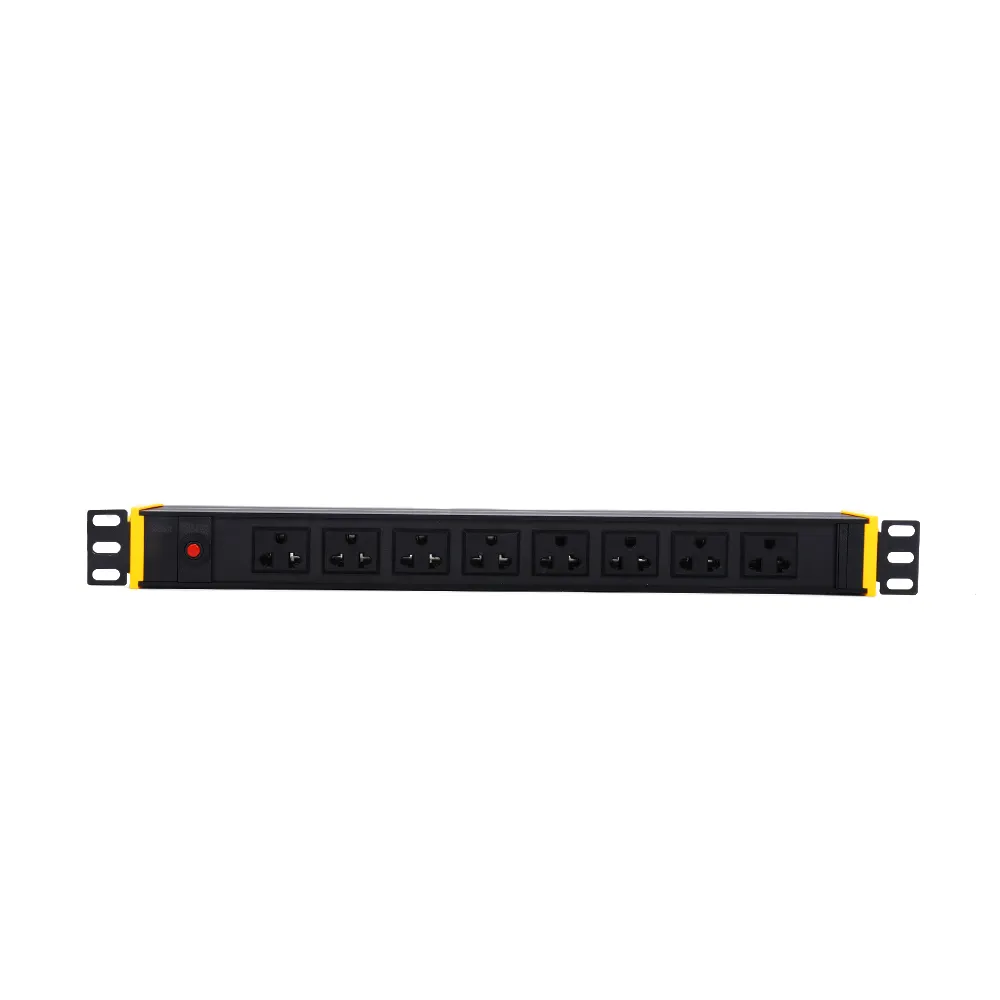
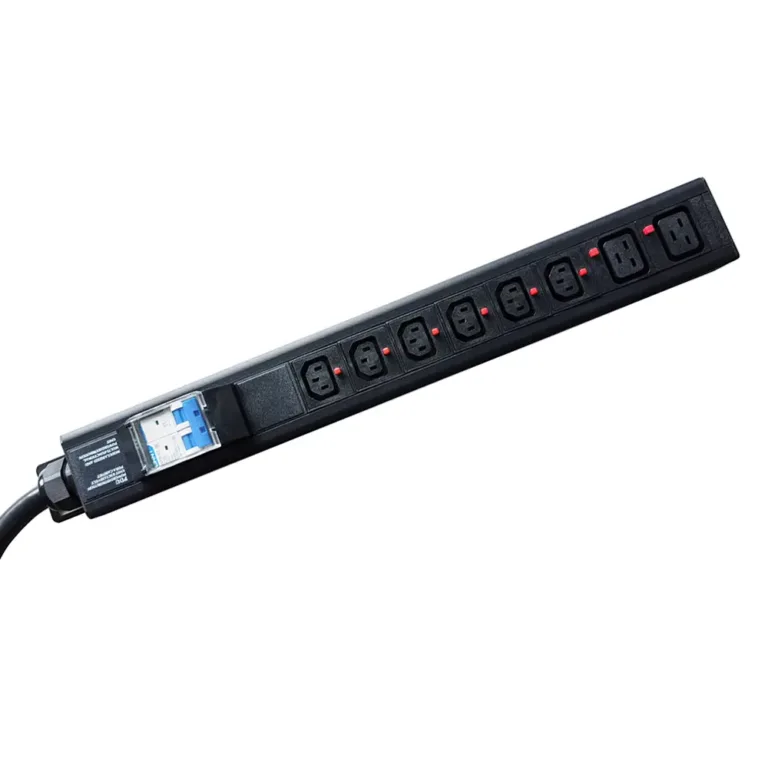
Choosing the right PDU installation location helps ensure system safety and smooth operation. The way a rack-mounted PDU is installed in the rack affects power flow, cable arrangement, and heat dissipation. YOSUN offers basic, metering, intelligent, and heavy-duty PDUs. These PDUs can be installed vertically or horizontally.
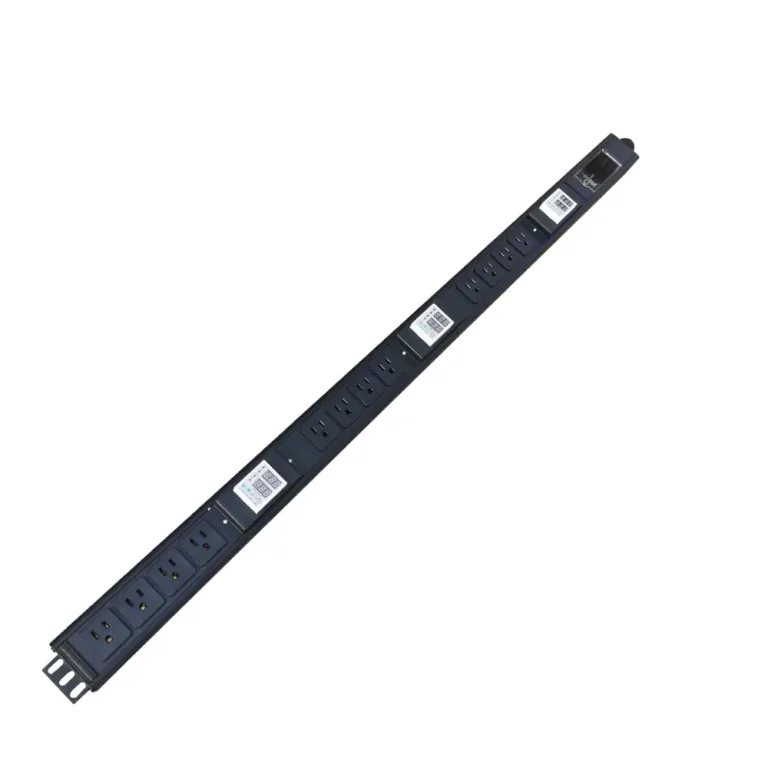
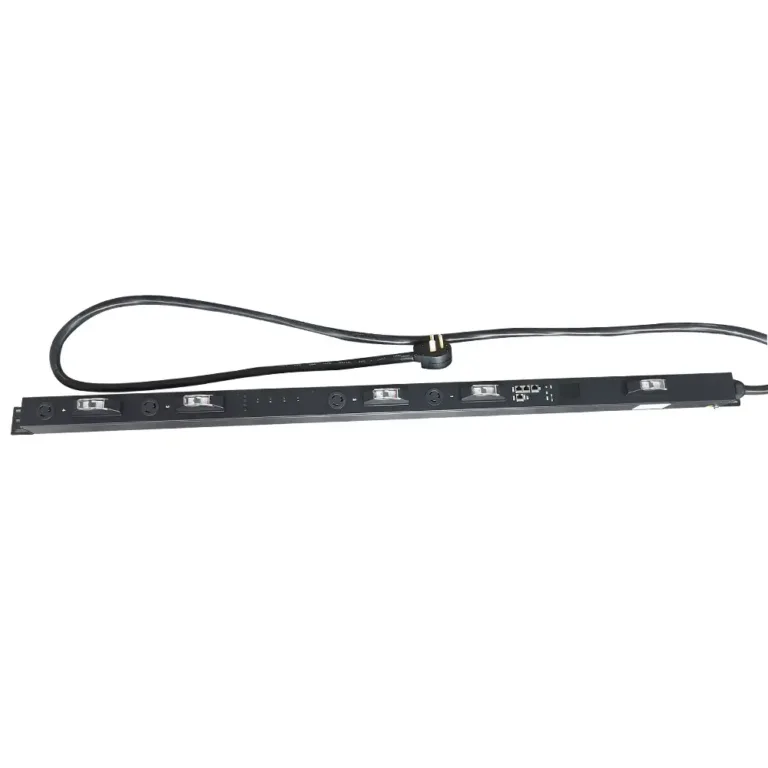
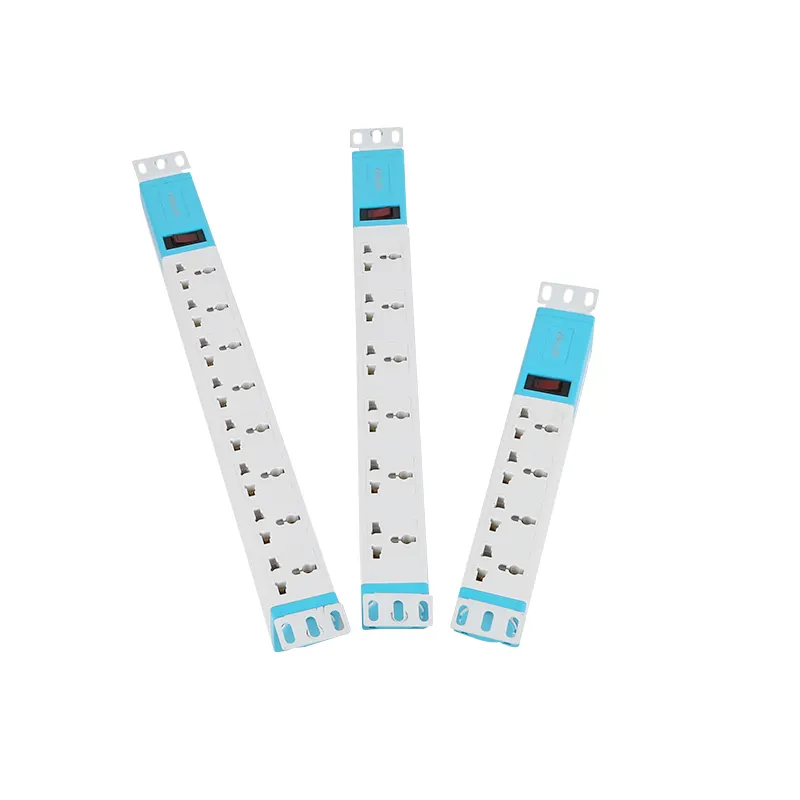
Many data centers prefer vertical mounting. Vertical rack-mounted PDUs are installed on the side or back of a rack. This method makes full use of the rack’s vertical space, leaving more room for other equipment. Some vertical PDUs can accommodate up to 40 power outlets. This is ideal for racks with many devices.
The tall PDU design helps keep cables neatly arranged on both sides of the rack. This layout avoids cable clutter and promotes airflow. Good airflow helps prevent overheating. Vertical PDUs can withstand higher temperatures, so the equipment can operate safely even under heavy loads.
Tip: Installing a vertical PDU on each side of the rack makes it easy to connect power outlets and keep cables tidy.
Vertical mounting facilitates the addition or removal of equipment. This is very useful when racks are frequently changed or new equipment is introduced. Many IT teams choose vertical rack-mounted PDUs for these reasons.
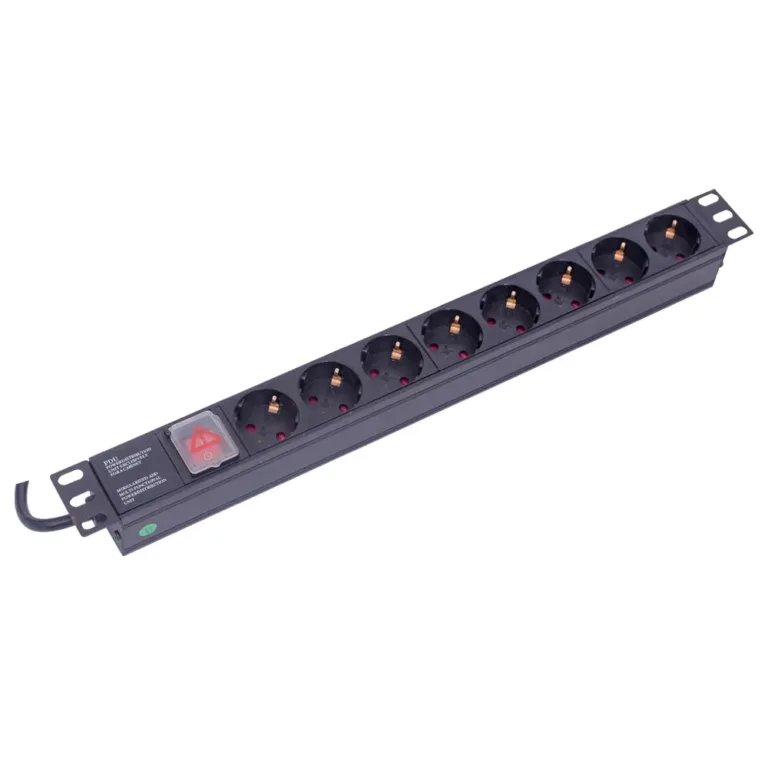
Horizontal mounting puts the rack pdu across the rack, at the top, middle, or bottom. A horizontal pdu uses 1U or 2U of rack space and often has fewer outlets than a vertical pdu. This way works well in small racks or when space is tight.
Horizontal pdus give power to many devices. They help keep cables neat and cut down on mess. This setup also helps air move, which keeps gear cool. Horizontal mounting is good for short racks and makes outlets easy to reach for quick changes.
The back of the rack is the most common location for installing rack power distribution units (PDUs). Installing PDUs at the back prevents power cables from obstructing airflow. Many teams install vertical PDUs on the left and right sides of the rack, which facilitates connection to power outlets and keeps cables neat.
Some racks install horizontal PDUs in the middle/rear or bottom for better equipment fixation and easier cable connections. The bottom position is suitable for high-power PDUs (e.g., YOSUN) that require additional support. The middle position is convenient for connecting equipment located in the center of the rack.
The type of PDU also affects placement. Basic PDUs suit small rooms with simple needs. Metered PDUs monitor power usage and should be placed in safe locations. Smart PDUs (like YOSUN’s smart power unit) work well in complex environments and allow remote monitoring. Heavy-duty PDUs can handle large loads and are often installed at the bottom or back of the rack.
Note: Always match the number and type of outlets to the gear in the rack. This step keeps power safe and steady.
Before installing a PDU, the team should assess the rack layout. They need to check the rack’s total power consumption and determine whether the rack has sensors for temperature, humidity, or smoke. These sensors help ensure safe operation. The team must decide between a vertical or horizontal PDU and plan power cable routes.
Good airflow keeps the rack cool. The team should cover open spaces with blanking panels and seal cable holes using brush grommets. Hot and cold aisle containment helps direct airflow properly. Placing the PDU at the rear or middle of the rack improves cable management and airflow, preventing heat buildup.
Before installing the PDU, the team should plan cable paths. Use cable ties for fixed bundles and Velcro straps for cables that may need adjustment. Label each cable for easy identification. Keep cables away from vents and fans to maintain airflow. Neat cabling simplifies troubleshooting.
Tip: Leave a little slack in the cables. This helps stop strain and makes changes easier later.
To install the PDU, gather all necessary tools and mounting hardware. Two people should lift and hold the PDU in place, aligning the mounting brackets with the rack holes. Secure the PDU using screws and brackets. Before connecting power, inspect the PDU and cables for any damage. Ensure the rack’s power is off during installation. Route the power cord properly and use cable ties to secure it. Locking outlets prevent accidental disconnection.
Note: Surge protection is important for every rack PDU. It keeps all equipment safe from power surges.
One of the most common mistakes is placing a PDU directly in front of fans or vents. This blocks cool air from reaching servers and other equipment. The problem often occurs with both vertical and horizontal mounting in a rack cabinet.
Restricted airflow leads to overheating, which can damage power supplies and other components. Before mounting a PDU, always map out the airflow path and keep the unit away from vents and fans. Proper placement maintains consistent cooling and protects your hardware.
Tip: Leave at least a few inches of clearance around the PDU to ensure uninterrupted airflow.
Messy cables create multiple problems. When cables cross over a PDU or hang in front of outlets, accessing power connections becomes difficult. This is common with both vertical and horizontal mounting.
Disorganized cables can also block airflow and make it hard to spot issues like loose connections or damaged cords. Plan your cable paths before mounting the PDU. Use velcro ties (not zip ties) for easy adjustments, label each cable for quick identification, and keep all cables away from fans and vents. Good cable management improves safety and simplifies future maintenance.
Failing to secure a PDU properly puts your entire rack at risk. Some teams skip the correct brackets or don’t tighten screws enough, which can cause the PDU to fall or shift inside the cabinet. This is especially dangerous for heavy-duty PDUs that handle more power.
Always follow the manufacturer’s installation instructions. Check that all mounting hardware is tight and that the PDU is firmly attached. An unsecured PDU can block outlets, damage nearby equipment, or even create electrical hazards. Before powering up, test that the unit doesn’t move when cables are plugged and unplugged.
Note: After mounting your PDU, double-check that no cables are pinched, all brackets are tight, and the airflow path remains clear. A few minutes of careful placement can prevent hours of downtime.
IT professionals must place PDUs in the correct locations to ensure the safe and stable operation of equipment within the rack. Three key points are crucial: ensuring proper airflow, maintaining neat and organized cables, and ensuring effective surge protection. Whether PDUs are installed horizontally or vertically, proper grounding, overload prevention, and the use of cable ties or Velcro to regulate cable routing are essential.
YOSUN offers PDU solutions for various rack types, helping IT teams select the most suitable products based on their actual rack structure. Proper PDU layout not only optimizes power distribution but also improves heat dissipation, enhances operational efficiency, and lays the foundation for long-term stable equipment operation.
Putting a PDU up and down at the back or side helps air move. This spot keeps outlets and cables away from fans and vents. Good airflow stops equipment from getting too hot and helps power work well.
Horizontal mounting uses rack units and fits in small racks. Vertical mounting saves space and gives more outlets. Many teams pick vertical mounting for big racks and horizontal for short racks or when space is tight.
Surge protection keeps equipment safe from sudden power spikes. It protects servers and devices during storms or electrical problems. Every rack PDU should have surge protection to keep things safe and working right.
A smart power distribution unit lets you check and control power from far away. It sends alerts if there are power problems and tracks energy use. This makes fixing things easier and helps teams find problems early.
Teams should plan by looking at the rack and what equipment is needed. They must use the right brackets and screws to hold the PDU. Keeping cables neat and using surge protection keeps the rack safe and tidy.