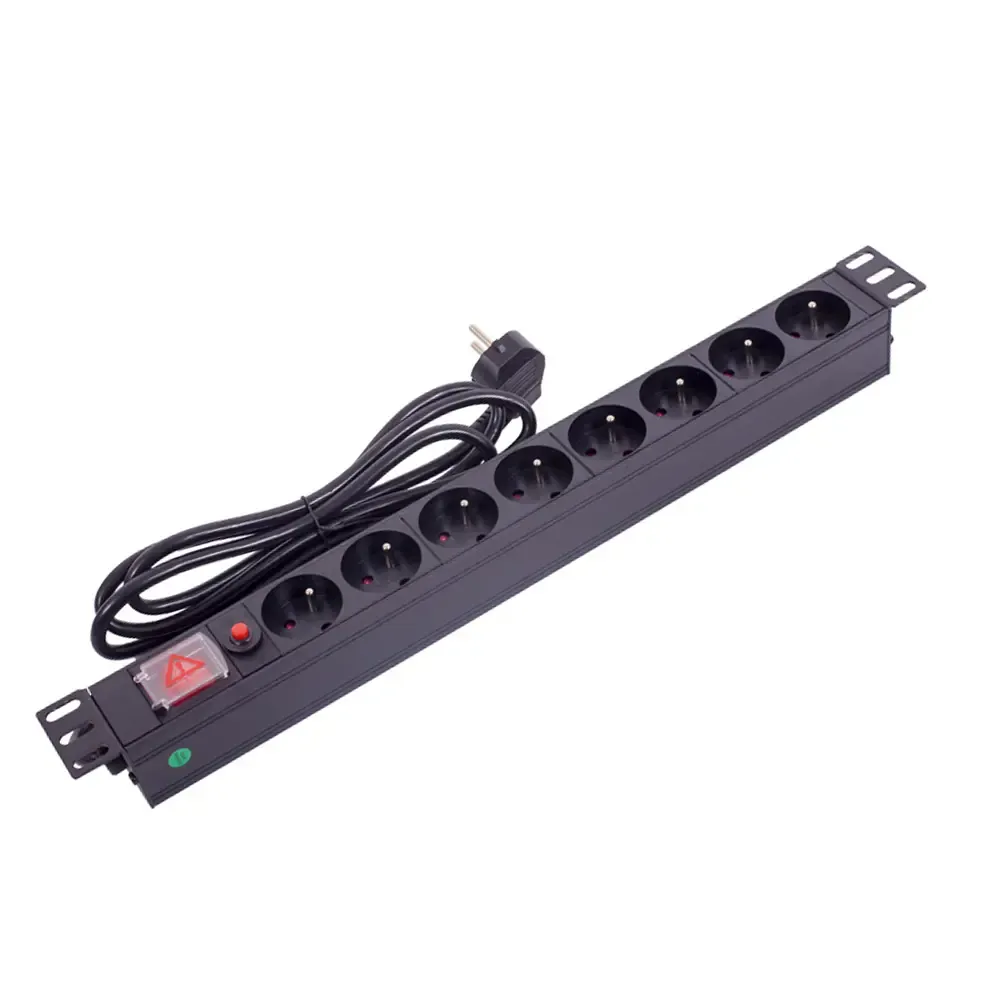
Key Features of Rack Mounted PDUs You Should Know
Rack mounted PDUs offer real-time monitoring, overload protection, remote management, and flexible mounting for reliable power in data centers.


+86 15867381241

Technicians are installing rack-mounted PDUs inside the server rack.They typically place the PDU on the back or side of the rack for optimal positioning. This helps improve airflow and keeps cabling neat. It also ensures that each server receives a stable power supply. Placing the PDU in the correct location prevents downtime and improves system efficiency. YOSUN offers a variety of PDU options suitable for various server rooms. They also provide customized solutions for different rack configurations.
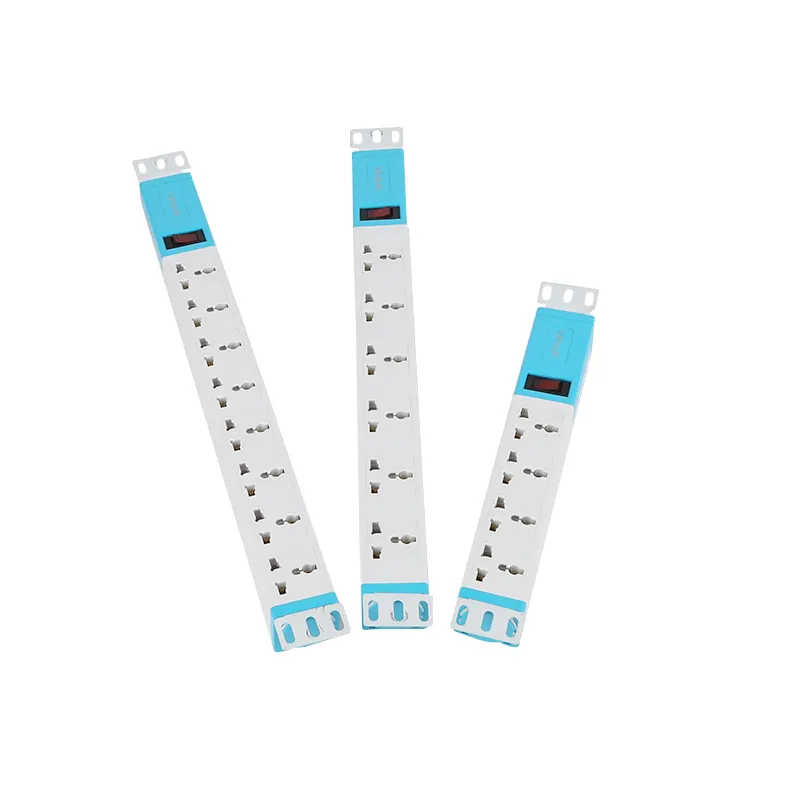
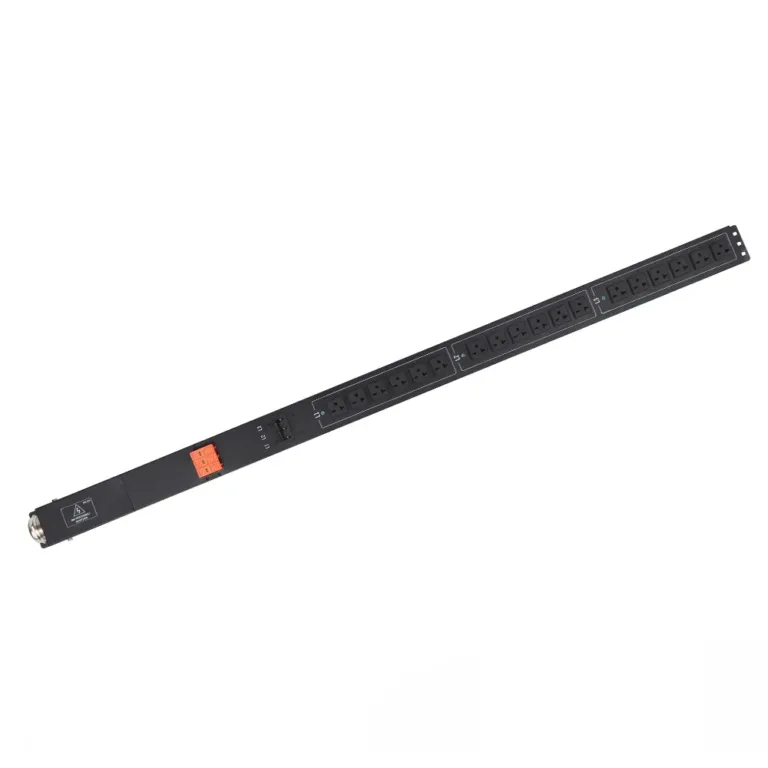
Technicians prefer to mount rack PDUs on the side or back of the rack. This method is common in new data centers. Vertical PDU mounting saves space because it doesn’t occupy any U-space. A rack can accommodate more servers and equipment. The table below lists the main advantages of vertical PDU mounting:
| Advantage | Description |
|---|---|
| Maximized Rack Space | Does not occupy U-space, so a rack can accommodate more servers and equipment. |
| Simplified Cable Management | Shorter power cords mean less clutter and easier maintenance. |
| High-Density Outlet Capacity | Has multiple outlets, suitable for racks with a large number of servers. |
| Improved Airflow and Cooling | Maintains unobstructed airflow, reduces the risk of overheating, and aids in heat dissipation. |
| Scalability and Redundancy | Robust design and safety certifications prepare for future expansion and ensure reliability. |
Vertical rack PDU mounting helps keep cabling neat. Technicians can better organize cables, reducing clutter and the likelihood of overheating. This setup allows air to easily circulate around the equipment. Good airflow helps with heat dissipation and reduces the risk of server downtime.
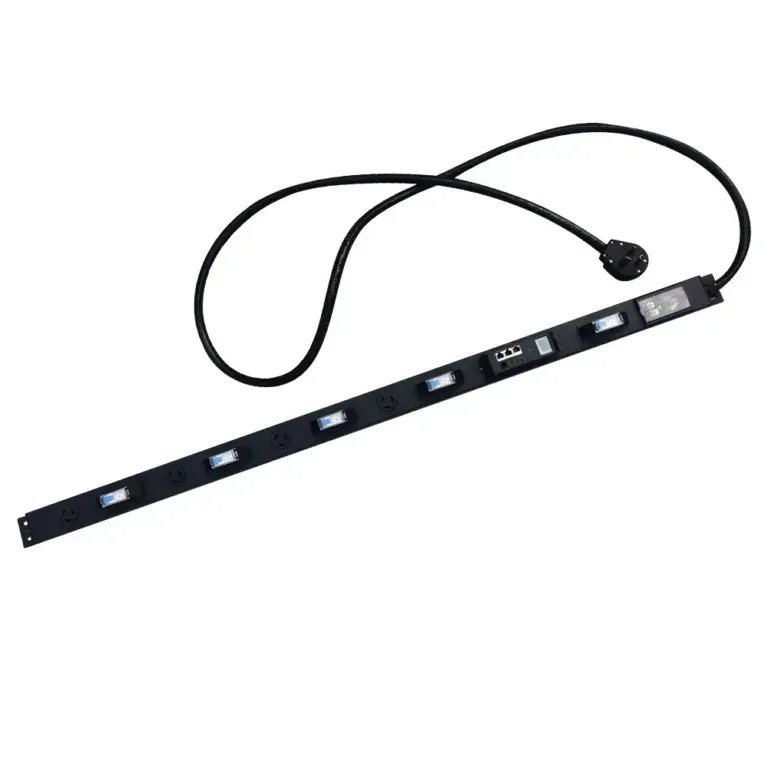
YOSUN offers various types of rack PDUs suitable for vertical installation. Basic rack PDUs provide stable power for standard configurations. Metered rack PDUs allow users to monitor power usage. Smart rack PDUs have special features such as remote control and alarms. Heavy-duty rack PDUs are suitable for racks with a large number of servers and critical loads. YOSUN’s vertical rack PDUs comply with safety standards and can be customized with different plugs and modules.
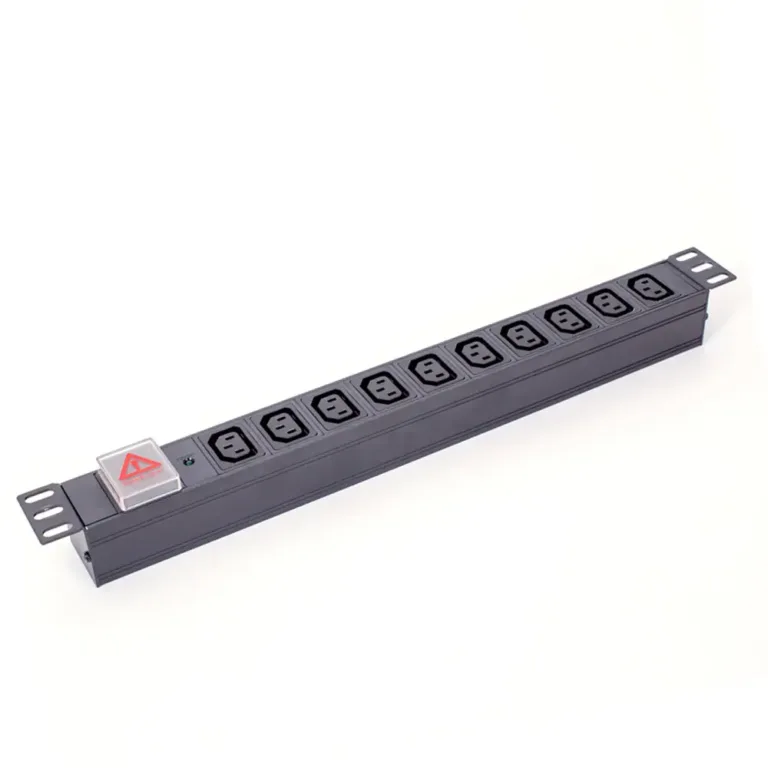
Horizontal installation is another way to install PDUs in server racks. Technicians install the rack PDU at the top, bottom, or middle of the rack. This method is suitable for smaller racks or racks with fewer devices. Horizontally mounted rack PDUs make it easier for users to connect outlets and manage cables.
Horizontally mounted rack PDUs can also sometimes aid in cable management. Technicians can connect cables directly to the rack PDU, keeping things tidy. However, horizontally mounted rack PDUs occupy U-space, so they are best suited for racks with ample space.
YOSUN’s horizontal rack PDU models include basic, metered, and smart types. Smart rack PDUs allow users to remotely monitor power consumption and control outlets. These features help save energy and prevent overloads. Metered rack PDUs allow users to view power consumption and balance the load. YOSUN’s horizontal rack PDUs are compatible with different plugs and safety modules.
New rack PDU installation trends focus on energy efficiency and better control. Data centers now use smart power distribution units with remote control capabilities. These rack PDUs help reduce energy consumption and support green initiatives. YOSUN’s smart rack PDU products offer real-time monitoring, quick alerts, and good load balancing capabilities. Technicians can set power cycling for unused equipment and receive alerts when potential problems arise.
Tip: Choose a rack PDU installation method that suits your rack size, number of servers, and cabling needs. YOSUN offers a variety of products, from basic power distribution units to smart rack PDU solutions, to meet your diverse needs.
Technicians need quick access to PDUs for inspection and repair. Troubleshooting is faster if the PDU is easily accessible. This helps ensure the safety of the server rack. Experts say that PDUs should be placed in an easily accessible location. This allows for easy identification and repair of loose connections. Problems can be addressed before they worsen. The table below explains how good PDU placement contributes to maintenance:
| Factor | Benefit |
|---|---|
| Easy Access | Faster repairs, safer inspections |
| Regular Checks | Early problem detection, reduced failures |
| Cable Management | Reduced clutter, improved airflow |
Smart cable management is equally important. Technicians plan cable routing before installing the PDU. They use nylon cable ties to secure thick cables. Patch cables are secured with Velcro straps. This keeps cables neat and organized and prevents damage. Patch panel managers and D-ring organizers help guide cables. They prevent cables from becoming tangled. Power and data cables are routed separately to avoid problems. Labels speed up repairs. These measures save space and make the rack safer.
YOSUN provides customized PDU solutions for various rack sizes. Their products feature safety features such as overload protection. They also have intelligent monitoring capabilities. These features help maintain stable power and protect equipment from damage.
Airflow keeps server racks cool and safe. Placing the PDU in the correct location helps with air circulation. It prevents overheating. Technicians ensure that the PDU does not block vents or fans. Blanking panels help guide airflow and maintain even temperatures. Good airflow helps extend the lifespan of power equipment. It also reduces the likelihood of failures.
The way equipment is set up affects PDU placement. For safety, heavier equipment should be placed at the bottom. Lighter equipment is placed at the top. This makes cable management easier and saves space. Technicians route fiber optic and copper cables separately. This prevents signal interference. They regularly inspect cables and replace any that appear aged.
YOSUN’s PDUs comply with strict safety regulations. Their products help users manage power, space, and airflow in each rack. With remote monitoring and customizable modules, YOSUN provides users with control and peace of mind. Choosing the optimal PDU location can make the rack safer, save space, and provide stable power to all servers.
Proper preparation before installation is crucial. Technicians first plan the rack layout. They check if the rack is sturdy enough. They select the best mounting location for the PDU. Every server room requires good ventilation and easy access for maintenance. Safety is always paramount. Technicians follow the rules and use the correct tools.
Essential tools for installation:
Technicians review the safety checklist and inspect all wiring. They ensure the grounding wire is connected correctly. They follow the EN50110-1 2013 standard to prevent electric shock.
Installing a vertical rack-mount PDU saves space. It is ideal for racks with a large number of servers. Technicians perform the following steps:
YOSUN’s vertical rack-mount PDU models have obtained safety certifications such as UL, CE, ISO9001, RoHS, and GS. These certifications indicate that the power supply is safe and stable, providing reliable power to each server.
Horizontal PDU installation is suitable for small racks or situations with ample space. Follow these steps for safe installation:
Technicians will distribute power across all PDUs to prevent any device from overloading. YOSUN products are easy to install and feature robust safety features. They are suitable for any server rack.
Tip: Choose a PDU with appropriate safety certifications. This will ensure your servers operate safely and extend their lifespan.
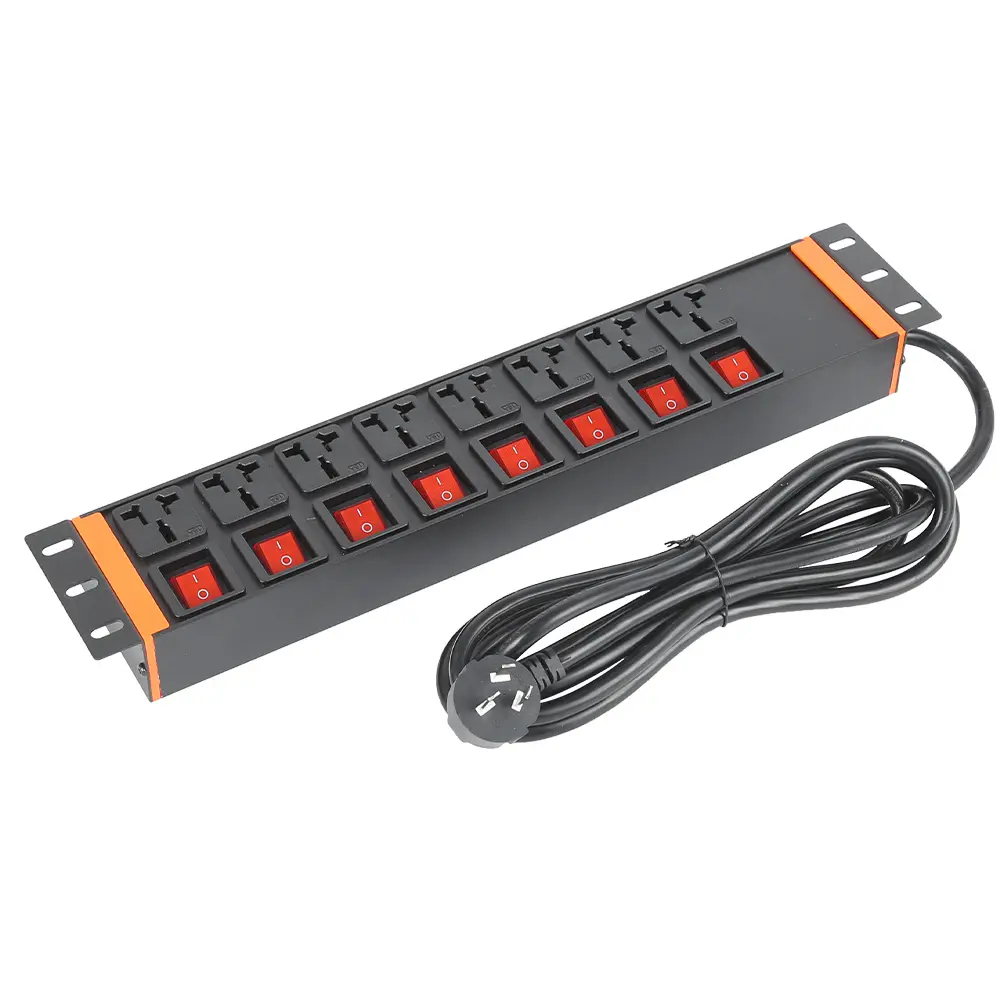
Some technicians install PDUs in locations that obstruct airflow. This mistake reduces cooling efficiency. Hot air accumulates and creates hot spots near the servers. Even small gaps filled with cables can cause significant airflow in the wrong direction. If the rack space is not completely enclosed, even more air will not flow properly. When airflow is reduced by 10%, the air forms eddies and causes the servers to overheat. This also consumes more energy. YOSUN recommends installing PDUs in locations where air can easily circulate. Their products feature surge protection to help prevent overheating. Good airflow protects servers, ensuring safe operation and reducing the risk of downtime.
Messy cables are another common mistake when installing PDUs. Disorganized cables obstruct the flow of hot air away from the servers. This creates hot spots and increases rack temperature. Equipment may overheat, shortening its lifespan. YOSUN’s PDU models feature surge protection and cable organizers to keep cables tidy. Neat cables help protect equipment and simplify troubleshooting. Technicians should use cable ties and labels to keep cables organized and away from airflow paths.
Connecting too many devices to a PDU is a serious problem. This can create electrical hazards within the rack. Excessive load can damage equipment and shorten its lifespan. Circuit overload can cause equipment to shut down and stop functioning. YOSUN’s PDU devices feature surge and overload protection to prevent these problems. Their support team will help users set up the correct protection measures for each rack. The table below shows the potential consequences of PDU overload:
| Problem | Impact on Protection |
|---|---|
| Electrical Hazards | Surge protection reduces risk |
| Equipment Damage | Overload protection helps extend equipment lifespan |
| Increased Downtime | Surge protection maintains stable power supply |
Technicians should always check the PDU’s load capacity. They should use surge protection to prevent problems. YOSUN’s products and support services help ensure the safety of each server rack.
Tip: Choose a PDU with surge and overload protection. YOSUN’s solutions help ensure rack safety and keep servers running smoothly.
Technicians ensure more efficient and safer equipment operation by installing PDUs in the optimal location within the rack. They carefully read manufacturer instructions, regularly inspect the PDUs, and maintain a clean work area. YOSUN’s intelligent PDUs feature real-time power monitoring and remote control capabilities. These features help prevent failures and ensure stable system operation. The table below shows how these features improve rack efficiency:
| Feature | Benefit |
|---|---|
| Real-time monitoring | Helps save energy and facilitates equipment maintenance. |
| Remote management | Allows for powering off unused equipment. |
| Proactive notifications | Provides warnings in case of power overload, ensuring equipment safety. |
Technicians install PDUs on the back or side of the rack. This helps with airflow and keeps cabling tidy. YOSUN offers various options, such as different outlet types and mounting methods. Their team can assist customers with new power requirements. For best results, technicians should follow the recommended PDU installation locations and contact YOSUN for assistance when needed.
Technicians typically install PDUs on the back or side of the rack. This location keeps cabling tidy and ensures proper airflow. YOSUN recommends this installation method for improved safety and ease of maintenance.
YOSUN recommends vertical heavy-duty or intelligent PDUs for high-density racks. These models offer more outlets and advanced features. They help users manage power and prevent overloads.
Proper PDU installation ensures unobstructed airflow. Servers stay cooler and operate more reliably. YOSUN’s PDUs help prevent hot spots and reduce the risk of overheating.
Yes. YOSUN offers customizable PDUs, including different plug types, modules, and safety features. Their team can help users select the best solution for any rack.