Key Benefits of Using Switch PDU in Modern Data Centers
Switch pdu boosts data center uptime, enables remote power control, cuts costs, and streamlines management for efficient, reliable operations.


+86 15867381241
Power distribution units (PDUs) power multiple devices, while switches connect network devices to enable data sharing. Understanding the differences between various PDU types is crucial for IT teams to effectively manage systems. For example, the differences between PDU models such as switchable PDUs and basic PDUs affect how you control and monitor your power infrastructure. Switchable PDUs support remote management and energy monitoring, improving efficiency and helping to prevent problems. As a leading manufacturer of power distribution units, YOSUN offers advanced solutions tailored for data center and telecom customers, ensuring reliable and intelligent power management.
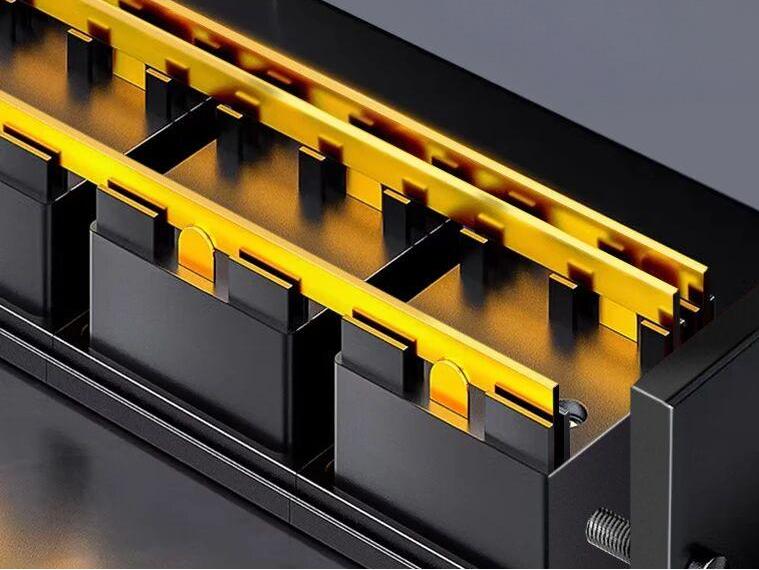
A Power Distribution Unit (PDU) is used to control power in locations such as data centers and server rooms. It is similar to a large power outlet. The main function of a PDU is to distribute power from a main power supply to multiple devices. This ensures that each device in a rack or cabinet receives the power it needs. A high-quality PDU can prevent power problems and ensure all devices function properly.
YOSUN is a leading manufacturer of power distribution units. They offer a wide range of products, such as intelligent, metered, and heavy-duty models. YOSUN can also customize PDUs to meet different needs.
Power Distribution Units (PDUs) come in various types, each with its unique functions. The following table lists the main types and their functions:
| PDU Type | Features |
|---|---|
| Basic | Simple power sharing, no additional features. |
| Metered | Checks power consumption, prevents overload, and provides real-time data. |
| Monitored | Connects to a network for remote monitoring and provides accurate data. |
| Switched | Allows you to remotely control outlets and power supplies. |
| Smart | Features advanced tools such as remote monitoring, outlet control, and energy tracking. |
YOSUN sells all these types of PDUs. Their smart PDUs feature advanced metering tools, remote monitoring, and outlet control capabilities. These tools help IT teams better utilize electricity.
Power distribution units are crucial in IT operations. Here are some application scenarios:
High-quality PDUs are crucial for ensuring system operation. Power outages are nearly half the cause of data center failures. Smart PDUs equipped with dual power inputs and automatic switching ensure system continuity during a power outage. YOSUN’s smart PDUs feature features such as daisy-chaining, replaceable meters, and easy-to-use color-coded sockets.
Tip: Choosing the right smart PDU, equipped with metering and remote monitoring tools, helps the system operate better and ensures the safety of critical equipment.
A network switch is a device that connects multiple devices in a network. It helps these devices transmit data to each other. Switches operate at the data link layer, which is Layer 2 in the OSI model. It uses MAC addresses to determine the path of each message. Some switches can also operate at Layer 3, meaning they can transmit data between different networks.
Switches control how data is transmitted in a network. They learn the MAC address of each device and use it to send data to the correct destination. Here are some of the main functions of a switch:
Tip: Switches keep the network clean and ensure data reaches the correct device quickly.
Switches are crucial in both small and large networks. People use switches for many reasons:
| Use Case | Benefit |
|---|---|
| Creating LANs | Easy communication |
| Connecting devices | Better productivity |
| Dedicated bandwidth | Faster network speeds |
| Resource sharing | Improved collaboration |
Switches help networks operate efficiently and support multiple devices connected simultaneously.
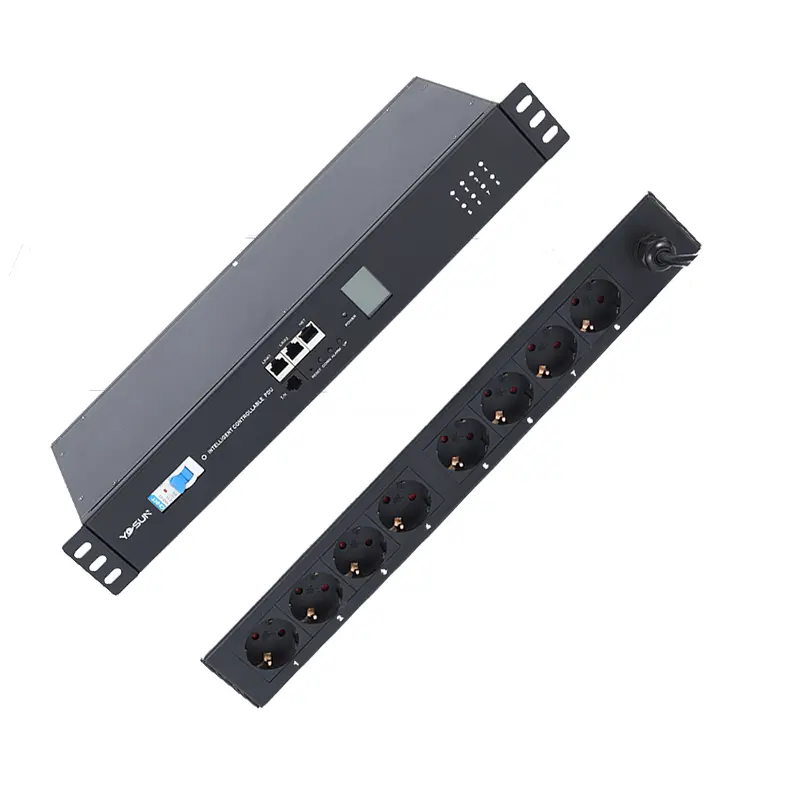
PDUs and switches play different roles in the IT field. A PDU takes power from one place and distributes it to multiple devices. This ensures that devices such as servers and network tools function properly. A PDU with a switch allows you to remotely control the switch of an outlet. A PDU with monitoring capabilities can help you understand power consumption and detect problems early. YOSUN’s PDUs integrate these functions for better control.
A switch handles data, not power. It connects computers, printers, and other devices, enabling them to share information. Switches use MAC addresses to send data to the correct devices. Some switches handle large volumes of data traffic very well. The main difference is that a PDU handles power, while a switch handles data.
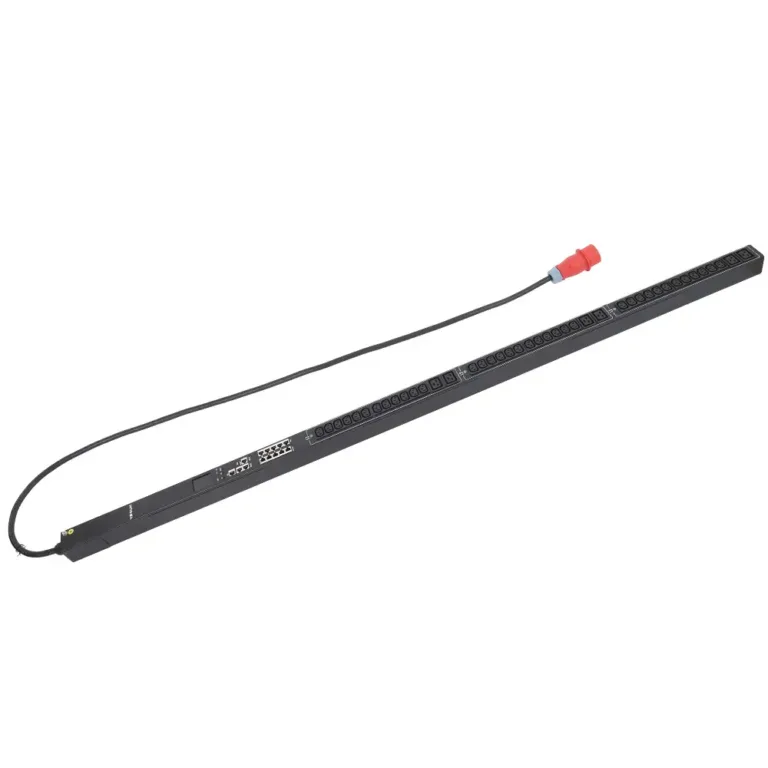
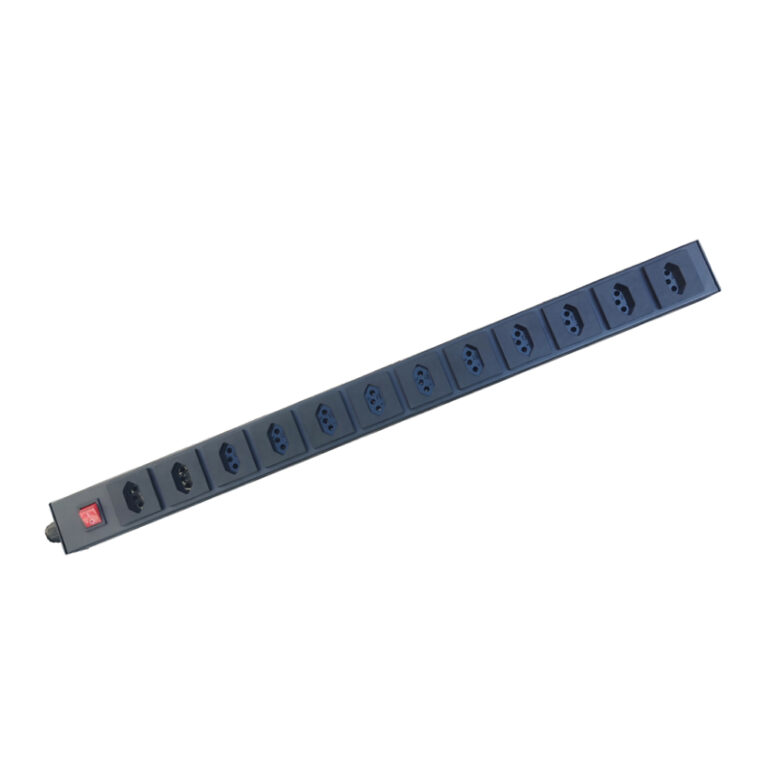
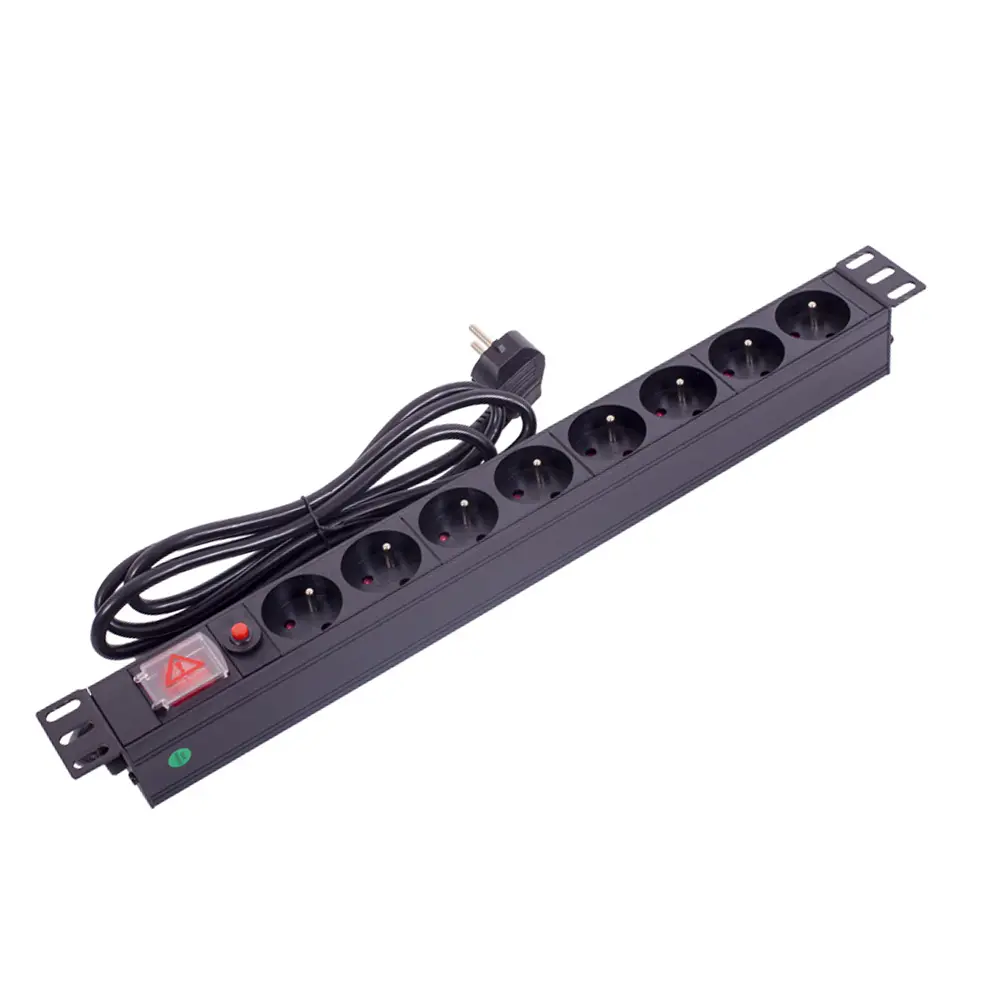
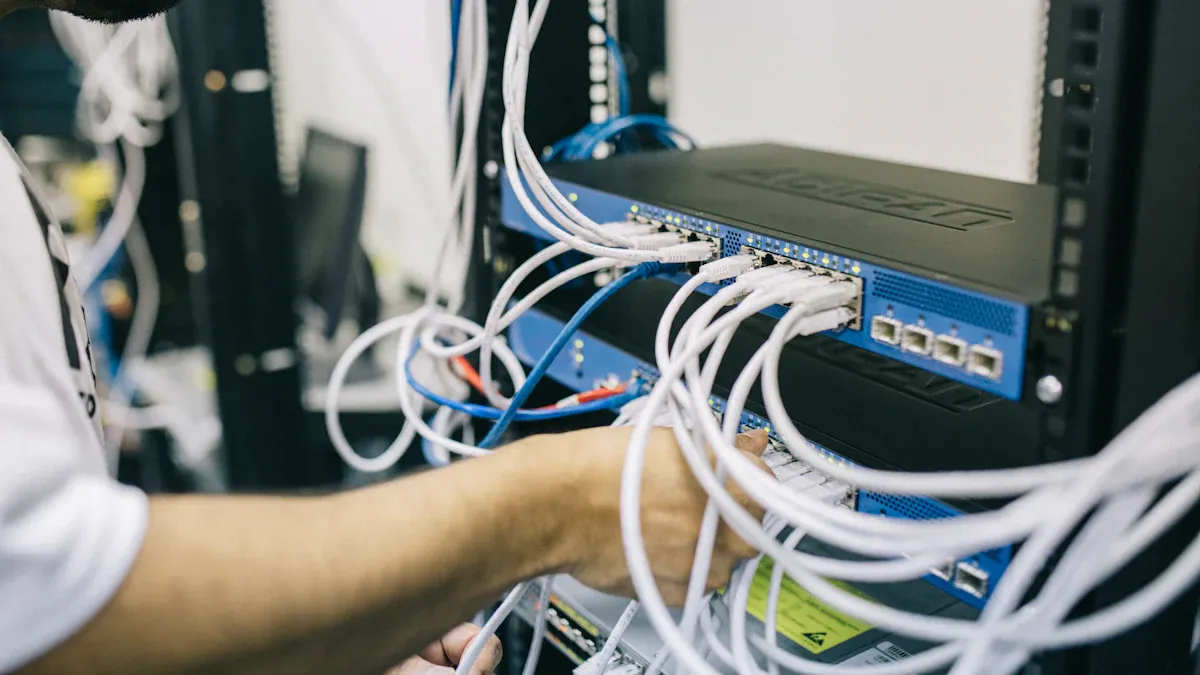
PDUs and switches look different. A PDU is typically a long, narrow socket or a box with multiple power outlets. PDUs with switches may have network ports for remote control. Monitoring PDUs can be equipped with a screen or network connection for monitoring power usage. YOSUN manufactures PDUs in various shapes and sizes, allowing you to choose according to your needs.
A switch is typically a rectangular device with multiple Ethernet ports. These ports are used for cabling to connect computers and other devices. Some switches have indicator lights to show their operating status. You can distinguish between a PDU and a switch by their ports. A PDU has a power socket, while a switch has data ports.
Note: Always ensure your equipment has the correct number and type of ports. This ensures the security and proper functioning of your equipment.
PDUs and switches are deployed in different locations within an IT environment. PDUs power devices, making them crucial in data centers, factories, and network server rooms. PDUs with integrated switches are commonly used in data centers and telecom server rooms because they offer remote control capabilities and high reliability. Monitoring PDUs help administrators monitor power usage in critical locations.
Switches are installed in network racks or cabinets. They are used to connect devices within a local network. The difference lies in their application scenarios. Power Distribution Units (PDUs) provide power, while switches transmit data.
Some people confuse Power Distribution Units (PDUs) with switches, especially when using advanced models. Some believe that PDUs with switches and PDUs with metering functions are the same. A PDU with metering simply checks power consumption, while a PDU with a switch allows you to remotely control the outlet. A PDU with monitoring functions tracks and reports power data.
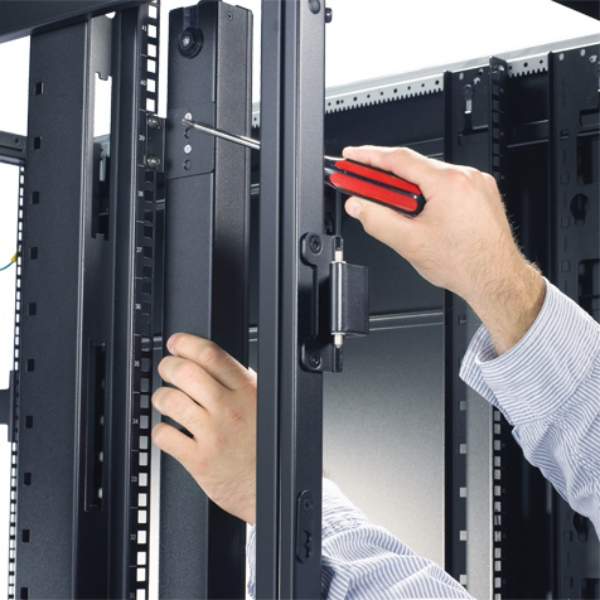
Another common misconception is that all PDUs are compatible with all devices. Each PDU has its own voltage and current ratings. You must check that it meets your device’s requirements before use. Some people find installing PDUs with switches difficult. However, the installation process is simple and safe when followed correctly.
Understanding the differences between PDUs and switches is crucial for IT teams. PDUs with switches and PDUs with monitoring capabilities help control power, while switches handle data transmission. YOSUN’s advanced PDUs offer a variety of features, making power management safer and more convenient.
PDUs are the best choice when many devices require secure power. Data centers, server rooms, and telecommunications sites all use PDUs to maintain system operation. People choose PDUs because they want to control power or monitor energy usage. Some also want PDUs with additional safety features. For example, administrators might choose PDUs with remote monitoring capabilities to monitor power and prevent overload.
The following table lists considerations before adding a PDU:
| Factor | Description |
|---|---|
| Safety | Only trained personnel should install PDUs and adhere to safety regulations. |
| Power Capacity | Consider current and future power requirements. |
| Electrical Connections | Ensure the PDU is compatible with the building’s power configuration. |
| Customization | If needed, PDUs with remote controls or special sockets can be selected. |
PDUs with temperature and humidity sensors help prevent localized overheating. Metered PDUs display real-time data so you can prevent overload and save energy. PDUs with integrated switches allow you to remotely control power outlets and provide assistance when more devices are needed later.
Switches are ideal when devices need to share data. Offices, schools, and server rooms typically use switches to connect computers and other devices. Switches help devices communicate with each other quickly and securely.
Before choosing a switch, check the following key considerations:
| Criteria | Description |
|---|---|
| Current + Future Ports | Count all ports you need now and later. |
| Uplink Speeds | Choose the right speed for quick data moves. |
| Redundancy Planning | Plan for backup if one switch stops working. |
| PoE Budget | Check if devices need power from the switch. |
Switches are ideal for networks that will expand in the future or have high traffic. They can also power devices such as cameras or Wi-Fi hotspots if needed.
The choice between a PDU and a switch depends on your specific needs. Users should consider the following questions:
PDUs with switches are more expensive but more powerful and can scale as your business grows. PDUs with metering capabilities are less expensive and primarily focus on monitoring power consumption. For switches, consider the number of devices, speed requirements, and future development needs. The right equipment ensures safe and stable operation.
Tip: Always check your equipment requirements before purchasing. The right choice helps avoid problems and allows you to scale your business in the future.
The biggest difference between PDUs and switches lies in their functionality. PDUs control power, while switches transmit data. Monitoring PDUs like YOSUN allow you to instantly view power status and perform remote control. These PDUs have additional security features that help IT teams quickly identify problems. Monitoring equipment saves energy and ensures continuous system operation. You can use monitoring PDUs in data centers, server rooms, and telecommunications facilities. If needed, more devices can be easily added. Monitoring PDUs help reduce downtime. They clearly display power data. YOSUN’s monitoring PDUs are suitable for a variety of applications. Th
A PDU powers multiple devices in a rack or cabinet. It helps ensure the safe and reliable operation of servers and network equipment.
No, a PDU cannot replace a switch. A PDU manages power, while a switch connects devices for data sharing. Each device has its unique purpose.
A PDU with a switch allows users to remotely control the power outlet. This helps IT teams restart equipment or manage power without being physically present.
Install PDUs in racks or cabinets containing servers and network equipment. Install switches in network cabinets or server rooms to connect computers and other devices.