A Guide to the Features of DC Power Distribution Units
Discover the features of DC power distribution units, including scalability, safety, and energy efficiency, ensuring reliable operations in high-demand setups.


+86 15867381241
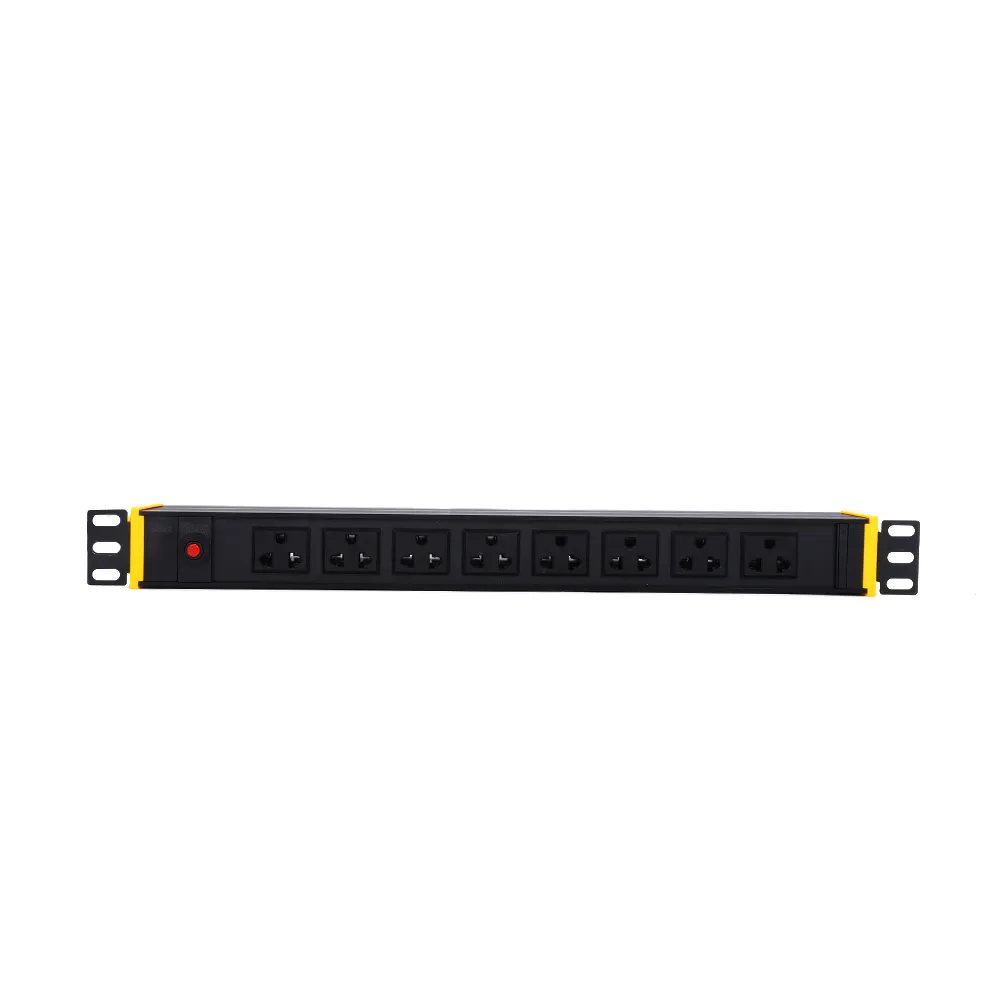
A PDU gives power to many devices. Rack PDUs go inside racks. Regular PDUs can stand on the floor or go in a rack. Many places use these units:
A power distribution unit, or PDU, helps control power in places like data centers. People use PDUs to give power to many devices at the same time. The simplest pdu types work like big power strips. They have many outlets for servers, switches, and other gear. Some advanced models let you watch power use and control things from far away. These features help people check power and manage devices without being there. Many companies pick PDUs to keep their equipment safe and working well.
PDUs come in many shapes and sizes. Some sit on the floor, and some go inside racks. Every PDU’s main job is to give power to all devices. The HPE Basic PDU S1124 is one example. It gives power to servers and network switches in data centers. This kind of PDU works with many IT setups.
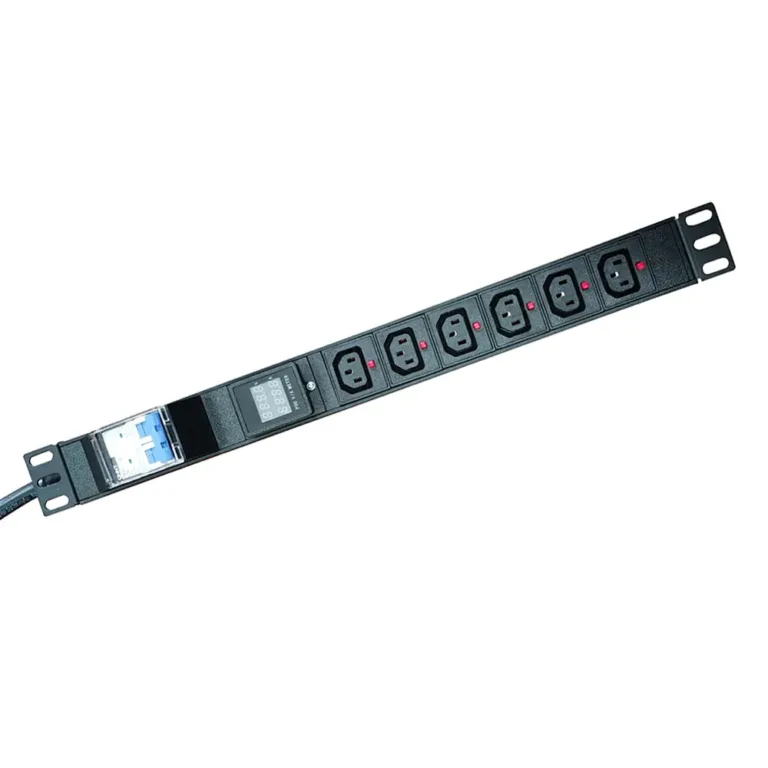
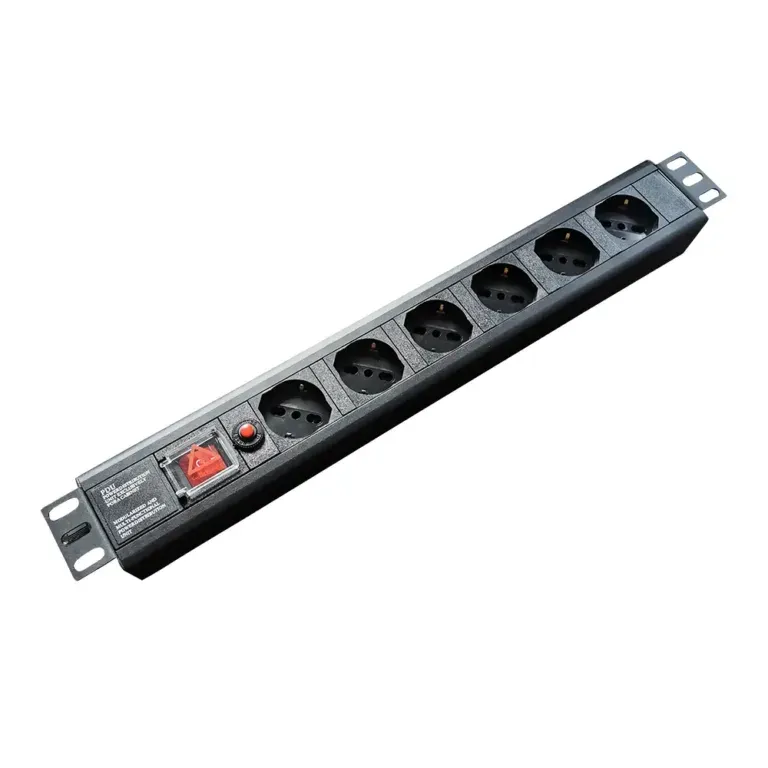
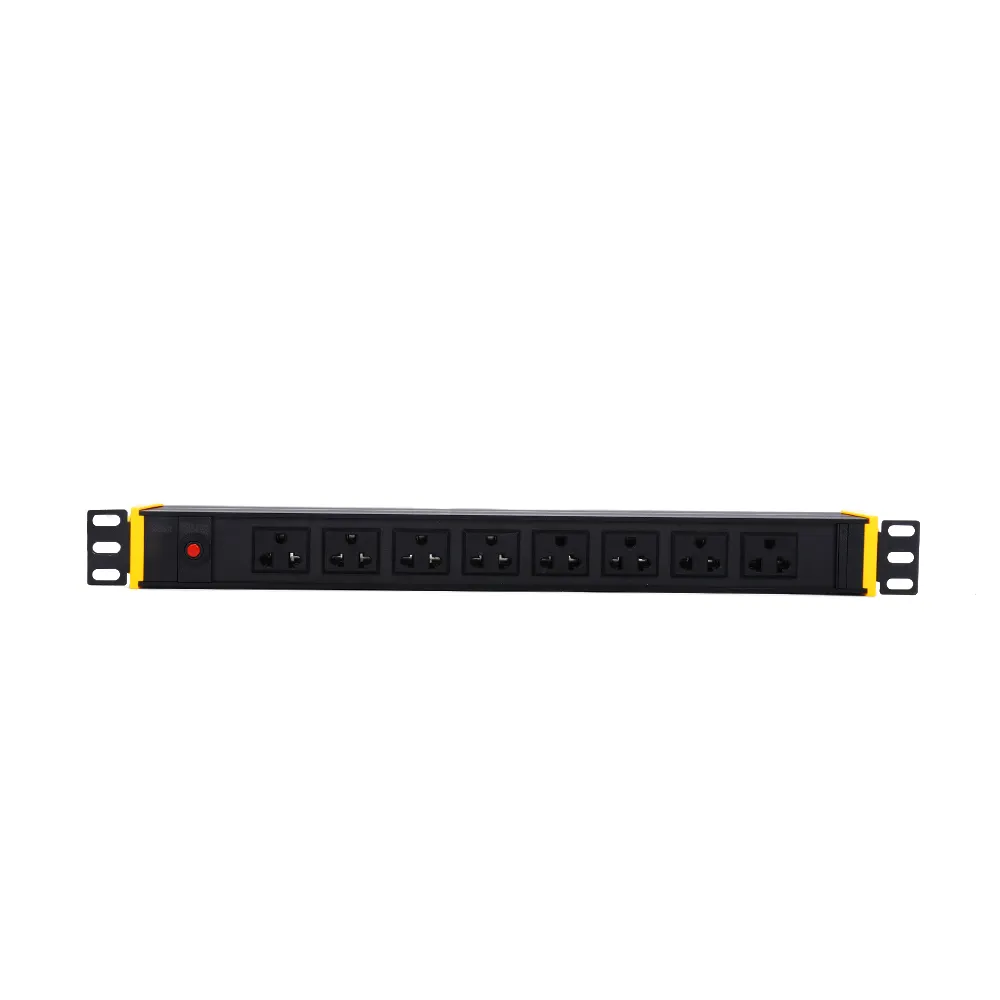
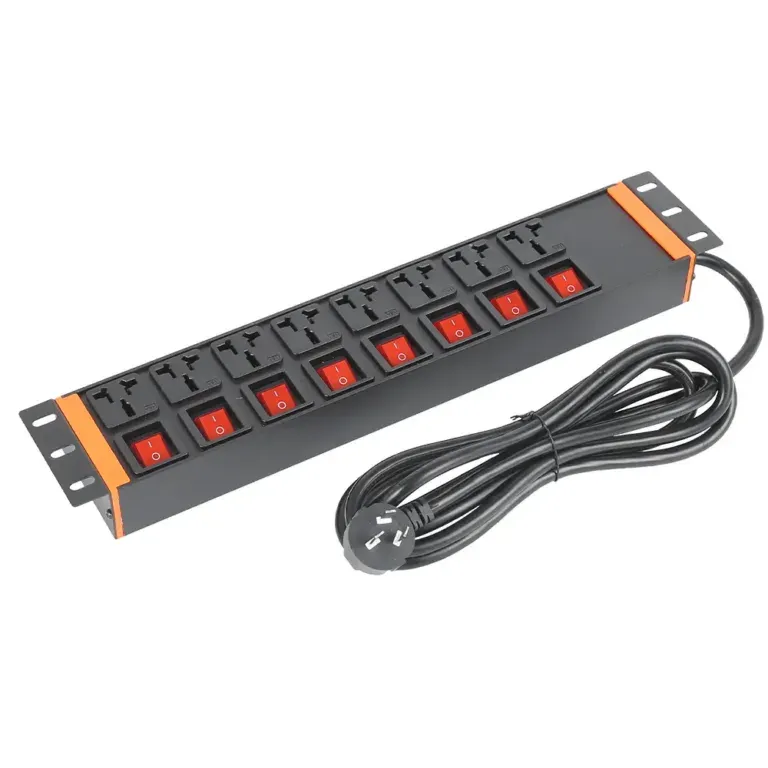
A rack PDU is a special PDU made to fit inside racks. These racks hold servers, storage, and network gear. Rack PDUs save space because they fit inside the rack. Some intelligent rack pdu models have extra features. They can measure power, report problems, and let you turn outlets on or off from far away.
Rack PDUs come with many choices. Some have up to 60 outlets for lots of devices. Others work in hot and wet places, even up to 60°C (140°F). The table below shows some features of rack PDUs from top brands:
| Feature | PX4 Rack PDUs | PX3 Rack PDUs |
|---|---|---|
| Input Power Capacity | Up to 67kVA | Higher capacity available in ETO models |
| Input Currents | From 12A up to 100A per line | N/A |
| Input Voltages | Single-phase: 100V, 120V, 200V, 208V, 230V, 240V, 277V Three-phase: 208V, 400V, 415V, 480V | N/A |
| Outlet Configurations | Up to 54 outlets per chassis (mix of HDOT Cx* and HDOT C13 outlets) | Up to 60 outlets (mix of C13 and C19 outlets) |
| Environmental Conditions | Max Ambient Temp: 60°C (140°F) Humidity: 5-90% RH / 5-95% RH non-condensing | Max Ambient Temp: 60°C (140°F) Humidity: 85% RH |
| Warranty | Standard 2-year manufacturer warranty; extended warranty available for up to 5 years | N/A |
Many intelligent rack pdu models work with both AC and DC power. This makes them good for different equipment. Some rack PDUs are called “0 RU” because they do not use rack space. They mount on the sides, so there is more room for servers.
The biggest differences between a general PDU and a rack PDU are in their design and features. General PDUs can sit on the floor or go in a rack. They often have fewer power management features. Rack PDUs are thin and fit inside racks to save space. Many intelligent rack pdu models have advanced features like remote monitoring and outlet control.
Here is a table that compares general PDUs and rack PDUs:
| Feature | General PDU | Rack PDU |
|---|---|---|
| Space Utilization | May occupy floor space | Designed to minimize rack space usage |
| Power Management | Varies, often less specialized | Advanced management capabilities |
| Power Type | Typically AC | Can support both AC and DC |
| Design | Standard power distribution | Slim, often mounted on rack sides |
Rack PDUs often have better power management features. Many intelligent rack pdu models let you watch power use in real time. This helps people track energy and find problems early. Some types of pdu, like the metered pdu, show how much power each device uses. Others, like the monitored pdu, let you check power from a computer or phone.
People use PDUs in many places, like data centers, server rooms, telecom closets, and industrial IT setups. The intelligent rack pdu market is growing fast. Experts think it will grow by more than 10% each year. More companies want to save energy and lower costs. The rise of remote and edge data centers also means more need for intelligent rack pdus. These units help control power even when staff are not there.
Tip: Picking the right types of pdu depends on your equipment, space, and what you need to manage. Intelligent rack pdus have the most features for today’s data centers.
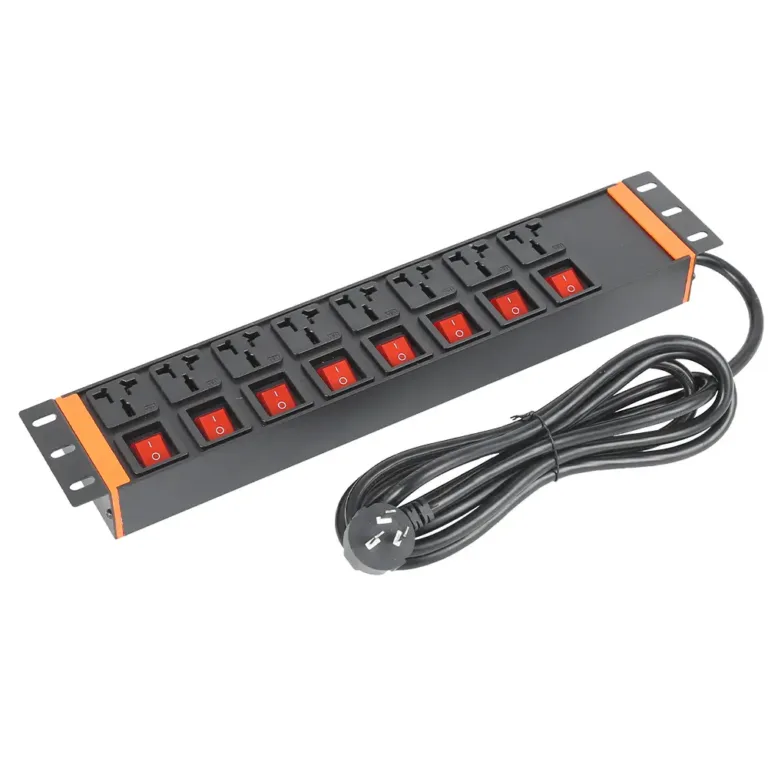
Data centers and server rooms use PDUs to keep devices powered. These units help manage power safely and quickly. Different types of PDUs fit different needs. Basic PDUs are good for simple setups. Metered and monitored PDUs help track energy use and make things work better. Switched PDUs let people control power from far away. This can cut downtime by 15%. Automatic Transfer Switch PDUs switch power sources if one fails. This makes things more reliable.
Note: Picking the right PDU helps things work better, keeps systems safe, and supports data center goals.
Factories and plants use PDUs to give steady power to machines. These places need safe and fast power to keep working. Basic PDUs work well in less important spots. Advanced PDUs help with big jobs. Industrial PDUs fix noisy power and have safety locks. They use special plugs for better power control.
Telecom sites and other important places need PDUs for nonstop power. These units give steady power to IT gear and help watch energy use. Good power stops overloads and failures. In telecom shelters, even short outages cause big problems. New PDUs help save energy and manage power quality. They also cut downtime and help things run smoothly.
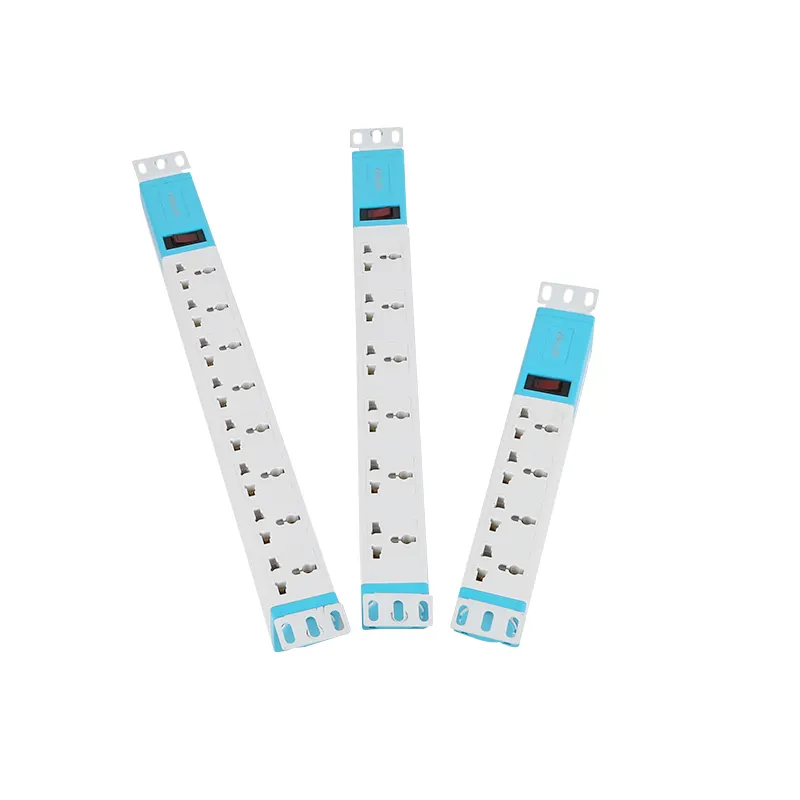
Data centers use rack PDUs to give safe power to devices. Basic rack pdus are simple and cost less. Metered inlet rack pdus show how much power goes into each rack. Metered outlet rack pdus show how much energy each device uses. Monitored rack pdus let teams check power from far away and send alerts. Switched rack pdus let workers turn outlets on or off from anywhere. This makes fixing things easier.
Smart rack PDUs, like YOSUN’s, can cut power waste by up to 30%. These units help data centers save energy and work better.
Edge computing sites and remote places have special problems. They often do not have IT staff on site. They need real-time monitoring. Switched rack pdus let teams control power from far away. This means less travel is needed. Environmental sensors check temperature and humidity. This keeps equipment safe from bad conditions. Non-intelligent rack pdu models are good for basic jobs. Smart models give more control.
YOSUN has both basic and smart rack pdus. They can be customized for different plugs and safety needs.
Hosting facilities need high reliability and flexibility. Metered outlet pdu units help track power use for each server. This helps with billing and saving energy. Switched rack pdus let workers reboot servers from far away. This keeps services running well. Facilities use features like load balancing, alerts, and energy saving tips.
YOSUN’s rack PDUs follow strict standards. They have overload protection, fire-resistant parts, and emergency power off. Custom solutions make sure every facility gets what it needs.
Picking the right PDU means knowing what your space needs. Data center managers and IT teams must think about many things before they choose. These things help make sure power is steady and mistakes do not happen.
Tip: Making a list of all equipment helps teams know how much power they need and which devices are most important.
Problems happen when people do not plan for how much power they need or forget to make a good plan. Picking the wrong PDU can cause more downtime, higher costs, and even broken equipment.
Different places need different PDUs. The best choice depends on what you are doing, how much space you have, and how much control you want.
| PDU Type | Application Suitability |
|---|---|
| Floor-standing PDU | Better for industrial or standalone applications |
| Rack-mounted PDU | Ideal for data centers or IT environments, saving space and integrating with existing equipment |
In environments such as factories or standalone facilities, teams should opt for floor-standing PDUs; conversely, in data centers and server rooms, rack-mounted PDUs represent the optimal choice. These devices not only effectively conserve space but also integrate seamlessly with other data center equipment.
If your requirements for functionality are more advanced, intelligent rack-mounted PDUs offer remote monitoring and sensor capabilities. Data center operations personnel can leverage these features to manage modern workloads, such as AI computing tasks. With intelligent PDUs, you can remotely monitor power status, track power quality in real time, and configure early warning systems—thereby enabling the early detection and timely resolution of potential issues.
Three-phase systems cost more at first, but they save money later. These systems use less energy and need less fixing. Big buildings pay less to run and get more back over time.
Note: Teams should not plan only for what might happen in the future. Smart planning and picking the right PDU keeps equipment safe and saves money.
The biggest difference between a PDU and a rack PDU is how they are made and used. A PDU can stand on the floor or go in a rack. A rack PDU fits inside racks to save space. The table below shows how features are different:
| Feature | Metered PDU | Switched PDU |
|---|---|---|
| Monitoring | Shows energy use right away | Lets you watch and control outlets |
| Remote Control | Not possible | Possible |
| Cost | Costs less | Costs more because of extra features |
| Best Use | Good for checking power | Good for remote control and automation |
Picking the right PDU keeps power steady and safe. It also stops expensive problems. Good brands like YOSUN use strong parts and give surge protection. They also help customers and follow ISO9001, UL, and CE rules. This means their products are safe and high quality.
Choosing the best power units helps things run well and keeps equipment safe.
A PDU gives power to many devices from one place. It helps keep power neat and easy to manage in data centers, server rooms, and factories.
Most rack PDUs are made to go inside racks. Some “0 RU” models can go on the side or back of racks. They are not good for standing on the floor.
Smart PDUs let teams watch power use right away and control things from far away. They help stop overloads and fix problems fast.
| Type | Features |
|---|---|
| Basic | Simple and steady power |
| Metered | Shows how much energy is used |
| Smart | Lets you watch and control power |
| Heavy Duty | Good for places needing lots of power |
Compliance means PDUs are safe and high quality. Certified PDUs protect equipment, lower risks, and follow world rules.