Remote Switched PDU: Key Features Explained
Remote Switched PDUs offer remote power control, monitoring, and energy efficiency, crucial for data centers to reduce costs and enhance operational reliability.


+86 15867381241
A PDU is important for handling electricity in data centers and IT systems. This device gives power to many machines and helps them work well. Many companies pick a power distribution unit automotive because it works well and does not break often. People use a pdu power calculator to find the best unit for what they need.
Resilience and uptime keep data safe from surges.
Power-saving helps lower costs and pollution.
Space-saving lets you plug in many things in one place.
A Power Distribution Unit (PDU) gives power to many devices in data centers. It helps everything work well and stops power loss. Choosing the right PDU can help save energy and lower costs. This is important for good power use. Smart PDUs let teams watch power in real time. They can find and fix problems fast before things stop working. Checking and taking care of PDUs often keeps systems working well. It also helps stop sudden problems. Customizable PDUs can meet different needs. They work with many types of equipment and power needs.
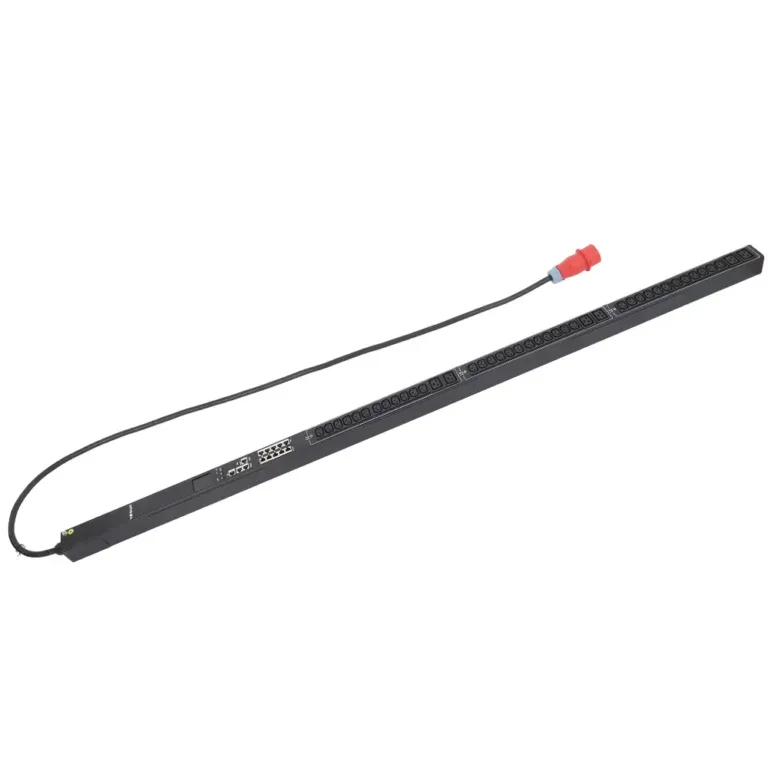
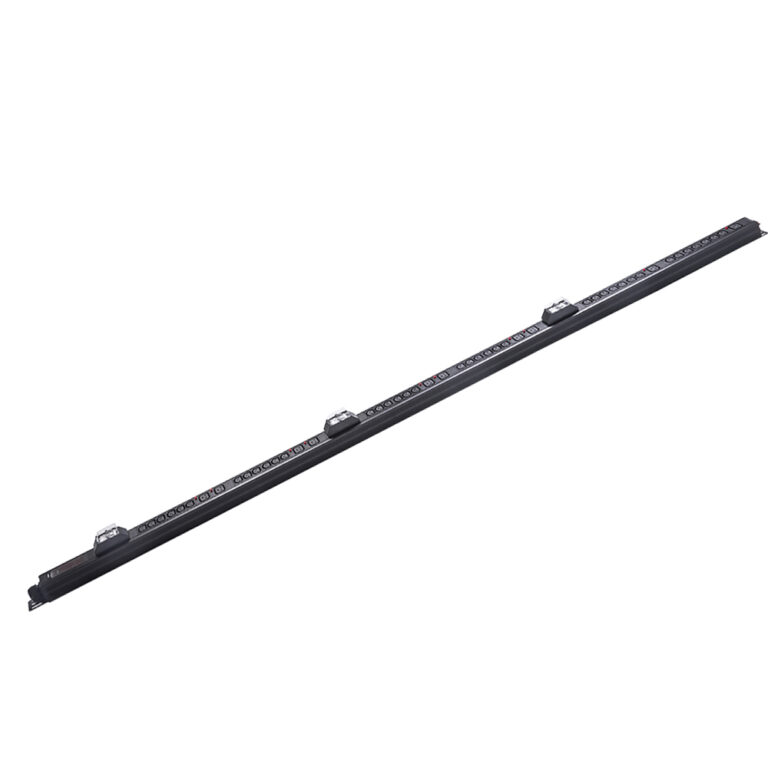
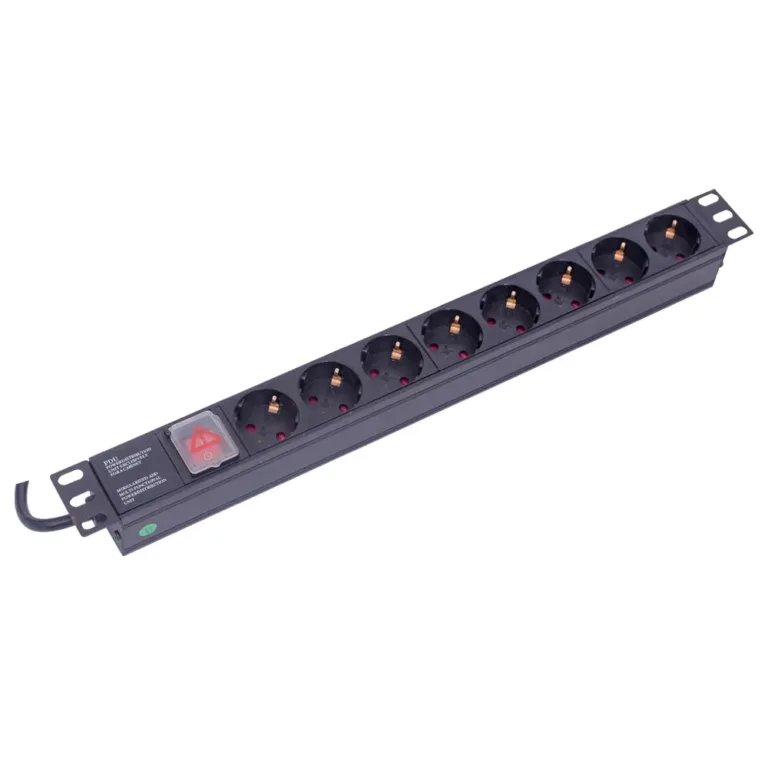
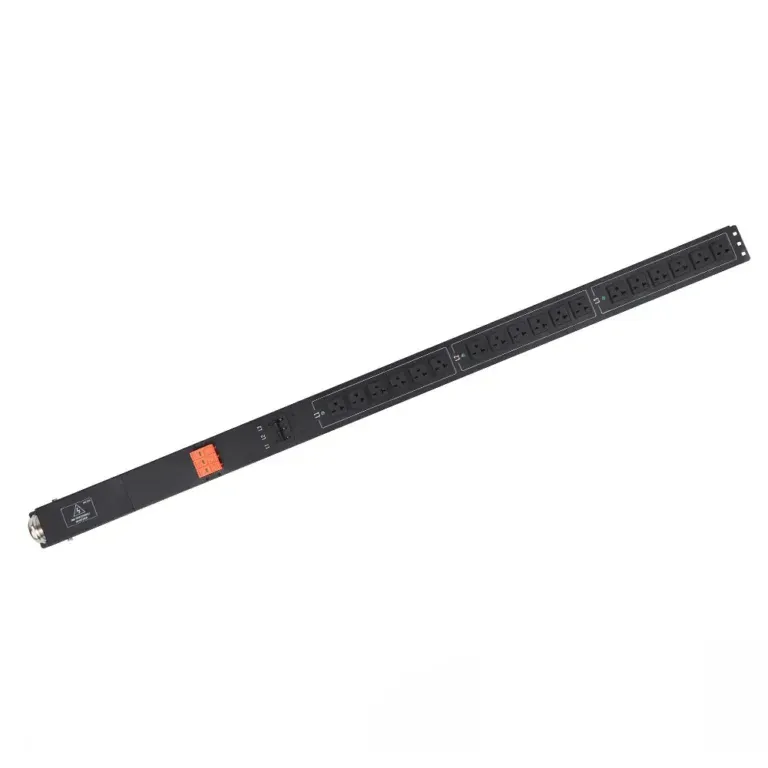
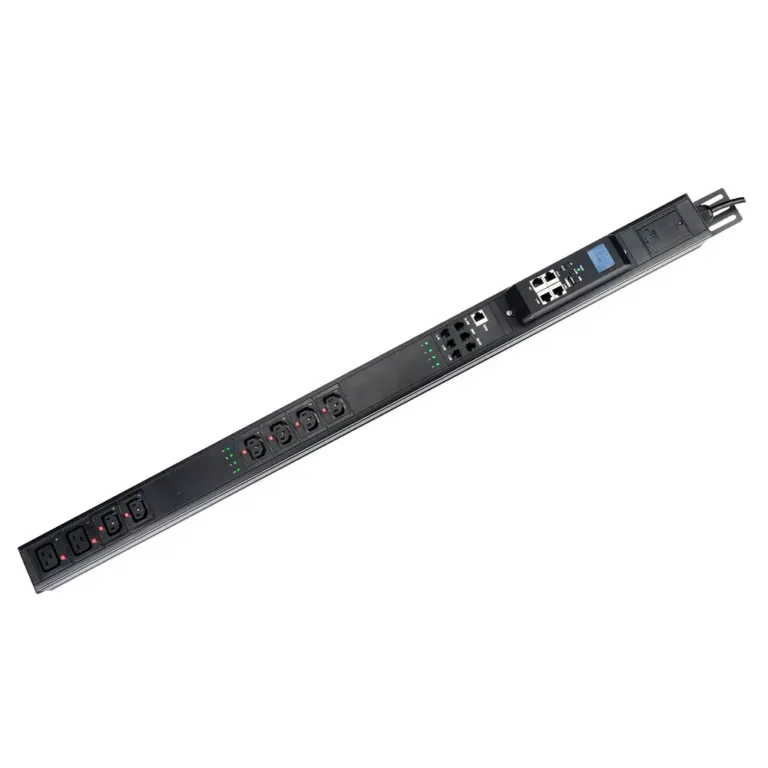
A power distribution unit helps control electricity in big IT places. In electrical engineering, experts say a power distribution unit sends alternating current from one main source to many machines. Most basic units look like big power strips. Some advanced models have special features like checking power in real time and letting you control them from far away. These units make it easier to organize power and keep machines working well.
A pdu does many important jobs in business power systems. It checks and controls how much power is used. It gives backup power to keep things running. The unit makes sure machines do not get too much power. It watches for power problems and sets alarms if something is wrong. You can control it from another place using remote management. Security features stop people who should not use it. The design tries to save money but still has good features. It is easy to set up and fix, so there is less downtime.
Power monitoring and management
Redundancy and reliability
Load capacity control
Monitoring and alarming
Remote management
Built-in security
Cost-effective design
Easy installation and maintenance
A pdu helps share power well and lowers the chance of machines breaking. It helps use power better and makes things more reliable. People use these units to keep everything working in busy places.
A power distribution unit is very important in data centers. It sends power to many devices and keeps the power steady. PDUs help stop outages that happen when power does not get shared right. Taking care of the unit and spreading out the power can stop outages. Studies show that power distribution unit problems cause more than half of power outages in data centers. Power problems cause almost half of big outages.
Feature | Description |
|---|---|
Continuous Power Supply | Makes sure IT always has power. |
Outage Prevention | Helps stop power outages that mess up services. |
Energy Management | Helps use energy well and save money. |
Smart Features | Works with management systems for easy control. |
Surge Protection | Keeps devices safe from power surges. |
Real-time Power Monitoring | Watches energy use and finds problems fast. |
Optimized Power Usage | Makes power sharing better and more reliable. |
Some advanced pdu models can grow with your needs. Checking power in real time helps stop downtime. Saving energy also saves money. Flexible designs work with racks that hold lots of equipment. Custom units can be changed without stopping other users in the same place. Remote management lets IT teams fix problems from anywhere.
Tip: Picking the right pdu for your data center can make things more reliable and cost less. Checking and taking care of your system often helps everything work well.
Companies use basic PDUs for simple power needs. These units do not check or switch power. They work well in places that do not need extra features. Switched PDUs help businesses control equipment better. They let you restart devices from far away. This keeps systems working and stops downtime. Switched PDUs measure power at each outlet. They also help turn on devices in order. Some models have sensors to watch the environment. This helps keep equipment safe.
Basic PDUs work best in small server rooms and offices.
Switched PDUs are good for big data centers and IT setups.
Both types help manage power and make systems more reliable.
Intelligent PDUs have more features for data centers. They check power use at each outlet. This gives clear information about energy use. They watch for hot spots and overheating. Alarm systems warn staff about problems. This helps stop downtime. Load management balances energy use. It keeps systems working well. Advanced reports help plan for the future.
Feature | Benefit |
|---|---|
Outlet-level monitoring | Shows how much energy each outlet uses. |
Environmental monitoring | Stops hot spots and overheating. |
Alarm system | Warns staff about power problems fast. |
Load management | Shares power well and saves energy. |
Advanced reporting | Helps plan for future power needs. |
More companies want intelligent PDUs now. Big cloud and colocation providers need better ways to see and fix problems. Edge and micro data centers use intelligent PDUs for fast tasks. Intelligent PDUs help manage power and make systems more reliable.
YOSUN gives many ways to customize PDUs. Clients can pick cases for AC and DC needs. They can choose connectors and controls that fit their needs. Custom connections include NEMA, IEC, Schuko, American, French, UK, and Universal types. Companies can pick controls for special needs. Custom shapes fit different rack sizes.
Customization Aspect | Details |
|---|---|
Electrical Specifications | Voltage, current, and power plans help make sure things work together. |
Safety | Features like isolation and extra protection keep things safe. |
Structural Design | Modular shapes and cooling options make PDUs flexible and reliable. |
Material Selection | Good insulation and conductive materials make PDUs safe and efficient. |
Custom Functionalities | Communication and remote monitoring options add more uses. |
YOSUN PDUs follow global rules. Certifications like ISO9001, CE, UL, FCC, and RoHS show products are safe and reliable everywhere.
Tip: Picking the right PDU and custom options helps keep your data center safe and working well.
A PDU and a PSU do different things in a data center. A PDU gives power to many devices. A PSU changes the kind of power for each device. Look at the table below to see how they are not the same:
Component | Function | Description |
|---|---|---|
PDU | Power Distribution | Sends power to many devices, controls voltage, and lets you manage it from far away. |
PSU | Power Conversion | Changes AC power to DC power for each part, making sure the right amount is given. |
A PDU sends electricity to racks and devices. A PSU is inside each device and makes sure it gets the right power. In data centers, PDUs can watch and control power from far away. Some PDUs, like ATS PDUs, can switch to backup power if the main power stops. This keeps things working and makes them more reliable, up to 25% better with backup systems.
A PDU and a UPS have different jobs too. A PDU sends power to many outlets in a rack. A UPS gives backup power when the main power goes out. The table below shows how they are different:
Feature | UPS (Uninterruptible Power Supply) | PDU (Power Distribution Unit) |
|---|---|---|
Main Function | Gives backup power during outages | Sends power to many devices |
Power Source | Battery and utility | UPS or direct utility line |
Provides Backup Power | Yes | No |
Used In | Networking, automation, industry | Racks, panels, control cabinets |
Install Location | Floor, rack, or wall-mounted | Usually rack or cabinet-mounted |
Common Use Together | Yes — UPS powers the PDU | Yes — PDU sends out UPS power |
A UPS keeps things running when power goes out. A PDU sends and organizes power for each device. Most data centers use both together. The UPS protects against outages. The PDU manages and watches the power for each device.
Picking the right device depends on what the data center needs. A UPS is needed for backup power. A PDU is needed to send power to all devices. When you choose, think about these things:
Power rating: Make sure the UPS can handle all equipment.
Runtime: See how long the UPS can keep things running.
Installation: Pick devices that fit the rack and let air move.
Monitoring: Choose PDUs with remote control for fast help.
Voltage compatibility: Match the PDU to your power setup.
Tip: Use a UPS and a PDU together for the best safety and order in your data center.
Picking the right PDU means thinking about a few things. Energy efficiency helps save money and keeps things cool. Knowing how much power you need stops overloads. The team can choose how much they want to watch and control power. Warranty and support help if something breaks later.
Energy efficiency saves money and lowers heat.
Power capacity fits what your center needs.
Monitoring helps you see and control power.
Warranty and support make you feel safe.
The table below shows which PDU works best for each job:
PDU Type | Functionality | Use Cases |
|---|---|---|
Basic | Gives out power simply | Small rooms or places that do not change much |
Metered | Checks power use right at the spot | Places that need to see power use nearby |
Monitored | Lets you watch power from far away | Places that need to stop problems before they happen |
Switched | Lets you control outlets from far away | Busy places that need remote control and safety |
Smart | Gives reports, automation, and outlet control | Big centers that need lots of remote control |
Smart PDUs can grow with your center. They let you watch power in real time and control things from far away. This is important for big data centers.
Installing a PDU the right way keeps things safe and working well. The team should pick the best spot in the rack. They need to use brackets to hold the PDU tight. The PDU must connect to the right power source. Use a level tool to make sure it is straight. Cables should be neat and have labels.
Pick the best spot for mounting.
Use brackets to hold the PDU.
Connect to the right power source.
Make sure it is straight and steady.
Keep cables neat and label them.
Checking the PDU often helps find problems early. Neat cables help air move and lower risks. Teams should update software and follow safety rules for best results.
Support and service are important when buying a PDU. YOSUN lets you pick what you need for your center. Their engineers help with technical problems. Their products meet world safety rules like ISO9001, UL, and CE. YOSUN gives help any time you need it. Fast answers and easy guides help fix problems quickly.
Custom choices fit your center’s needs.
Technical help keeps things working well.
Help is there all day and night.
Safety certificates show the products are safe.
Tip: Teams should pick PDU features that match their center. Choose a provider with good support and service. This helps keep power tools working well.
A pdu is very important for sharing power in data centers. It helps keep everything working well. Newer models let people watch power use and stop problems before they happen. They also help with backup power if something goes wrong.
Using smart PDUs makes things work better and saves energy. They give real-time information and help use less power.
Workers get more reliable power and can add more devices.
Fixing problems is easier with warnings and reports.
Evidence Type | Description |
|---|---|
Redundant Power Systems | You can do repairs without stopping power. This keeps everything running and safe. |
Real-time Monitoring | Watching power use helps stop failures. It also makes things work better. |
Regular Testing | Checking often makes sure things are ready if there is a problem. |
Experts say you should check what you need before buying. Look at how much rack space you have and how many outlets you need. You can look at YOSUN’s products and ask experts for help. Taking care of power all the time keeps things working and saves energy.