How Cabinet Power Distribution Units Support Reliable Data Center Operations
A cabinet power distribution unit delivers safe, balanced power to data center racks, preventing overloads and downtime for reliable operations.


+86 15867381241

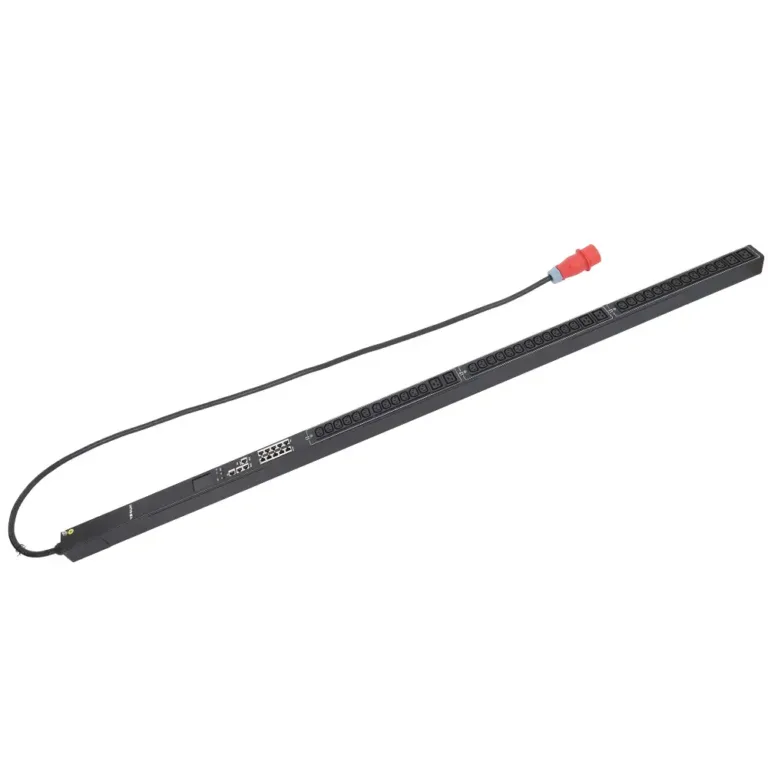
So, what is a PDU in data center? A power distribution unit (PDU) is a device designed for reliable power distribution inside a server rack. It is not a simple power strip. A PDU—whether a data center PDU, a dual input PDU, or an monitored power distribution model—is engineered for critical IT hardware in a high-availability data center. This function is vital, as power failures are responsible for over 45% of major outages in modern facilities. The importance of a quality PDU is reflected in the market’s rapid expansion.
The global PDU market is expected to grow significantly, with annual projections ranging from 9.8% to 11.40% through 2030.

While its primary job is to deliver electricity, a modern PDU performs several critical functions that are essential for a data center’s health and uptime. These functions separate it from a basic power strip and make it a cornerstone of IT infrastructure management.
The most fundamental role of a PDU is safe and efficient power distribution. It takes a single high-amperage power input and distributes it to multiple outlets, powering servers, switches, and other rack-mounted equipment. Unlike a UPS, which provides backup battery power, a PDU does not generate or store electricity; it only distributes it from an existing source. This function is designed to meet strict industry reliability standards, such as the Uptime Institute’s Tier Standard, which defines availability levels for a data center.
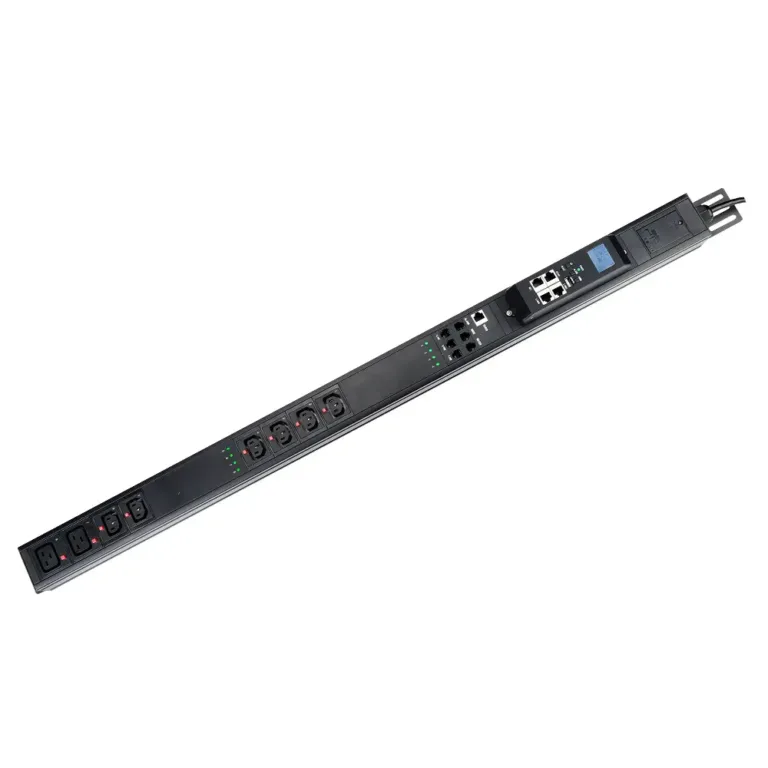
Advanced models, known as intelligent PDUs, offer sophisticated monitoring capabilities. These intelligent PDUs give administrators a real-time view of power consumption at the rack or outlet level. An intelligent PDU helps a center track key electrical metrics to ensure stability and prevent overloads. Some of the specific metrics that intelligent PDUs can monitor include:
This data allows for precise capacity planning and helps identify underutilized servers, making intelligent PDUs a key tool for improving energy efficiency.
Many intelligent PDUs also provide remote power control. This feature allows IT staff to turn individual outlets on or off from a remote location through a network interface. This capability is invaluable for managing an unmanned center or remote edge computing site. For example, if a server becomes unresponsive, an administrator can remotely power cycle the specific outlet to reboot the device. This action resolves the issue quickly without needing a technician on-site, answering the question of what is a pdu in a data center by highlighting its role in active, remote management.
Beyond power management, the most advanced intelligent PDUs serve as a hub for environmental monitoring. The health of a data center depends on more than just stable electricity; it also relies on a controlled physical environment. High temperatures, humidity, and unauthorized physical access can cause significant damage to sensitive IT equipment. Intelligent PDUs extend their capabilities by allowing administrators to connect a variety of external sensors directly to the PDU. This transforms the power distribution device into a comprehensive rack-level monitoring solution.
This function further expands the answer to what is a pdu in a data center, showing its role in total infrastructure protection. An intelligent PDU can collect and report data from numerous sensors. These intelligent PDUs help a center maintain optimal operating conditions.
Did You Know? 💡
Many intelligent PDUs can trigger alerts if environmental conditions exceed preset thresholds, notifying IT staff via email or SNMP traps before a critical failure occurs.
Common sensors that integrate with intelligent PDUs include:
By centralizing this data, intelligent PDUs provide a complete picture of the rack’s health. This allows managers to prevent equipment damage from overheating or water leaks. It also enhances security by logging every time a cabinet door is opened. This proactive monitoring is essential for maintaining uptime and protecting the valuable assets within the center.
Data centers have diverse power needs. A single PDU model cannot meet every requirement. For this reason, manufacturers offer several types of PDUs, ranging from simple power distributors to sophisticated intelligent devices. Choosing the right model is a critical decision for any IT manager. Each type provides a different level of control, monitoring, and functionality.
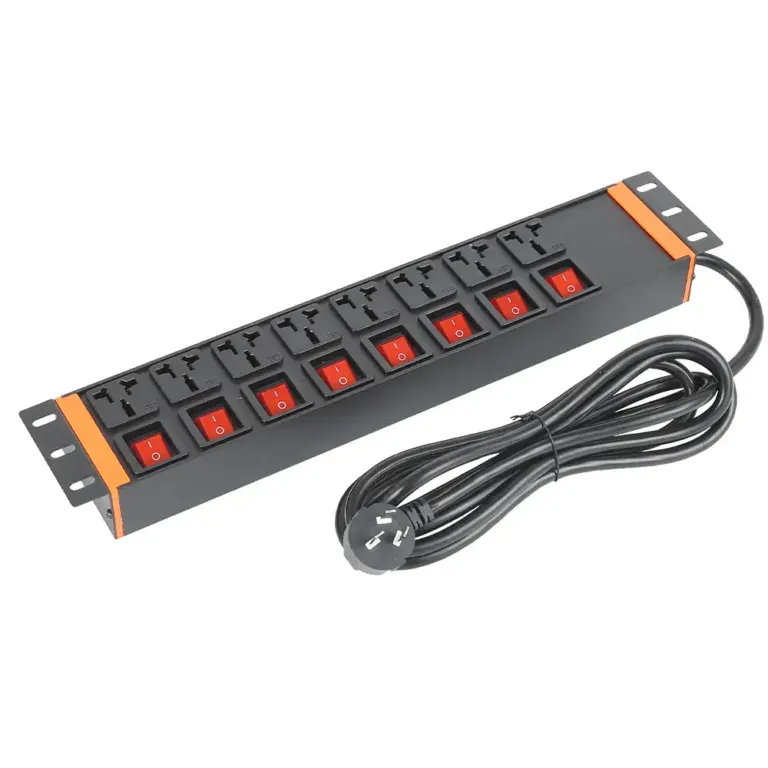
A Basic PDU is the simplest form of a rack mount pdu. It functions like a heavy-duty power strip designed for the data center environment. Its sole purpose is to take a single power input and distribute it to multiple outlets within the rack. This power distribution unit does not have any networking capabilities or built-in intelligence.
It is a reliable and cost-effective solution for specific applications. Common use cases include:
However, the simplicity of a Basic PDU is also its biggest weakness in a modern data center. It lacks real-time monitoring, which prevents staff from predicting power issues. It also offers no power usage analytics, making it difficult to optimize energy consumption. These units cannot monitor environmental conditions like temperature or humidity. This limitation requires separate, often costly, monitoring tools.
Note: The core difference between Basic and intelligent PDUs is the absence of remote access and monitoring. This makes Basic PDUs unsuitable for most modern, large-scale data centers that require proactive management.
The table below highlights the fundamental differences.
| Feature | Basic PDUs | Intelligent PDUs |
|---|---|---|
| Power Distribution | Yes | Yes |
| Real-time Monitoring | No | No |
| Remote Access | No | Yes |
| Alerts for Issues | No | Yes |
| Ideal for Modern Data Centers | No | Yes |
A Metered PDU represents the first step into the world of intelligent PDUs. It provides the same reliable power distribution as a Basic PDU but adds a crucial feature: a local digital display. This built-in screen shows real-time data for the entire PDU, including current (amps), voltage, and power (kW).
This local monitoring helps data center technicians prevent circuit overloads during equipment installation or maintenance. By checking the display, staff can immediately see the total power draw and ensure it remains within a safe capacity. This feature is essential for maintaining uptime and protecting equipment.
The primary benefit of a Metered PDU is its high level of precision. Most units offer “billing-grade” accuracy, meaning their measurements are accurate within +/- 1%. This precision is vital for applications like colocation facilities, where clients must be billed correctly for their energy consumption. This accuracy also helps data centers track kilowatt-hour (kWh) usage for energy efficiency initiatives.
A Monitored PDU is a more advanced rack mount pdu that builds on the features of a Metered PDU. It includes a network connection, allowing administrators to view power data remotely from a web browser or a central management platform. This capability moves power monitoring from the rack itself to the network operations center (NOC). It is one of the most popular types of intelligent PDUs.
The key function of a Monitored pdu is providing proactive alerts about potential problems. Administrators can configure the device to send automatic notifications when power or environmental conditions exceed predefined limits. This allows IT teams to address issues before they cause downtime.
A Monitored pdu can generate alerts in several ways:
While Monitored PDUs offer comprehensive remote visibility, they do not provide remote control over individual outlets. Their purpose is to monitor and alert, not to manage power states. This is the main difference between a Monitored PDU and a Switched PDU. A Monitored PDU tells you there is a problem; a Switched PDU lets you do something about it remotely.
A Switched PDU is an intelligent pdu that gives administrators complete remote control over each individual outlet. It combines the remote monitoring features of a Monitored PDU with the ability to turn power on, off, or reboot equipment from anywhere with a network connection. This functionality makes it an essential tool for managing modern data centers, especially those with remote or “lights-out” locations.
The primary benefit of a Switched rack mount pdu is its ability to perform a remote power cycle. If a server or network switch freezes, an administrator can simply log into the pdu’s interface and reboot the specific device. This action often resolves the problem instantly. It eliminates the need for a technician to physically visit the data center, saving valuable time and operational costs.
Important Security Note 🔒
Because Switched PDUs offer direct control over power, security is extremely important. Unauthorized access could lead to accidental shutdowns and costly downtime.
To prevent unauthorized use, these intelligent pdus employ multiple layers of security. They protect the network connection and ensure only authorized personnel can manage power states. Key security protocols include:
These features make Switched intelligent pdus a powerful and secure solution for active remote management.
A Switched Metered-by-Outlet PDU is the most advanced and feature-rich rack mount pdu available. It combines all the capabilities of the other models into a single device. It provides remote monitoring, remote outlet switching, and adds the critical feature of power metering for each individual outlet. These are the ultimate intelligent pdus for total control and visibility.
Per-outlet power metering provides extremely detailed information on the energy consumption of every connected device. This granular data empowers data center managers to make precise, informed decisions. The primary benefits of this detailed monitoring include the ability to:
This level of detail is invaluable for capacity planning and energy efficiency initiatives. For example, managers can identify “ghost servers” that consume power but do no useful work. They can also compare the energy efficiency of different hardware models under real-world loads. By understanding exactly how much power each device uses, organizations can optimize their infrastructure, lower energy costs, and build a more resilient and efficient data center.
Selecting a rack mount pdu is a critical decision that directly impacts a data center’s reliability and efficiency. IT managers must analyze several key factors to ensure the chosen unit meets both current needs and future demands. A methodical approach prevents costly overloads and ensures a scalable power infrastructure.
The first step is to calculate the total power your equipment requires. This calculation ensures the pdu can safely support the full load of the servers, switches, and storage arrays in the rack.
A manager can determine the total power need by following these steps:
For example, a rack with four servers at 670 watts each and two firewalls at 336 watts each has a total draw of 3,352 watts (4 x 670 + 2 x 336). This is approximately 3.35 kilowatts (kW). It is a best practice to plan for 20-30% extra capacity for future growth or failover needs.
After calculating the total wattage, managers must understand the difference between single-phase and three-phase power. This choice significantly affects power capacity and cabling.
The table below shows the key differences.
| Feature | Single-Phase Power | Three-Phase Power |
|---|---|---|
| Power Delivery | Delivers lower power levels (e.g., 120V) | Delivers higher power levels (e.g., 208V) |
| Cabling | Requires thicker, more expensive cables for high loads | Uses thinner, more manageable cables |
| Capacity | A 20A, 120V circuit provides 2.4 kVA | A 20A, 208V three-phase circuit provides 7.2 kVA |
| Best Use Case | Low-density applications or residential use | High-density data centers and enterprise racks |
Three-phase power is the standard for most modern data centers. It reduces cable clutter, which improves airflow and cooling. It also simplifies installation and provides the high power density needed for today’s IT equipment.
The next step is choosing the correct outlets for your equipment. The outlets on the rack mount pdu must match the plugs on the power cords of your devices. Using the wrong outlet type can lead to compatibility issues or safety hazards.
The most common outlet types in a center are from the IEC and NEMA standards.
Quick Tip 💡
Always check the power cord plug on your servers and network devices before choosing a PDU. This simple check prevents ordering the wrong unit.
Here are the most frequently used outlets:
| Outlet Type | Voltage/Amperage | Common Use |
|---|---|---|
| IEC C13 | 250V / 10A | Standard computers, monitors, and network switches |
| IEC C15 | 250V / 10A | High-temperature devices like networking closets |
| IEC C19 | 250V / 16A | High-power servers and data center hardware |
| NEMA 5-15R | 125V / 15A | Routers, computers, and other IT gear in North America |
After identifying the necessary outlet types, you must determine the required quantity. A good rule of thumb is to count the number of devices you need to power and add 20-30% more outlets. This extra capacity allows for future expansion without needing to replace the entire PDU. A unit with a mix of C13 and C19 outlets often provides the most flexibility for a typical server rack.
PDUs come in two primary physical shapes, or form factors: vertical and horizontal. The choice between them depends on the rack’s layout and density.
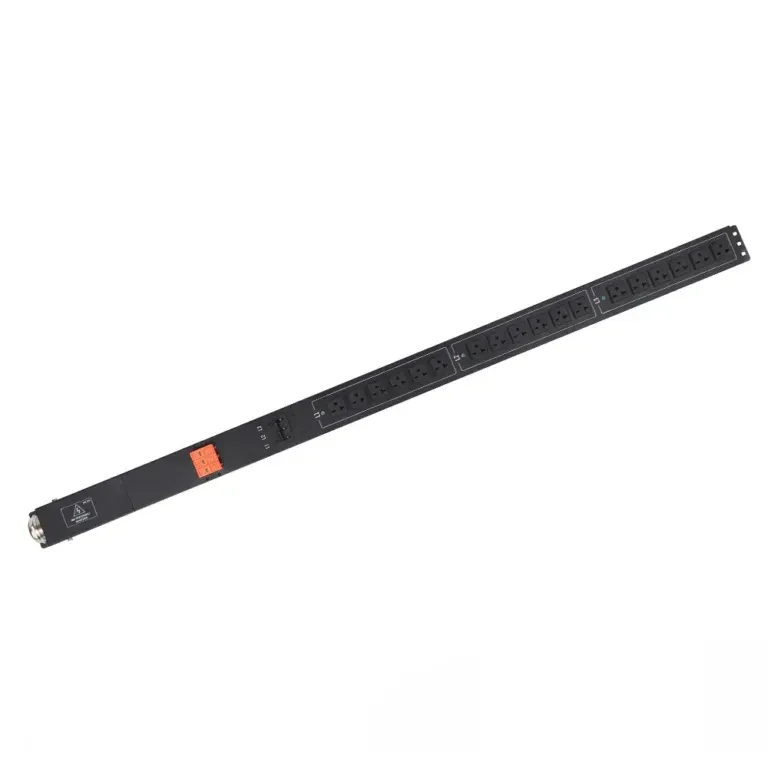
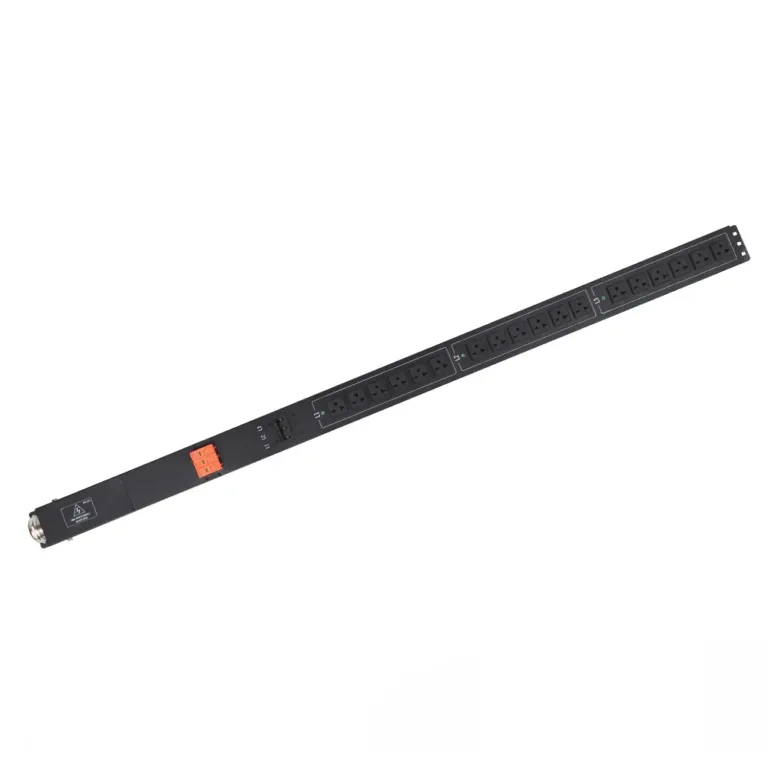
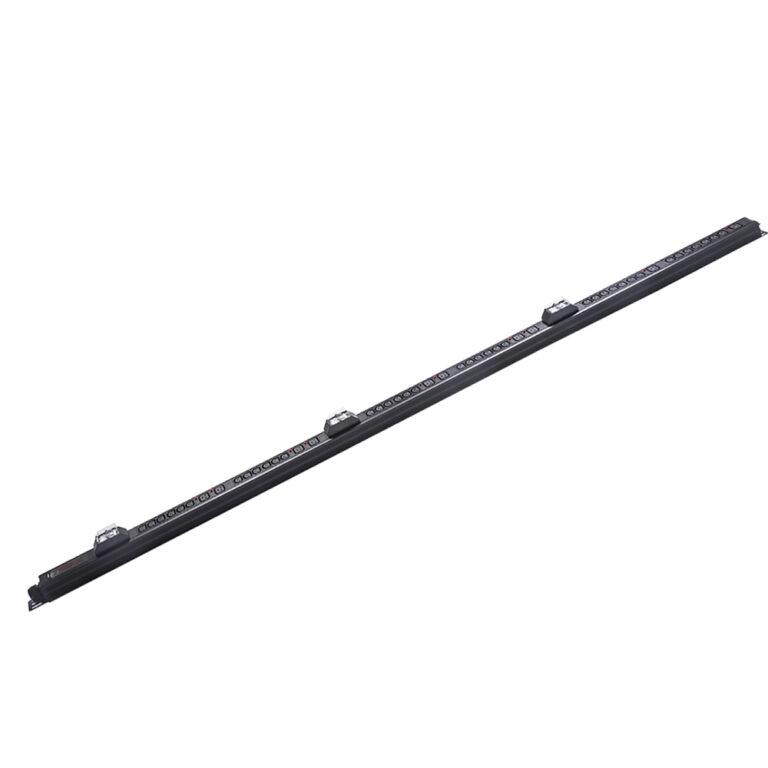
For most server racks, a vertical rack mount pdu is the superior choice. This form factor offers several key advantages that are essential for an efficient center.
Why Go Vertical?
Vertical PDUs are the industry standard for high-density racks because they save valuable space, provide more outlets, and improve airflow.
The benefits of a vertical design include:
By choosing the right form factor, managers can build a cleaner, more organized, and more efficient rack environment.
After determining the power and physical requirements, managers must decide on the necessary features. The right features transform a power strip into a powerful management tool. The choice depends on the data center’s size, security needs, and management strategy.
A feature-rich pdu is an investment in operational efficiency. It allows staff to manage the infrastructure proactively, not reactively.
Managers should look for a unit with features that support their operational goals. Key capabilities to consider include:
The final step is choosing a brand known for quality and reliability. The brand behind the PDU is just as important as its features. A reputable manufacturer provides confidence that the product will perform as expected under demanding conditions.
One such industry leader is NBYOSUN. With over 25 years of experience, YOSUN has grown from a socket factory into a leading provider of intelligent power solutions. This expertise is why major companies like China Mobile, Lenovo, and Schneider trust YOSUN as a core supplier. The company is a professional manufacturer that integrates research, development, and manufacturing to produce high-quality products.
When selecting a brand like NBYOSUN, managers gain access to a wide range of products designed for global markets. YOSUN offers custom power solutions for data centers, server rooms, and edge computing sites. Their commitment to quality is demonstrated through extensive certifications and advanced product features.
Key attributes of a top-tier brand like NBYOSUN include:
Choosing a trusted brand ensures that the power distribution unit is a reliable foundation for the entire IT infrastructure.
A quality Power Distribution Unit (PDU) is more than just a component; it is a safeguard for a data center’s most valuable asset: uptime. Its design and features directly contribute to a stable and predictable power environment. This prevents unexpected failures and costly service interruptions. A reliable pdu acts as the first line of defense for all connected IT equipment.
The primary role of any power device is to deliver electricity reliably. A high-quality PDU uses durable, industrial-grade components. These parts are built to handle continuous, high-load operations without failing. This robust construction ensures a clean and stable power flow to sensitive servers and network gear. Consistent power delivery minimizes the risk of hardware damage or random reboots caused by electrical fluctuations. It forms the bedrock of a resilient infrastructure.
One of the most common causes of downtime is a tripped circuit breaker. Intelligent PDUs prevent this by providing real-time load monitoring. This allows managers in a center to see exactly how much power is being used. It helps them follow critical safety standards.
Important Safety Rule: Circuits should only be loaded to 80% of their maximum rating. This is known as the derated capacity.
Exceeding this safe limit can cause an overload. For example:
Intelligent PDUs can send alerts when loads approach this 80% threshold, giving staff time to act before an outage occurs.
A quality PDU enables proactive, not reactive, management. Intelligent models integrate with Data Center Infrastructure Management (DCIM) software. This connection gives administrators a single view of the entire power chain. Managers can visualize power usage, identify trends, and receive alerts for any issues. This centralized control allows the center to manage resources efficiently. It helps operators spot potential points of failure and optimize power capacity, ensuring maximum availability and performance.
A quality pdu is a powerful tool for improving a center’s energy efficiency. Rising energy costs and environmental concerns make energy management a top priority. Intelligent PDUs provide the detailed data needed to track and reduce energy consumption effectively. This helps a center lower its operational expenses and achieve sustainability goals.
A key metric for measuring energy efficiency is Power Usage Effectiveness (PUE).
PUE compares the total energy used by a facility to the energy delivered directly to IT equipment. A lower PUE score indicates greater energy efficiency.
Accurate PUE calculations depend on precise energy measurements. PDUs are the best tool for this job. They measure the exact amount of energy that servers and network devices consume. This data provides the foundation for any successful energy management strategy. High-efficiency models also minimize energy distribution losses. Units with better transformers can be 2% to 3% more efficient, directly improving the PUE score by ensuring more energy reaches the IT load.
Intelligent PDUs help a center optimize its energy use in several ways:
By providing this deep insight, a PDU transforms from a simple power device into a critical instrument for managing and reducing energy consumption.
A PDU is a foundational component for any center, providing essential power distribution. It is far more than a simple power strip. This understanding answers the question of what is a pdu in a data center. Selecting the correct model is a critical step for a center. It builds a resilient infrastructure for the center and ensures reliable power distribution for the entire center. An investment in the right unit gives a center control over its power distribution. This insight is the final answer to what is a pdu in a data center, a key tool for any modern center, and a vital part of the center’s operations.
A PDU distributes power from a source to multiple devices. A UPS (Uninterruptible Power Supply) provides temporary battery power during an outage. A UPS is a power source, while a PDU is a power distributor. Many systems use both devices for complete protection.
No, you should not use a regular power strip. Data center PDUs are built with industrial-grade parts to handle high, continuous power loads safely. Standard power strips are not designed for this environment and can create a fire hazard or cause unexpected outages.
“0U” refers to a vertical PDU form factor. It means the unit does not take up any of the horizontal mounting space (measured in rack units or “U”) inside a server cabinet. This design saves valuable space for IT equipment like servers and switches.
Three-phase power delivers more power capacity using smaller, more efficient cabling. It provides a more stable and balanced electrical load, which is ideal for high-density racks. This efficiency helps reduce both cable clutter and energy costs in a large-scale data center environment.