What are common PDU problems?
The most common PDU problems in server rooms are circuit overloads, power imbalances, faulty connections and monitoring failures. These issues account for over 40% of...


+86 15867381241

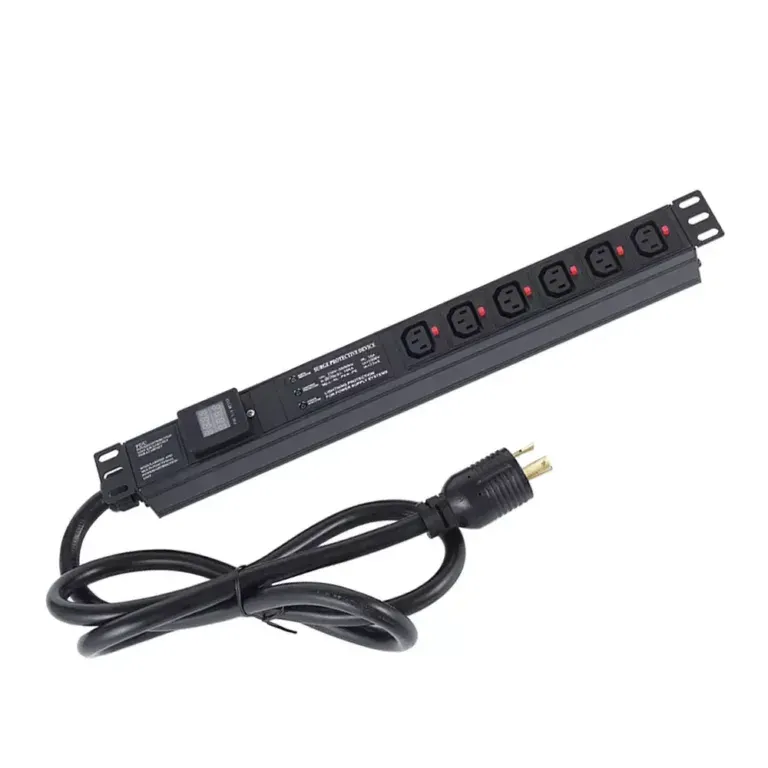
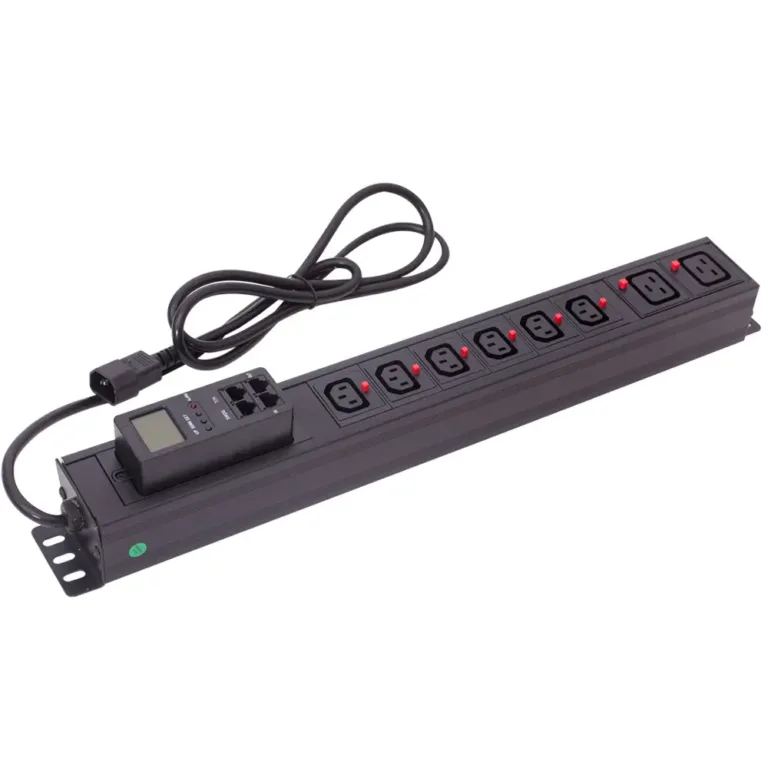
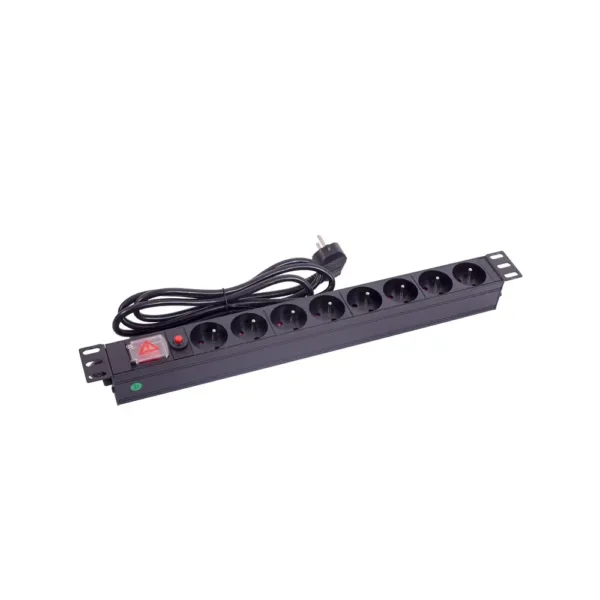
A Power Distribution Unit distributes electrical power to multiple devices in server racks, data centers and offices. It can connect to four main types of power sources: standard wall outlets, UPS systems, building power distribution panels and backup generators.
Choosing the right PDU for your power source is critical for safety and reliability. The best PDUs are certified to international safety standards and support flexible configurations for different environments.
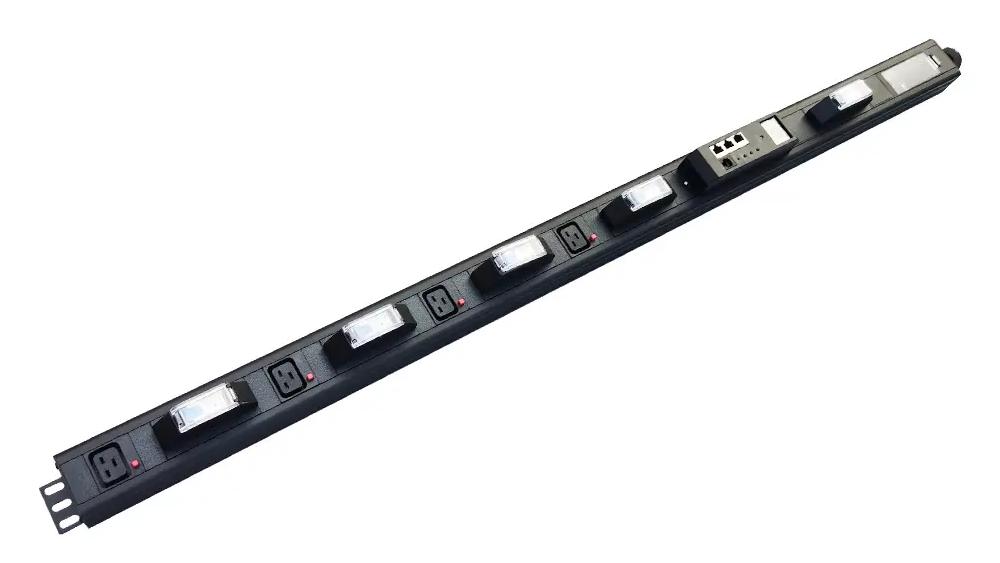
The simplest and most common connection for small offices and home server rooms. Basic PDUs are ideal for this setup, providing reliable power to computers, network switches and small IT equipment.
The standard configuration for data centers and mission-critical applications. Plugging a PDU into a UPS provides backup power during outages and protects equipment from power surges.
💡 Pro Tip: Match the PDU’s input plug to the UPS output receptacle. Common UPS plug types include IEC C14, C20 and NEMA L6-20.
For large data centers and industrial facilities, PDUs connect directly to building power panels. This provides higher power capacity for high-density server racks.
For facilities that require continuous power, PDUs connect to backup generators to keep critical systems running during extended outages.
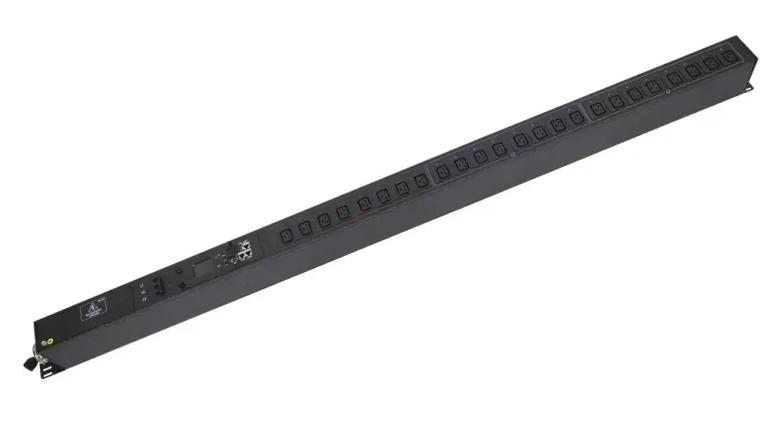
Follow these steps to connect your PDU safely and reliably:
⚠️ Safety Warning: Never daisy-chain (cascade) PDUs. This creates a serious fire hazard and can cause equipment damage.
| Factor | Single-Phase PDUs | Three-Phase PDUs |
|---|---|---|
| Input Voltage | 120V-240V | 208V-480V |
| Load Capacity | Up to 5.7kW | Up to 25kW per PDU |
| Best For | Small offices, low-density racks | Data centers, high-density racks |
PDUs are designed for global use with support for all major regional standards:
| Region | Common Plug Types | Voltage Range |
|---|---|---|
| North America | NEMA 5-15, L5-20, L6-20 | 120V-240V |
| Europe | IEC 60309, Schuko | 230V |
| Asia | IEC 60309, BS 1363 | 220V-240V |
Quality PDUs should be certified to international safety standards including ISO 9001, UL, CE, GS and RoHS to ensure compliance with local regulations.
A PDU can be connected to a variety of power sources, including standard wall outlets, UPS systems, building power distribution panels, and backup generators. The right connection depends on your power requirements, rack density, and operational reliability needs. Regardless of the power source, matching voltage, current ratings, and plug types is essential for safe and efficient power distribution.
As power demands continue to grow in data centers, server rooms, industrial facilities, and edge computing environments, selecting the right PDU becomes increasingly important. As a professional PDU manufacturer, YOSUN provides basic, metered, monitored, and intelligent PDU solutions with global plug and outlet configurations to support a wide range of power distribution applications. Our products are designed to deliver reliable, scalable power management for IT and industrial infrastructure worldwide.
PDUs can power servers, network switches, routers, storage systems, and other IT equipment. Depending on the model and power rating, they can also be used with industrial, telecommunications, and laboratory equipment.
Check your power source receptacle and local electrical standards. Custom plug options are available for unique requirements.
Yes. Most modern PDUs include built-in surge protection and overload circuit breakers to safeguard your equipment from voltage spikes and faults.
Yes. Many PDUs support input voltages from 100V to 415V and are available with region-specific plugs for use anywhere in the world.
Never exceed 80% of a PDU’s rated load to prevent overheating and ensure reliable operation in data centers, server rooms, and industrial settings.