Why static switch PDU means less worry for you
A static switch PDU ensures instant power transfer, equipment protection, and less downtime, giving you reliable, worry-free power management in critical settings.


+86 15867381241
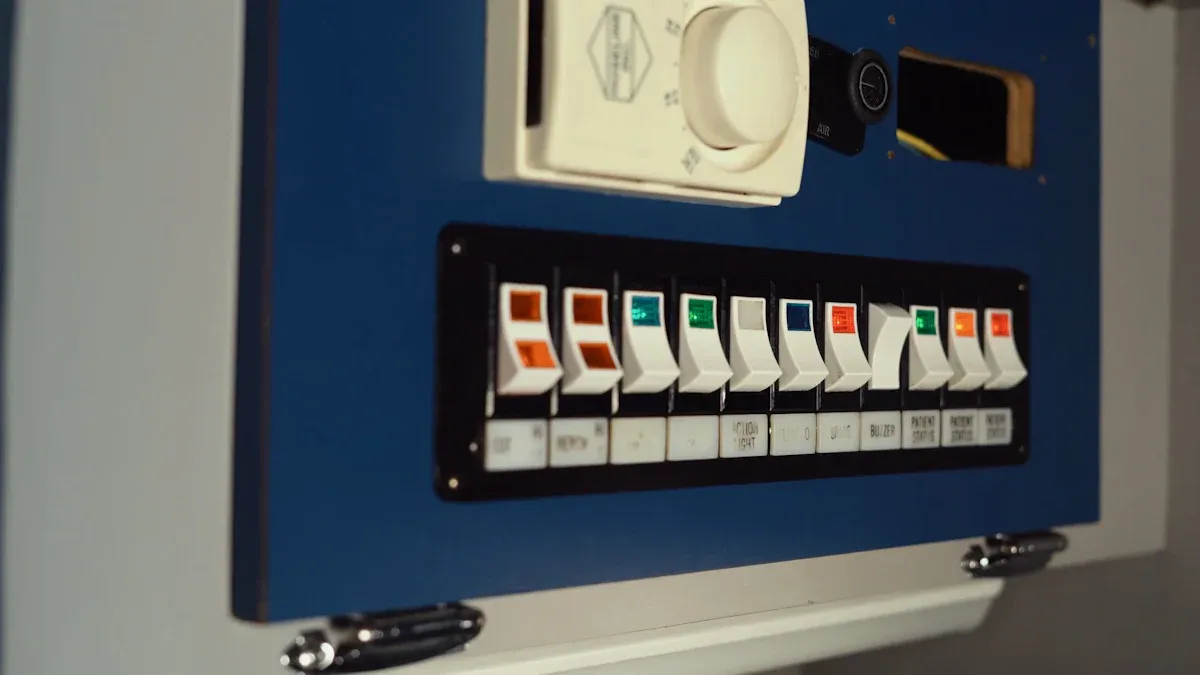
Data centers can have a power distribution unit trip for many reasons. These reasons include overload, short circuits, ground faults, changes in the environment, or problems inside the unit. It is important to know these causes to keep uptime and equipment safe. Sensitive electronics need steady power so they do not shut down. The table below explains why knowing about PDU tripping helps keep things safe.
Evidence | Explanation |
|---|---|
Built-in meters give real-time information | This helps predict and stop power problems before they break equipment. |
Power disturbances often cause outages | Knowing about these problems helps stop downtime. |
Sensitive electronics need good power | Data centers must keep power quality high to avoid failures and keep working. |
Finding the main cause helps fix problems fast and stop them from happening again. YOSUN makes every power distribution unit, ats pdu, and automotive pdu to meet strict safety rules and help things run well.
Knowing why a PDU trips, like from overload or short circuits, helps keep equipment safe and working. Checking and taking care of PDUs often can stop overloads and cut down on downtime by finding problems early. Using things like real-time monitoring and load balancing can make power distribution units work better. Keeping the load below 80% of what it can handle is important to stop tripping and help equipment last longer. Watching things like temperature and humidity can stop overheating and help PDUs work their best.
If a power distribution unit gets too much current, the circuit breaker will trip. This keeps the equipment safe. This happens when the current goes over the rated capacity. YOSUN makes power distribution units that follow strict safety rules like UL 62368-1 and IEC 62368-1. These rules help stop damage from too much current and keep data centers safe.
Sometimes, servers are not loaded right. For example, two PDUs might share a rack and each takes half the load. If one stops working, the other must take all the load. This can push the circuit over its safe limit and make it trip. Another problem is when a server power supply fails. Then, more equipment uses one circuit. If the load goes over 80% of the rated capacity, the chance of tripping goes up.
Tip: Always check the rated capacity before adding new devices. Try to keep the load under 80%. This helps stop overload and makes equipment last longer.
The table below shows how overload can happen in different setups:
Scenario Description | Implication |
|---|---|
Two PDUs per rack handling 50% load each | If one fails, the other must take all the load. This can cause overload if it was already at 50%. |
Four PDUs per rack (two for each feed) | If one feed fails, the other PDU may get overloaded if the load goes over 50%. |
Exceeding 50% of rated load | This raises the chance of tripping and downtime. |
You can see signs of overload before the circuit trips. Equipment might show warning lights or alarms. Some PDUs have meters that show too much current. Devices may shut down or restart without warning. The circuit breaker might feel warm, and cables can get hot.
YOSUN’s monitored PDUs help users see overload signs early. Real-time monitoring gives quick updates about power and current. This lets you act fast before a trip happens.
Good planning helps stop overload. Managers should pick PDUs with a 20% safety margin. This helps with sudden power surges. Keeping the load under 80% of the rated capacity lowers the risk of tripping.
The table below lists features that help stop overload and improve reliability:
Feature | Impact on Reducing Unplanned Server Outages and Reliability |
|---|---|
Real-time monitoring | Helps find power problems early and cuts downtime by over 25% |
Load balancing | Stops overloads and spreads power out, so outages are less likely |
Surge protection | Keeps equipment safe from electrical faults and stops surprise failures |
Remote management | Lets you reboot and control things from far away, so you need less hands-on work and downtime |
Environmental sensors | Watch temperature and humidity to protect equipment, which helps stop outages |
YOSUN’s PDUs have features like load balancing and remote management. These help spread power evenly and let users control circuits from anywhere. Environmental sensors also help by checking temperature and humidity, which can change how circuits work.
Note: Regular checks and maintenance keep circuits safe from too much current. Managers should look at power reports and move equipment if needed to stop bad server loading.
By doing these things, data centers can stop overload, keep equipment safe, and stay online.
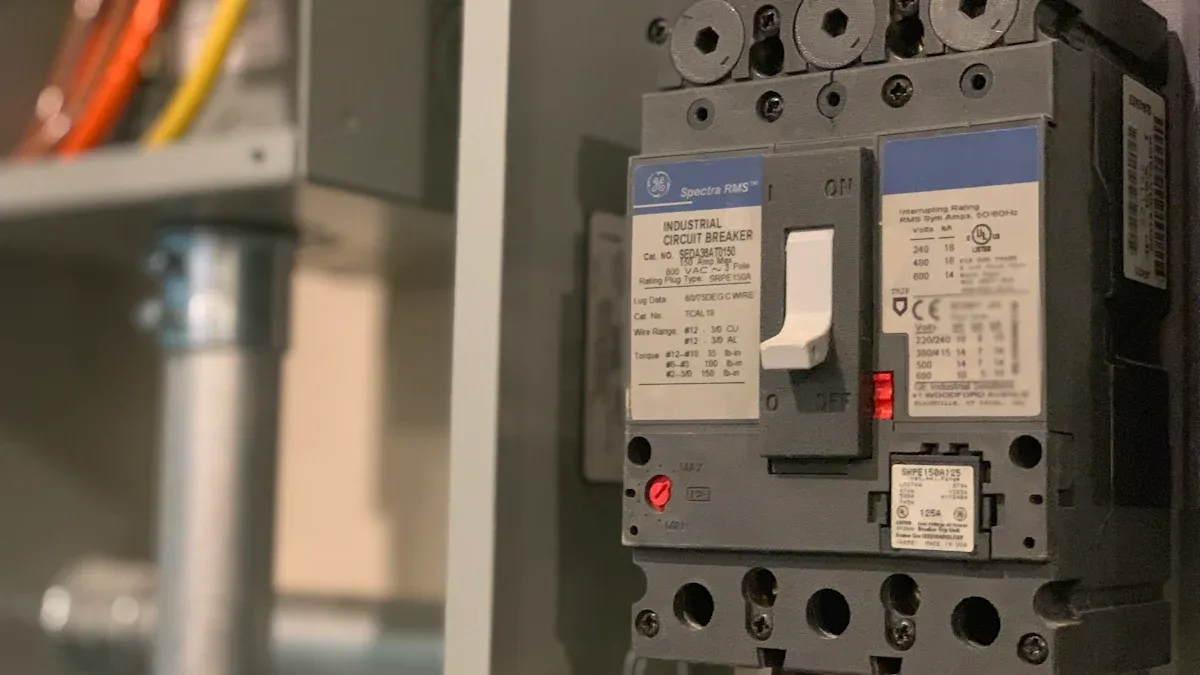
Short circuits make circuit breakers trip in data centers a lot. This happens when electricity goes the wrong way. Many things can cause this problem. Some common reasons are:
Wires or cables lose their insulation
Equipment inside racks or panels stops working right
People make mistakes when installing or fixing things
Water or dirt gets into the system from outside
Bad wiring and loose neutral connections also cause trouble. When these things happen, the circuit cannot carry power safely. These electrical problems can break equipment and stop work. YOSUN makes every PDU to meet tough safety rules like CE, UL, and ROHS. These rules help keep data centers safe from electrical problems and help everything work well.
Circuit breakers are the first thing that protects data centers. When a short circuit happens, the breaker feels a big jump in current. It acts fast and shuts off the circuit. This stops power and keeps fires or damage from happening. Circuit breakers trip to keep both equipment and people safe. Fast action is important because even a short wait can cause big trouble. YOSUN’s team builds PDUs with strong circuit protection for safety in every setup.
To find out why a short circuit happened, you need to check things step by step. The table below shows some steps that help:
Step | Description |
|---|---|
1 | Check for Overload or Short Circuit: Unplug some devices from the PDU to lower the load. A short circuit in a device can also make big problems for the PDU. |
2 | Check Inside Temperature: Feel if the PDU is hot and make sure its vents are open. |
3 | Check the Monitoring System: Look at the smart PDU’s screen for alarms that show power problems. |
Workers should look for signs of overheating or blocked air. They should use smart PDU tools to find alarms or warnings. Careful checking helps stop more circuit breaker trips and keeps the data center safe.
Note: Checking often and using certified equipment lowers the chance of electrical problems in data center circuit breakers.
Ground faults can make big problems in data centers. These happen when electricity goes to the ground in a way it should not. There are many things that can cause ground faults in a pdu. Some common causes are:
Problems with grounding wires inside the system
People making mistakes when putting things in or fixing them
The way electrical systems are built in data centers
Sometimes, people do not check grounding wires or connect them wrong. This makes the system unsafe. There are lots of wires and devices in a data center. This makes it hard to find problems early. Even small mistakes can cause a ground fault and put equipment in danger.
Tip: Staff should get training often and check things carefully when installing. This helps stop mistakes.
Finding ground faults fast keeps equipment safe and stops downtime. New technology gives us ways to find and stop these faults. The table below shows some features and how they help:
Feature | Benefit |
|---|---|
Monitoring circuit breakers | Sends alerts when a breaker trips so you can fix it fast. |
Power conditioning | Stops power problems and keeps equipment safe. |
Ground Fault Detection | Finds ground faults to stop dangers. |
These features work together to protect against lightning and power surges. They also keep servers and storage safe. Real-time data from these tools helps managers use power better and save energy.
Monitoring systems send alerts if something is wrong.
Ground fault detection finds problems before they hurt equipment.
Power conditioning keeps electricity steady.
YOSUN puts advanced detection and protection in its products. These features help data centers stay safe and keep working well.
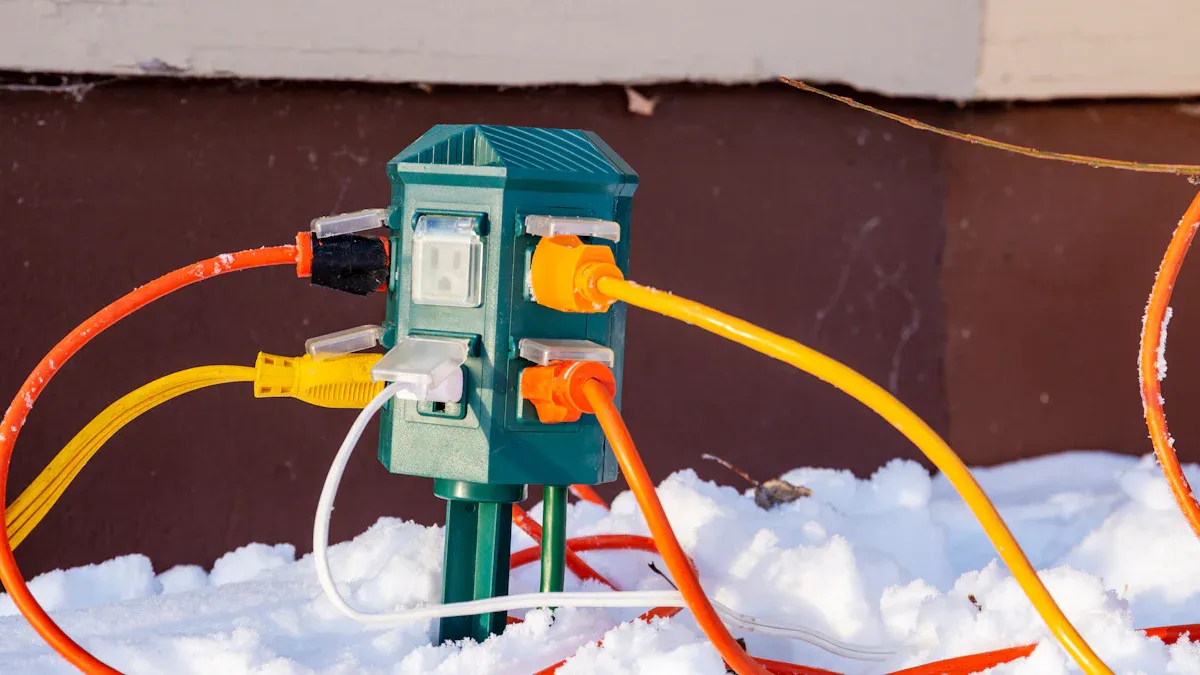
Hot air can make power distribution units have trouble. If the room gets too warm, a unit might overheat and trip. Each company sets a top temperature for safe use. For example, HPE G3 PDUs work up to 60°C (140°F). Other units have limits from 45°C to 65°C. The table below shows these numbers:
Manufacturer | Maximum Operating Temperature |
|---|---|
HPE G3 PDU | 60°C (140°F) |
Other PDUs | 45°C to 65°C |
If the temperature goes past these limits, the unit may shut off to stay safe. Too much heat can hurt the power supply and cause downtime. Data centers should use sensors to watch the temperature and keep it safe.
Humidity and dust can also cause problems for power distribution units. High humidity can make water drops form inside the unit. This can lead to short circuits and damage the power supply. Dust can block airflow and make the unit get too hot. It can also build up on cables and connectors. This can cause bad connections and failures.
Data centers should keep humidity low and clean dust from all units. Good airflow helps remove heat and keeps power steady. Staff should look for dust and water during regular checks.
Taking care of power distribution units helps stop problems. Teams should check temperature, humidity, and airflow often. They should organize cables so air can move and stop overheating. The table below lists good ways to keep units safe:
Best Practice | Description |
|---|---|
Monitor Environmental Conditions | Watch temperature, humidity, and airflow to stop damage or failure. |
Implement Effective Cable Management | Organize cables so air moves well and overheating does not happen. |
Use Redundancy Strategies | Add backup systems to keep power on if something fails. |
Many data centers use smart units with sensors. These units send alerts if there is a problem. Remote activators help staff control equipment safely. By doing these things, teams can keep power steady and protect units from risks.
Tip: Clean and check units often to stop most problems from heat, humidity, or dust.
Sometimes, a PDU can trip without warning because of problems inside. These problems often happen when parts get old, wires are loose, or there are mistakes from the factory. Wires and connectors can wear out as time goes by. When this happens, they might not touch well and can make too much current. Too much current makes the system hot and can set off the circuit breaker. Some common problems are server power supply issues, loading servers the wrong way, and UPS failures. People can also make mistakes that cause outages.
The table below shows some common problems and what they do:
Failure Type | Description |
|---|---|
Server Power Supply Failure | This is the main reason for circuit breaker tripping on a rack PDU. It can make equipment stop working. |
Improper Server Loading | This can make the load uneven. If power is lost, the rack PDU breaker can trip. |
UPS Failures | These problems can cause outages and make power less reliable. |
Human Errors | If people make mistakes with power, it can cause big problems. |
Other problems can be network management card failures, faults in the power supply, or trouble with load balancing. Smart rack pdu models can find these problems early. They watch the current and send alerts if something is wrong.
Doing regular checks helps the PDU work well. Teams should look for old parts, loose wires, and dust. Checking often stops problems and saves money on repairs. Staff should watch how much power is used and look for changes in current. Smart rack pdu units show real-time data about power. This helps teams find problems before things stop working.
Maintenance jobs include:
Looking at all wires for damage
Cleaning dust from vents and fans
Watching for sudden changes in current
Using smart tools to check energy use
Keeping loads balanced helps the current stay even and stops overheating. Checking often helps the equipment last longer.
Good load management stops problems before they start. Teams should spread the current out across all outlets. This keeps the system from getting too much stress. Watching the current all the time helps find problems early. Staff can move devices to keep the load even.
Some good ways to manage load are:
Balancing current on every outlet
Using tools to watch current levels
Moving equipment to stop overloads
Checking load data often
YOSUN’s products follow high standards like ISO9001, CE, and UL. Their team gives help and custom solutions for any need. These features help data centers control current and keep power steady.
Tip: Smart load management and regular checks help stop problems and keep systems working well.
Data centers can have PDU trips for many reasons. These include too much load, hot or wet air, not enough backup, and parts that do not match. Teams can lower these risks by checking often and fixing things early. The table below shows how these steps help keep power steady and protect equipment:
Action | Benefit |
|---|---|
Visual Inspection | Finds problems or damage before they get worse |
Cleaning | Stops dust from causing heat and trouble |
Monitoring Components | Spots issues before things break |
Picking trusted products like YOSUN helps keep things working for a long time. If problems keep happening, experts and smart tools can help find and fix them.