Maximizing Data Center Efficiency with Dual Power PDUs
Dual power PDUs ensure data center uptime by connecting to two power sources, reducing downtime, enhancing redundancy, and optimizing power distribution.


+86 15867381241
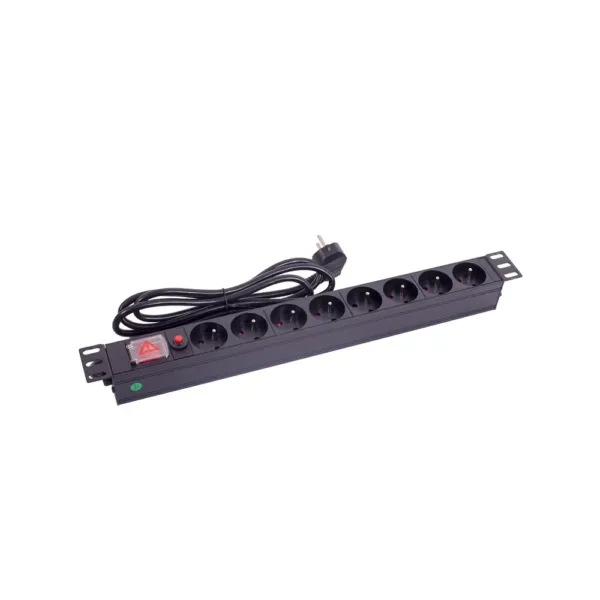
Power distribution units can have many problems in server rooms. These problems can stop things from working well. Some problems are overloading, power imbalances, bad connections, monitoring failures, and connection issues. Each problem can make things stop working or break equipment.
| Problem Area | Impact on Reliability |
|---|---|
| Circuit Overloads | This is the main reason for server room failures. |
| Real-time Monitoring | It lowers downtime by more than 25 percent. |
| Load Balancing | It helps stop outages by spreading power evenly. |
| Surge Protection | It keeps away sudden failures. |
| Remote Management | It lowers downtime by letting people control things from far away. |
| Environmental Sensors | They help protect equipment and stop outages. |
Good solutions and prevention can stop these risks. YOSUN has over 20 years of experience. They offer many PDU products. They help clients with safe and new power solutions.
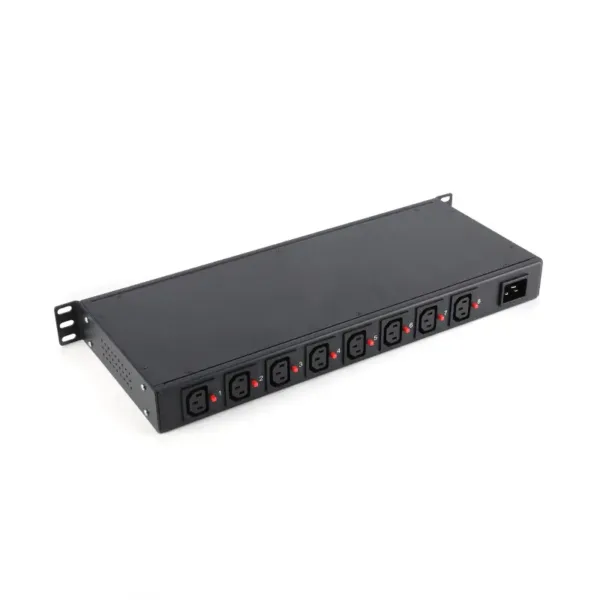
Many server rooms have overloading problems. There are a few main reasons for this:
These reasons show why planning and watching power use is important.
Overloading can cause big problems for equipment and work. If a PDU gets overloaded, it might turn off without warning. This can stop servers and network devices from running. Overloading can also hurt sensitive electronics and make them wear out faster. Data centers might have downtime, which slows work and can cost a lot to fix.
Note: Overloading affects devices and the whole network. Acting fast and stopping overloads helps keep things safe.
The table below shows how YOSUN’s overload protection compares to others:
| Feature | YOSUN | Industry Standards |
|---|---|---|
| Overload Protection | Strong build | Changes by company |
| Reliability in Applications | Very good | Usually good |
YOSUN’s PDUs protect well against overloads. Their reliability keeps things running smoothly in tough places.
Data centers can stop overloading by using smart solutions. These ways help keep systems safe and working well:
YOSUN lets clients pick overload protection features. They can choose things like smart monitoring and strong build. These choices help stop overloading and keep power reliable.
Power imbalance happens when loads are not spread out evenly. In three-phase setups, this can cause extra current. Extra current wastes energy and makes transformers work less well. Many things can make power imbalance worse:
These issues are common in busy server rooms. Equipment changes often in these places.
If you ignore power imbalance, voltage can become unstable. This instability affects devices like solar inverters. When voltage changes too much, inverters may turn off to stay safe. This lowers energy production and can hurt equipment over time. Systems without natural inertia, like inverter-based ones, are more sensitive to changes. They react quickly to changes in frequency and voltage. This makes the system less stable and can cause outages. Unbalanced loads change voltage levels. This can trigger shutdowns and lower the value of energy systems.
Tip: Keeping loads balanced stops downtime and protects equipment.
Data centers can use different ways to keep power balanced:
Smart monitoring and regular checks keep systems running well. These steps protect equipment and help efficiency.
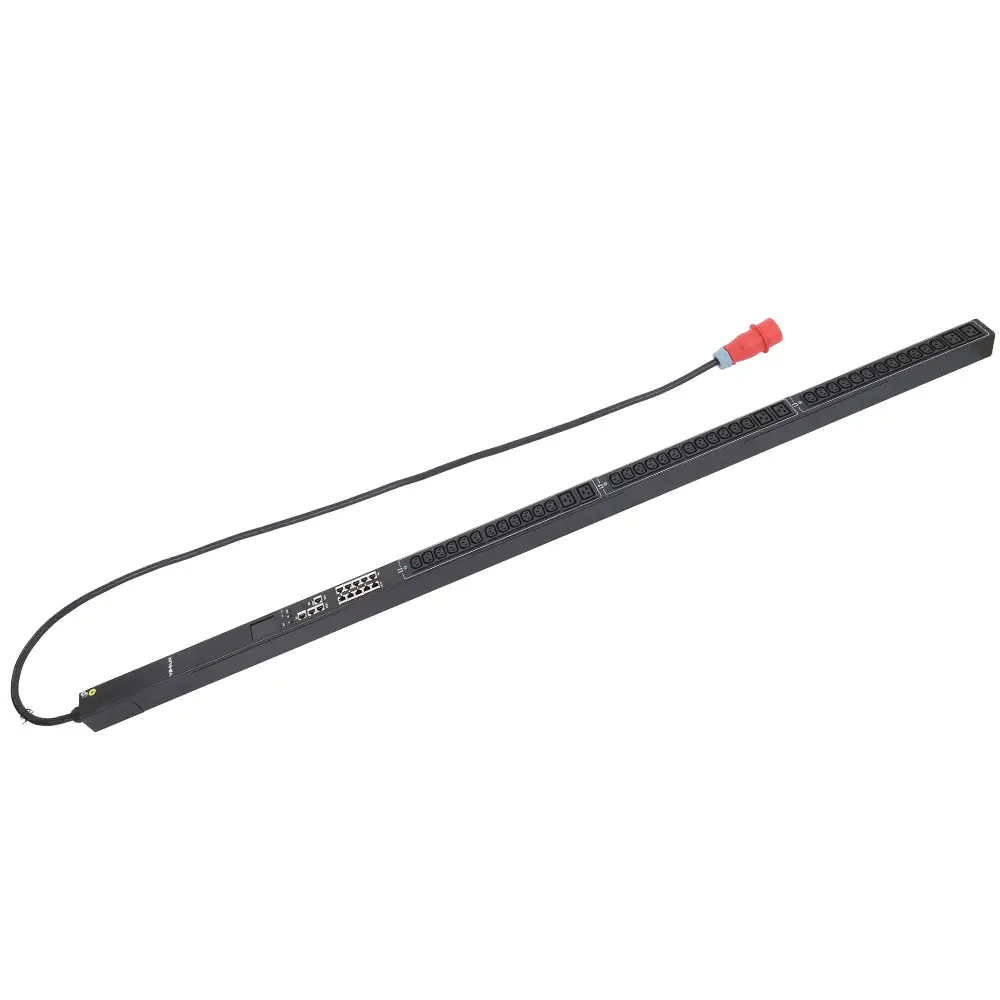
Problems can happen when installing a PDU. Some mistakes happen if people do not follow the right steps. Others happen if the wrong tools or cables are used. People often make these errors:
YOSUN checks their products carefully to stop these problems. Their products are safe and help make sure connections work well every time.
Bad wiring can cause big trouble. Power loss can shut down equipment or make important data disappear. Sometimes, power outages can be very dangerous, like in hospitals. Each day without power can make things more risky by over 40%. Even in data centers, bad wiring can cause downtime, break devices, and cost more to fix.
Note: Fix wiring problems fast to keep people and equipment safe.
Doing regular maintenance keeps PDU connections safe and working. Good habits help stop failures and make equipment last longer. Here are some smart steps:
These steps help keep power systems safe and strong. YOSUN says to follow these steps to get the best use from their products.
Watching power in real time is very important. Data centers must check power use all the time. This helps workers find problems early and fix them fast. Acting quickly can stop downtime and save equipment. The Uptime Institute says many outages happen from electrical failures. These failures often happen when people miss power problems. Real-time monitoring can cut downtime by more than 25%. It also helps workers use power better and not waste it.
Tip: If you watch power all the time, you can fix small problems before they get big.
Many people have trouble with monitoring. Some common problems are:
These problems can slow down how fast people fix things. It also makes it harder to keep equipment safe.
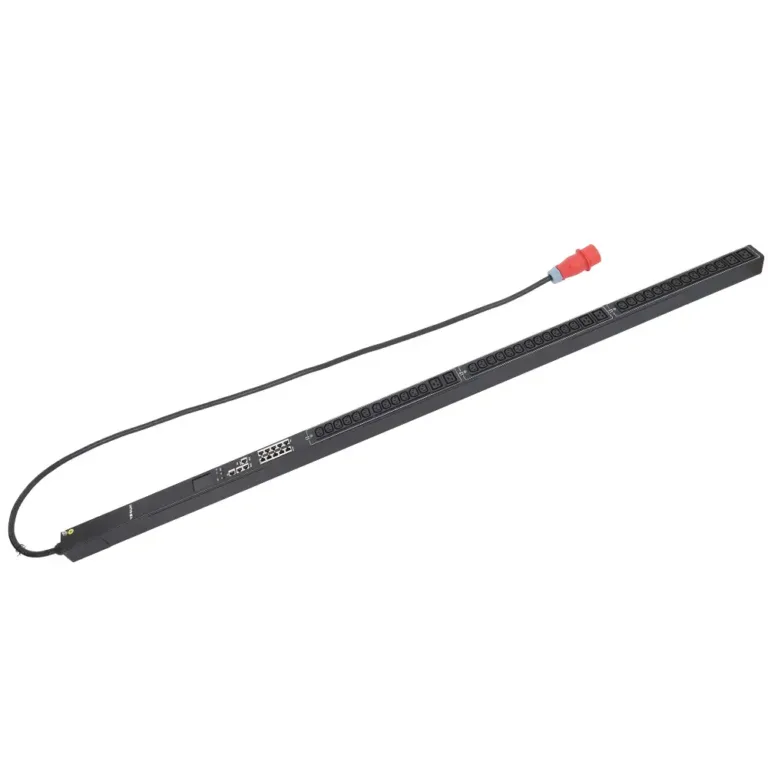
YOSUN has smart PDUs with good monitoring and remote control. These products help people track power, temperature, and humidity right away. The table below shows how each PDU type helps different needs:
| PDU Type | Key Features | Typical Use Case |
|---|---|---|
| Basic Rack-Mounted | Simple power distribution | Small or cost-sensitive data centers |
| Metered Rack-Mounted | Real-time usage monitoring | Energy efficiency, basic monitoring |
| Switched Rack-Mounted | Remote on/off per outlet, load balancing | High-availability, remote management |
| Intelligent PDUs | Sensors, analytics, remote management | Large-scale enterprise data centers |
YOSUN’s intelligent PDUs give real-time data, remote control, and alerts you can set. These features help workers act fast and keep systems safe. For best results, teams should use tools with alerts you can change, clear reports, and easy controls. These tools help people find problems fast and keep power systems working well.
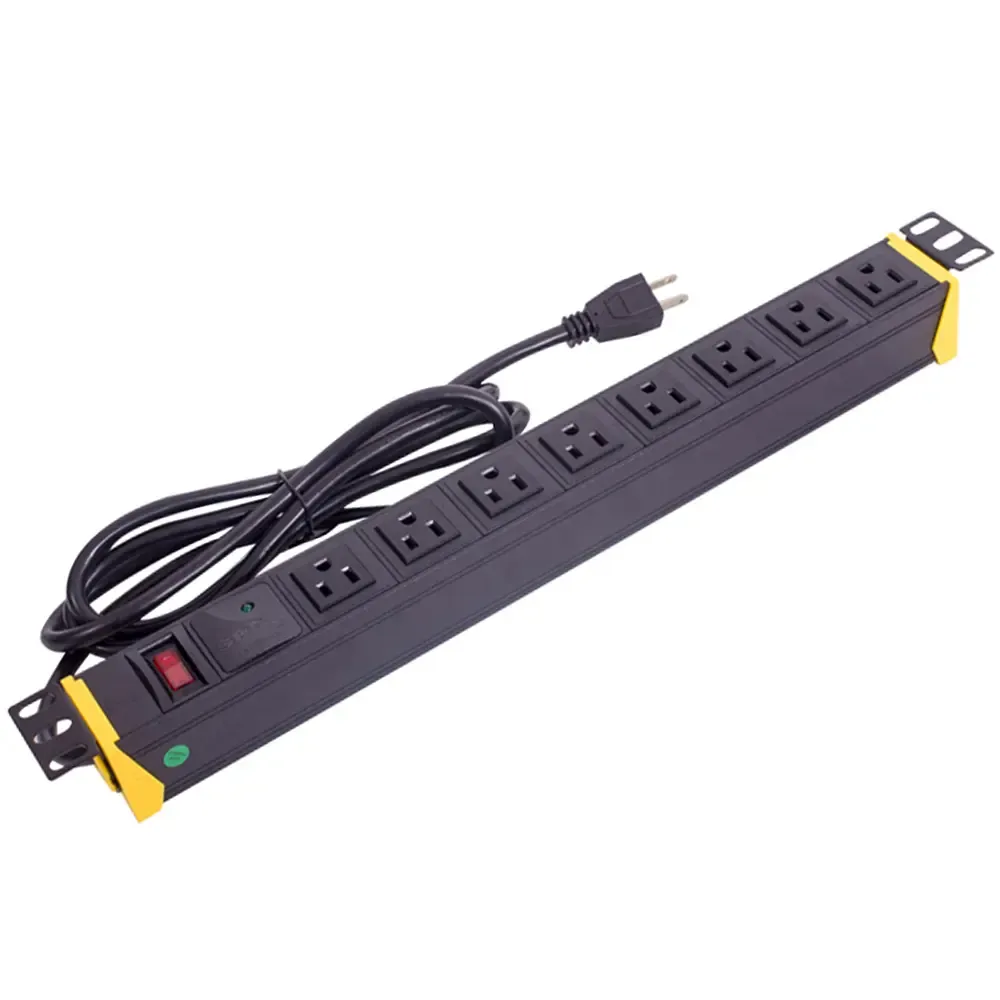
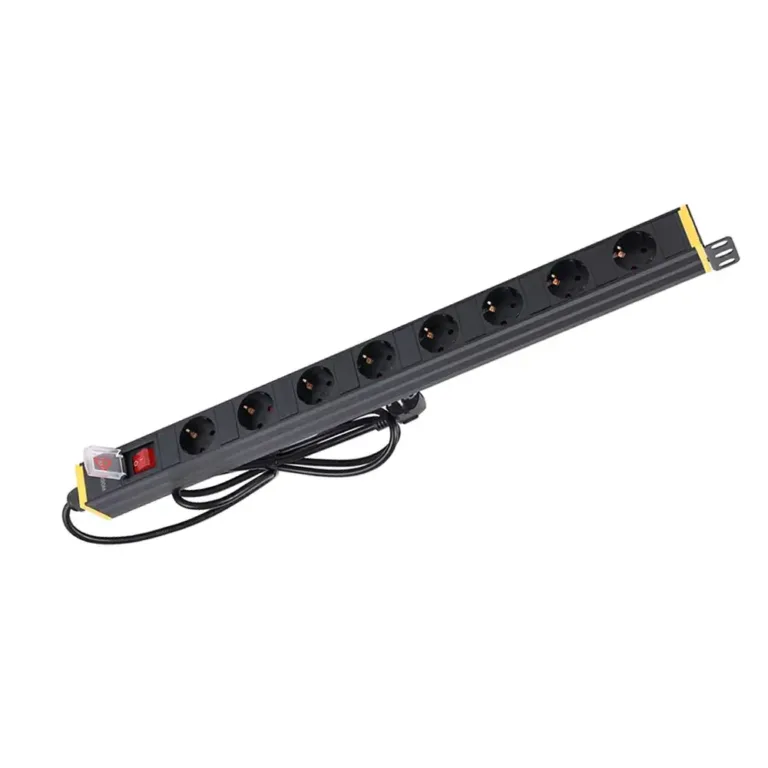
A PDU, or Power Distribution Unit, sends electricity to multiple devices in a server room. It helps keep equipment running safely and makes sure power gets shared the right way.
Experts recommend checking PDUs every month. Regular checks help spot problems early and keep equipment safe.
Yes! A smart PDU can watch power use and send alerts. This helps staff fix issues before outages happen.