Best Smart PDUs for 2025 Data Center Density Regulations: Pro Series Analysis
Smart PDU cost by admin on 24-05-23 A Smart PDU (Power Distribution Unit) cost can vary significantly depending on a number of criteria, such as the...


+86 15867381241
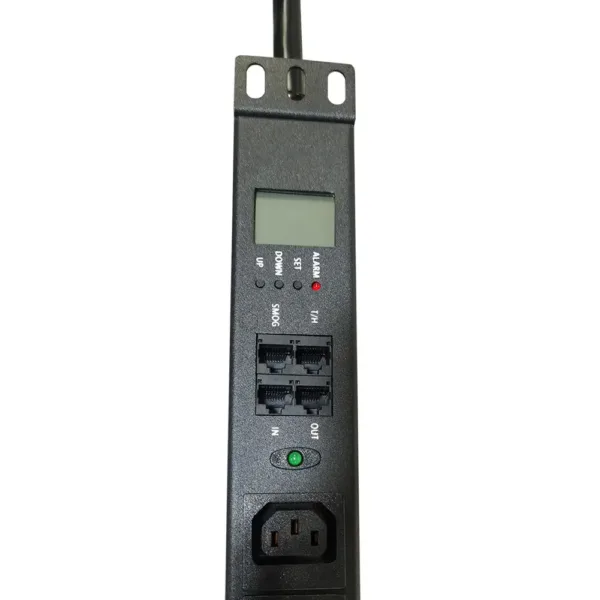
Data centers and server rooms often face common PDU issues. These include overloading, power imbalance, bad connections, and monitoring failures. Such problems can lead to downtime and disrupt critical operations. Effective power management is essential, especially as rack power densities continue to rise each year.
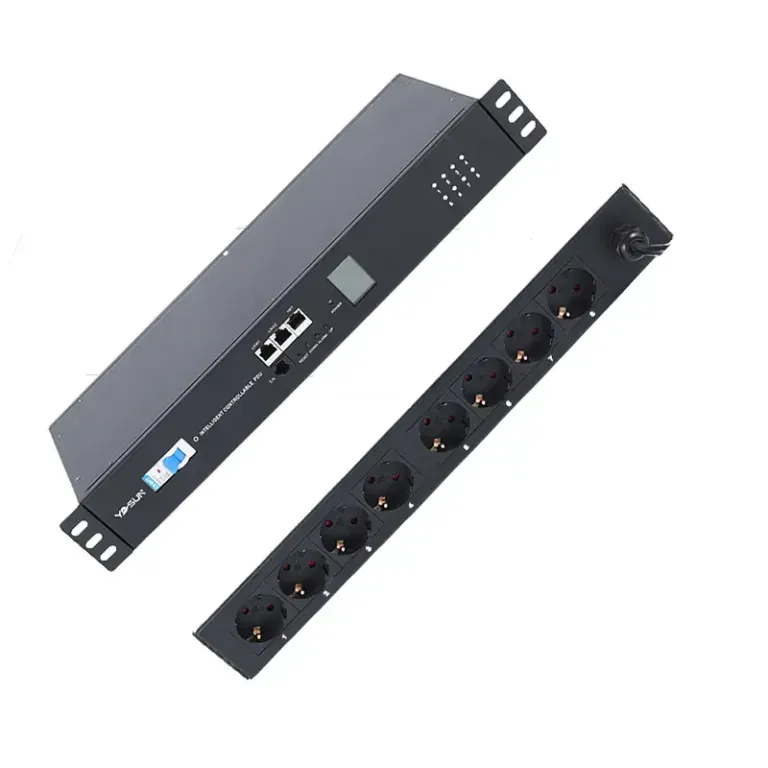
YOSUN’s expertise in smart power solutions enables users to quickly identify and resolve these common PDU issues.
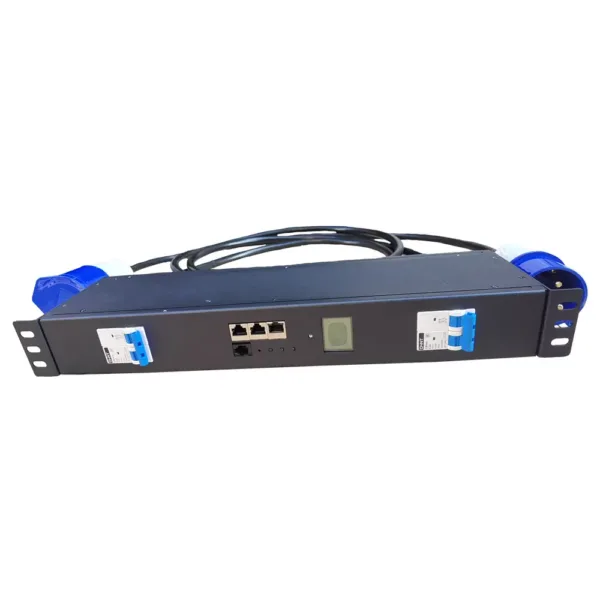
Data centers and server rooms can have many PDU issues. These problems can stop things from working right. YOSUN’s experience shows that overloading, power imbalance, bad connections, and monitoring failures happen a lot. These problems can make equipment stop, lose data, and cost more to fix. Knowing about these power problems helps managers keep things safe and working well.
Overloading happens when a PDU has too much power used. This can be from broken parts, not enough care, or bad load balancing. If too many devices use one PDU, it can get too hot. This can blow fuses, cause blackouts, or break equipment. Overloading is a big problem in data centers.
Managers can find overloading by looking for hot spots or tripped breakers. Sudden shutdowns are also a sign. They should spread out equipment and watch power use. YOSUN says to use PDUs with overload protection and check them often to stop these problems.
Power imbalance is when power is not shared evenly. This can make things less reliable and less efficient. Bad load balancing can cause power quality problems like harmonics. These can make equipment not work right. Uneven power can also make things hotter and wear out PDUs faster.
Smart PDUs from YOSUN can watch power in real time. They check power at the PDU and outlet. This helps managers make changes fast. Alerts help fix problems before they get worse.
Bad connections can happen from damage, heat, temperature changes, or wetness. These problems show up where lots of people move around or where wires get loose and hot. Bad connections can break equipment, stop networks, and make things work badly.
| Cause of Bad Connection | What Happens in Real Life |
|---|---|
| Physical Damage | Equipment breaks in busy areas where wires get hurt. |
| Overheating | Networks stop working from loose, hot wires. |
| Overheating | Wires wear out from too much heat. |
| Temperature | Equipment shuts down or gets ruined from heat. |
| Humidity | Rust and wetness can short-circuit inside parts. |
Managers should check PDUs for damage, heat, or rust. YOSUN says to use good connectors and keep the area clean and dry to stop these problems.
Monitoring failures are another big PDU problem. If monitoring does not work, managers can miss early warning signs. This can make equipment too hot, cause outages, or break things. If not fixed, it can also let hackers into the network.
Managers should use PDUs with good monitoring tools. YOSUN’s smart PDUs give alerts and use sensors. These tools help managers find power problems early and keep things running well.
Power quality and environment are critical to PDUs. Data centers require a stable power supply to ensure security. PDUs may malfunction if there are power fluctuations, excessively high temperatures, or excessive humidity in the data center. YOSUN’s PDUs operate stably even in harsh environments, helping systems remain stable and reliable.
Voltage spikes and changes can hurt a pdu and other devices. These problems happen when power goes up or down fast. Spikes, sags, and bad wave shapes can break equipment. The table below lists common power quality problems:
| Power Quality Issue | Description |
|---|---|
| Transients | Spikes or short events that make voltage or current go up. |
| Interruptions | Power goes out for a short or long time. |
| Sags | AC voltage drops for a short time. |
| Undervoltage | AC voltage stays low for a long time, like a brownout. |
| Swell/Overvoltage | AC voltage goes higher than normal, which is the opposite of a sag. |
| Waveform Distortion | The wave shape is not perfect, like with harmonics or clipping. |
| Voltage Fluctuations | Voltage changes randomly or often, for short or long times. |
| Frequency Variations | The power frequency is not what it should be. |
To keep pdus safe from spikes, experts say to do a few things:
YOSUN pdus are made to meet high rules and have these safety features.
Data center power distribution units (PDUs) can malfunction during power outages. Power outages can cause equipment to shut down and data to be lost. More than half of all operators have experienced power outages in the past three years. Power outages can be caused by component failure, human error, or equipment aging. Unstable power supplies can lead to downtime and increase financial losses.
To help stop these problems, managers should:
YOSUN pdus let you manage them from far away and use sensors to help stop power loss.
High temperatures can damage power distribution units (PDUs), causing intermittent power supply. Poor air circulation or too many devices can cause heat buildup. Localized overheating can lead to circuit breaks, shortening the lifespan of the PDU. Humid air can also cause rust and short circuits.
Managers should:
YOSUN pdus use good materials and smart sensors to keep pdus safe from heat and power loss.
Tip: Check pdus often and use smart sensors to stop power problems and keep pdus working well.
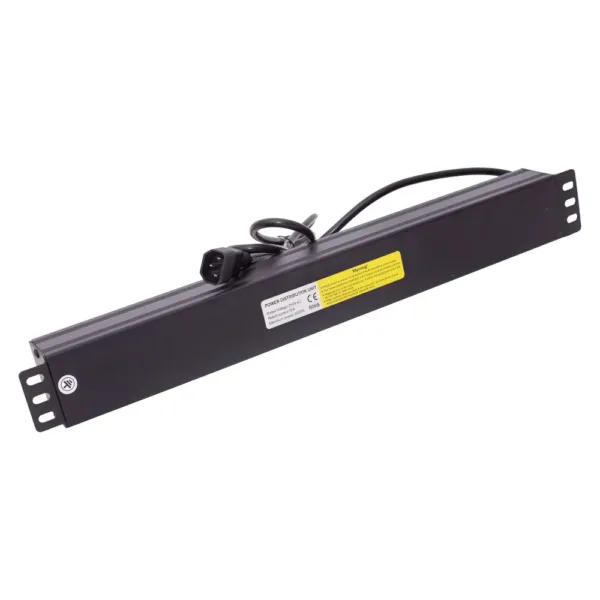
Good capacity planning helps managers avoid overload and power waste. They use inventory tools to track equipment. Managers implement capacity control early and conduct regular checks. Dedicated planning tools help estimate required power. Managers closely monitor equipment operation to ensure the system runs smoothly. Modular power distribution units (PDUs) can be easily upgraded and expanded. Cable management saves energy and prevents power waste. Regular checks and audits ensure everything is up and running. Managers calculate the power, cooling, and space required for each row of equipment. They consider how to save energy and costs. Studies show that good planning can reduce power waste and downtime by 33%.
Tip: Managers should check power loads to find unused power and stop overloads.
Environmental monitoring keeps pdus safe from heat, wetness, and leaks. SmartSensors find heat, wetness, airflow, air pressure, and leaks. Temperature and humidity sensors help HVAC systems stay in the right range. Airflow sensors keep hot and cold aisles working well. Water leak detectors warn managers about leaks or floods. Smart sensors send alerts right away if there are problems. Watching the environment stops downtime and broken hardware. Managers use heat maps to cool things better and keep pdus safe.
| Tool/System | Functionality |
|---|---|
| SmartSensors | Finds heat, wetness, airflow, air pressure, leaks, and more. |
| Temperature/Humidity Sensors | Makes sure HVAC systems follow ASHRAE or SLA rules. |
| Airflow Sensors | Checks air movement for good hot and cold aisles. |
| Water Leak Detectors | Warns about leaks or floods to stop hardware damage. |
| Intelligent Environmental Sensors | Sends alerts about problems that can hurt IT equipment. |
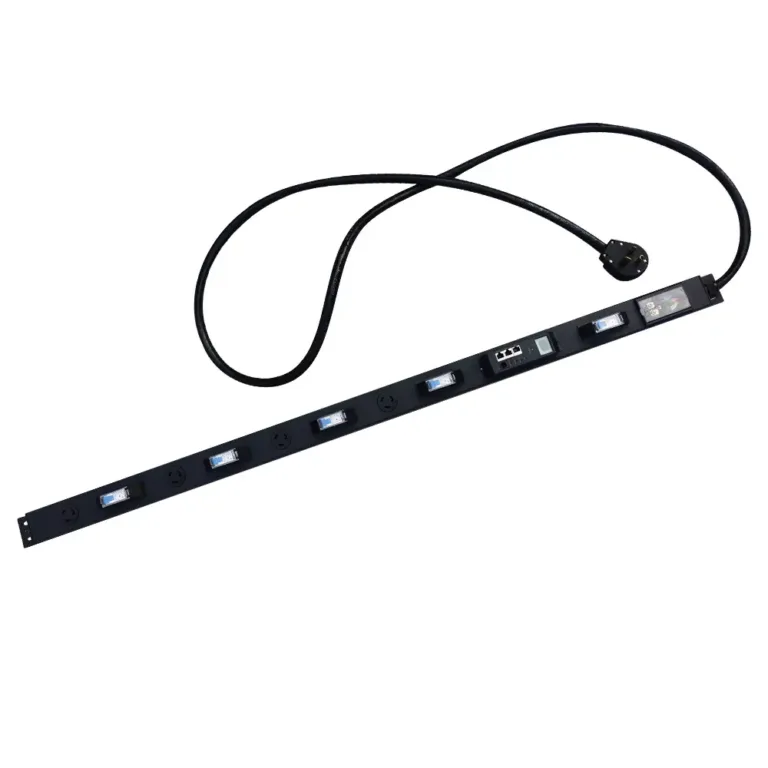
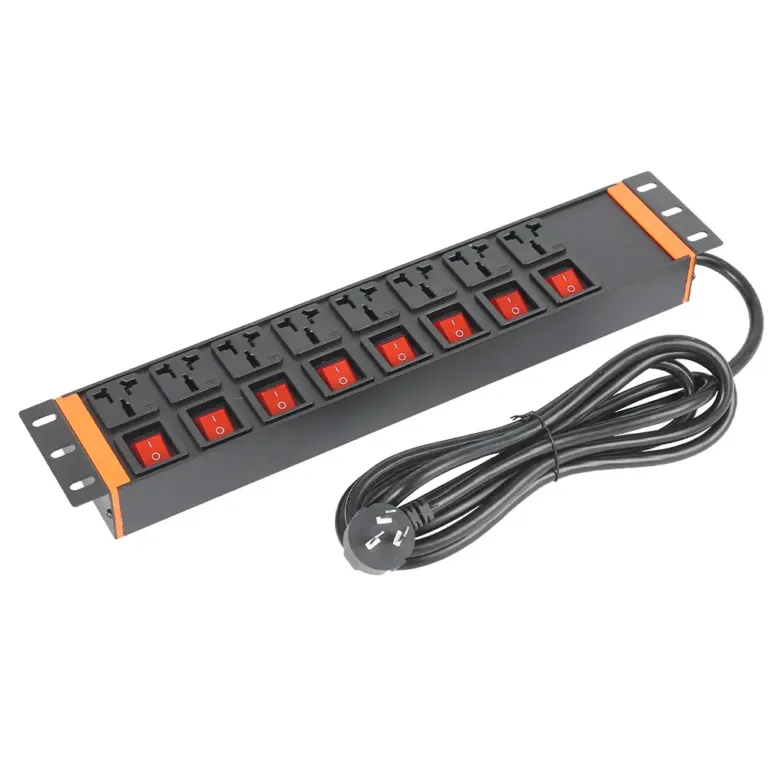
Picking the right pdu makes power safer and more reliable. Managers think about which pdu is best for their space. Basic pdus are good for jobs that are not critical. Metered pdus show power use and help stop overloads. Switched pdus let you turn outlets on or off from far away. Monitored pdus give lots of data and work with DCIM software. The right pdu means less downtime, lower costs, and better networks. YOSUN makes special pdus for different needs and follows safety rules. Their quality checks keep things safe and working well. Certifications like GS and RoHS show they meet industry rules. YOSUN’s custom pdus and strong testing help stop problems and protect equipment.
Note: Surge protection devices stop voltage spikes and keep pdus safe. Managers should put pdus in safe boxes and check them often to find damage or wear early.
Common PDU issues can make data centers stop working. Problems like overloading, power imbalance, and bad connections can cause trouble. These issues may make things get too hot or break equipment. Sometimes, servers can crash because of these problems.
Doing regular checks and watching PDUs in real time can stop most outages. Smart PDUs from YOSUN help find problems early and keep downtime low. Simple steps like neat cables and balanced loads can save energy and cut downtime. YOSUN PDUs work well in real data centers. They help keep things running and save money. If managers use these tips, they can keep power safe and reliable.
Overloading happens when too many devices use one pdu. This can make the pdu get too hot and shut off. Breakers might trip if there is too much power. Managers should check how much power is used. They should also use surge protection devices to stop power problems.
A pdu might not give power if fuses are blown. Bad connections or power cuts can also cause this problem. Managers should look at cables and connectors for damage. They should also check if surge protection devices are working right.
Intermittent power can make equipment restart or stop working. This can hurt devices that are sensitive. Managers should watch power distribution units closely. They should use protection features to lower the risk of problems.
Power imbalance can show as hot spots or uneven loads. Sometimes, breakers trip for no clear reason. These problems can waste energy and make equipment not last as long. Managers should spread out loads on all circuits.
Surge protection devices keep pdus safe from voltage spikes. They also protect equipment from sudden power changes. Managers should put these devices in to stop damage and downtime.