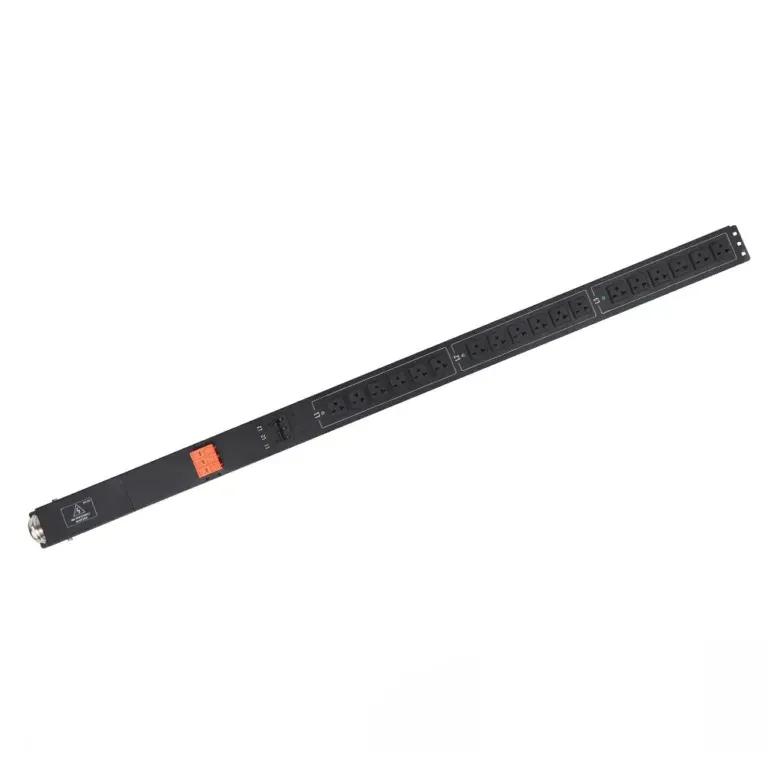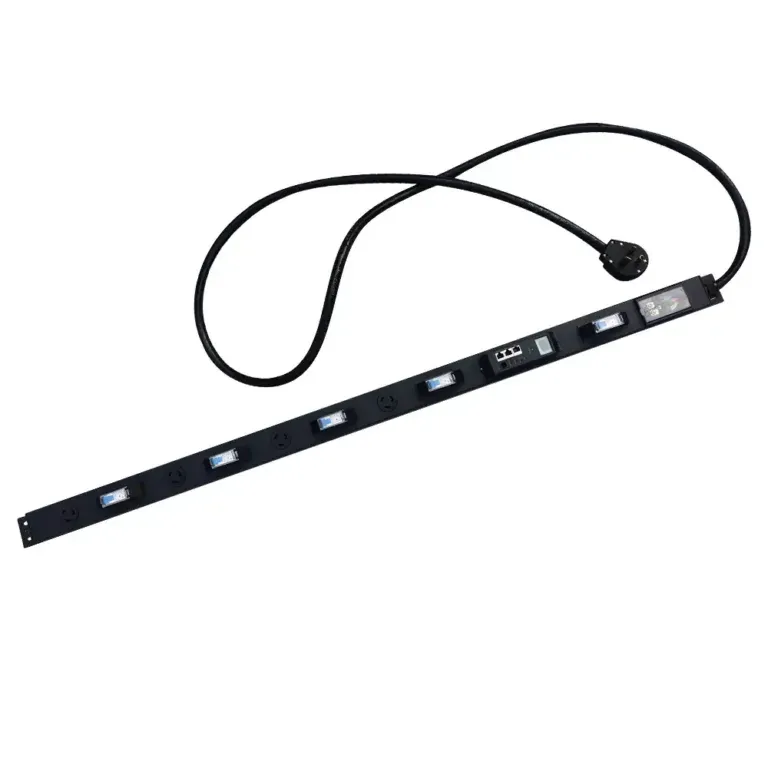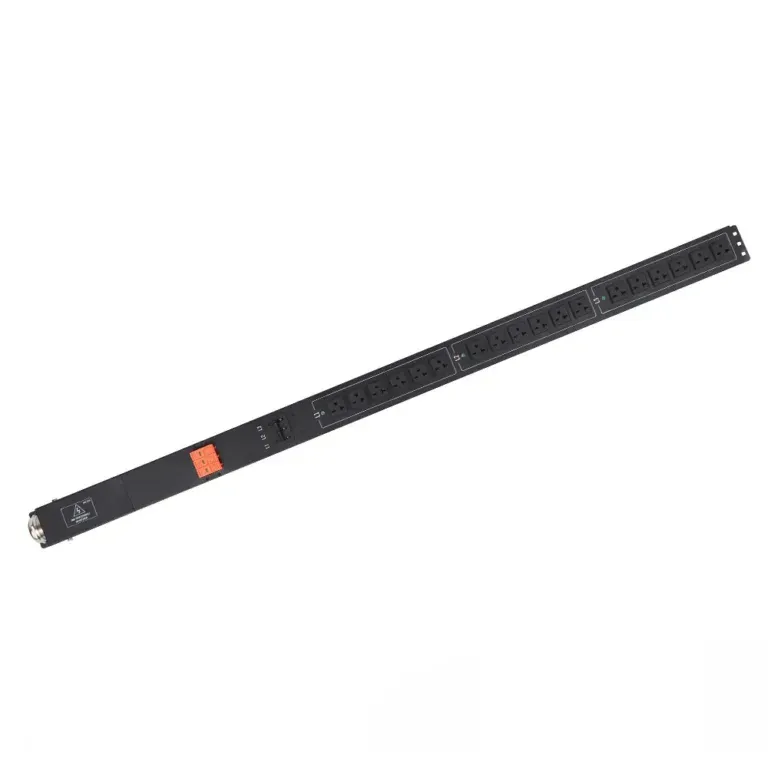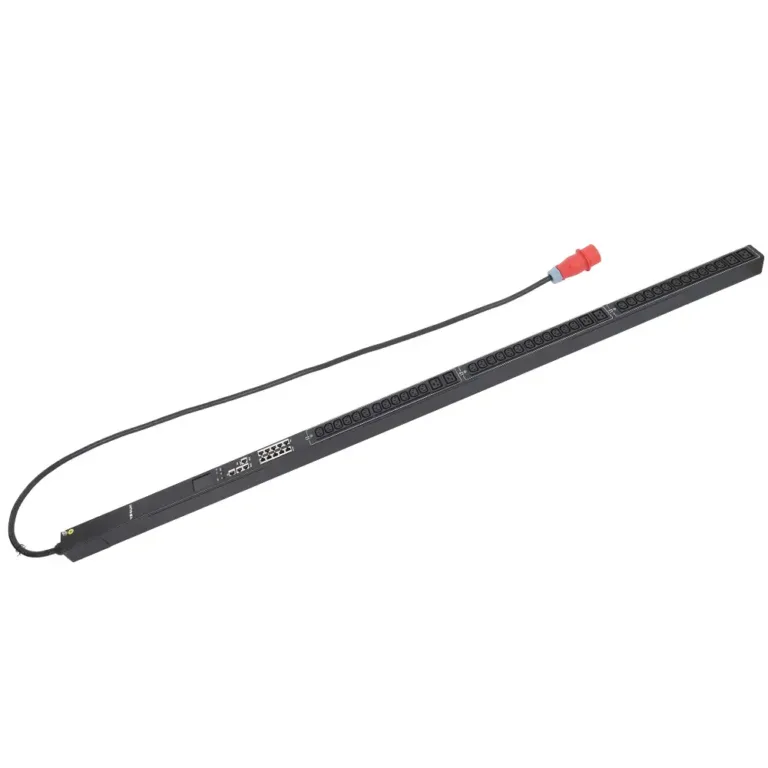
Smart PDU types
Smart PDUs represent a significant advancement in power distribution technology. These devices monitor, manage, and optimize power usage within IT environments. By providing precise control...


+86 15867381241
You need to know how switched pdu apc models differ for modern IT environments.
| Feature | Description |
|---|---|
| Remote Management | Lets you control and monitor your power distribution unit from anywhere. |
| Energy Efficiency | Helps you save energy and lower your carbon footprint. |
| Integration Capabilities | Connects easily with your current APC data center systems. |
| Granular Control | Allows you to manage each outlet for better troubleshooting and load balancing. |
| Support for High-Density Loads | Handles the heavy demands of modern IT setups and edge computing. |
Choosing the right power distribution unit improves IT reliability and scalability. Intelligent pdu models with remote management keep your systems running smoothly, even when you work off-site. Matching APC features to your specific needs helps you protect your equipment and plan for the future.

You use a switched PDU APC to manage power in your IT setup. This type of power distribution unit lets you control each outlet from a remote location. You can turn devices on or off without being in the server room. Switched PDUs help you cycle power to equipment, which can lower downtime and save money. You also get outlet-level control, so you can reboot individual devices when needed. These units support staged power-up, which prevents power surges. Security features like outlet lockout keep your system safe. Switched-by-outlet PDUs give you more control over energy efficiency and help you avoid wasting power.
Switched PDU APC models play a big role in modern IT. You get advanced monitoring capabilities that help you track power use. APC designs these units with gigabit Ethernet connectivity, so your data center infrastructure management stays strong. You can set alarm thresholds to avoid overloaded circuits. Multi-tier user access lets you control who can change settings. APC units offer 1% metering accuracy, which helps you plan for future growth. Cloud-based monitoring lets you check your system from anywhere.
| Feature | Description |
|---|---|
| Gigabit Ethernet Connectivity | Connects all assets in your data center for easy management. |
| Enhanced Cybersecurity | Protects your system with secure interfaces and password policies. |
| Network Management Capabilities | Lets you manage and configure units remotely using Web and SNMP. |
| Multi-tier User Access | Gives up to four access levels for better security. |
| EcoStruxure IT Ready | Supports cloud-based monitoring for remote access. |
| Alarm Thresholds | Warns you about overloaded circuits before problems happen. |
| Outlet Level Grouping | Lets you group outlets for flexible power sequencing. |
| Network Port Sharing | Manages multiple PDUs from one IP address for easier deployment. |
| 1% Metering Accuracy | Measures power use accurately for better planning. |
You need remote power management to keep your IT systems running smoothly. Switched PDU APC units give you real-time remote load monitoring, so you can spot problems fast. You save money because you do not need to send staff to the data center for every issue. Outlet-level control means you can reboot devices or shut down unused equipment to boost energy efficiency. Monitoring capabilities help you track power use and prevent downtime. Power distribution units with remote outlet control make your job easier and your system safer.
You find many options when you look at APC switched PDU product lines. Each model gives you different features to help you manage power in your IT environment. Some models offer advanced outlet control, while others focus on strong remote monitoring. You see differences in network connectivity, security, and metering accuracy.
Here is a table that shows how the basic features compare between the 9000 Series and 8000 Series PDUs:
| Feature | 9000 Series PDUs | 8000 Series PDUs |
|---|---|---|
| Manageability | Gigabit Ethernet Connectivity | 10/100 Ethernet Connectivity |
| Enhanced Cybersecurity | Yes | No |
| Network Management | Full-featured interfaces | Limited interfaces |
| Alarm Thresholds | Yes | No |
| 1% Metering Accuracy | Yes | No |
| C13/C15 and C19/C21 Hybrid Outlets | Yes (Industry 1st) | No |
| Maximum Operating Temperature | 60C (140F) | 45C (113F) |
| High Retention Outlets | Yes | No |
| Flash Upgradeable | Yes | No |
| Rack-Mountable | Yes (various mounting options) | Yes (various mounting options) |
| Input/Output Connections | Wide range available | Limited options |
You get more advanced features with the 9000 Series, such as gigabit Ethernet, enhanced cybersecurity, and hybrid outlets. These features help you manage high-density racks and support apc 3 phase pdus in large data centers. The 8000 Series gives you basic remote management and is suitable for smaller setups.
You use switched PDUs in many IT scenarios. Data centers rely on these units to control power for servers, storage, and networking equipment. You can monitor energy use and set alarms to prevent overloads. Metered pdus help you track power consumption and plan for future growth.
Switched PDUs work well in edge computing sites, financial centers, and digital mining operations. You can group outlets for flexible power sequencing and use remote management to reboot devices. APC 3 phase pdus support high-capacity racks and help you balance loads across three phases. You also see these units in server rooms where you need reliable power and remote access.
Tip: Choose a switched PDU with features that match your IT environment. If you run a large data center, look for models that support apc 3 phase pdus and offer advanced monitoring.

You find the APC AP8959 model in many modern IT environments. This switched pdu apc gives you advanced outlet-level control and strong monitoring capabilities. You can manage each outlet from anywhere, which helps you keep your systems running smoothly. The AP8959 supports real-time remote load monitoring, so you see power usage as it happens. You get modular design, which makes it easy to scale your setup.
Key Features:
Pros:
Cons:
Best-Fit Scenarios:
| Deployment Scenario | Key Features Utilized | Outcome |
|---|---|---|
| Large enterprise data center | Real-time remote monitoring, modular design | Significant reduction in unplanned outages |
| University IT department | Remote monitoring, environmental sensors | Easier maintenance and improved uptime |
| Managed service provider | Advanced monitoring, modular design | Improved service uptime and efficient scaling |
Tip: Choose the AP8959 if you need strong monitoring capabilities and outlet-level control in a large or growing IT environment.
You use the APC AP7921B model when you want reliable power distribution unit performance and simple remote management. This model gives you basic outlet-level control, so you can reboot devices without visiting the server room. The AP7921B works well in smaller IT setups or branch offices.
Key Features:
Pros:
Cons:
Best-Fit Scenarios:
Note: The AP7921B is a solid choice if you want simple outlet-level control and reliable performance without extra complexity.
You select the APC AP8653 model for environments that need both advanced outlet-level control and high-density power distribution. This model supports strong monitoring capabilities and gives you flexible mounting options. You can use the AP8653 in data centers where you need to manage many devices and keep track of power usage.
Key Features:
Pros:
Cons:
Best-Fit Scenarios:
Tip: Use the AP8653 if you need advanced outlet-level control and strong monitoring capabilities in a busy data center.
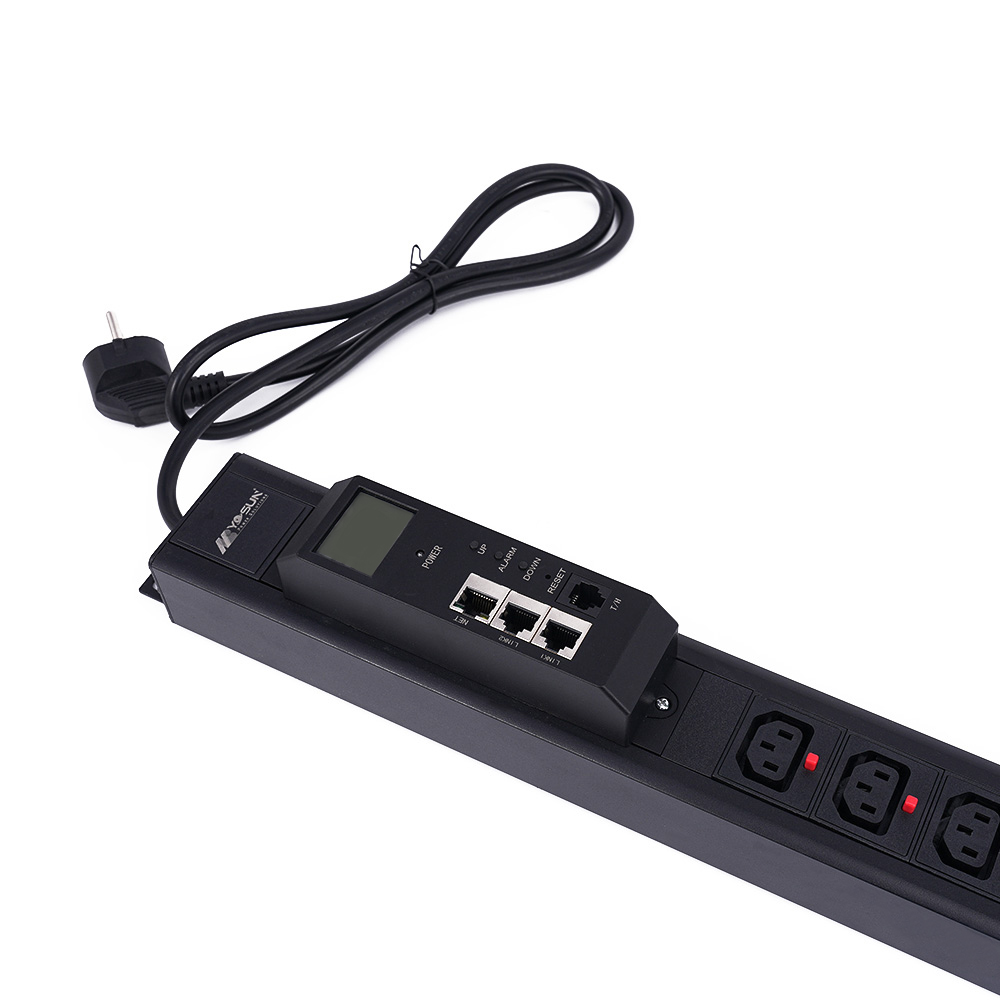
You can choose NBYOSUN if you want a flexible power distribution unit for your data center or server room. NBYOSUN offers a wide range of PDU solutions. You get options for IEC, German, American, French, UK, and universal outlets. This helps you match your setup to your local standards. NBYOSUN designs its PDUs for high reliability and safety. You can use them in data centers, edge computing, and digital mining.
Key Features:
Pros:
Best-Fit Scenarios:
Tip: If you need a switched PDU APC alternative with strong monitoring and outlet-level control, NBYOSUN gives you a reliable choice for modern IT environments.
You can use the APC AP8958EU3 when you need advanced features and high-density power distribution. This model supports a large number of outlets and gives you strong monitoring capabilities. You get gigabit Ethernet connectivity for fast data transfer. The AP8958EU3 lets you control each outlet, so you can reboot or shut down devices as needed.
Key Features:
Pros:
Best-Fit Scenarios:
Note: Choose the AP8958EU3 if you want a PDU with advanced features, fast connectivity, and strong monitoring for your growing IT setup.
You can select the APC AP8886 if you need a 3 phase PDU for high-capacity racks. This model supports large loads and helps you balance power across three phases. You get advanced outlet-level control and real-time remote load monitoring. The AP8886 works well in big data centers where you need to manage many devices.
Key Features:
Pros:
Best-Fit Scenarios:
Tip: Use the APC AP8886 if you need a 3 phase PDU with advanced monitoring and outlet-level control for your most demanding IT environments.
When you compare switched PDU APC models, you should look at power capacity first. This metric tells you how much load each unit can handle. Some models, like APC 3 phase pdus, support high power output for critical IT equipment. You see wide voltage ranges, which means you can use these units in different countries. Advanced load balancing helps you prevent overloads and keeps your system safe. You also get remote monitoring capabilities for real-time energy management.
| Model | Maximum Output | Current Rating | Voltage Range |
|---|---|---|---|
| APC NetShelter Rack PDU Advanced | 14.4kW | 50A | 208V – 240V |
| Other Switched PDUs | Varies | Varies | Varies |
You need to choose the right form factor and mounting option for your rack setup. Most APC switched PDUs come in 1U rack-mounted designs. This makes installation easy and saves space. You find models with different input and output connections, so you can match your devices. Some units offer 8 C13 outlets, while others provide NEMA outlets for American standards.
| Model | Form Factor | Mounting Options | Input/Output Connections |
|---|---|---|---|
| APC Rack PDU Switched 1u 16A 208/230V | 1U | Rack-mounted | 8 C13 |
| APC NetShelter Switched Rack PDU, 1U, 20A, 120V | 1U | Rack-mounted | 8 NEMA 5-20 outlet |
Tip: Pick a form factor that fits your rack and matches your devices for better energy efficiency and easier installation.
You get strong connectivity and remote management features with APC switched PDUs. These units let you control individual outlets, sequence power, and manage your network. You use Web, SNMP, and CLI interfaces for remote access and configuration. Firmware upgrades keep your system up to date. Switched models give you remote outlet control, so you can reboot devices or balance loads. Switched metered pdus add real-time monitoring capabilities for each outlet, which improves energy efficiency and flexibility.
| Model Name | Best Remote Management Features |
|---|---|
| APC Switched Rack PDU | Individual outlet control, power sequencing, network management |
| APC Metered-by-Outlet with Switching Rack PDU | Per-outlet metering, remote switching, environmental sensors |
Note: Advanced monitoring capabilities and remote management help you optimize energy efficiency and keep your IT environment running smoothly.
When you choose a switched PDU, you need to look at the outlet count and type. Each model gives you a different number of outlets. Some units offer as few as eight outlets, while others provide over twenty. You should match the outlet count to your rack size and the number of devices you plan to power.
You also need to check the outlet type. Some PDUs use IEC C13 or C19 outlets. Others use NEMA or country-specific types. If you work in a global environment, you may need a mix of outlet types. This helps you connect different devices without extra adapters.
Compatibility matters, too. You want a power distribution unit that fits your rack and supports your equipment. Many data centers use apc 3 phase pdus for high-density racks. These units give you more outlets and support balanced loads across three phases. You can use apc 3 phase pdus to power servers, storage, and network gear in one rack.
Here is a quick table to help you compare:
| Model | Outlet Count | Outlet Type(s) | Compatibility |
|---|---|---|---|
| AP8959 | 24 | IEC C13/C19 | Standard racks, high density |
| AP7921B | 8 | IEC C13 | Small racks |
| AP8653 | 24 | IEC C13/C19 | High-density racks |
| AP8958EU3 | 36 | IEC C13/C19 | Large racks |
| AP8886 (apc 3 phase pdus) | 42 | IEC C13/C19 | High-capacity, 3 phase racks |
| NBYOSUN | Custom | Multiple types | Custom racks, global use |
Tip: Always check your devices and rack before you pick a PDU. This helps you avoid problems with compatibility.
You want to get the best value for your IT budget. Switched PDUs come in a wide price range. Basic models cost less and give you simple remote control. Advanced models, like apc 3 phase pdus, cost more but offer more features. These features include outlet-level monitoring, environmental sensors, and advanced security.
When you compare prices, look at what you get for your money. A higher price often means more outlets, better monitoring, and stronger remote management. You may pay more for apc 3 phase pdus, but you get support for high-density racks and balanced power loads.
Here are some things to consider:
Note: Investing in the right PDU saves you money in the long run. You reduce downtime, improve energy use, and make your IT setup easier to manage.
You should start by looking at your IT environment before choosing a switched PDU APC model. Every setup has different needs. Some data centers need more power, while others need special outlet types. You want to make sure your PDU matches your equipment and supports your daily operations. Here are some important things to check:
If you want to improve energy efficiency, pick a PDU that supports real-time remote load monitoring. This feature helps you track power use and spot problems early.
You should always think about the future when picking a PDU. Many data centers grow over time. You might add more servers or devices as your business expands. If you only choose a PDU that fits your current needs, you could outgrow it quickly. This can lead to expensive upgrades or replacements. To avoid this, assess both your current and future power needs. Models like apc 3 phase pdus offer more capacity and flexibility, making them a smart choice for growing environments.
Tip: Planning for growth now saves you time and money later.
Balancing features and budget is key. You want a PDU that gives you the best value without missing important functions. Look for these features:
While saving money matters, do not overlook reliability. Quality PDUs made from strong materials last longer and protect your equipment. Brands like apc and models such as apc 3 phase pdus often provide better support and longer warranties. Choosing the right PDU helps you maintain energy efficiency and keeps your IT environment safe.
When you choose a switched PDU for your IT environment, you need to think about remote management and security. These features help you control your power distribution unit from anywhere. You can turn outlets on or off, check power usage, and respond to problems quickly. Remote management saves you time because you do not need to visit the server room for every issue.
Security matters just as much. You want to keep your network safe from threats. Many switched PDUs offer password protection and user access levels. You can decide who gets to change settings or view data. Some models let you set alarms for unusual activity. This helps you spot problems before they affect your equipment.
If you use apc 3 phase pdus, you get advanced remote management tools. These units support large racks and critical systems. You can monitor each phase and balance loads to improve energy efficiency. This keeps your data center running smoothly and helps you avoid downtime.
Here is a simple table to help you compare remote management and security features:
| Feature | Why It Matters |
|---|---|
| Remote Outlet Control | Lets you reboot devices easily |
| User Access Levels | Protects your system |
| Alarm Notifications | Warns you about problems |
| Power Usage Reports | Helps you track energy efficiency |
| Firmware Updates | Keeps your unit secure |
Tip: Always check if your PDU supports remote firmware updates. This feature helps you stay ahead of security risks.
You should also look for models that support strong encryption. This keeps your data safe when you manage your PDU over the network. When you focus on remote management and security, you protect your IT environment and improve energy efficiency. You also make sure your apc 3 phase pdus work at their best.
You see many differences among switched pdu apc models. Each power distribution unit offers unique features for your IT environment. You should match the pdu to your equipment and future needs.
Tip: Review your IT setup and select a switched pdu apc that supports your growth and remote control needs.
You get remote control of each outlet with a switched PDU. This feature lets you reboot devices, monitor power use, and improve uptime. Basic PDUs only distribute power without remote management.
You should check your equipment’s plug type. Most racks use IEC C13 or C19 outlets. If you have devices from different regions, look for PDUs with multiple outlet types for better compatibility.
You can manage switched PDUs remotely using web interfaces, SNMP, or cloud platforms. This lets you monitor power, reboot devices, and receive alerts without visiting the server room.
You should use remote monitoring, outlet-level control, and alarm notifications. These features help you spot problems early, reboot devices quickly, and keep your systems running smoothly.
You can upgrade firmware on many switched PDUs. This keeps your unit secure and adds new features. Always check your model’s documentation for upgrade instructions.