Top 5 facts about Geist switched PDU online buying
Buying a Geist switched PDU online? Check seller credentials, certifications, warranty, and support to ensure safe, reliable power for your data center.


+86 15867381241

When you choose a 19 inch rack PDU, you need to look at essential specifications that affect both reliability and safety. These specifications include outlet configurations, multi-phase support, real-time monitoring, overload protection, surge suppression, environmental sensors, and certifications. The table below shows how each specification supports reliable and safe power delivery in a rack environment:
| Specification | Impact on Reliability and Safety |
|---|---|
| Outlet Configurations | Ensures compatibility with devices, prevents overloads |
| Multi-Phase Support | Improves distribution efficiency, reduces downtime |
| Real-Time Monitoring | Gives instant feedback, helps manage power proactively |
| Overload Protection | Stops circuit overload, protects equipment |
| Surge Suppression | Guards against surges, ensures stable operation |
| Environmental Sensors | Tracks temperature and humidity, boosts reliability |
| Certifications | Confirms global standards, supports energy management |
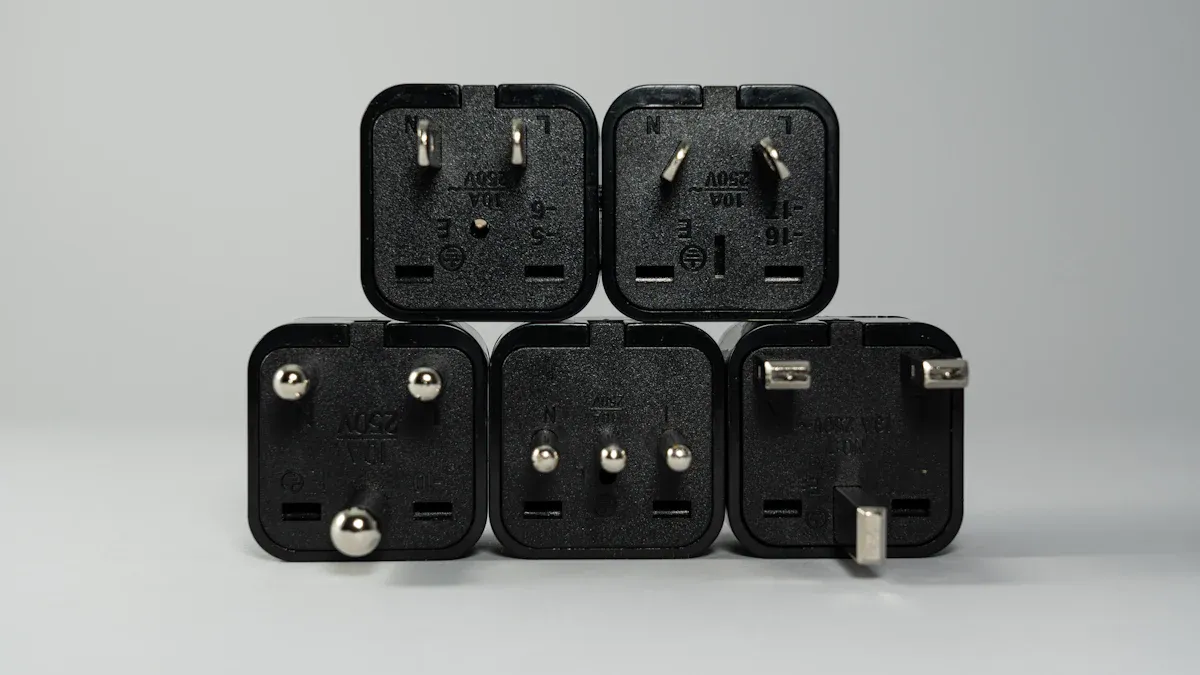
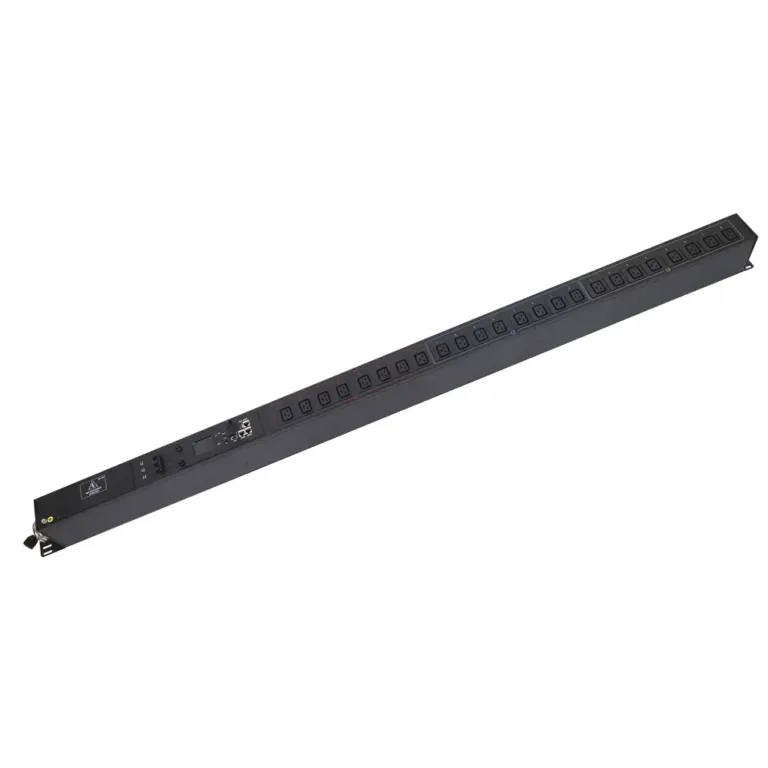
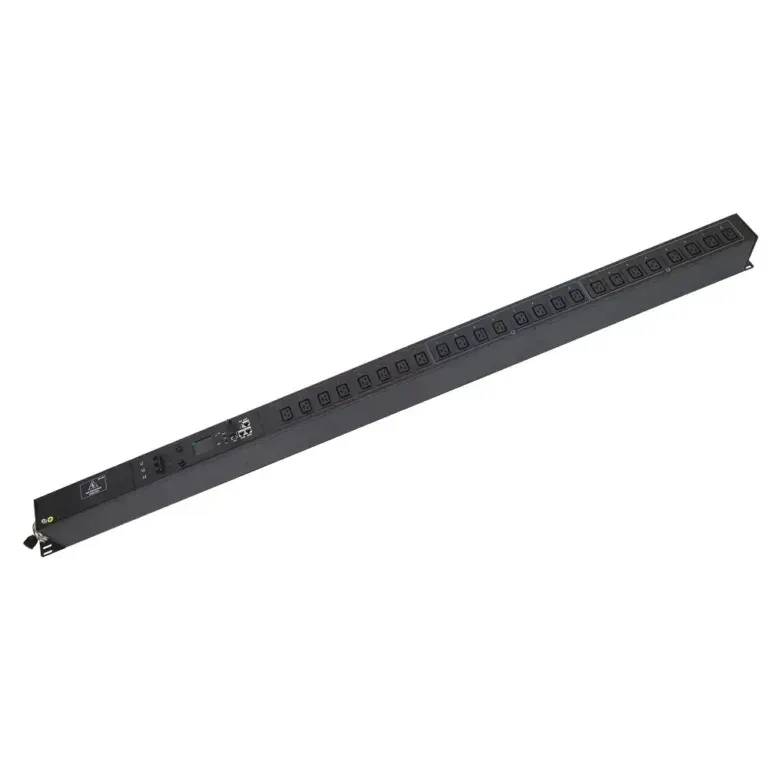
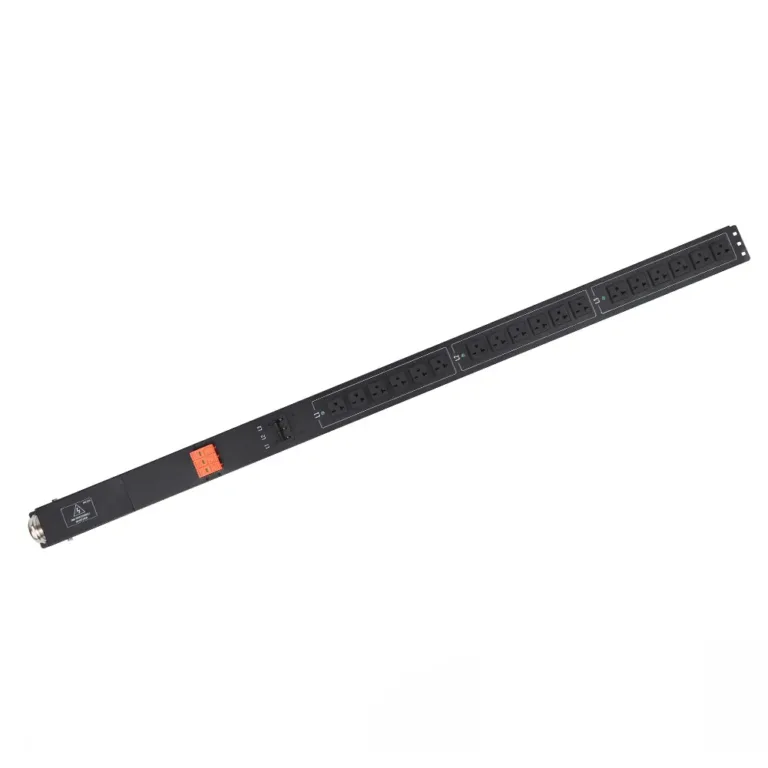
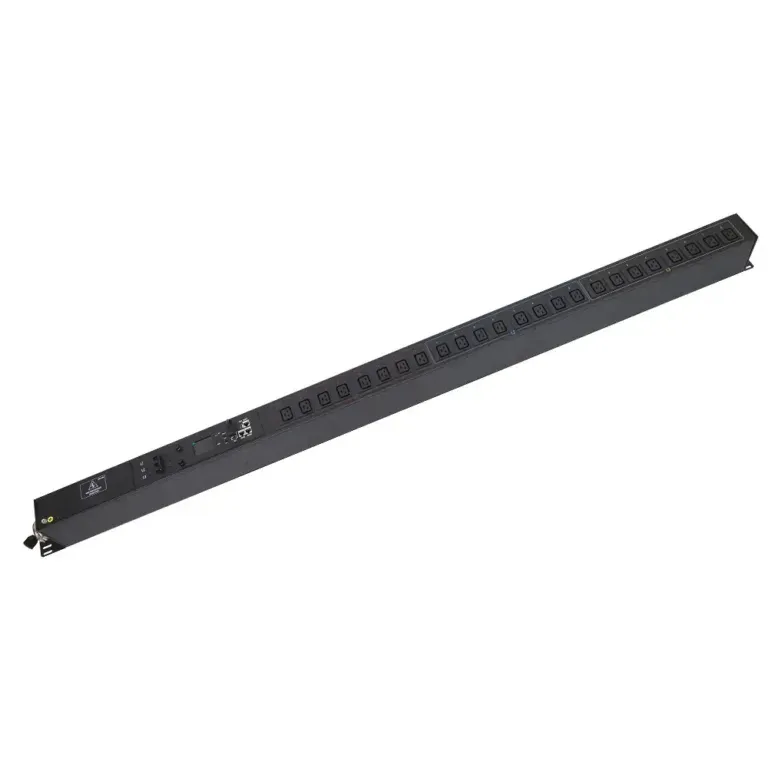
When you select a 19 inch rack pdu, you need to look at the outlet configurations and types. These features help you connect different devices and keep your rack organized. You will find two main orientations for rack pdus: vertical and horizontal. Each orientation fits different installation needs.
| PDU Type | Orientation | Outlet Capacity | Best Use Case |
|---|---|---|---|
| Vertical PDU | Vertical | More outlets | High-density data centers requiring substantial power distribution |
| Horizontal PDU | Horizontal | Fewer outlets | Small installations where vertical space is not a concern |
You will also see different outlet types on a power distribution unit. The most common are C13 and C19 outlets. C13 outlets work well for computers and IT equipment, supporting 10-15 Amps. C19 outlets handle larger servers and high-powered devices, supporting 16-20 Amps. Some rack pdus offer a mix of outlets, so you can connect many types of equipment.
Tip:
Before you choose a rack pdu, count the devices you want to connect. Check which outlet types you need, such as NEMA, IEC, or universal. Pick a pdu that gives you the right mix for your setup.
Multi-phase power distribution is one of the essential specifications for a 19 inch rack pdu. You get better reliability and performance when you use three-phase systems. If one phase fails, the other phases keep your equipment running. This setup reduces downtime and keeps your rack safe.
| Advantage | Description |
|---|---|
| Reliability | Three-phase systems deliver power through at least two phases if one fails. |
| Long-term Value | Lower maintenance and operational costs over time. |
| Improved Performance | Balanced power use across phases boosts performance by up to 25%. |
| Space Efficiency | High output with less space, making cable management easier. |
| Energy Savings | Three-phase power can save 3-5% on electricity bills. |
| Scalability | Easy to expand power capacity without big changes. |
| Real-time Monitoring | Lets you track temperature, humidity, and power use for better management. |
Load balancing is another important feature. You need to spread power evenly across your rack to avoid overloading and overheating. Metered pdus help you monitor energy use and keep your system stable. If you manage loads well, you reduce the risk of equipment failure and keep your rack running smoothly.
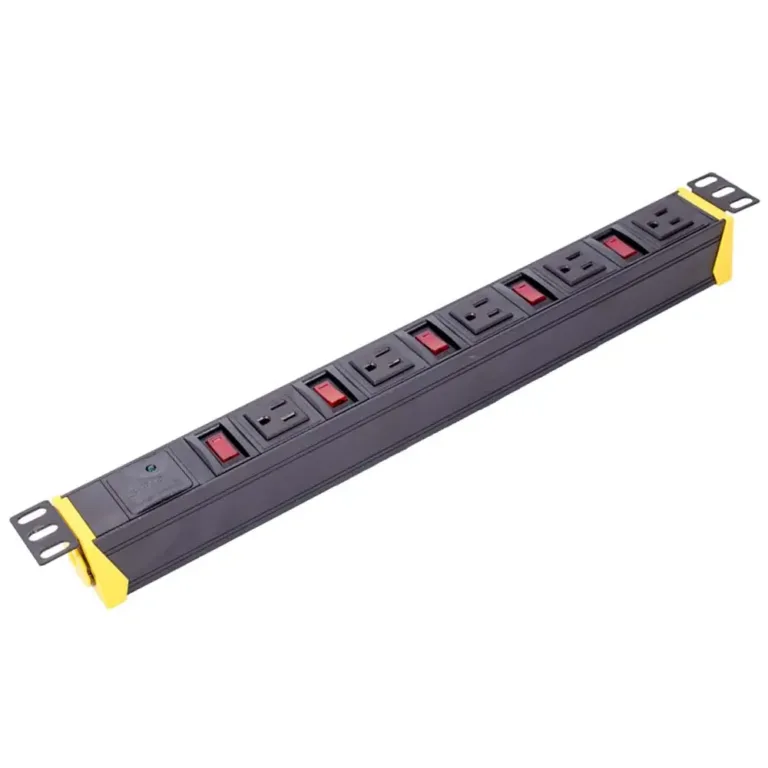
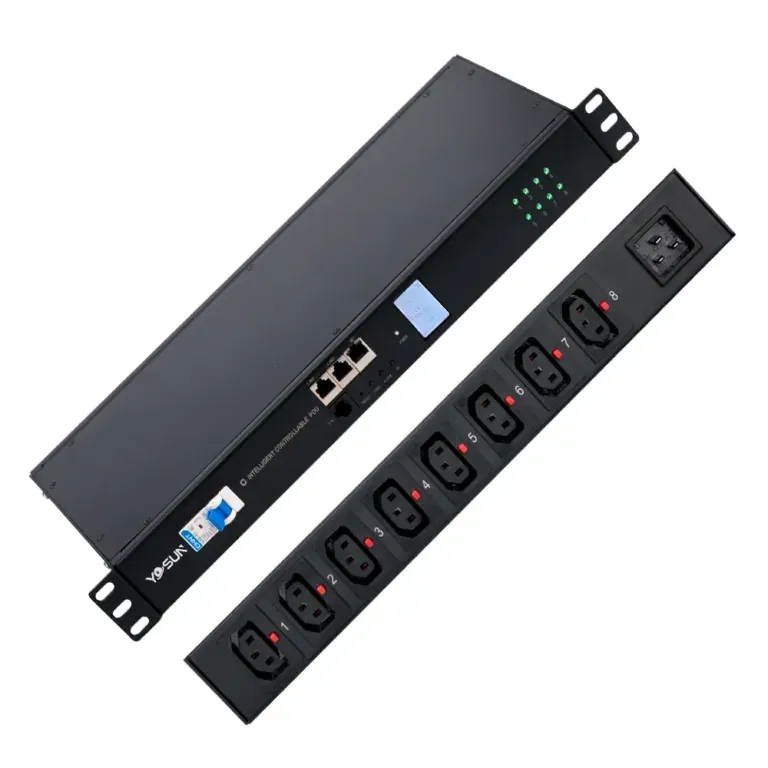
The NBYOSUN 19 inch rack pdu stands out for its reliable features and strong build. You get 8 NEMA 5-15R outlets, which fit many devices in your rack. The input plug uses NEMA 5-15P, making installation easy. The switchless design helps prevent accidental shutdowns, and the built-in circuit breaker protects your equipment.
| Feature | NBYOSUN PDU | Other Brands |
|---|---|---|
| Number of Outlets | 8 NEMA 5-15R outlets | Varies |
| Input Plug | NEMA 5-15P | Varies |
| Switchless Design | Yes | Not always |
| Built-in Circuit Breaker | Yes | Not always |
| Anti-surge Protection | Yes | Not always |
| Overload Protection | Yes | Not always |
| Housing Material | Aluminum alloy | Varies |
| Voltage | 100-125V with 15A capacity | Varies |
| Cable Length | 6ft (customizable) | Fixed options |
| Installation | Horizontal in EIA-standard racks | Varies |
You will notice that the NBYOSUN rack pdu uses an aluminum alloy casing. This material resists impacts, fire, and rust, which adds to the durability of your rack setup. Many users find the mounting process simple because the pdu comes with holes and screws for secure placement. These features make the NBYOSUN 19 inch rack pdu a solid choice for data centers and IT rooms.
Note:
The NBYOSUN 19 inch rack pdu has received positive feedback from clients in telecom and IT sectors. Its overload protection feature automatically shuts off during over-current or over-temperature conditions, keeping your equipment safe.

You can improve your data center’s energy management by using real-time monitoring in your 19 inch rack pdu. This feature gives you instant insights into how much power each device uses. You see the numbers change as your equipment runs. You make better decisions about power allocation and load balancing because you have accurate data.
Tip:
Use real-time monitoring to balance electrical loads and reduce energy waste in your rack.
Remote access lets you manage your pdu from anywhere. You use a web-based interface or special software to check power status and control outlets. This capability is important during emergencies because you do not need to be on-site to make changes.
| Feature | Description |
|---|---|
| Remote Access | Manage power distribution from any location using a web interface or software. |
| Real-time Monitoring | View detailed power usage reports and analytics to find inefficiencies. |
| Control of Individual Outlets | Schedule power cycles and control specific outlets remotely. |
| Alerts for Issues | Receive notifications about potential problems for proactive management. |
| Auto-ping Support | Automatically restart devices that stop responding, reducing downtime. |
| Environmental Monitoring | Track temperature and humidity to prevent outages and maintain performance. |
DCIM (Data Center Infrastructure Management) integration brings all your monitoring and management tools together. You see real-time data from your rack and pdu on one dashboard. This centralized view helps you make smart decisions about resource allocation.
| Feature | Benefit |
|---|---|
| Integration with DCIM | Centralizes management for easier control |
| Real-time monitoring | Gives immediate insights into infrastructure |
| Analytics | Supports data-driven decision making |
| Capacity planning tools | Optimizes resource allocation and usage |
You use analytics to plan capacity and optimize usage. You track every detail, so you avoid waste and keep your data center running smoothly. DCIM integration makes your infrastructure easier to manage and helps you respond quickly to changes.
You need to protect your equipment from electrical faults and power spikes. Overload and surge protection features in a 19 inch rack pdu help you keep your devices safe. Circuit breakers stop electrical faults like short circuits and overcurrent. Surge protection shields your sensitive systems from voltage spikes during power fluctuations.
| Feature | Description |
|---|---|
| Overload Protection | Circuit breakers protect against electrical faults such as short circuits and overcurrent. |
| Surge Protection | Protects sensitive systems from voltage spikes during power fluctuations. |
Rackmount surge protectors work for multiple devices at once. They use advanced technology to absorb and redirect extra electrical energy. This process prevents damage and data loss. You can trust these features to keep your equipment running smoothly during unexpected power events.
Tip:
Always check that your pdu includes both overload and surge protection. These features help you avoid costly repairs and downtime.
Environmental sensors in a 19 inch rack pdu help you monitor important conditions. You can track temperature, humidity, and smoke levels. These sensors give you real-time data, so you know when something changes in your rack.
| Sensor Type | Monitored Parameters |
|---|---|
| Temperature | Monitors temperature levels |
| Humidity | Monitors humidity levels |
| Smoke | Detects smoke presence |
Sensors help you prevent overheating and keep your equipment working well. By watching these parameters, you can spot problems early. This proactive approach helps you avoid risks and maintain reliable performance.
Environmental sensors play a key role in risk mitigation. They track temperature and humidity all the time. If something goes wrong, you can act before it becomes a big issue. This monitoring supports the safety and reliability of your IT infrastructure.
Note:
Environmental sensors help you catch problems early and keep your rack safe.
You need to pay close attention to metering accuracy when you choose a 19 inch rack pdu. Accurate metering lets you see exactly how much power your equipment uses. This helps you spot waste and improve efficiency in your data center. Many PDUs show real-time data on a digital display. You can use this information to balance loads and prevent overloads.
Standby consumption is another important factor. Some PDUs use power even when they do not supply energy to devices. Low standby consumption means the PDU itself does not waste electricity. This small detail can make a big difference in overall efficiency, especially when you have many units in one rack. By choosing a PDU with high metering accuracy and low standby consumption, you support both cost savings and environmental goals.
Tip:
Always check the technical specifications for metering accuracy and standby consumption before you buy a PDU. These features help you manage energy use and boost efficiency.
Industry certifications show that a PDU meets strict safety and efficiency standards. Certified PDUs go through many tests to make sure they work safely and reliably. You can trust these products to protect your equipment and support efficient power use.
Here are some key points about certified PDUs:
When you see certifications such as Energy Star or IEC 60364, you know the PDU will help you reach your efficiency targets. These certifications also make it easier to comply with local and international regulations. By choosing a certified PDU, you improve the efficiency of your rack and reduce risks.
You need a power solution that grows with your needs. Modular design in a 19 inch PDU gives you flexibility and makes expansion easy. You can add or remove modules without taking down your system. This design helps you keep up with changing power demands in your data center.
With modular PDUs, you save time and reduce downtime when you need to upgrade or change your rack layout.
Security is important when you manage your PDU. You must control who can access and change settings. Good authentication and access control methods protect your equipment from unauthorized use.
These steps help you keep your PDU secure and prevent unwanted changes.
| Security Feature | Description |
|---|---|
| Role-based access control | Limits access based on user roles to improve security. |
| Multi-factor authentication | Requires more than one way to verify identity. |
| Strong encryption | Protects your data during transfer and storage. |
| Regular security audits | Finds and fixes weak points in your system. |
| Incident response plans | Gives you a plan to handle security problems quickly. |
You want your equipment to fit and work well with other brands. Industry standards make this possible. The Electronic Industries Alliance (EIA) standards set the spacing for mounting holes in racks. The 19-inch rack size is a global standard, so you can use many types of equipment together.
| Standard | Description |
|---|---|
| EIA-310 | Sets the size and hole spacing for rack compatibility. |
| IEC 60297 | Makes sure racks work together worldwide. |
| TIA-942 | Covers layout, airflow, and spacing for reliable operation. |
| DIN 41494 | Matches EIA and IEC for global use. |
| Certifications | UL, CE, MIL-STD, and IEC show strict safety and reliability. |
Following these standards helps you build a reliable and flexible data center.
You gain many benefits when you understand the essential specifications of a 19 inch rack pdu. The table below highlights key features that support your IT environment:
| Feature | Benefit |
|---|---|
| Uniform Power Distribution | Prevents overloads and keeps equipment stable |
| Scalability | Lets you expand your rack easily |
| Surge Protection | Shields devices from electrical damage |
NBYOSUN’s pdu solutions offer robust construction and customizable options. You can choose models that fit your needs and support future growth. Their experience and wide range of products help you maintain reliable power distribution.
You can connect servers, network switches, routers, and storage devices. Most PDUs support standard plugs like IEC C13, C19, and NEMA types. Always check your device’s plug type before installation.
You mount the PDU horizontally or vertically inside your rack. Use the included screws and brackets. Make sure the PDU fits the rack’s size and aligns with the mounting holes.
Surge protection keeps your equipment safe from sudden voltage spikes. It helps prevent damage to sensitive electronics. You reduce the risk of downtime and costly repairs.
Many rack PDUs offer metering and real-time monitoring. You can view power usage on a digital display or through remote management software. This helps you track energy use and balance loads.