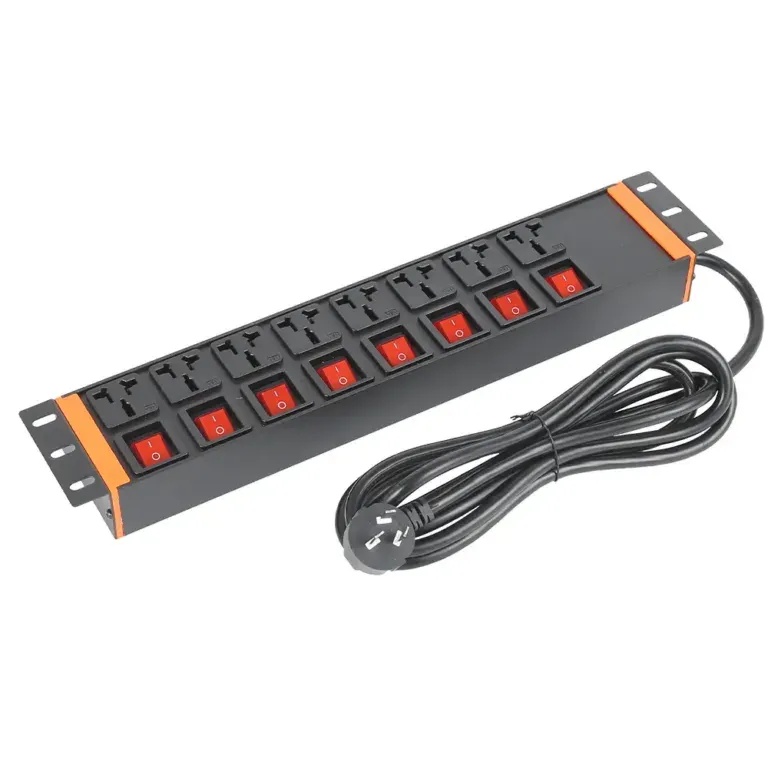
Static Switch PDUs from Different Brands Head to Head
Compare static switch PDU brands on reliability, safety features, and certifications to find the best fit for your data center or server room needs.


+86 15867381241
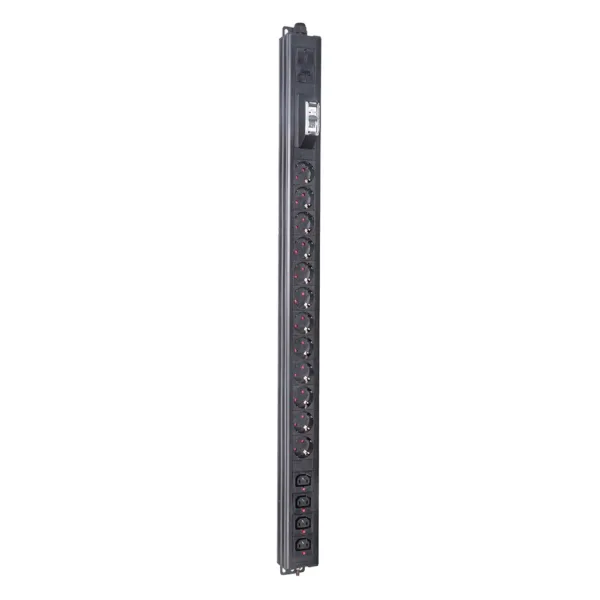
Yes, generally speaking, connecting a PDU to a UPS is safe. Many people do this to power numerous devices in server rooms or data centers. Safety depends on whether the voltage and current of the PDU and UPS are matched. Never exceed the ratings of either. Using a high-quality PDU helps protect critical equipment and ensures a stable and reliable power supply.
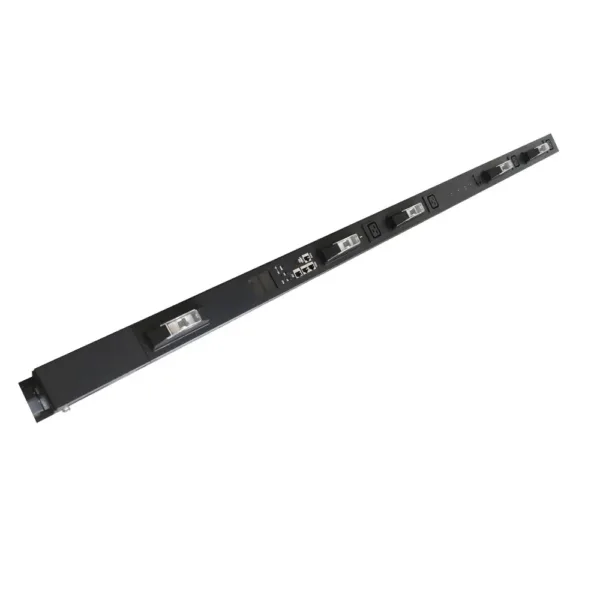
A power distribution unit and an uninterruptible power supply do different jobs. They work together to keep devices safe and working well. The power distribution unit takes power from one place and sends it to many devices. It does not save energy or give backup power if the electricity goes out. The uninterruptible power supply gives emergency power when the main power stops. It uses batteries to keep things running for a short time. It also cleans the power to protect important electronics.
When people plug a PDU into a UPS, they use the good parts of both. The UPS keeps devices safe from losing power and from power spikes. The PDU lets you connect many devices and share power easily. This setup helps give the right amount of power in places like server rooms and data centers.
Many companies and groups use both devices to keep their equipment safe and working. The table below shows some common ways people use a PDU with a UPS:
| Scenario | Description |
|---|---|
| Small Business Server Room | Uses a line-interactive ups to protect servers and network devices. A metered PDU handles power distribution. |
| Enterprise Data Center | Uses online double-conversion UPS systems in redundant setups. Switched or monitored PDUs manage power distribution and control. |
| Remote Office Setup | Uses a compact line-interactive UPS for critical workstations. A basic PDU provides multiple outlets for devices. |
In a small business server room, workers use a metered PDU to watch power use and stop overloads. In a big data center, teams use advanced PDUs to control and check power for many racks. In remote offices, a basic PDU gives more outlets for computers and printers, while the UPS keeps things running during short blackouts.
People pick this setup because it makes things safer, helps manage power, and meets the needs of new technology. When users know how these devices work together, they can build a strong power system for any place.
Each power distribution unit (PDU) and uninterruptible power supply (UPS) has its own power limits. These limits specify the amount of electricity each device can safely use. When connecting a PDU to a UPS, both limits must be checked simultaneously. If all devices use excessive power at the same time, the system may overheat. This can damage the equipment and shorten its lifespan. In locations using artificial intelligence or new technologies, power demands can change rapidly. Therefore, monitoring the load and ensuring its safety is crucial.
Tip: Always add up the power needs for every device before plugging them into a power distribution unit. This stops the UPS from getting overloaded and keeps everything safe.
It is very important to match the amperage and voltage between the power distribution unit and the uninterruptible power supply. If they do not match, many problems can happen:
A common mistake is putting too many devices on the UPS. If this happens, the UPS cannot handle the load. This can make things shut down fast and hurt important equipment. Always check the specs for both the PDU and the UPS to stay safe. People should follow the maker’s rules and never guess the power limits.
Surge protection is very important in many new power distribution units. It helps stop voltage spikes that can hurt electronics. The table below shows why surge protection matters when using a PDU with a UPS:
| Key Points | Description |
|---|---|
| Importance of Surge Protection | Surge protection in PDUs is very important for stopping voltage surges, especially when used with other devices and UPSs. |
| Final Protection Stage | PDUs with surge protection are the last defense, stopping leftover surges near important equipment. |
| UPS Limitations | UPSs give some surge protection, but it is not always enough by itself. |
| Coordination | The UPS and PDU need to work together for the best surge protection. |
| Component Quality | Good surge protection depends on the quality of parts like MOVs and TFMOVs, and good grounding. |
| Maintenance | Surge protection parts can wear out, so they need to be checked and replaced often. |
| Layered Strategy | Surge protection in PDUs works well, but it should be part of a bigger plan to protect power. |
Using more than one way to keep power safe is best. Surge protection in both the UPS and the PDU works better together. Checking and fixing the system often keeps it working well.
Note: Good brands like YOSUN make power distribution units with safety certificates. These include ISO9001, UL, CE, RoHS, VDE, IEC CB Scheme, FCC, and UKCA. YOSUN also lets people pick special features for their needs. Picking a certified PDU helps make sure power is safe and reliable anywhere.
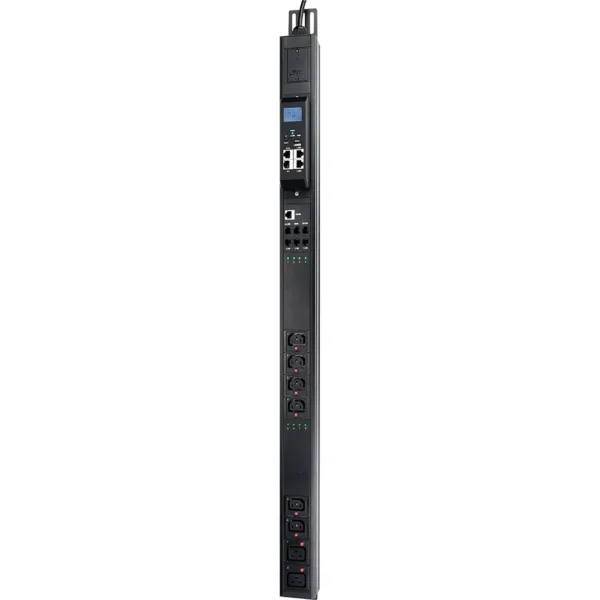
People need to check the specs before using a PDU with a UPS. This helps stop the UPS from getting too much power and keeps things safe. The table below shows what to look at:
| Specification | Description |
|---|---|
| UPS Load Capacity | Make sure the uninterruptible power supply can handle all the power from the PDU and devices. |
| Amp Ratings and Voltage Compatibility | Check if the amp ratings and voltage match between the UPS and PDU. |
| Risk of Overloading | Watch out for putting too many devices on the UPS or PDU, because this can make things break. |
People should write down every device that needs backup power. They should check the current and voltage for each one. Multiply these numbers to get the total power needed. Add a little extra to be ready for more devices later.
Watching how much power you use helps keep things working well. Smart PDUs, like ones from YOSUN, show real-time data and let you control things. These PDUs give you important info like:
| Parameter | Description |
|---|---|
| Status | Shows if the PDU is working right now |
| Input/output voltage | Shows the voltage levels being checked |
| Input phase | Tells you the phase of the input power |
| Socket/plug status | Shows if each socket or plug is on or off |
| Socket/plug current | Shows how much current each socket or plug uses |
Smart PDUs let you check and control things from far away. They help you find problems early and stop power troubles. These features help use power better and save energy.
Manufacturers give rules to keep power safe. People should read the manual and do what it says. Some good steps are:
Doing these things helps stop equipment from breaking. Workers should learn how to use the system safely and write down all checks and fixes. Using PDUs with surge protection makes things even safer for important equipment.
Tip: Smart PDUs from YOSUN have cool features like checking each outlet, remote control, and sensors for the room. These tools help manage power and keep important devices safe.
A lot of people plug too many devices into a UPS. This can cause big problems for the UPS and your equipment. If you overload the UPS, it might not handle power surges. This can break your devices or make them stop working right. Too much load can make the UPS get very hot. When it overheats, the UPS will not last as long. Devices connected to it may also stop working well. A UPS with the right overload limit keeps things safe from high inrush currents.
You can spot an overloaded UPS by these signs:
Always add up the power needs before plugging in devices. Keep the load under the UPS’s top rating.
Not checking if the PDU and UPS work together can be risky. The table below shows what can go wrong if you do not match them:
| Risk Type | Description |
|---|---|
| Equipment Failures | Wrong load math can make equipment not work right. |
| Data Loss | Bad setups can make you lose data if the power goes out. |
| Operational Downtime | Not checking can cause long breaks in work. |
| Increased Mean Time to Data Loss | Problems with matching can make data loss happen faster. |
| Harmonic Distortion | Using the wrong waveforms can mess up network gear. |
| Unprotected Runtime | Bad shutdown settings can leave devices at risk during outages. |
Always read the manuals and check the specs for both the PDU and UPS.
Daisy-chaining means plugging one PDU or power strip into another. This is very dangerous.
Daisy chaining PDUs can cause big safety problems. It can make things overheat and even start fires if circuits get overloaded.
Each rack, cart, or lectern should have its own PDU. Use one power cord to plug into the wall. This keeps things simple and safe.
When you daisy chain, the first strip can get too much current. This makes it hot, hurts the wires, and can start a fire. Safety rules like OSHA, NFPA, and UL say not to daisy chain. Power strips must plug right into the wall and follow the maker’s rules. If you overload a strip, it can get too hot and break your stuff or cause a fire.
Always use one PDU for each rack or setup. Never connect more than one strip together.
Connecting PDUs to a UPS is safe, but only if strictly following specifications. The key is to ensure the PDU’s voltage and current specifications match the UPS, the total load does not exceed the UPS’s rated capacity, avoid cascading devices, and select products with safety certifications (such as those from YOSUN with ISO9001, UL, and CE certifications). Regularly checking the load, monitoring power consumption, and following manufacturer guidelines can effectively prevent overload, overheating, and equipment damage, building a stable and reliable power distribution system.
Not every PDU works with every UPS. Users must check voltage and amperage ratings. The PDU and UPS should match. Always read the manuals before connecting devices.
Overloading a UPS can cause it to shut down. Devices may lose power. The UPS may overheat. This can damage equipment. Always keep the total load below the UPS’s maximum rating.
Surge protection in both devices gives better safety. The UPS protects against some surges. The PDU adds another layer. This helps keep sensitive equipment safe from power spikes.
Users should check their setup every few months. Look for signs of wear or overheating. Test surge protection features. Regular checks help prevent problems and keep equipment safe.