Unlock Peak Performance with the Right Tripp Lite PDU
Compare Tripp Lite PDU models to find the right fit. This guide covers Basic, Metered, Monitored, and Switched PDUs to help you manage power effectively.


+86 15867381241
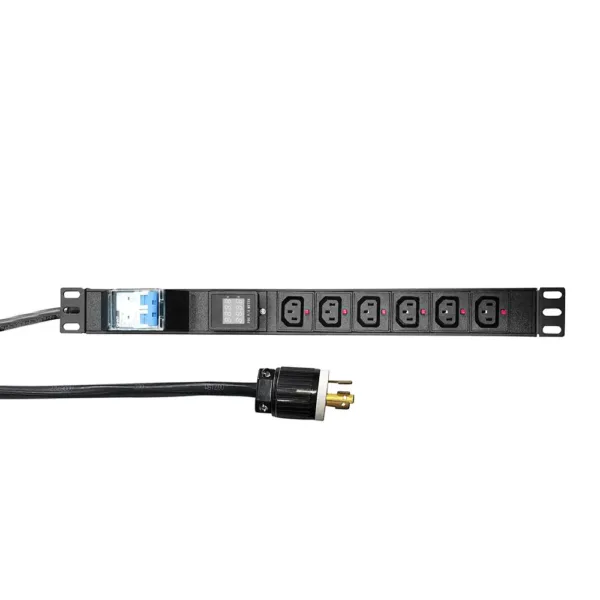
Troubleshooting a power distribution unit needs careful steps and focus. Data centers have 52% of power outages because of PDU failures. Common problems often happen from things like heat or dust. Sometimes, there are compatibility problems or circuit breaker faults. Safety and regular maintenance are very important to stop these problems. YOSUN PDUs have strong aluminum shells and built-in overload protection. These features help them work well even in tough places.
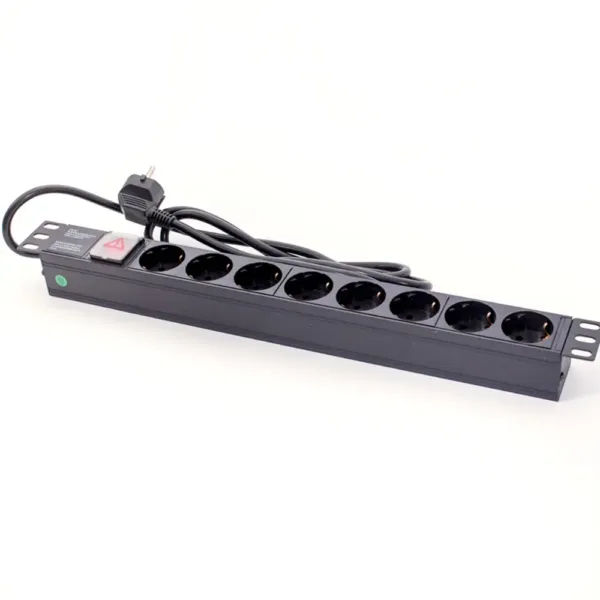
Before you start fixing anything, use a checklist. This helps keep the power distribution unit safe and working well. The checklist stops mistakes and keeps things running right.
A technician should check the power source first. Here are the steps to follow:
YOSUN says to always follow international safety rules when checking. The table below lists important certifications:
| Certification | Description |
|---|---|
| ISO9001 | Makes sure products are made the same way every time. |
| UL | Shows the product meets electrical safety rules. |
| RoHS | Makes sure the product is safe for the environment. |
| CE | Checks that health, safety, and environment rules are followed. |
| VDE | Proves the product is safe and works well. |
A technician should look for problems before working on a PDU. Watch out for these warning signs:
Doing regular checks helps find problems early. YOSUN’s PDUs are made to be strong, but you still need to check them often. Technicians should clean off dust, check the lights, and make sure breakers are set right every month.
Technicians need to check the power needs for every device. If you put too much on a power distribution unit, it can break. Fuses and circuit breakers protect the system by stopping power if there is too much current. For special setups, like a 30/32A transfer switch, both fuses and breakers keep the PDU safe.
Tip: Doing regular checks and watching the unit helps it last longer. These steps also save money and use less energy. .
Power distribution units help keep equipment working. Many people have problems with PDUs in server rooms. These problems can happen with basic, metered, or smart models. Knowing about these problems helps keep systems safe.
If the PDU does not turn on, follow these steps.
Tripped breakers or blown fuses are common and easy to fix. The main reasons are:
Overload or unbalanced load can break equipment and stop work. Spread the load across all outlets. Signs of overload are warm outlets, flickering lights, or breakers that trip a lot.
Tip: Checking the PDU and using smart meters helps find problems early.
Outlet or network failures can stop devices from working. These problems can come from loose wires, broken outlets, or network problems in smart PDUs. Check each outlet for power and look at network cables for damage.
YOSUN’s smart PDUs have remote monitoring and sensors. These features help users find problems fast and fix them before things stop working.
| Type of PDU | Functionality Description |
|---|---|
| Basic PDUs | Give power but do not show usage. |
| Metered PDUs | Show how much power is used. |
| Smart PDUs | Let users watch and get alerts from far away. |
All PDUs can have these problems. Smart PDUs help users find and fix problems faster.
Note: Watching power use in real time helps save energy and stop failures.
Knowing these problems and how to fix them helps keep systems safe and working well.
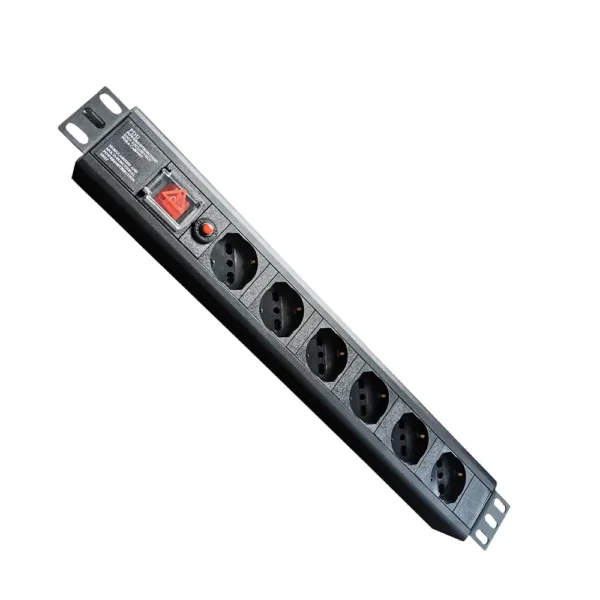
Technicians use special tools to find problems in power distribution units. These tools send alerts right away and show if each device is healthy. Some helpful features are:
Logs help find where problems start. Event logging keeps track of power issues and shows where they begin. Sequence-of-events recording gives logs with times, so fixing problems is faster.
| Method | Benefit |
|---|---|
| Event Logging | Tracks power problems to find where they start. |
| Sequence-of-Events Recording | Gives logs with times for quick and easy troubleshooting. |
Firmware tells a smart PDU how to work. Updating firmware helps stop errors. If a new update causes trouble, the system can go back to a safe version. The unit saves both the new and old firmware. If the new one fails, the PDU switches back to the old one in less than a minute. Technicians can use remote tools to start a rollback if needed. After going back, they can check what went wrong and make updates better next time.
To find a bad outlet or part, technicians unplug devices one by one. If the problem stops, they know which device caused it. If the problem stays, it might be from the power grid. This step-by-step way helps keep the system safe and working.
Tip: Always check that the PDU has certifications like ISO9001, UL, CE, RoHS, and VDE. These show the unit is safe and works well.
Some problems with a power distribution unit need an expert. Hardware failure can show clear warning signs. Technicians should watch for these problems:
If you see any of these signs, call a trained professional. Acting fast can stop bigger problems and keep things safe.
Trying to fix a power distribution unit without training is risky. Working with electricity can be very dangerous. Some common dangers are:
A certified technician knows how to stay safe. They use the right tools and follow safety rules. This keeps people and equipment safe.
If basic troubleshooting does not work, contact the manufacturer. YOSUN gives strong support after you buy their products. Their help includes manuals, firmware updates, and technical support. Customers can use the online help desk or FAQs for quick answers. For hard problems, YOSUN’s team gives advanced help and warranty service.
Before you ask for help, get these things ready:
Getting professional repair has many good points. The table below shows why certified technicians matter:
| Benefit Description | Details |
|---|---|
| Inspection by Certified Technicians | Makes sure the unit is safe and works well |
| On-site Training | Helps users connect and use equipment the right way |
| Extended Warranty | Gives one more year of coverage for free |
Professional support gives the right repairs and keeps the warranty good. YOSUN’s team helps customers fix even the harder PDU problems.
Regular PDU maintenance and step-by-step troubleshooting are essential to avoid unexpected power failures and ensure stable operation in critical environments. By following safety checklists, monitoring loads, and spotting early warning signs, most common issues can be resolved quickly. For hardware damage or electrical risks, always rely on certified technicians and manufacturer support. With robust construction, overload protection, and intelligent monitoring features, YOSUN PDUs deliver enhanced reliability, reduce troubleshooting needs, and support long-lasting, uninterrupted power supply.
A PDU sends electrical power to many devices in a data center. It helps manage and protect equipment. It also helps keep everything running safely.
Technicians should check a PDU every month. Regular checks help find problems early. This keeps equipment safe and working well.
A PDU can cause a power outage if it fails or overloads. Good maintenance and using quality units like YOSUN help prevent this problem.
A basic PDU gives power to devices. A smart PDU lets users watch power use and control outlets from far away. Smart models help save energy and spot problems faster.
A trained technician should repair a faulty PDU. This keeps everyone safe and makes sure the unit works right.