208V 3-Phase PDU Installation Made Easy
Install a 208V 3-phase PDU in your data center with ease. Follow our step-by-step guide for safe, efficient setup and reliable power distribution.


+86 15867381241
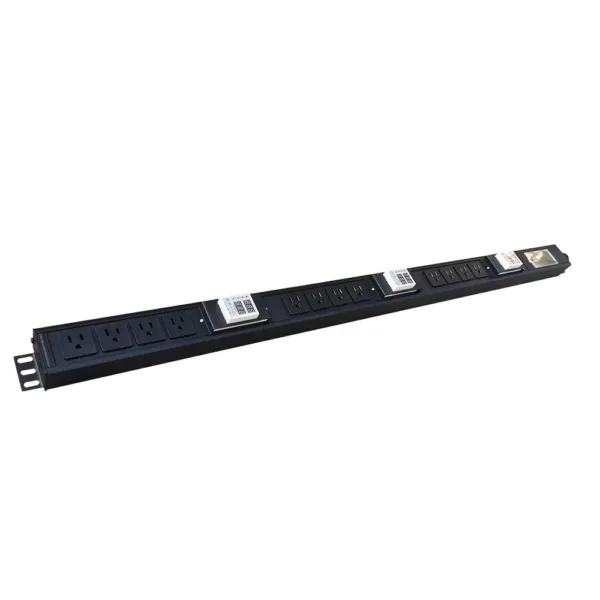
To size a pdu, first add up the power needs of all your equipment. Pick a power distribution unit that can handle this amount or more. Make sure it works with your equipment and your power source. Getting the right pdu size stops problems like system overloads or power failures. Some people make mistakes like using bad cabling, guessing the wrong capacity, or putting too much load in one spot. Leaving extra space for power helps your system run well and lets you add more later. YOSUN gives good solutions for these needs.
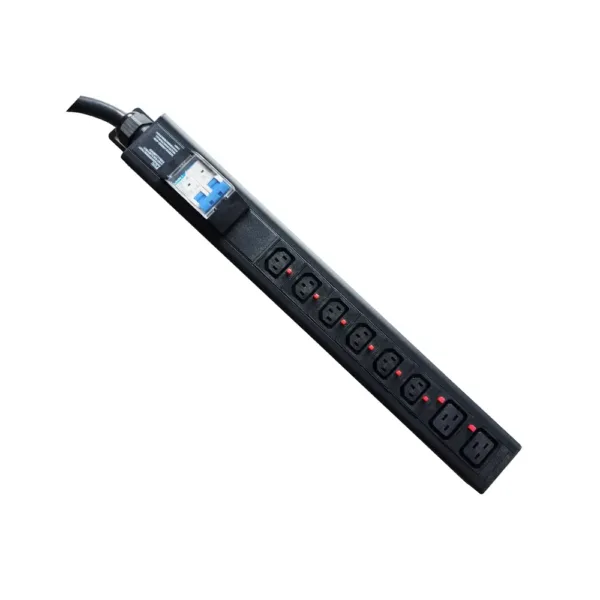
Sizing a pdu means you need to know how much power your equipment uses. This helps you pick the right pdu and stops overloads or failures. Doing each step in order makes the math easy and correct.
Start by writing down every device that will connect to the pdu. This includes servers, switches, routers, storage units, and other equipment in your rack or data center. Try to use real numbers for power needs if you can. Tools like clamp meters help you get exact readings. If you cannot measure, use the power ratings from the equipment labels or manuals.
Tip: Put each device’s power draw in a table so you can check it later. Being careful and exact here helps you size the pdu right.
Here is a quick look at how much power common data center equipment uses:
| Equipment Type | Typical Power Consumption |
|---|---|
| Traditional CPU server | 300-500 watts |
| GPU-accelerated server | 3,000-5,000+ watts |
| AI training cluster | 10,000+ watts |
After you list all equipment, change every power rating to the same unit. Most devices show power in watts (W) or amperes (A). Pick one unit and use it for all your math. If you need to change amps to watts, use this formula:
Watts = Amps × Volts
Add up the power needs for all devices. For example, if you have five servers at 400 watts each and two switches at 100 watts each, the total is:
(5 × 400) + (2 × 100) = 2,000 + 200 = 2,200 watts
Note: Always check your math and make sure you use the right voltage for your area.
When you know the total power needs, add a safety margin. Experts say you should add 20% more than your total. This extra space keeps your system safe from power surges and lets you add more equipment later.
To find the safety margin, multiply your total by 1.2. For example:
Total Power with Safety Margin = 2,200 watts × 1.2 = 2,640 watts
This means you need a pdu that can handle at least 2,640 watts. The safety margin keeps your system working well and stops overloads.
Remember: Getting the right pdu size means using a safety margin and sticking to one unit. Do not make mistakes like ignoring load imbalances or using wrong input values.
YOSUN’s power distribution unit solutions work in many places, from small server rooms to big data centers. Their products go through strict quality checks and have certifications like ISO9001, CE, and UL. YOSUN’s strong manufacturing and careful work help make sure every pdu gives reliable performance and meets your power needs.
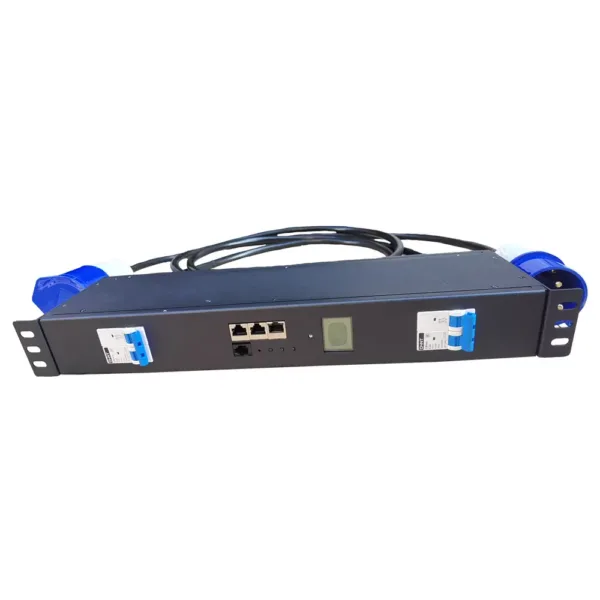
Picking the right PDU is very important for server rooms. This step makes sure all your equipment gets safe power. YOSUN has many choices, like Basic, Metered, Smart, and Heavy Duty PDUs. These options fit different needs.
You need to match the input and output voltage for good power use. The input phase should match your building’s electrical system. Using the right plug type, like C13, C19, or NEMA 5-15, keeps things safe. It also helps stop overloads. The table below lists common plug types and what they are used for:
| IEC Type | Ground | Typical Devices | 2026 Selection Notes |
|---|---|---|---|
| C13 / C14 | Yes | Servers, switches, mid-power gear | Still common; check current draw and heat in dense racks |
| C19 / C20 | Yes | High-power servers, PDUs, UPS | Preferred for higher-load equipment |
| 5-15 | Yes | General-purpose devices | Common in North America |
| 5-20 | Yes | Higher current devices | Used for more power; ensure compatibility |
| L-Series | Yes | Specialized equipment | Designed for specific applications |
Picking the right plug type helps make sure everything works together and stays safe.
Using the right voltage and plug type stops problems and keeps the PDU working well.
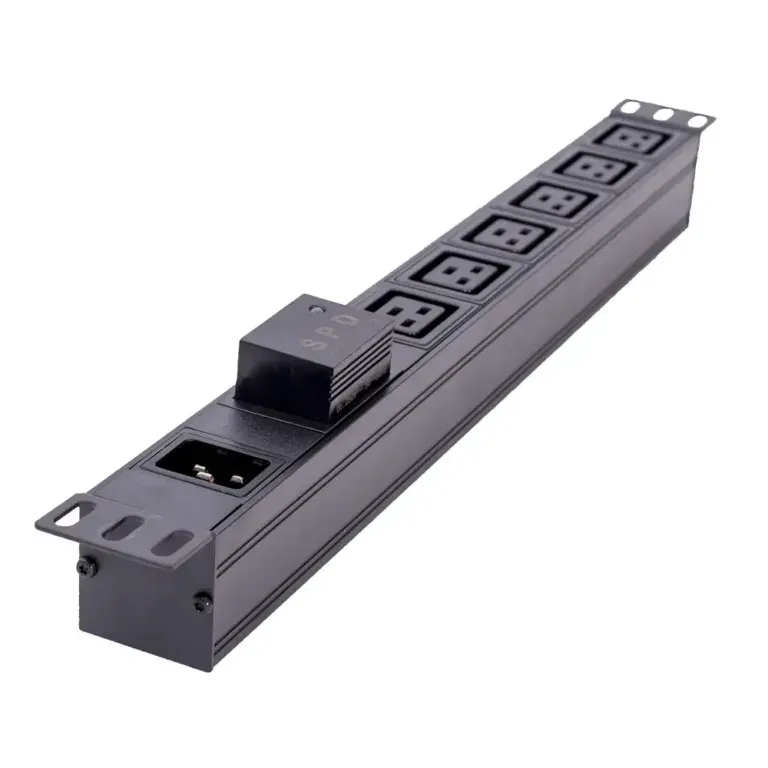
The type and number of outlets should match your equipment. Most server racks use power strips with 11 or 12 outlets. These strips usually support 15 or 20 amps. The outlet must fit the plug on each device. For important systems, two PDUs are used for backup. YOSUN can make custom outlet types and numbers. This makes it easy to get the right PDU for your setup.
The form factor is about how the PDU fits in your rack or room. Basic PDUs help keep cables neat and stop unplugging by accident. Metered PDUs show how much power you use. Managed PDUs let you control things from far away. Rack-mounted PDUs fit into racks and help balance power. Floor-mounted PDUs give power to many racks and handle more energy. The table below shows the main types:
| PDU Type | Description | Advantages |
|---|---|---|
| Basic PDUs | Simple, reliable power | Organizes cables, prevents disconnects |
| Metered PDUs | Shows power use | Helps monitor and bill for power |
| Managed PDUs | Remote control and alerts | Improves efficiency and monitoring |
| Rack-mounted | Fits in equipment racks | Balances loads, protects against surges |
| Floor-mounted | Powers multiple racks | Handles more energy than standard power strips |
YOSUN has input phase and outlet choices for all these needs.
New PDUs have smart features like real-time monitoring and remote control. These features help save energy and stop downtime. Overload protection warns you before trouble starts. YOSUN’s PDUs have smart monitoring, modular parts, and sensors for the environment. Certifications like ISO9001, CE, and UL show the PDU is safe and high quality.
Smart features and certifications help your equipment last longer, save money, and keep things safe.
YOSUN can change plug types, modules, and safety features to fit any job.
A checklist helps people not make mistakes when picking a PDU. Doing these steps keeps power safe and reliable for all devices.
Tip: Careful math stops overloads and keeps things working well.
Check if the PDU fits the input and output needs of your devices. The outlet setup should help keep cables neat. Some PDUs use colors or labels to organize cables and find connections. Always match the PDU’s power limit with the total power used by your devices. This stops overloads and lets you upgrade later.
Planning ahead keeps your system ready for changes. Think about how much power you might need in five or ten years. Getting a bigger PDU or a modular one helps you add more later. Using only 80% of the PDU’s power leaves space for busy times and new devices. Talking to a distributor helps you plan for the future and pick the best PDU.
Picking the right PDU helps your system work well now and grow later. This makes everything reliable and efficient.
First, write down every device that will use the power distribution unit. Check how much power each device needs. This helps you pick the right pdu and stops overloads.
A safety margin keeps equipment safe from power surges. It also lets you add more devices later. Adding 20% to your total power helps you choose the right pdu and keeps things safe.
Input and output must match your building’s power and your devices. The input phase and output plug must fit your setup. This makes sure the power distribution unit works well.
A bigger pdu or one with modular parts can help with upgrades. You can add more devices without buying a new power distribution unit. Planning ahead helps you size the pdu right.
Check your math, make sure everything fits, and look at the input and output. The pdu must match the input phase and output plug. Doing this helps you pick the right pdu.