Which Remote Switched PDU Fits Your Needs?
Find the best Remote Switched PDU for your needs by considering power capacity, outlet count, and remote management features for efficient power management.


+86 15867381241
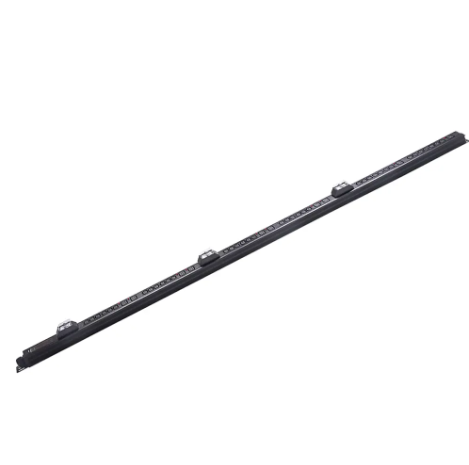
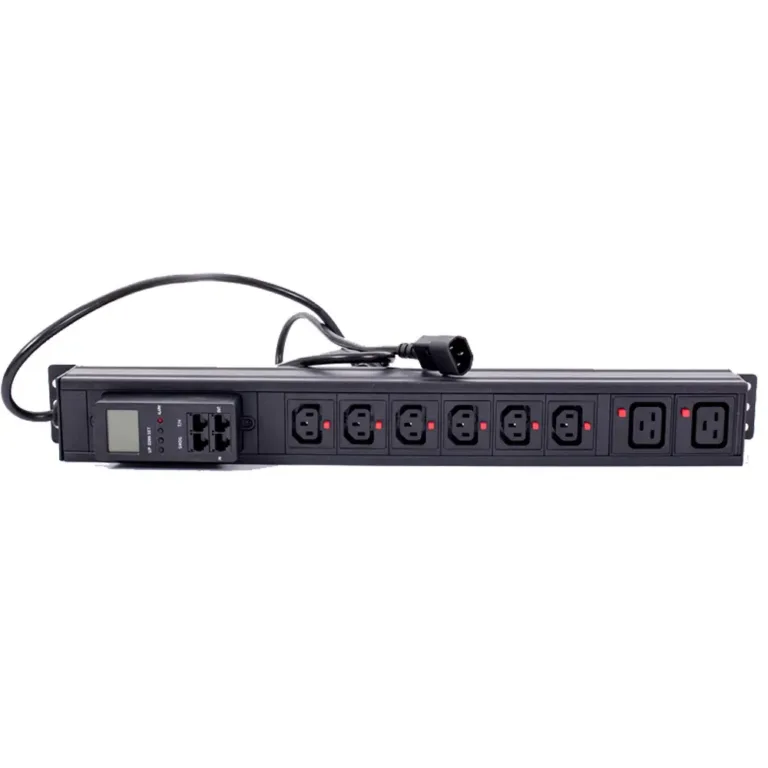
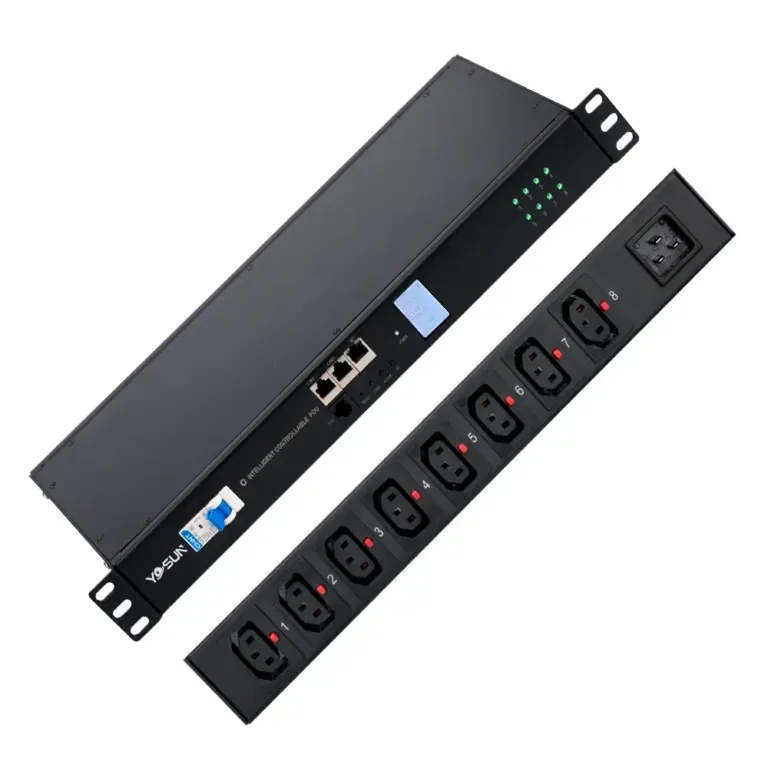
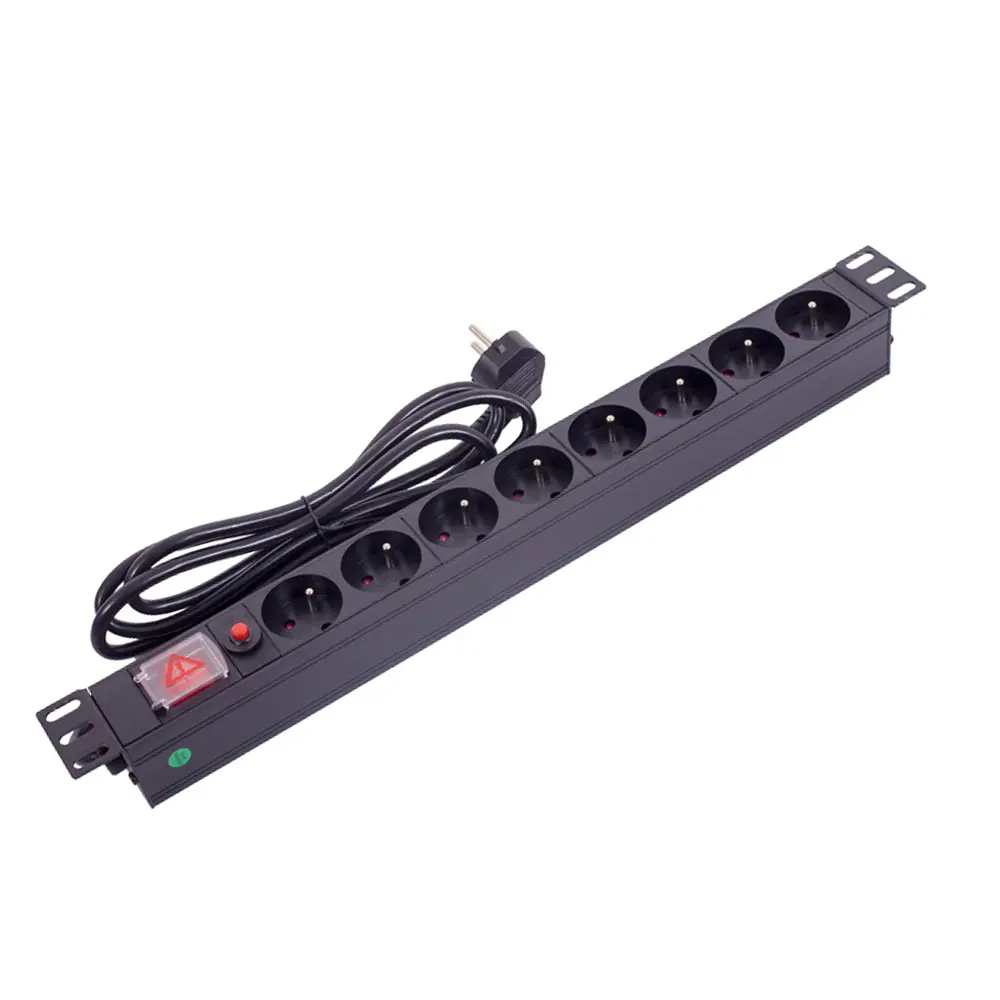
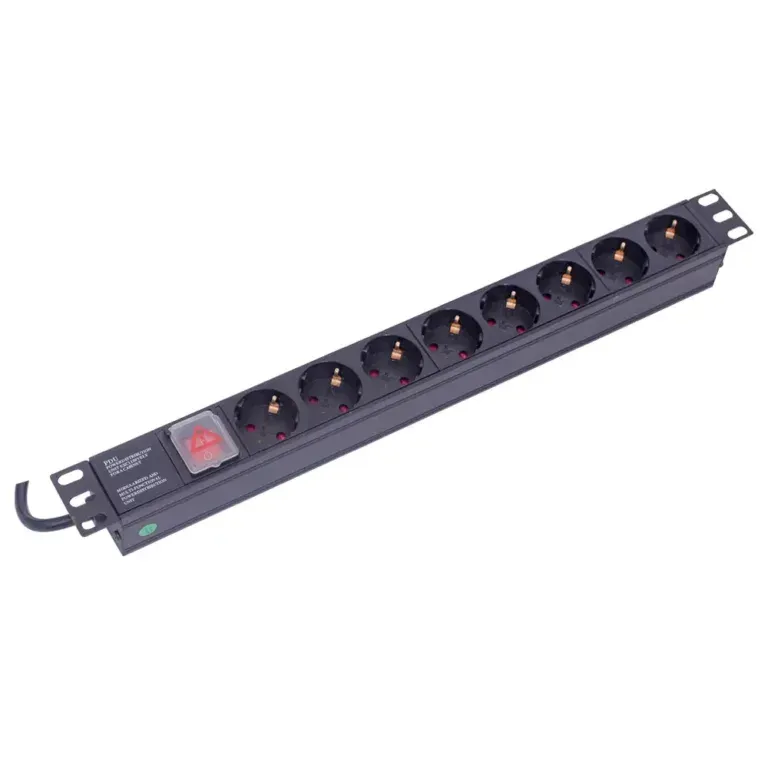
To mount a vertical pdu like the YOSUN model, you should check if the rack fits. Gather all the tools you need. Safety is very important, so follow the instructions from the maker. The YOSUN smart pdu lets you mount it without tools. This makes putting it in much easier. Many data centers pick an intelligent pdu vertical. It saves space and helps with lots of equipment.
Get all the tools you need before you start. You will need mounting brackets, cable ties, and a flashlight to help you see.
Make sure the vertical PDU fits your server rack. Check if it meets size and power needs. Look at the outlet types and make sure you can reach them. This helps with easy cable management.
Plan how you will manage the cables. Use ties and labels to keep cables neat. Keep cables away from airflow paths so things do not get too hot.
Pick the best spot for the PDU. The back of the rack is a good place. This keeps cables tidy and lets air flow well.
Check and clean the PDU every three months. This stops problems and helps the equipment work well.
Before you start, make sure you have all your tools. This helps you work faster and not forget anything. Here are some things you will need for putting in a vertical rack pdu:
Mounting brackets
Cage nuts
Toolless pegs (for models like the YOSUN Vertical PDU)
Screwdriver or nut driver
Cable ties or Velcro straps
Labels for cables
Flashlight for visibility in enclosed racks
Tip: Put your tools and small parts together before you begin. This makes the job quicker and you won’t lose anything.
You need to check if the vertical rack pdu fits in your server rack. It should also give the right amount of power. The YOSUN Vertical PDU can be put in different ways and has many outlets. This makes it good for lots of racks. Here are some things to look at:
The rack size should be the same as the vertical rack pdu.
The PDU must match the voltage and amperage at your site.
The way you mount it should fit the rack’s shape.
Make sure you can reach the outlets for easy cable work.
The PDU should have common outlet types like IEC320 C13 and C19.
Mistake | Explanation |
|---|---|
Picking the wrong spot to mount | If you choose a bad spot, cables may not fit well or air can’t move. |
Putting too much power on the PDU | If you use too much power, the PDU can get too hot or even catch fire. |
Messy cables | If cables are messy, air can’t flow and things can get too hot or slow. |
Keeping cables neat makes the vertical rack pdu safe and tidy. Plan where each cable will go before you put in the PDU. Here are some good tips:
Use cable ties or Velcro straps to keep cables together.
Put cables with the same job in groups to help with fixing later.
Put a label on each cable so you know what it is for.
Run cables along the rack’s sides to help air move.
Use blanking panels to keep air moving the right way.
If you plan your cables well, they won’t get tangled or too hot. This also helps you fix or upgrade things later.
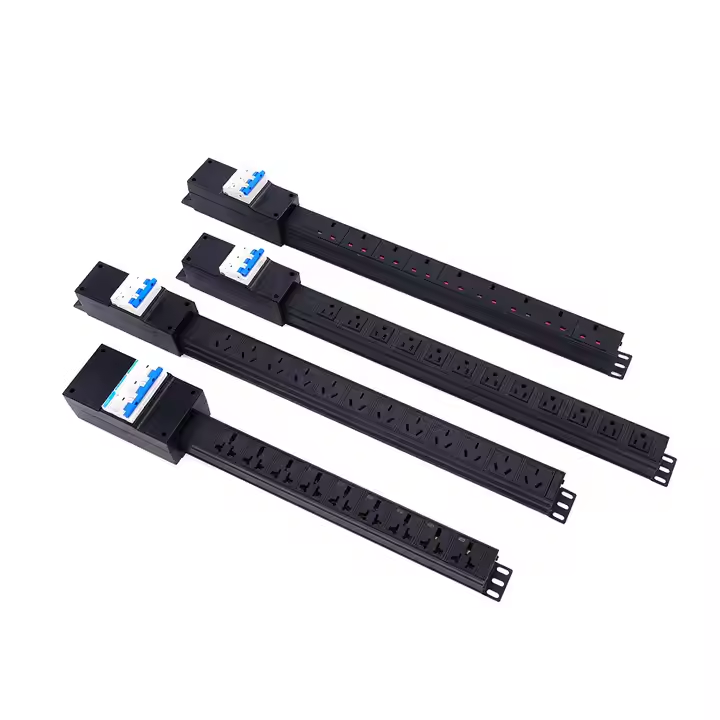
Picking the right place for the vertical rack pdu is important. It helps keep things safe and working well. Most people put the vertical rack pdu at the back of the rack. This makes it easy to reach the outlets and keeps cables neat. Some racks let you put the vertical rack pdu on the side or bottom. Before you start, check the rack’s size and make sure the vertical rack pdu fits. It should not block air from moving. Good airflow stops equipment from getting too hot. Pick a spot that makes fixing things easy and keeps cables tidy.
Tip: Always pick a spot where power cords are safe. Make sure there is space for air to move around the equipment.
Here are some things to think about:
Put it at the back for neat cables
Use the side or bottom for special racks
Leave space for air and cooling
Make sure you can reach it to fix or change cables
Line it up with the rack size and power needs
Once you choose the spot, you need to attach the vertical rack pdu. YOSUN lets you mount it without tools, which is fast and simple. Many people like toolless pegs because they save time. You do not need extra tools. Here is how you secure the vertical rack pdu:
Put mounting brackets on the vertical rack pdu if you need them.
Match the vertical rack pdu with the holes in the rack.
Use screws or toolless pegs to hold it in place.
Make sure the vertical rack pdu is tight and does not move.
YOSUN’s toolless system helps you finish fast. It also keeps the vertical rack pdu steady while you use it. In closed racks, make sure the vertical rack pdu does not block air or vents. Do not put it where it blocks other equipment.
Note: Only trained workers should put in and take care of PDUs. Always follow safety rules and use a checklist before you start.
Safety Precaution | Description |
|---|---|
Structural Integrity | Make sure the rack can hold the vertical rack pdu’s weight. |
Minimum Spacing | Leave space from walls, ceilings, and other gear. |
Electrical Connection | Check all wires and make sure they are grounded. |
Insulation Testing | Test insulation before turning on the power. |
Certified Workers | Only trained people should do the installation. |
Pre-Start Checklists | Use a checklist to make sure all safety steps are done. |
Five Safety Rules | Disconnect, do not reconnect, secure, ground and short, cover live parts. |
Good cable management helps the vertical rack pdu work well. It also stops problems from happening. Group cables by what they do and use cable ties or Velcro straps. Run cables along the rack’s sides so air can move. If cables block vents or fans, things can get too hot. This can make cooling cost more. Overheating can also break servers or shut them down.
Bundle cables neatly so they do not tangle.
Put labels on each cable so you know what it is.
Keep cables away from air paths and vents.
Use blanking panels to help air go where it should.
Alert: Messy cables can stop air and make things too hot. Always keep cables neat to protect your data center.
YOSUN vertical pdu models have up to 60 outlets. This is good for racks with lots of equipment. You can plug in more devices without needing more PDUs. But you must plan cables carefully. If you follow these steps, the vertical rack pdu will be safe and work well.
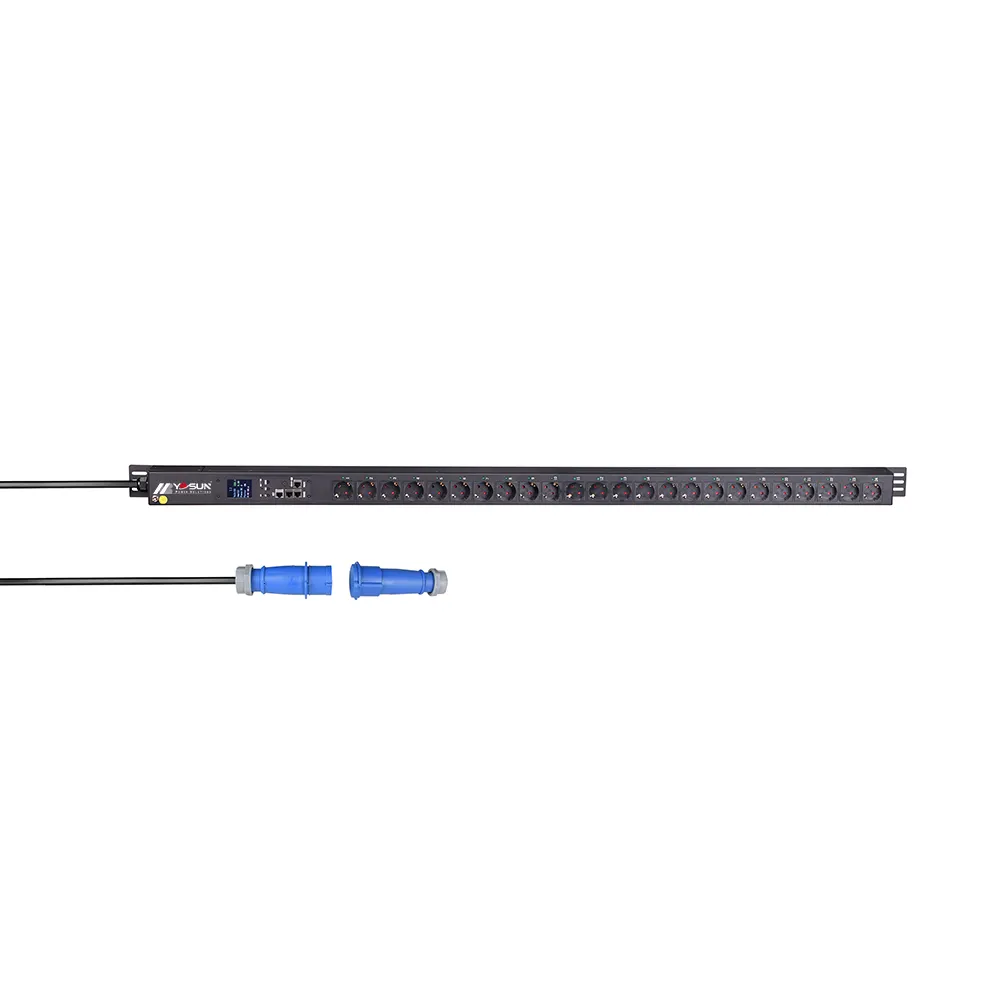
After you put in the vertical rack pdu, you need to test it. Technicians should check the power and every outlet. This makes sure the unit is safe and gives the right voltage. Here is a checklist to help:
Use a multimeter to check voltage at the input before turning on the vertical rack pdu. The number should match what you expect, like 208V for a 3-phase system.
Turn on the vertical rack pdu and look at the lights. These lights show if the unit works right.
Check the voltage at each outlet. Each one should give steady power.
YOSUN metered and intelligent models make this easier. They show real-time power data. You can see current, voltage, and energy use on the unit.
Good load distribution keeps the vertical rack pdu safe. It also stops overloads. Technicians should spread the load across all outlets. The table below shows key points for load distribution:
Consideration | Description |
|---|---|
Number of Sockets | Most vertical rack pdu units have at least 40 sockets, arranged in a pattern. |
Circuit Separation | Some units have their own breakers for each circuit. |
Alternating Phase Distribution | Power switches between phases for better balance. |
Rack Configuration | Pick socket types for your rack; C13/C14 for servers, C19/C20 for bigger devices. |
Load Balancing | Spread the load so you do not get overloads or outages. |
Color-Coded Sockets | Colors help you see circuits and avoid mistakes. |
YOSUN intelligent PDUs help with real-time monitoring. They also sense the environment and send alerts. These features help you find problems early and keep the vertical rack pdu working well.
After testing, technicians should make last changes and label everything. Good labels help with fixing things later. Here are some tips:
Label each circuit to make repairs faster and stop mistakes.
Use special labels on boxes, faceplates, and cables.
Label both ends of every cable so you know what it is.
Use colored labels to show different power sources.
Technicians should also update their records. They should write down the steps, settings, and any changes. Logs help track future work. Keeping these records makes the vertical rack pdu easy to use and fix.
Checking the vertical PDU often keeps it working well. Technicians look for loose wires, dust, and worn parts. They wipe the unit with a dry cloth. They use compressed air to blow dust out of the outlets. After each check, they update labels and records. Technicians write down any fixes or changes in a logbook. Doing this helps stop problems and makes future work easier.
Tip: Check the PDU every three months. Clean the PDU and cables to help air move and keep things cool.
Vertical PDUs can have some problems. Technicians fix these by following easy steps.
Bad cable management stops air and makes things hot.
Too much power on one circuit can break equipment.
Not checking often lets small problems get worse.
Old firmware can make the PDU less safe and slow.
Technicians use a checklist to solve these problems:
Look at the PDU and cables for damage or loose parts.
Tidy up cables to help air move and cool things.
Spread power use across outlets to stop overloads.
Update firmware to keep the system safe and fast.
If problems do not go away, technicians ask a pro for help.
YOSUN vertical PDUs are easy to upgrade and expand. Their modular design lets you add more features or outlets as needed. The slim shape saves space and helps air move better. Real-time monitoring helps you watch power and find problems early. Energy-saving models cut costs and help the data center stay green.
Feature | Benefit |
|---|---|
Modular designs | Easy upgrades for new IT needs |
Enhanced space efficiency | More rack space and better airflow |
Improved cable management | Fewer messy cables and cooler gear |
Real-time monitoring | Fast alerts and better power control |
Energy efficiency | Lower bills and better for the planet |
YOSUN lets you pick outlet number, input type, and monitoring options. This helps data centers grow and stay strong.
Mounting a vertical pdu takes planning, safe steps, and good testing. YOSUN models let you watch power use in real time. You can control them from far away and see helpful data. This helps the pdu work better. The table below shows what makes YOSUN models great:
Feature | YOSUN PDUs Benefits |
|---|---|
Energy Monitoring | Checks how much power you use and finds waste |
Load Balancing | Makes the pdu work better |
Safety Features | Stops too much power and keeps things safe |
Customization | Lets you pick what power setup you need |
Checking the pdu often and putting it in the right spot keeps it working well for a long time. Always follow the maker’s rules to get the best results.
Technicians need to check a vertical PDU every three months. Regular checks help stop problems and keep things safe. Cleaning and updating labels during each check helps air move and keeps things neat.
YOSUN Vertical PDUs let you mount them without tools. Technicians use pegs to hold the unit in place fast. This makes the job quicker and helps avoid mistakes.
The best spot is at the back or side of the rack. This keeps cables neat and lets air move around. Technicians should not block vents or other equipment.
Technicians can look at the PDU’s screen or use special software. YOSUN intelligent PDUs show power use right away. Alerts pop up when the load is too high.