PDU for Crypto Mining Which Choice Reduces Downtime and Costs
Choosing the right PDU for crypto mining cuts downtime by 30% and energy costs by 20%, boosting efficiency and protecting your mining investment.


+86 15867381241
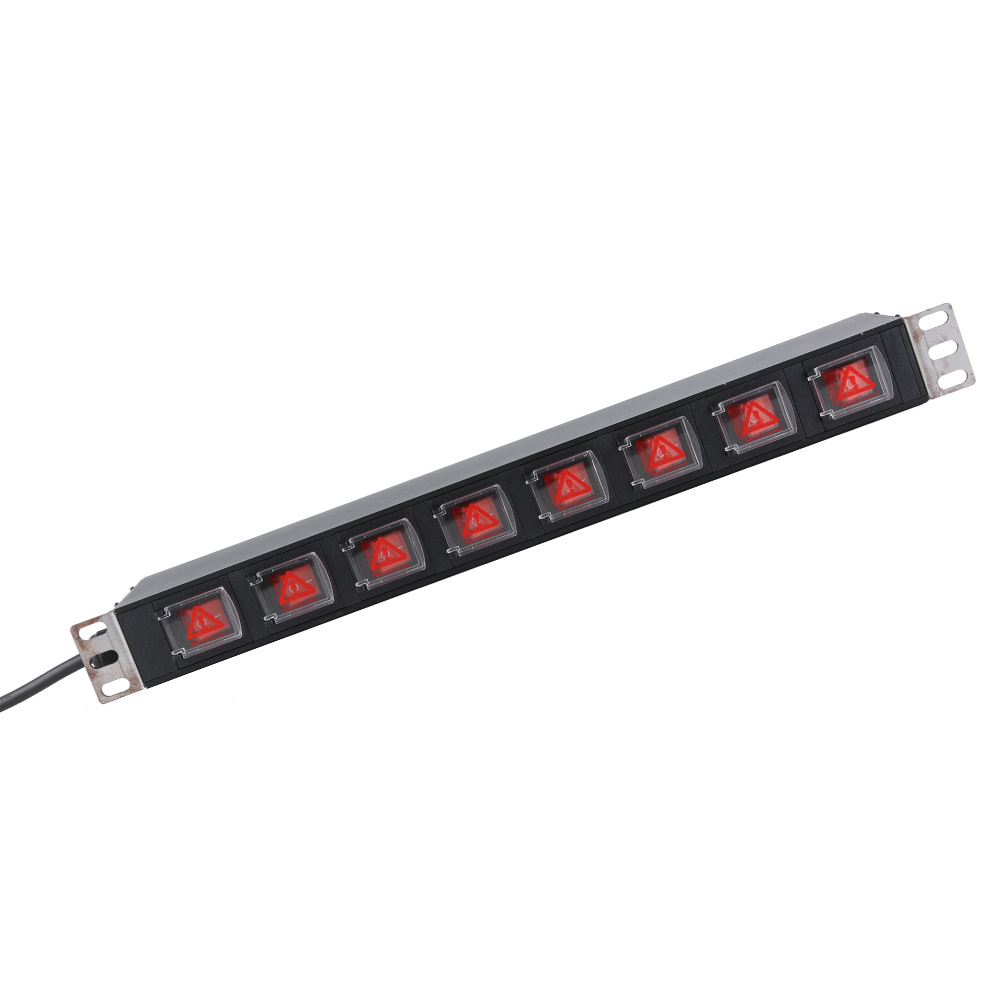
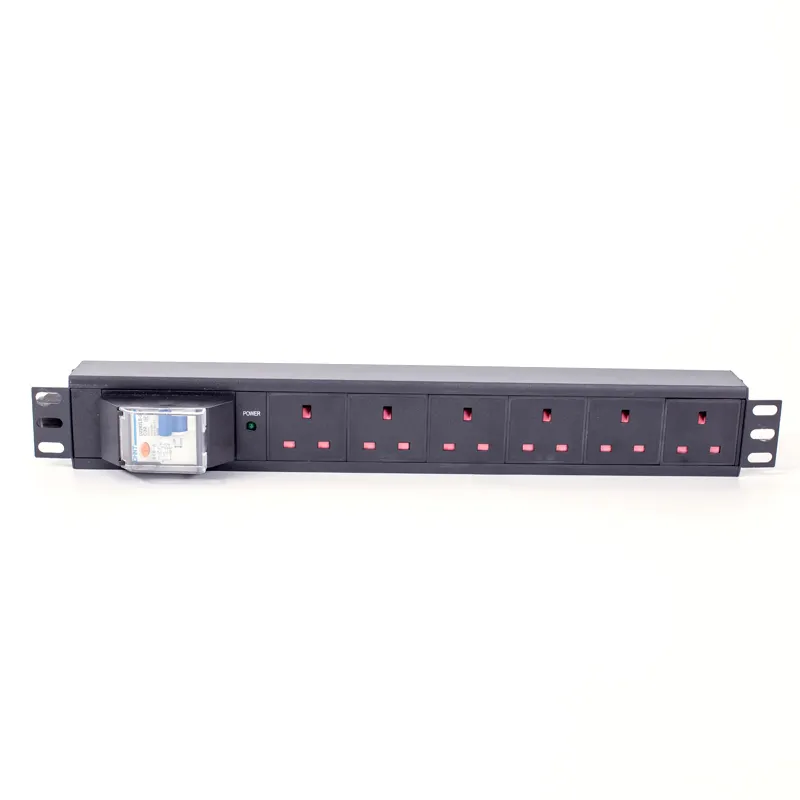
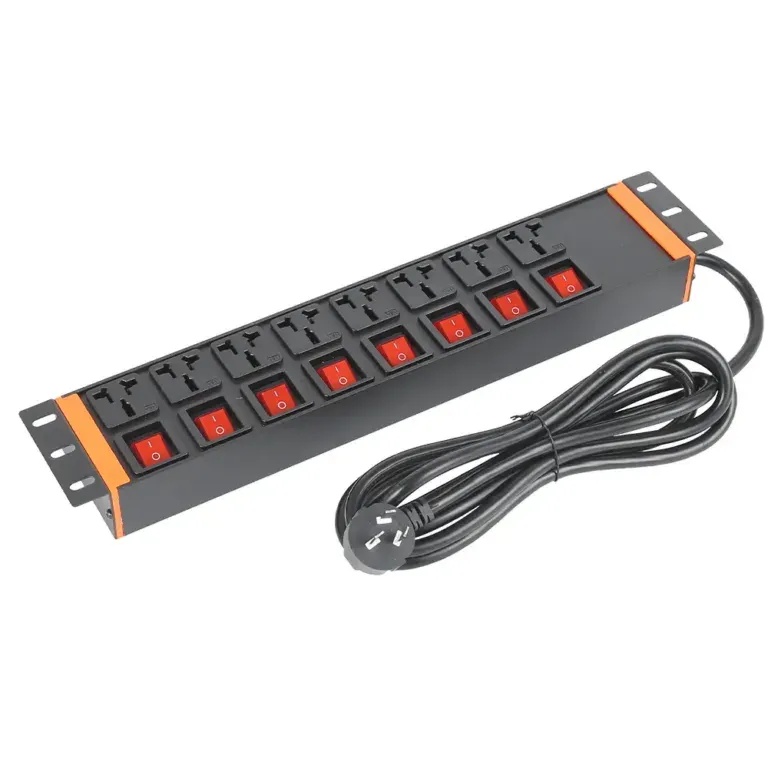
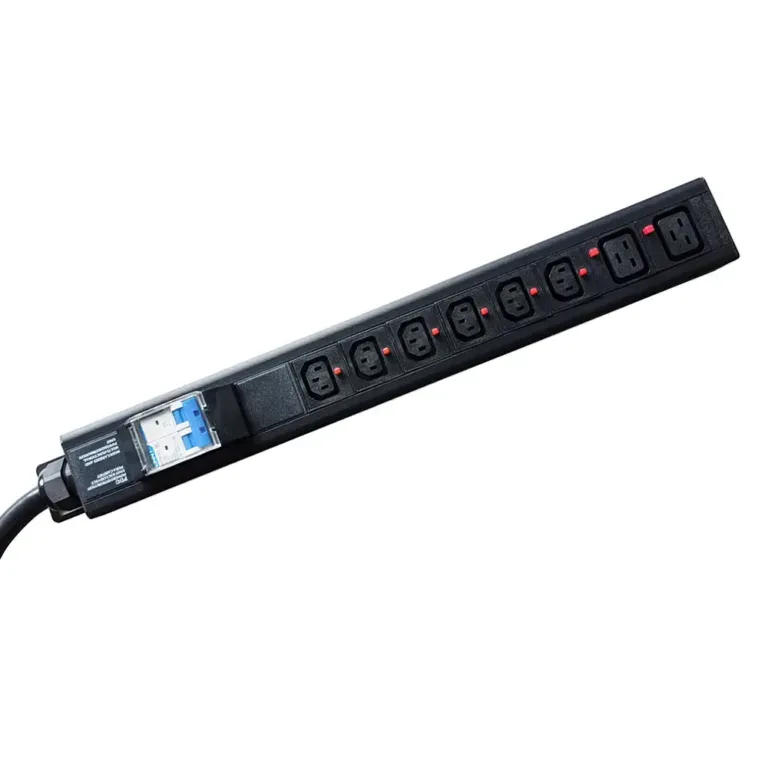
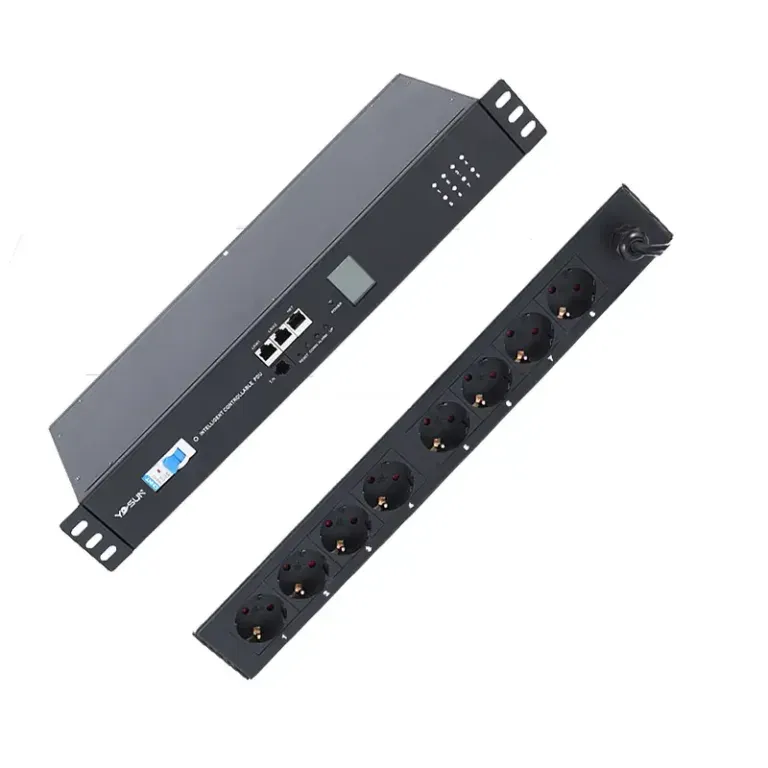
Most IT workers put two PDUs in each rack. This helps equipment keep working if one PDU stops. A rackmount pdu like the YOSUN model gives steady power to servers and switches. Smart pdu choices let people watch power use and stop overloads. The rack mount pdu works for small offices and big data center rack pdu setups. YOSUN gives surge protection to every device.
Redundancy keeps important systems safe and cuts down on downtime.
Most data centers put two PDUs in each rack for safety. This way, if one PDU stops working, the equipment keeps running.
Think about future needs when picking PDUs. Always plan to add more devices so you do not overload the system.
Smart PDUs have features like checking power from far away. These help teams watch power use and stop problems early.
Good cable management is very important. Neat cables help air move better and make fixing things easier. This keeps systems safe.
Surge protection is very important. It keeps devices safe from sudden voltage jumps and helps equipment keep working.
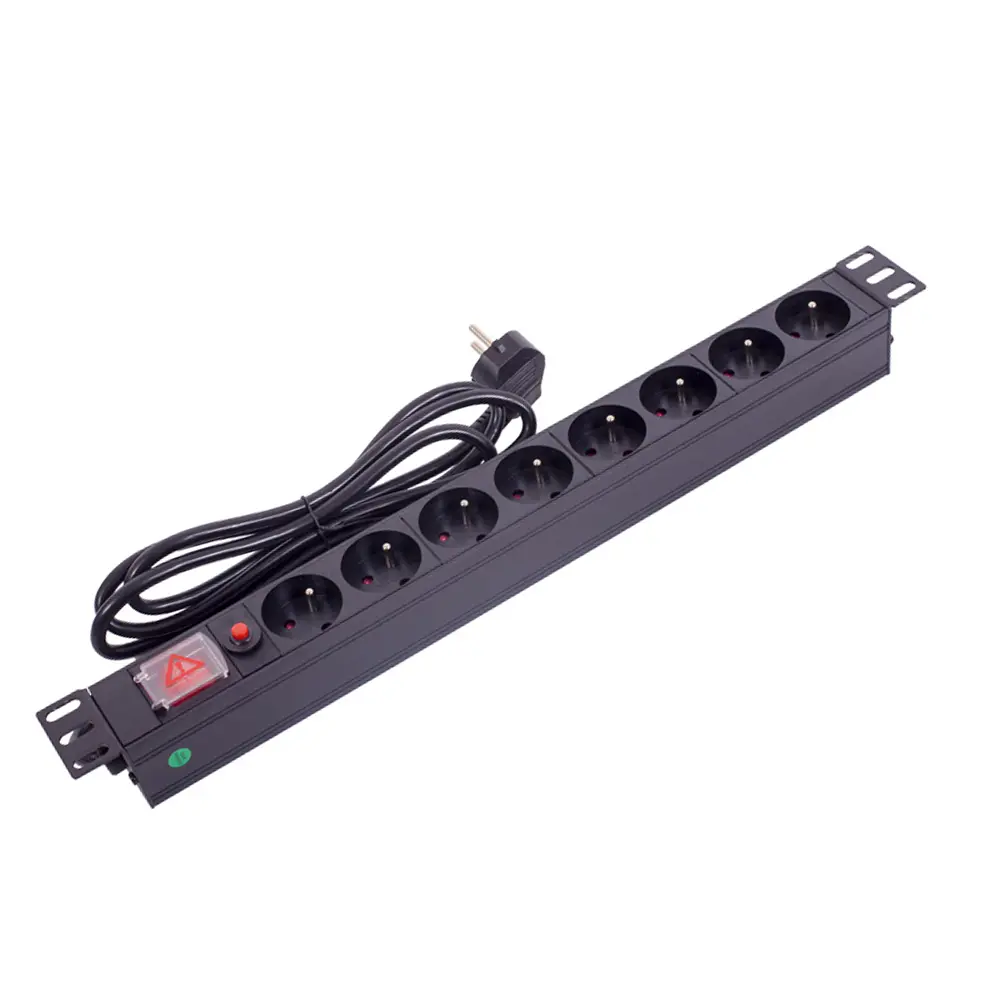
Most data centers use two PDUs in each rack. This follows what experts say is best. Two PDUs keep things working if one fails. People call this “redundant power distribution.” If one PDU stops, the other keeps things running. This setup protects servers and switches from shutting down.
Dual input PDUs switch to backup power by themselves. This helps stop downtime.
This setup removes single points of failure. It makes the system stronger.
The automatic transfer switch works without people. This lowers mistakes during power changes.
Fast switching stops data loss or damage during power problems.
Using two rackmount PDUs makes things more reliable. It helps with power and keeps the network safe.
Some places use only one PDU per rack. Small offices or less important systems may not need extra backup. One PDU can give power to a few devices. This saves money but does not protect against power loss.
Some places use three PDUs per rack. These setups use three-phase power systems. The table below shows why three PDUs help:
Evidence Description | Key Benefits |
|---|---|
Three-phase power systems fail less under heavy loads. | Keeps important equipment like servers and switches working. |
They use fewer cables, which helps airflow and cooling. | Saves space and makes the data center work better. |
They use energy better and waste less power. | Balances loads, makes things last longer, and boosts reliability. |
Three rackmount PDUs can power more devices. This setup works best for big data centers or places that need to stay online.
Redundancy in PDU setups helps keep systems running. Models like N+1 or 2N remove single points of failure. This lowers the risk of downtime. More redundancy means better uptime. Important places need this to keep working during problems.
Adding backup parts makes systems more reliable. This lowers the chance of things breaking. The Uptime Institute uses tiers to rate data centers. Higher tiers mean more backup and better uptime.
Adding more PDUs costs more at first. But it means less downtime and better reliability. Many groups think these benefits are worth the cost.
A rackmount pdu like the YOSUN model helps with backup needs. It gives power and keeps equipment safe. Picking the right number of rackmount pdus helps power stay strong and reliable.
Each device in a rack uses a different amount of power. Some servers need more energy than switches or routers. A rack filled with devices can use up to 8.4 kW. A three-phase 208V 50A power distribution unit can handle up to 14.4 kW. This gives more options for spreading out power. You should add up the power needs for all equipment. This helps stop overloads and keeps things safe. It is smart to plan for adding new devices later. More devices will need more power.
Tip: Always look at the power ratings for each device before picking a rackmount pdu.
Steps for figuring out power needs:
Add the wattage for every device in the rack.
Leave extra space for new devices in the future.
Check if the total matches the pdu’s top rating.
Make sure the power distribution unit can handle the full load.
The number of devices in a rack changes how many rackmount pdus you need. Racks with lots of devices need more outlets and better power flow. The table below shows things to think about:
Aspect | Explanation |
|---|---|
Receptacle Count | The number of outlets in a rackmount pdu is usually balanced per phase. Common numbers are 24, 30, and 42. |
Future Growth Consideration | The outlets should be enough for more devices later, not just what you have now. |
Plug Types | You need to match plug types like C-13 or C-19 with the devices in the rack. |
Picking the right rackmount pdus helps power all devices the right way.
Redundancy helps systems keep working if something fails. As racks get bigger and more complex, redundancy needs change too. Different models give different levels of safety and uptime. Knowing how much risk you can take helps you pick the best redundancy setup.
Note: Good power distribution keeps equipment safe and helps with uptime.
Ways to plan for more devices later:
Metered-at-outlet PDUs let you watch power use and stop overloads.
Switched PDUs let you control power from far away and lower loads during problems.
High-density setups help air move better and cut down on cable mess, so adding more is easier.
Choosing a rackmount pdu with smart features helps you grow and keeps power strong. Brands with good warranties help your system last longer.
To pick the right rackmount pdu, you need to know the difference between basic and smart models. Basic rackmount pdus only give power to devices. They do not collect any data or let you control things from far away. Smart rackmount pdus have more features. They let you watch power use, control outlets, and collect data. The table below shows how they are different:
Feature | Basic PDUs | Smart PDUs |
|---|---|---|
Data Collection | Does not collect any data | Collects power usage data |
Remote Access | No | Yes, allows remote monitoring and control |
Monitoring Capabilities | None | Metered, Monitored, Switched |
Control | No control over outlets | Can control individual outlets remotely |
Historical Data | Not available | Available for analysis and trend identification |
Smart rackmount pdus help data centers by letting teams watch power in real time. This helps people find problems early and plan for what they need later.
How you mount a rackmount pdu changes how it fits and handles cables. Vertical rackmount pdus use space well and are good for racks with lots of devices. They go along the side or back of the rack. This makes it easy to add more devices. Horizontal rackmount pdus fit into 1U or 2U spaces. They help with cables for smaller equipment. Sometimes, they also help air move better.
Vertical mounting: Good for racks with many devices and not much space.
Horizontal mounting: Works well for small racks or when using in-rack UPS systems.
Mounting the pdu the right way helps power flow and makes outlets easier to reach.
A good rackmount pdu, like the YOSUN model, has surge protection and remote monitoring. Surge protection keeps equipment safe from sudden voltage spikes. Circuit breakers and overload protection turn off power if something goes wrong. YOSUN rackmount pdus follow safety rules from around the world. This helps users feel safe.
Remote monitoring lets teams see how much power is used and find problems before they get worse. This helps with planning and keeps power steady. Picking a rackmount pdu with these features gives strong power and helps you grow in the future.
Tip: Always look for certifications and monitoring features when picking a rackmount pdu for your rack.
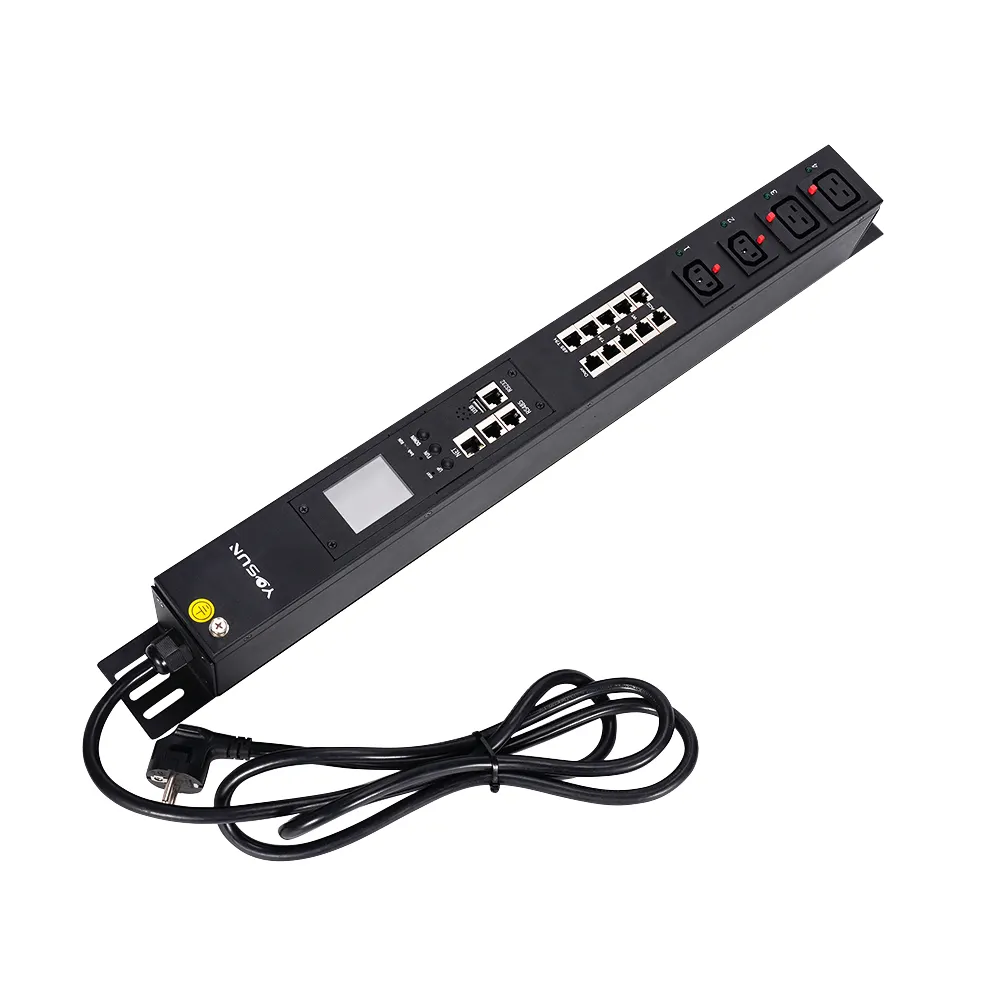
How a facility is set up changes where PDUs go in racks. The way a data center or server room is built affects air movement, cooling, and repairs. Planning well keeps equipment safe and makes power more reliable.
Teams need to plan power sources and circuits before adding PDUs. Each rack should get two power feeds from different places. Each feed connects to a PDU with its own safety breaker. This setup gives backup power and keeps things running if one feed fails. Devices with two power supplies work best with a main and backup setup. Using only 40% of each feed helps balance loads. If one PDU fails, the other can take over.
Evidence Description | Impact on Facility Layout |
|---|---|
Putting a PDU in the middle or back helps with cables and airflow. This keeps equipment cool. | Makes space work better and helps cooling. |
Good PDU spots help air move around equipment and stop overheating. | Keeps things cool and easy to reach. |
Good cable management keeps racks neat and safe. It separates data and power cables. | Makes repairs easier and stops problems. |
Mounting PDUs vertically saves more rack space than horizontal mounting. | Leaves more room for other gear. |
Using PDUs with UPS systems helps keep things running and protects equipment. ATS PDUs work with UPS units to switch power fast during outages. This setup gives backup power and protects from surges. Testing often and installing things right keeps the system strong. Some products, like APC UPS, give backup power and surge protection. This makes the whole power system better.
Best ways to manage power in big data centers include:
Using more than one power path for backup.
Watching power use in real time to find problems early.
Having backup systems like three-phase UPS for quick help.
Making disaster plans and testing them often.
Managing cables is important for rack safety and repairs. Messy cables block air and make equipment hotter. Neat cables help cooling and make repairs easier. Labeling cables helps teams find the right ones fast. This lowers mistakes and downtime. Clear labels stop people from unplugging the wrong cable, which could stop work.
A good facility layout with smart power and neat cables keeps racks safe and easy to use. Teams should think about where things go, backup power, and easy access. This helps power stay reliable and operations run smoothly.
Most data centers put two PDUs in each rack. This helps keep things working if one fails. It also keeps equipment safe. Each team should look at their own power needs. They should also check how their racks are set up. YOSUN rackmount PDUs protect against surges. They make it easy to watch power use. Teams can pick the best model for their needs.
Check what equipment you have now and what you might add later.
Look at how your building is set up and where power comes from.
Ask a power expert for help if your racks are complicated.
Picking the right PDU keeps things running and protects your devices.
Most racks have two PDUs. This means if one stops, the other keeps things on. Data centers do this to make sure equipment keeps working.
Vertical PDUs go on the side or back of the rack. Horizontal PDUs fit in 1U or 2U rack spaces. Vertical PDUs give more outlets and save space.
Surge protection keeps devices safe from sudden voltage jumps. It stops damage to servers and switches. YOSUN rackmount PDUs have surge protection built in for safety.
Feature | Benefit |
|---|---|
Extra outlets | Lets you add more devices |
Remote monitoring | Helps you watch power use |
Certifications | Shows it is reliable |
A rackmount PDU with these things helps teams get ready to grow.