Guide to Choosing the Right 30 Amp 3 Phase PDU
Choose the right 30 amp 3 phase PDU by evaluating power capacity, compatibility, safety features, and scalability to ensure efficient power distribution.


+86 15867381241
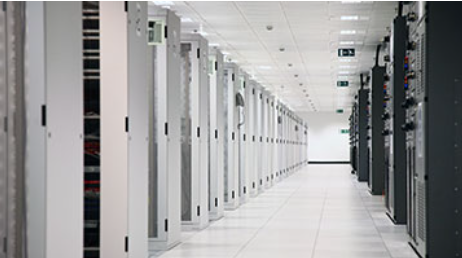
Data center power supply involves several critical links. Mains power is the primary source. Generators maintain power supply in case of grid failure. Uninterruptible power supplies (UPS) provide stable and reliable power. Power distribution units (PDUs), such as YOSUN, deliver power to servers and equipment. Remote distribution panels (RPPs) allow for more flexible system configuration. Rack-level power supply helps in better power management. Careful planning ensures reliable operation. Good power distribution contributes to improved performance. Advanced PDUs are essential in modern data centers.

Data centers must have a stable power supply to operate normally. Most data centers draw power from the mains, which is their primary power source. They also have on-site generators as backup power. These generators will start if the mains power fails. Some data centers prioritize the use of solar panels or fuel cells. They prioritize using these devices before drawing power from the mains. This allows them to control the power source.
Many data centers experiment with “post-user” power supply schemes. These features allow data centers to prioritize the use of local power sources. Sometimes, data centers don’t even use the power grid, relying entirely on their own power supplies. This improves power reliability and helps save costs.
Data centers require stable and reliable power. Internal equipment can cause power problems such as voltage drops, transients, and harmonics. These problems reduce power reliability and affect server operation.
The main power distribution cabinet is the primary power supply equipment in a data center, responsible for delivering power from the grid or generators to various areas. The main power distribution cabinet has safety features to protect personnel and equipment. The table below lists some of the features and their effects:
| Feature | Benefit |
|---|---|
| Certified arc resistance | Safer operation for technicians |
| Infrequent maintenance | Fewer errors and easier upkeep |
| Secure access | Less exposure to high voltage |
| Visible open gap | Easy confirmation of switch positions for safety |
The main power distribution cabinet can quickly detect power failures. It switches to a backup system, such as an uninterruptible power supply (UPS) or generator. This ensures continuous server operation and protects data. High-quality main power distribution equipment helps ensure the safe and online operation of the data center and also contributes to the proper functioning of the power distribution unit.
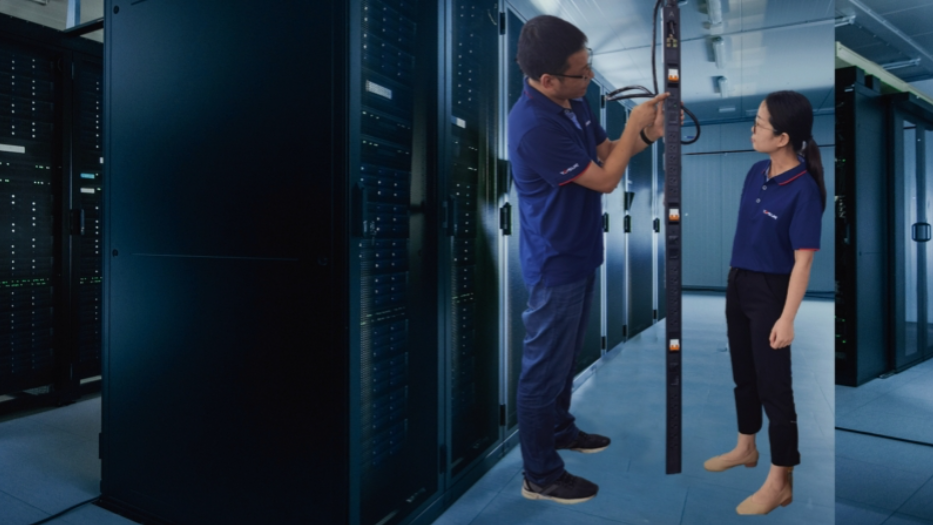
Uninterruptible power supplies (UPS) are crucial in data centers. They protect critical equipment from power outages. If the main power supply fails, a UPS immediately provides backup power. This allows servers and equipment to continue operating until the generator starts. UPS systems also help control voltage and prevent surges. These features help prevent hardware damage and protect data security.
Many data centers choose more energy-efficient UPS models. The table below shows the energy efficiency of different types of UPS:
| Model Efficiency Levels | Best Available | ENERGY STAR | Less Efficient |
|---|---|---|---|
| Average Efficiency (%) | 99.3 | 98.4 | 97.3 |
A UPS helps everything keep running and work well. It connects the main power source to backup generators. This step is needed for steady power.
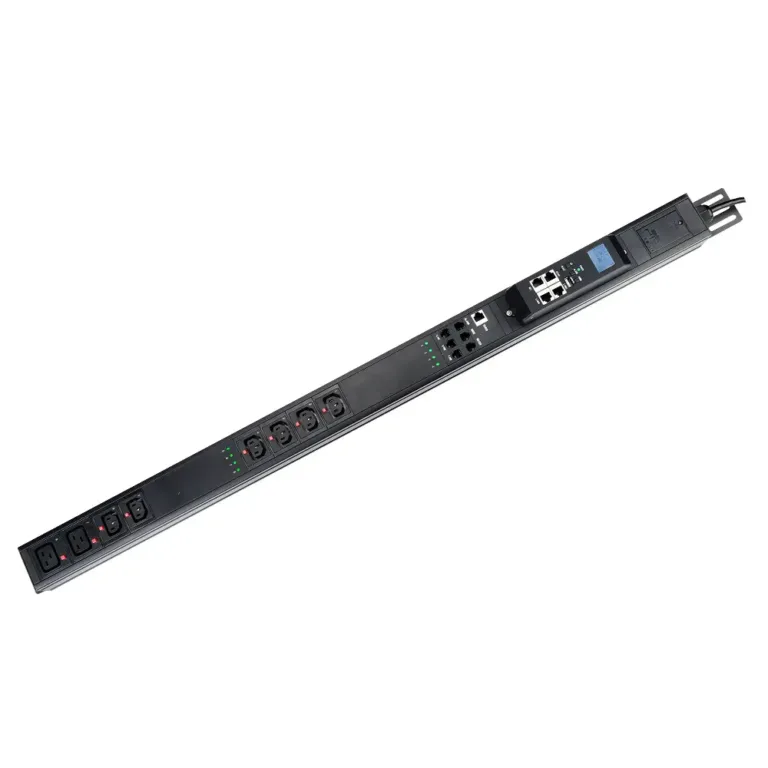
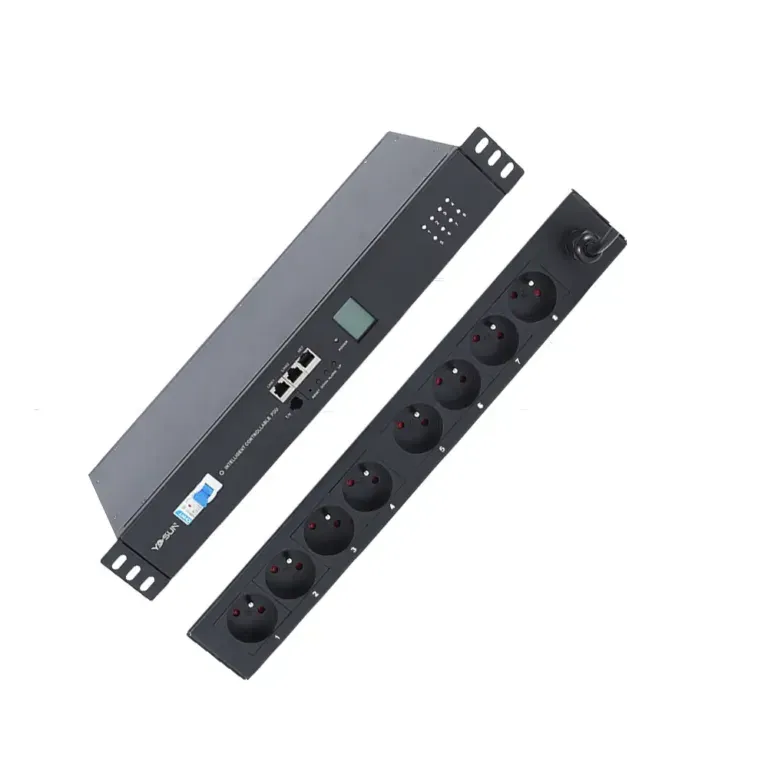
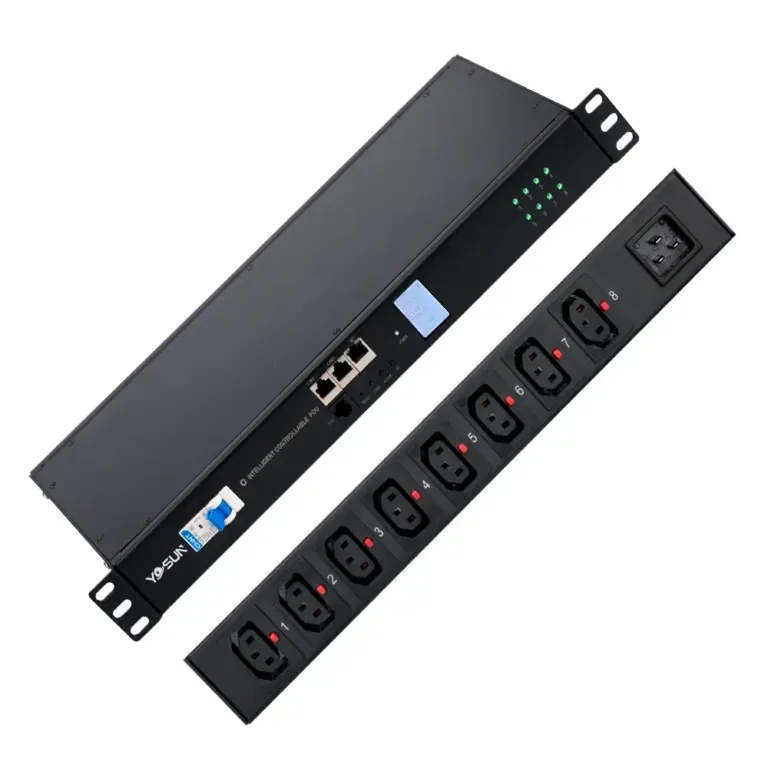
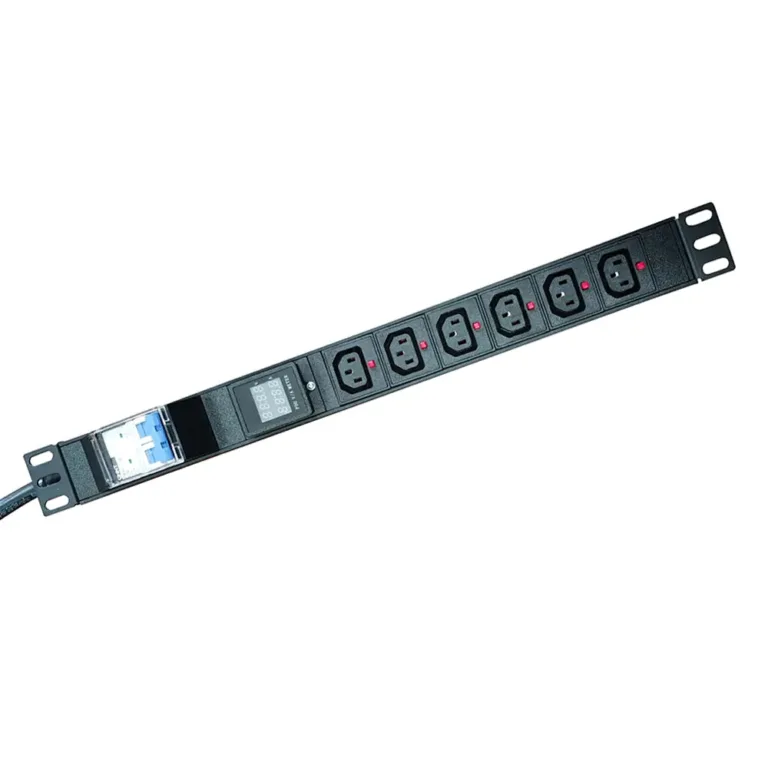
Power distribution units are an important component of the power system. They deliver power from the UPS to IT racks and equipment. Basic PDUs provide simple and stable power. Advanced PDUs like YOSUN offer more features. These smart PDUs can display real-time data, support remote management, and measure the power consumption of each outlet.
The table below compares basic and smart PDUs:
| PDU Type | Overview | Key Features | Best-Fit Data Center Scenarios |
|---|---|---|---|
| Basic PDU | Rack-mounted, reliable power delivery | Simple, low cost, no monitoring | Small data centers, labs, non-critical IT racks |
| Intelligent PDU | Advanced, with monitoring and remote control | Remote outlet control, network connectivity, sensors | Modern data centers, high-density, remote management |
YOSUN PDUs help staff monitor power consumption and troubleshoot problems. They allow users to remotely view equipment status and monitor the environment. These tools help save energy and reduce downtime. Staff receive immediate alerts if a problem occurs. When used with a DCIM system, they aid in planning and automation.
Data centers use both alternating current (AC) and direct current (DC). AC is common because most devices use AC. DC is energy-efficient and works well with green energy sources. The table below lists their differences:
| Aspect | AC Power Advantages | AC Power Disadvantages | DC Power Advantages | DC Power Disadvantages |
|---|---|---|---|---|
| Efficiency | Broad compatibility | Higher conversion losses | Reduces conversion losses | Limited long-distance transmission |
| Reliability | Established technology | More components to fail | Fewer components, more reliable | Lack of standardization |
| Cost | Lower initial setup costs | Higher long-term energy costs | Long-term energy savings | Higher initial investment |
| Scalability | Flexible for evolving needs | May need upgrades | Integrates with renewables | Expensive to transition |
Centralized power plans help save energy. They make it easier to control power and use green energy. This also helps with control and makes things faster to set up.
Branch circuits and remote power panels (RPPs) form a complete power path. RPPs draw power from PDUs and distribute it to multiple circuits and devices. Each RPP is equipped with a circuit breaker for safety. These circuit breakers prevent electrical faults and avoid equipment overload.
RPPs distribute power to different circuits. This makes troubleshooting and maintenance easier. Staff can repair individual components without shutting down the entire data center. Standard RPPs also speed up setup and extend system uptime.
Branch circuits connect RPPs to IT equipment. They ensure that power is delivered safely and reliably. A good power scheme utilizes RPPs and branch circuits to balance power and maintain system stability.
Note: Good power distribution in a data center needs every part to work together. From UPS systems to smart PDUs and RPPs, each part helps with safety, reliability, and performance.
Many data centers employ dual power feeds to improve reliability. This means that each rack or device draws power from two different power sources. If one power source fails, the other ensures continuous system operation. Dual-powered PDUs are equipped with automatic transfer switches. These switches immediately switch power from the primary power source to the backup power source. This configuration helps keep all equipment operational and protects critical systems from power failures.
| Feature | Benefit |
|---|---|
| N+1 Redundancy | Makes sure power stays on if one source fails |
| Automatic Transfer Switch | Keeps devices powered by switching between sources |
| Continuous Power Supply | Stops power changes and protects equipment |
Dual power feeds are a big part of many power plans in new data centers.
Backup power systems are critical in data center power design. These systems are equipped with uninterruptible power supplies (UPS) and generators. They automatically start when the primary power source is interrupted. Failover systems quickly switch to the backup power source. This ensures continuous operation of servers and storage devices.
There are many ways to improve power reliability:
| Redundancy Model | Description |
|---|---|
| N+1 | Adds one extra part to the system |
| 2N | Has two separate power paths, each can handle all the work |
| 2N+1 | Gives an extra backup on top of two power paths |
| 3N/2 | Shares backup across three systems for two loads |
Data centers follow rules like Tier III and Tier IV. These rules need high uptime and strong protection from problems. They help make sure the power system works well and meets tough goals.
Capacity planning helps data centers expand and handle more workloads. Teams examine available space and assess power and cooling needs. They evaluate whether the existing configuration can support new equipment. Good power design employs neat cabling management and good airflow to prevent overheating.
| Step | Description |
|---|---|
| 1 | Check space for new equipment |
| 2 | Measure power and cooling needs |
| 3 | See if the setup can handle new things |
| 4 | Make sure cables and airflow are good |
| 5 | Watch power and cooling all the time |
Staff utilize asset management and performance data to aid decision-making. They also use planning tools to track power usage and plan upgrades. These measures help balance backup power and energy conservation. This ensures efficient data center operation and rational energy use. Intelligent tools such as efficient PDUs and uninterruptible power supply systems help achieve these goals.
Intelligent PDUs are crucial for energy management in data centers. These devices enable users to monitor power usage in real time and control it remotely. YOSUN monitoring PDUs help save energy and improve security. They check the power consumption of each outlet and issue alerts when power consumption is too high. Environmental sensors track temperature and humidity. This protects equipment and ensures everything operates normally.
Operators use real-time monitoring to identify problems and reduce energy consumption. Remote power control capabilities allow them to manage power anytime, anywhere. This is especially important for large data centers. Intelligent Power Distribution Units (PDUs) display the energy consumption of each device. This information helps determine when to upgrade technology and plan for more equipment. Continuous monitoring helps data centers adapt to changes in workload and operations.
Tip: Put energy meters at main power feeds and IT racks. This helps track energy use and makes power distribution better.
| Feature | Description |
|---|---|
| Real-Time Power Monitoring | Watches energy use at each outlet and can cut energy use by 20%. |
| Remote Power Control | Lets people manage power from anywhere and stops overloads. |
| Environmental Sensors | Checks temperature and humidity and sends alerts if something is wrong. |
Power usage effectiveness shows how well a data center uses energy. The average PUE is about 1.5. Operators try to lower this number to save energy and money. Real-time monitoring gives quick information about energy use. This helps find problems fast.
Operators use different ways to improve PUE. They keep hot air and cold air apart with special layouts. Blanking panels and grommets close holes and keep airflow good. Advanced cooling, like liquid cooling, helps save energy. Data Center Infrastructure Management tools help manage energy and can cut costs by 30%. Operators also use economizers and free cooling to use less HVAC energy.
Continuous monitoring helps equipment work better and makes maintenance easier. Good energy data helps people make smart choices and lower costs. AI and machine learning in monitoring systems can predict problems and help save energy. These tools help the data center work well and grow.
Note: Energy-saving hardware and smart monitoring help data centers use energy better and stay strong for the future.
A strong power system helps a data center stay on all the time. Redundant setups, like the 2N model, stop one problem from shutting things down. These designs make sure the system can handle faults. Advanced PDUs help control energy and stop outages. New tech, like AI, will use more power and need better systems. Some big changes are higher power use and more AI data centers.
To learn more, check out resources about data center power and future tech.
A Power Distribution Unit sends power to servers and devices. It helps keep things safe and makes sure equipment stays on.
Data centers use UPS systems to stop power loss problems. A UPS gives backup power right away if the main power stops.
Intelligent PDUs watch power use all the time. They help workers spot problems and show where energy gets wasted.
Redundancy means there are extra power sources. If one source fails, another one keeps things working. This stops downtime.
Operators use special tools and sensors to check power. These tools show how much power is used and send alerts. They help keep the data center safe and running well.