Comparing Managed Power Distribution Units for Data Centers
Compare managed power distribution units to enhance data center efficiency, reduce costs, and ensure reliable power management.


+86 15867381241
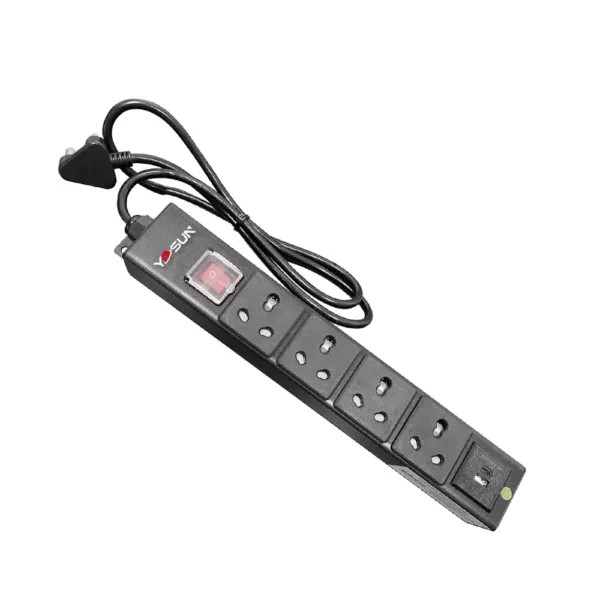
According to Uptime Institute research, roughly 33% of unplanned data center outages stem from power management failures. For IT and data center environments, reliable power delivery relies on two core components working in tandem: an Uninterruptible Power Supply (UPS) and a Power Distribution Unit (PDU). The UPS provides backup power and clean, conditioned electricity during grid disturbances, while the PDU distributes that power safely to every device in the rack.
As a trusted global power distribution manufacturer with internationally certified products, YOSUN breaks down how these two systems work together to keep critical equipment running reliably across facilities worldwide.
A UPS sits between the utility power source and IT equipment, acting as the first line of defense against power issues. It uses a built-in battery to provide seamless backup power if grid electricity cuts out, preventing sudden shutdowns, data loss, and hardware damage. Beyond backup power, online double-conversion UPS systems — the industry standard for data centers — also condition incoming power, filtering out voltage surges, sags, and electrical noise to deliver clean, stable power to sensitive servers and network gear.
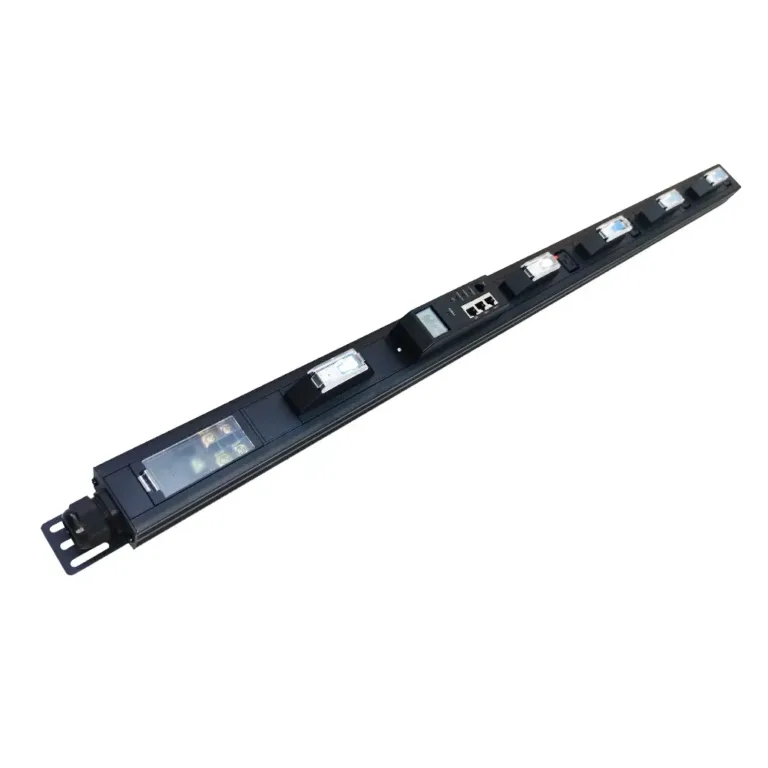
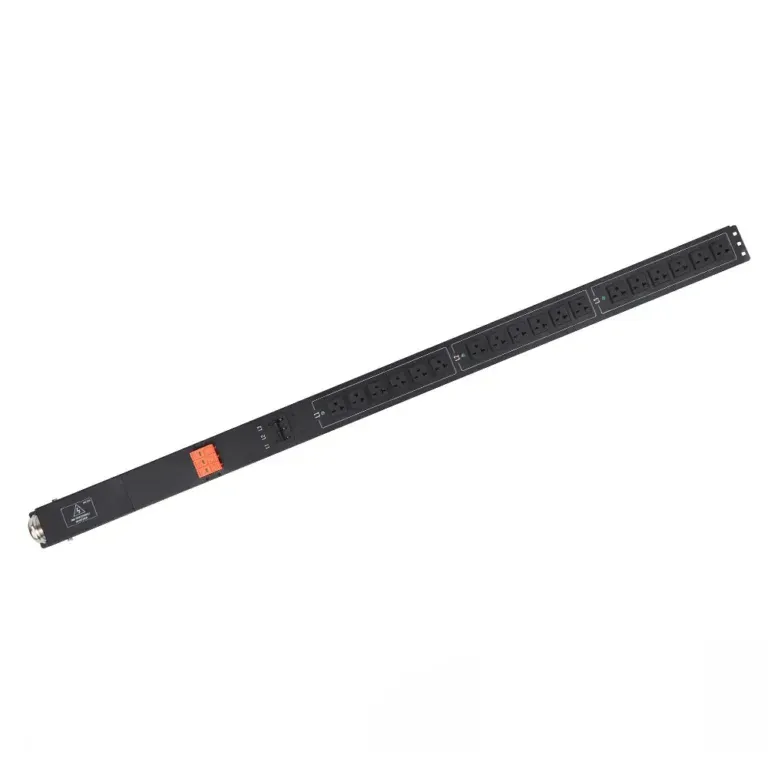
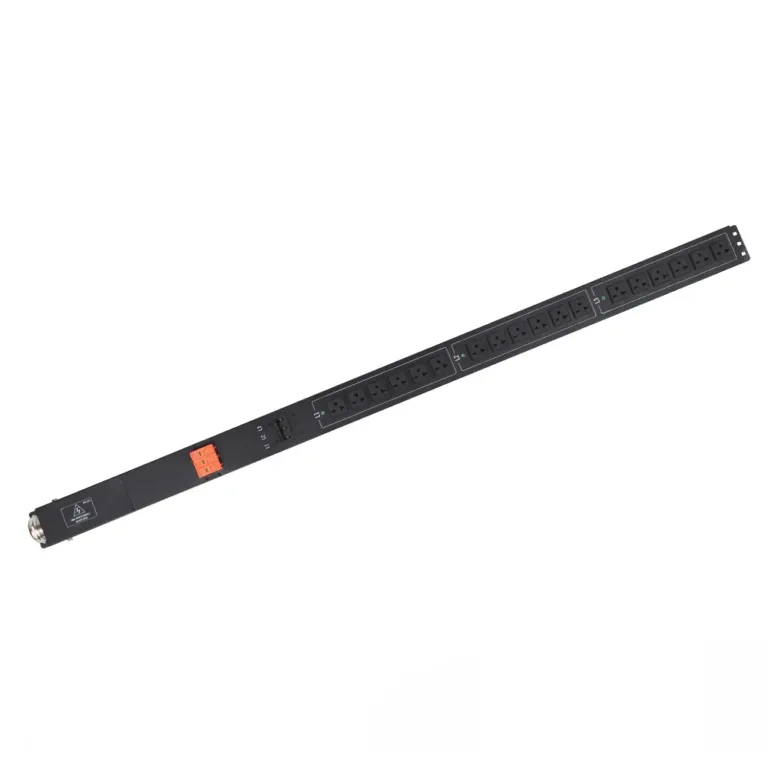
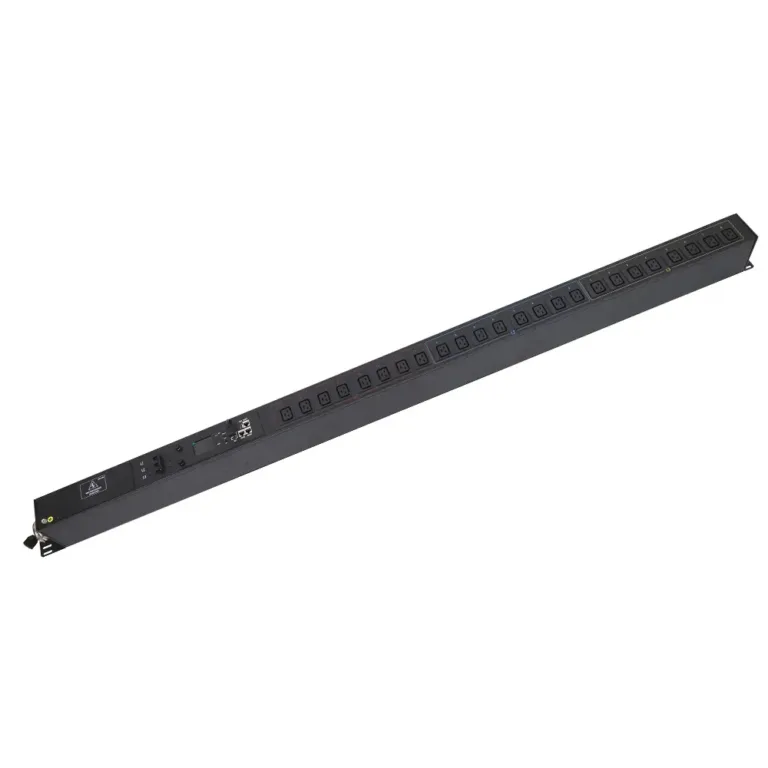
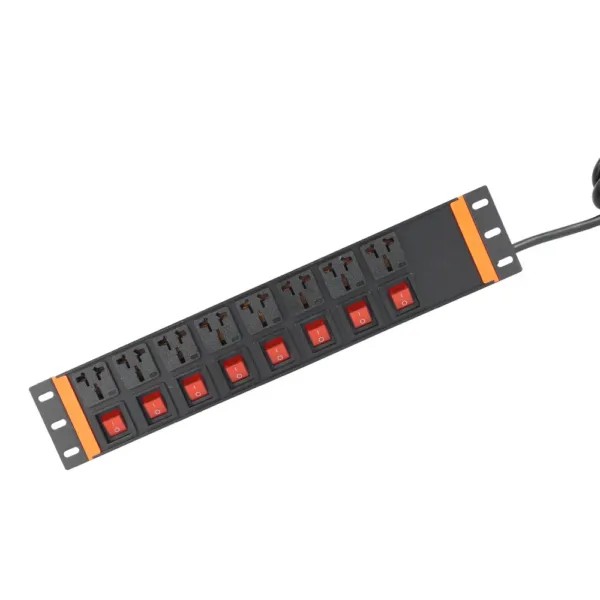
A PDU is the central power distribution hub for server racks. It takes the single power feed from the UPS and splits it into multiple outlets to supply servers, switches, storage devices, and other rack equipment. PDUs come in multiple tiers of functionality: basic models deliver reliable, organized distribution; metered models track real-time energy usage to prevent circuit overloads; smart models add remote outlet control, alarm alerts, and energy analytics for high-availability environments. All YOSUN PDUs include integrated overload protection and certified safety components to safeguard connected equipment.
A UPS alone cannot safely power a full rack of individual devices, and a PDU alone provides no outage protection. When paired, they create a complete, resilient power chain that delivers three critical benefits:
| Component | Primary Role | Core Advantage |
|---|---|---|
| UPS | Power conditioning + battery backup | Shields equipment from outages and poor power quality |
| PDU | Safe, organized power distribution | Delivers matched power to every device without circuit overload |
The power path follows a clear, sequential order to ensure full protection for every device in the rack:
During an outage, the UPS switches to battery power instantly, and the PDU continues distributing power to all connected devices. With a switched smart PDU, administrators can remotely power down non-essential equipment to extend UPS runtime for mission-critical systems.
Critical guideline: Keep UPS load below 80% of its rated capacity to avoid overheating and preserve sufficient backup runtime. Always match the PDU’s input power rating to the UPS output rating for full electrical compatibility.
Data centers choose between two primary architectures based on their uptime requirements:
| Aspect | Single UPS-PDU Setup | Redundant A/B UPS-PDU Setup |
|---|---|---|
| Uptime Risk | Single point of failure; any component fault causes an outage | No single point of failure; maintenance can be performed without downtime |
| Complexity | Simple, low upfront hardware cost | More complex; requires devices with dual power supplies |
| Best For | Non-critical racks, test environments | Tier 2+ data centers, mission-critical systems |
Redundant A/B power is the industry standard for high-availability environments, as it ensures power remains available even if one UPS or PDU requires maintenance or fails. YOSUN offers a full range of PDUs designed to work seamlessly with all major UPS brands, including basic, metered, smart and heavy-duty models to fit every reliability level and budget.
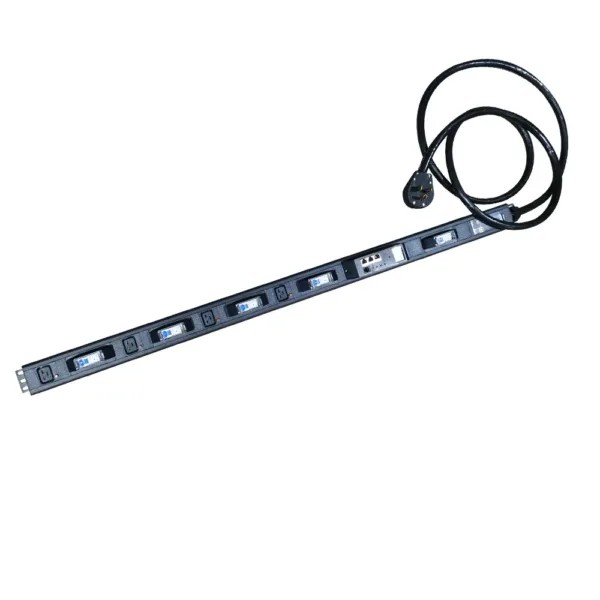
Proper load balancing prevents overheating, reduces wear on UPS and PDU components, and minimizes outage risk. Use metered or smart PDUs to track real-time power draw per circuit, distribute devices evenly across PDU circuits to avoid unbalanced loads, and select high-efficiency UPS systems to reduce energy waste and heat output. Conduct regular capacity audits before adding new equipment to racks.
Deploy dual power feeds and redundant PDUs for mission-critical racks, and use devices with dual power supplies to connect to both A and B feeds. Implement real-time monitoring to track battery health, voltage levels, and circuit load. YOSUN smart PDUs integrate with common data center monitoring platforms for centralized visibility, and remote outlet control allows teams to reboot devices or shed non-critical loads without on-site access, cutting downtime significantly.
A UPS and PDU operate as a single, integrated system to deliver clean, reliable power to critical IT equipment. The UPS handles backup power and conditioning, while the PDU safely distributes power and enables granular monitoring and control. Together, they drastically reduce the risk of unplanned downtime in data centers and server rooms.
Whether you are outfitting a single rack or scaling a full data center, choosing compatible, high-quality power equipment is essential. YOSUN’s certified PDU portfolio works seamlessly with all leading UPS systems, delivering reliable distribution, advanced monitoring, and long-term durability. Contact our team today to discuss your power distribution needs, or browse our full PDU product line to find the right fit for your setup.
A UPS provides battery backup and power conditioning during outages and grid disturbances. A PDU distributes power from the UPS (or direct grid) to individual rack devices and prevents circuit overloads. They work together to create a complete protected power system.
Yes, a PDU can run directly on utility power for basic distribution. However, without a UPS, connected devices will lose power immediately during an outage, with no protection from surges or poor power quality.
Smart PDUs provide real-time power usage data, remote outlet control, and overload alerts. They integrate with UPS monitoring to track battery runtime, help balance loads, and allow teams to respond to issues without on-site visits — all of which reduce downtime risk.
First, confirm the PDU’s input voltage and current rating match the UPS output. Second, ensure the total connected load does not exceed 80% of either the UPS or PDU capacity. Always verify proper grounding and cable sizing for safe operation.
YOSUN supplies basic, metered, smart, and heavy-duty PDUs to fit every reliability level and budget. All models are certified for global use and compatible with all major UPS brands.